
Nokia TA-1030 Password Done sa Miracle Crack
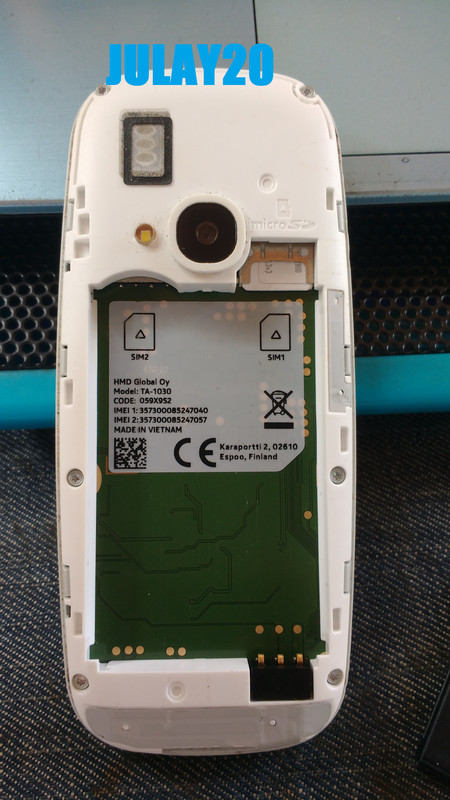
Procedure:
Open Miracle crack
Click MTK
Click Format
Click Safe Mode
Boot 13 Nokia RM-1163
Hit start button
install driver kong wala mtk driver
no need boot key
saksak usb
hantayin mo lang mag done
ito picture:
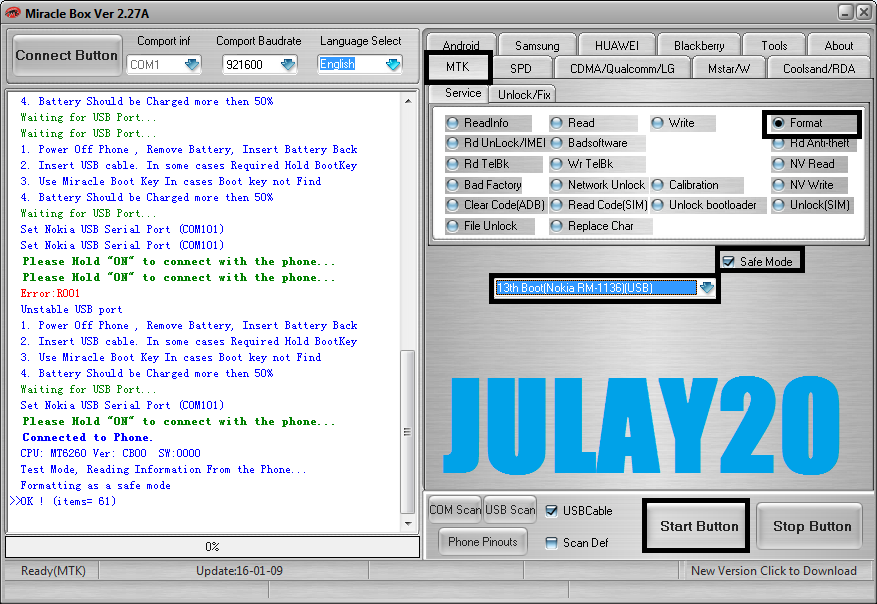
Miracle info:
ito na sya done na
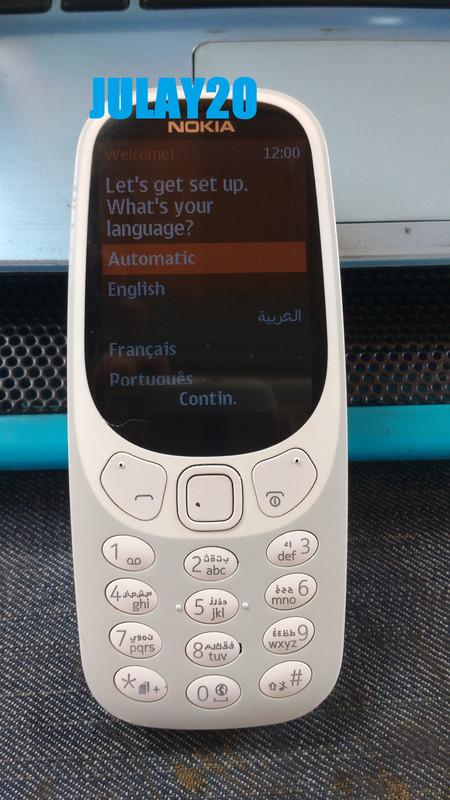
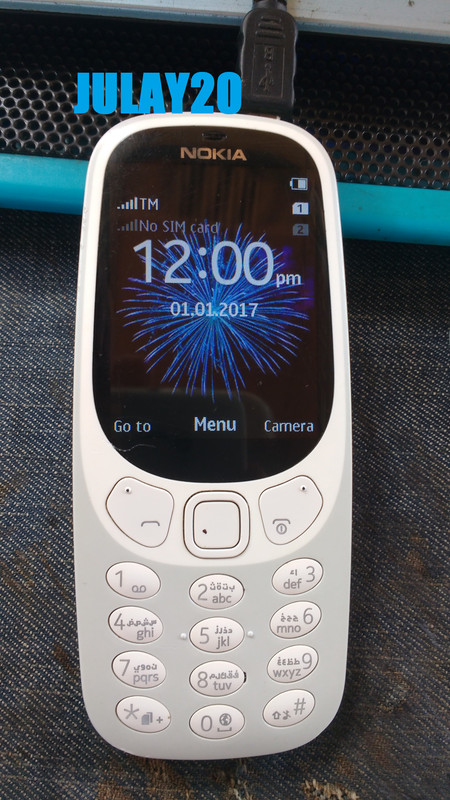
reference lang mga boss wala akong picture ng may password pa sya di ko na konan kaya yan lang sana maka tolong
Procedure:
Open Miracle crack
Click MTK
Click Format
Click Safe Mode
Boot 13 Nokia RM-1163
Hit start button
install driver kong wala mtk driver
no need boot key
saksak usb
hantayin mo lang mag done
ito picture:
Miracle info:
Code:
 1. Power Off Phone , Remove Battery, Insert Battery Back
  2. Insert USB cable. In some cases Required Hold BootKey
  3. Use Miracle Boot Key In cases Boot key not Find
  4. Battery Should be Charged more then 50%
  Waiting for USB Port...
  Set Nokia USB Serial Port (COM101)
  Please Hold "ON" to connect with the phone...
  Connected to Phone.
  CPU: MT6260 Ver: CB00  SW:0000
  Test Mode, Reading Information From the Phone...
  Formatting as a safe mode
>>OK ! (items= 61)
ito na sya done na
reference lang mga boss wala akong picture ng may password pa sya di ko na konan kaya yan lang sana maka tolong
Last edited by a moderator:


