
cnsya na malabo kuha ng cp camera ko
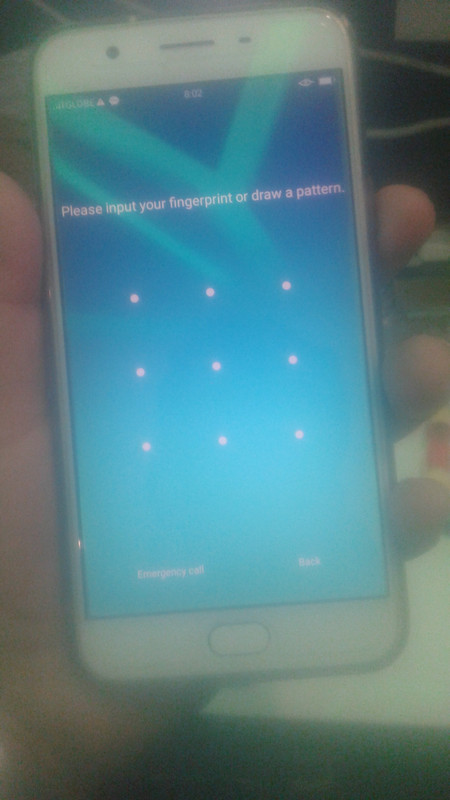
TOOLS:
NCKBOX
USBCABLE
LOPTOR or disktop
PROCEDURE:
OPEN nckbox adriod mtk sell
then Select OPPO and Model unit A1601
after select BRAND & MODEL
Turn OFF Unit then Click [FM] readpattern HOLD Volume UP then insert usbCable and wait until done..
screenshot
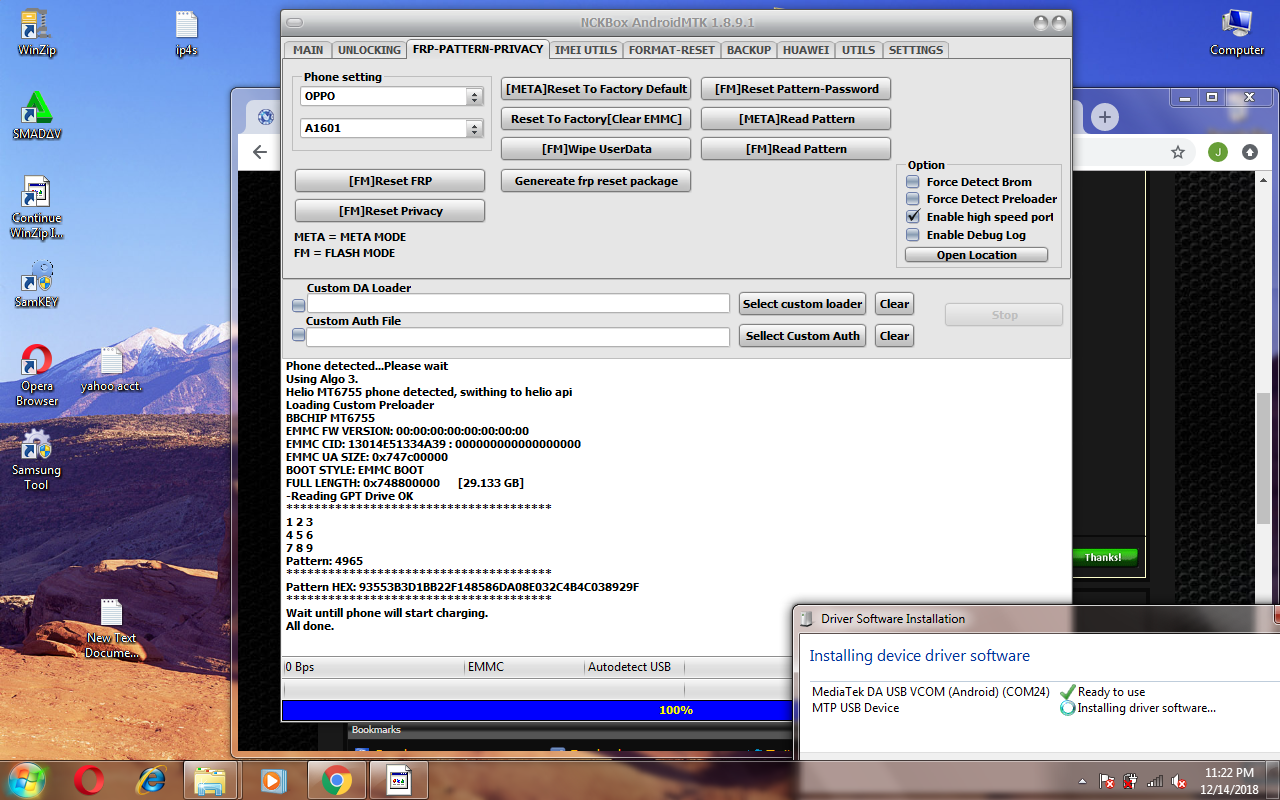
done...
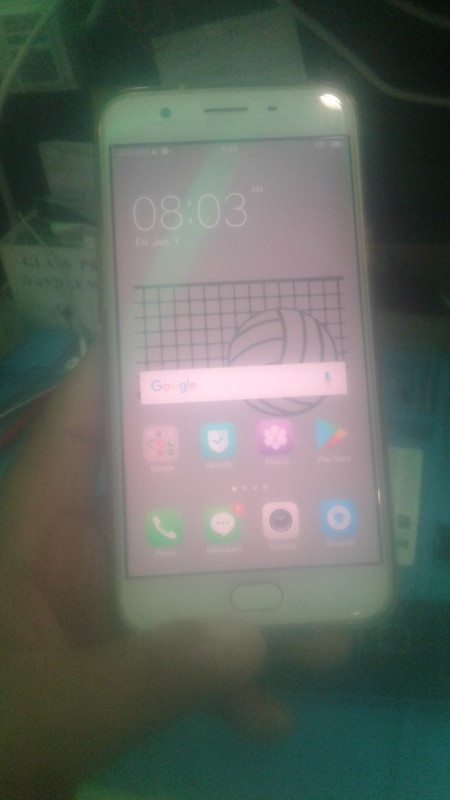
ayus..
TOOLS:
NCKBOX
USBCABLE
LOPTOR or disktop
PROCEDURE:
OPEN nckbox adriod mtk sell
then Select OPPO and Model unit A1601
after select BRAND & MODEL
Turn OFF Unit then Click [FM] readpattern HOLD Volume UP then insert usbCable and wait until done..
screenshot
done...
ayus..