What's new
PinoyTechnician

This is a sample guest message. Register a free account today to become a member! Once signed in, you'll be able to participate on this site by adding your own topics and posts, as well as connect with other members through your own private inbox!

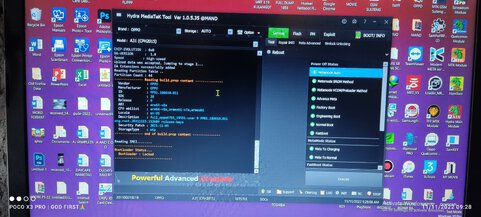
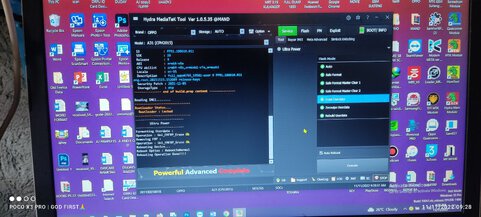
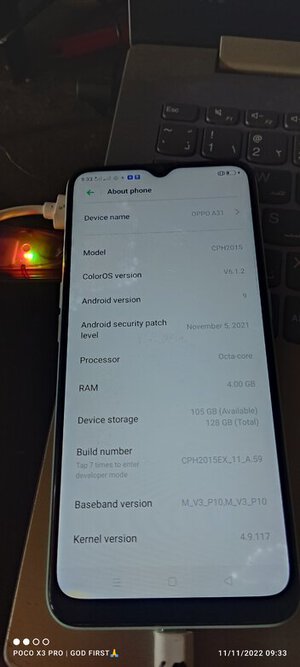
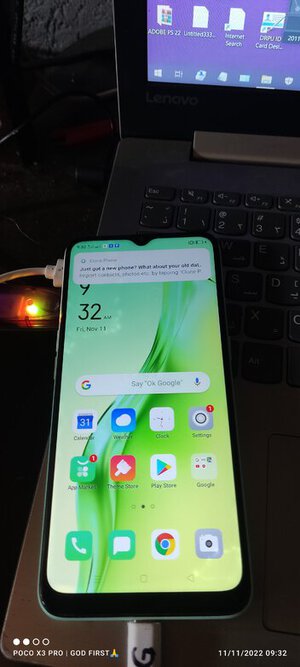
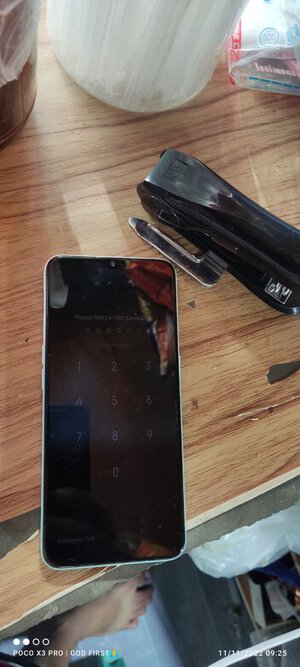
REFERENCE OPPO A31 CPH 2015 PASSWORD & FRP REMOVE BY HYDRATOOL

MAND

Expired Account
Joined
Oct 20, 2021
Messages
102
Reaction score
58
Points
201
Location
Laguna
PROCEDURE

1 OFF UNIT BOOTKEY VOL UP DOWN
2 CLICK BOOT INFO SAKSAK USB CABLE
3 AFTER BOOT INFO SUCCESS GO TO REMOVE PASSWORD
4 CLICK ULTRAPOWER IN OPTION TAB CHOOSE "ERASE USERDATA"
CHECK AUTO REBOOT AND CLICK EXECUTE

SEE IMAGE BELOW
WAIT GANG MATAPOS
 

Attachments

  • IMG_20221111_092509.jpg
    IMG_20221111_092509.jpg
    52.6 KB · Views: 29
  • IMG_20221111_092808.jpg
    IMG_20221111_092808.jpg
    34.2 KB · Views: 33
  • IMG_20221111_092838.jpg
    IMG_20221111_092838.jpg
    33.2 KB · Views: 33
  • IMG_20221111_093301.jpg
    IMG_20221111_093301.jpg
    32 KB · Views: 23
  • IMG_20221111_093251.jpg
    IMG_20221111_093251.jpg
    40.9 KB · Views: 16
  • Like
Reactions: lee
Back
Top