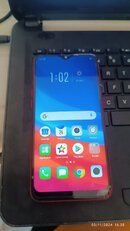
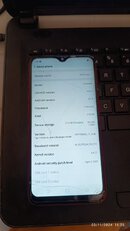
Oppo a5s (cph1909)
Issue: forgot password
Solution:
1. Open tft unlock
2. Select oppo
3. Search or select a5s
4. Select [brom] factory reset
5. Turn off phone
6. Hold vol + and vol -
7. Insert usb cable wait till done.
8. Turn on phone
9. Dial *#813#
10. Done

Issue: forgot password
Solution:
1. Open tft unlock
2. Select oppo
3. Search or select a5s
4. Select [brom] factory reset
5. Turn off phone
6. Hold vol + and vol -
7. Insert usb cable wait till done.
8. Turn on phone
9. Dial *#813#
10. Done