Model:
Pantech Vega A850L
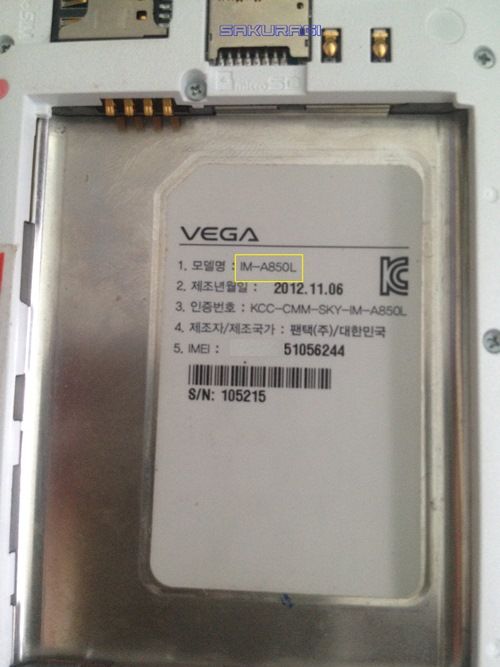
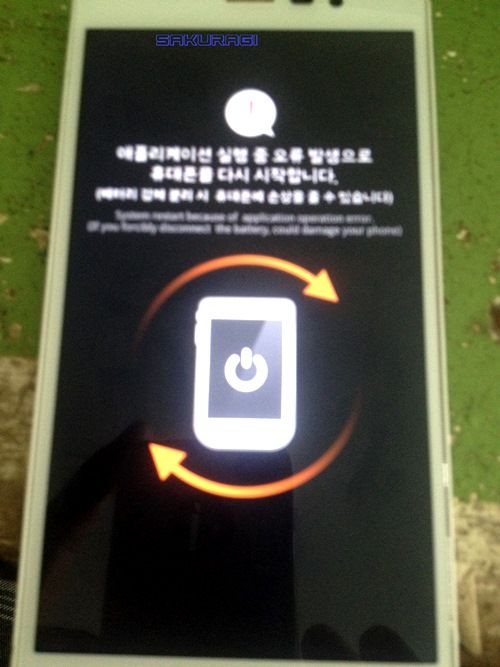
Sabi ni tumer napagawa na daw sa iba at sabi daw sa kanya shorted daw unit kaya nagrerestart , kaya check ko naman tignan ko nga kung shorted, pero pagtester ko normal naman ang reading, kaya sabi k okay tumer program problem kasi may error na lumalabas kapag magrestart unit…
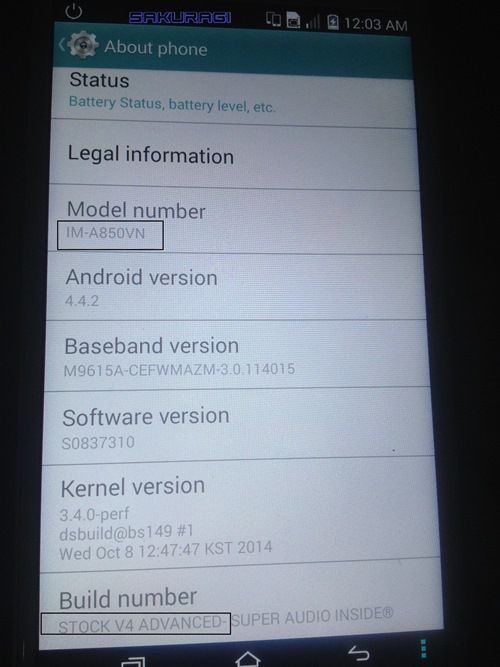
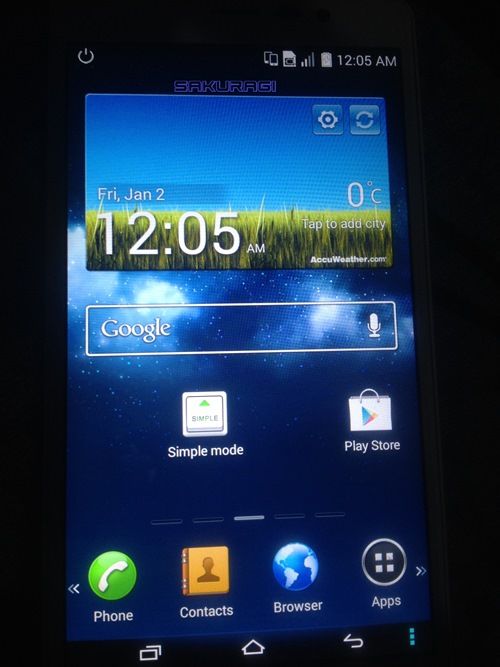
Buti na lang may may firmware na ko sa baol ko kaya falsh ko agad unit kaso di umubra same problem after successful flashing, kaya usap uit kami ni tumer sabi ko kung pwede iwan na lang unit at maghanap pa ko firmware buti pumayag sya,kaya hanap ako may mga nakita ako latest kitkat BINX file akso di ako makadownload, pangalawa na kita ko flash thru CWM kaya download ko lahat ng kailangan, after ko madownload lahat, flash ko unit using CWM at dito nagsuccess ang gawa ko. Ito po proof kaso di complete screen shot ko kasi di ko akalain dito magokey unit.
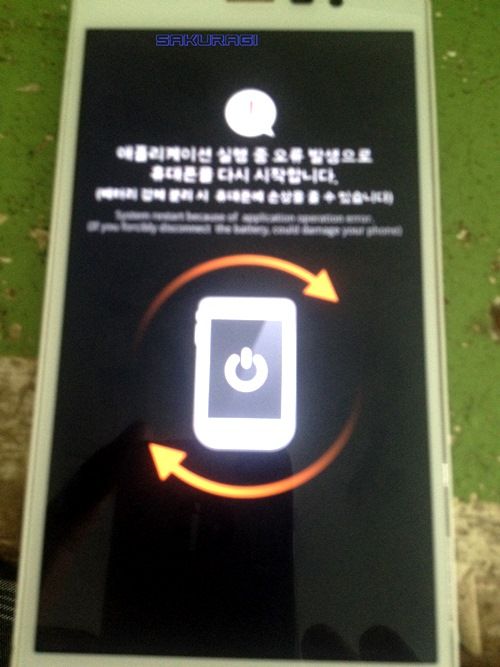
ito unit nung dumating sa kin
ito naman flash ko using sky offline flash tool
http://i1365.photobucket.com/albums/r754/jehromhernandez/sky1_zps3h47x6jj.png[/IMG][/URL]
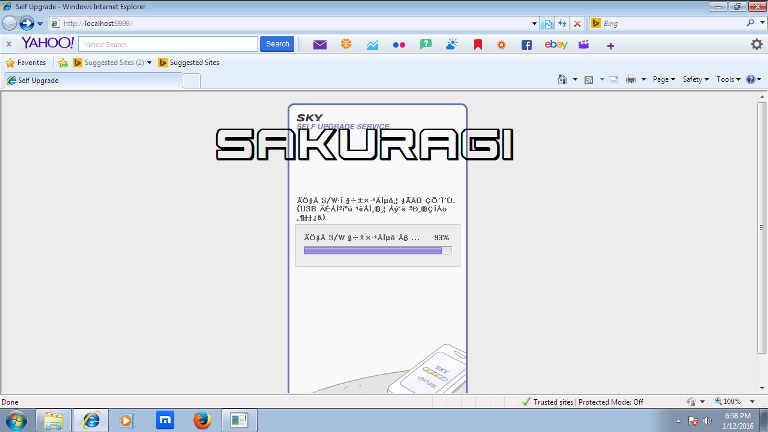
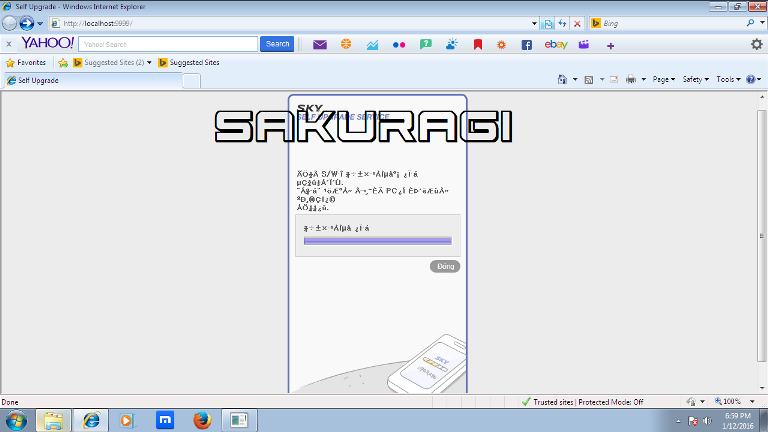
nagsucces ang flashing kaso same probem ganito pa rin
ito naman sunod ko ginawa flashing thru CWM
ito Procedure at mga tools
CWM: http://www.mediafire.com/download/co968rzi14px80o/IM-A850_Recovery_All+in+one_14-4-2013.rar
Password: dvha79_ddt
Rom: https://drive.google.com/file/d/0BxveGwot73rCSmZZVWF6dkwyS1U/view?pref=2&pli=1
This ROM is built on the latest stock KitKat with some tweaks such as unlimited SMS (no more 80-char SMS), Korean apps removed, improve audio quality, volume wakeup etc.
Modem: https://drive.google.com/file/d/0BxveGwot73rCYmZlem5JbXJDQkE/view?pref=2&pli=1
Driver: http://file.isky.co.kr/upload/software/USB/IMA850L_USBDriver.zip
Pro:
1Copy the ROM and baseband sd card
2: install driver if necessary
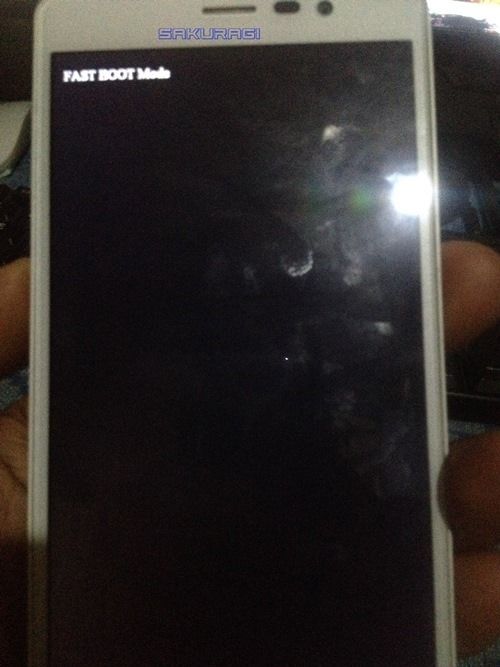
3.Turn of your device. Press and hold Volume UP + Volume DOWN + Power, then choose fastboot
4.Connect your phone with the PC, waiting for the drivers to install
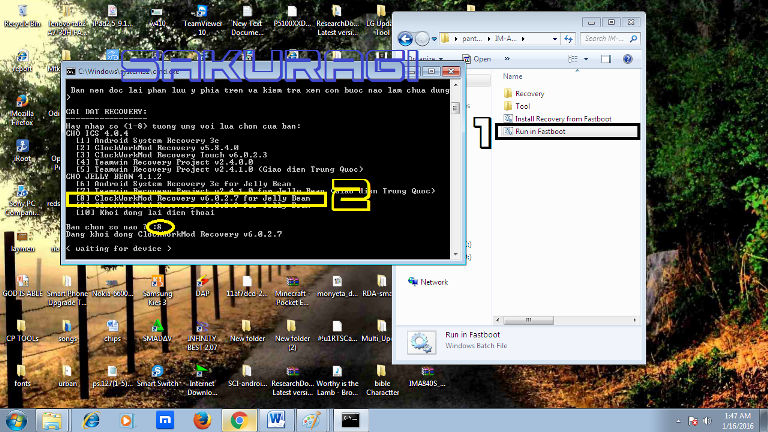
5.Unzip the downloaded file, run Install Recovery from Fastboot.bat, type 8 and enter, the device will reboot into CWM Recovery 6.0.2.8
6: wipe data,wipe cache, wipe dalvik cache
7: Install zip from sdcard -> choose zip from sdcard –>browse A850VN_KITKAT_STOCK_V4_ADVANCED_SUPER_AUDIO_INSIDE
8: back Install zip from sdcard -> choose zip from sdcard –>browse
MODEM_IM-A850L_S1233310.zip
9. back again choose fix root
The device will restart
MODEM_IM-A850L_S1233310.zip
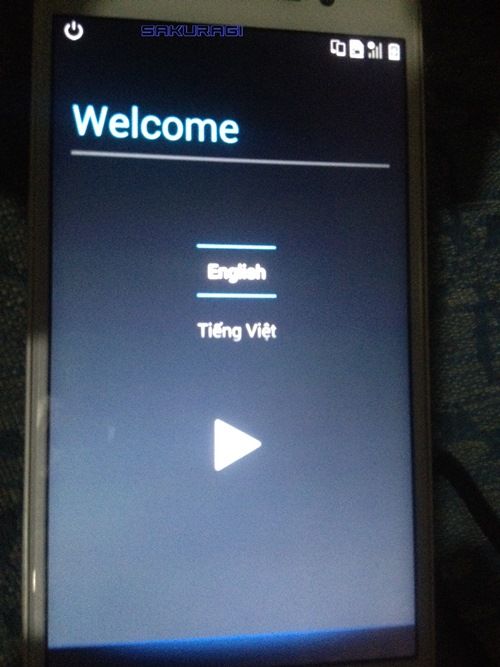
Done
Pantech Vega A850L

Sabi ni tumer napagawa na daw sa iba at sabi daw sa kanya shorted daw unit kaya nagrerestart , kaya check ko naman tignan ko nga kung shorted, pero pagtester ko normal naman ang reading, kaya sabi k okay tumer program problem kasi may error na lumalabas kapag magrestart unit…
Buti na lang may may firmware na ko sa baol ko kaya falsh ko agad unit kaso di umubra same problem after successful flashing, kaya usap uit kami ni tumer sabi ko kung pwede iwan na lang unit at maghanap pa ko firmware buti pumayag sya,kaya hanap ako may mga nakita ako latest kitkat BINX file akso di ako makadownload, pangalawa na kita ko flash thru CWM kaya download ko lahat ng kailangan, after ko madownload lahat, flash ko unit using CWM at dito nagsuccess ang gawa ko. Ito po proof kaso di complete screen shot ko kasi di ko akalain dito magokey unit.
ito unit nung dumating sa kin

ito naman flash ko using sky offline flash tool
http://i1365.photobucket.com/albums/r754/jehromhernandez/sky1_zps3h47x6jj.png[/IMG][/URL]


nagsucces ang flashing kaso same probem ganito pa rin

ito naman sunod ko ginawa flashing thru CWM
ito Procedure at mga tools
CWM: http://www.mediafire.com/download/co968rzi14px80o/IM-A850_Recovery_All+in+one_14-4-2013.rar
Password: dvha79_ddt
Rom: https://drive.google.com/file/d/0BxveGwot73rCSmZZVWF6dkwyS1U/view?pref=2&pli=1
This ROM is built on the latest stock KitKat with some tweaks such as unlimited SMS (no more 80-char SMS), Korean apps removed, improve audio quality, volume wakeup etc.
Modem: https://drive.google.com/file/d/0BxveGwot73rCYmZlem5JbXJDQkE/view?pref=2&pli=1
Driver: http://file.isky.co.kr/upload/software/USB/IMA850L_USBDriver.zip
Pro:
1Copy the ROM and baseband sd card
2: install driver if necessary
3.Turn of your device. Press and hold Volume UP + Volume DOWN + Power, then choose fastboot
4.Connect your phone with the PC, waiting for the drivers to install
5.Unzip the downloaded file, run Install Recovery from Fastboot.bat, type 8 and enter, the device will reboot into CWM Recovery 6.0.2.8
6: wipe data,wipe cache, wipe dalvik cache
7: Install zip from sdcard -> choose zip from sdcard –>browse A850VN_KITKAT_STOCK_V4_ADVANCED_SUPER_AUDIO_INSIDE
8: back Install zip from sdcard -> choose zip from sdcard –>browse
MODEM_IM-A850L_S1233310.zip
9. back again choose fix root
The device will restart
MODEM_IM-A850L_S1233310.zip


Done


