
- Joined
- Jun 12, 2014
- Messages
- 47
- Reaction score
- 1
- Points
- 1
tools:
fw: http://www.mediafire.com/file/3pqg39wkb4w9yx3/QMobile_Z8_MP_5.0_QMB_PK_06.zip
driver: http://www.mediafire.com/file/1nkgooswnloro0a/Qualcomm+HSUSB+USB+COM+Drivers.zip
flasher: http://www.mediafire.com/file/1zr4wng11bosok4/QPST-2.7.422-qfil-qcom-Upgrade-Tool-20140422.zip
procedure:
How To Flash Without Any Box
Download and install QMobile Z8 (Qualcomm) USB Drivers
Then download and install QFil Flasher.
Download flash file for QMobile Z8 and extract it.
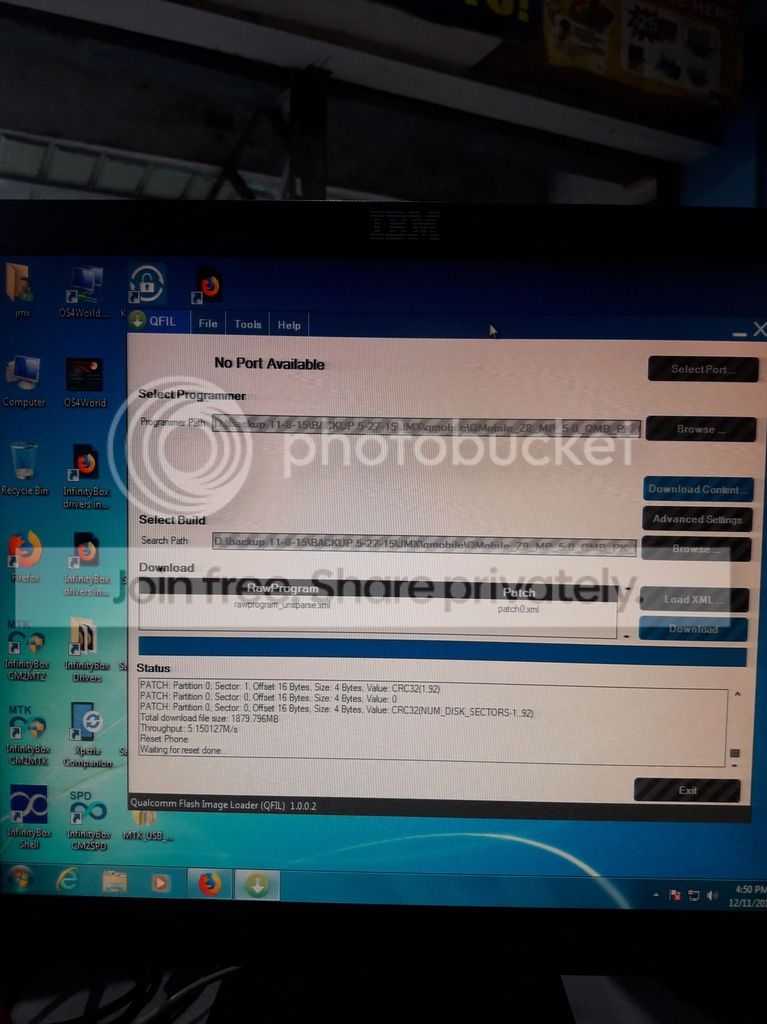
Open Qfil flasher, then specify the prog_emmc_firehose_8916.mbn file in Programmer Path.
Now in Load XML specify raw_program_unparse and patch file.
Now click select port and power off your mobile. Hold Volume + and Volume – and then connect USB data cable.
Selected port will show like HS-USB QD Loader 9008.
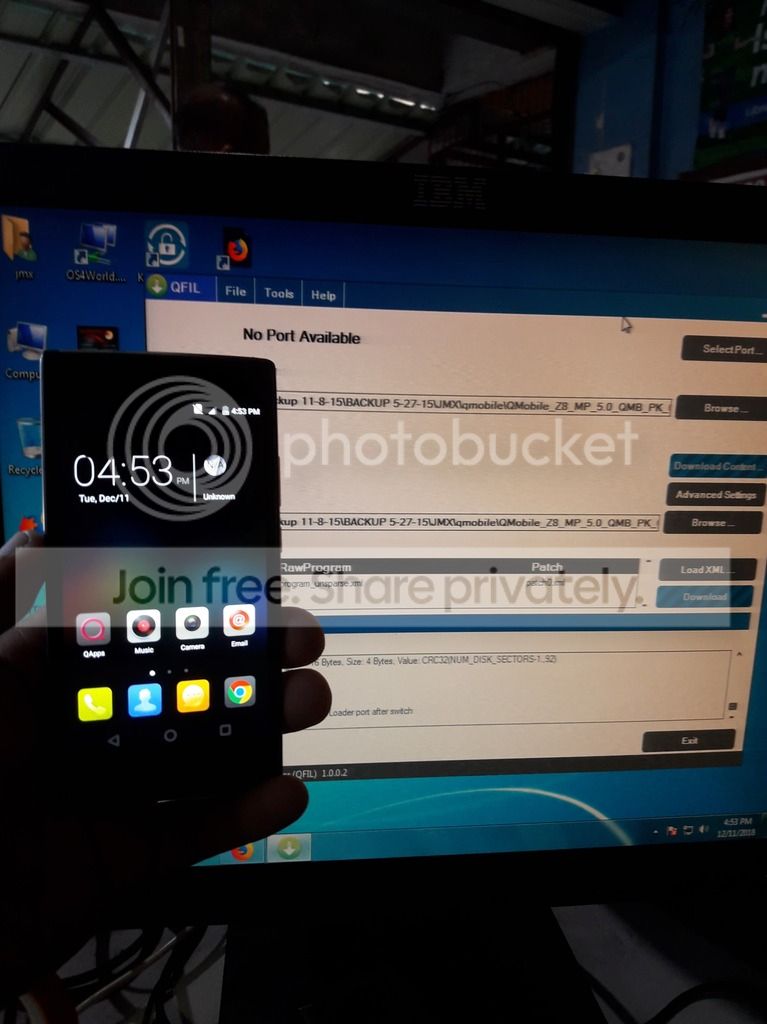
Now click on Download Button and flashing process will start.
Note: Please backup firmware before flashing. We are not responsible for any damage caused to your phone.
fw: http://www.mediafire.com/file/3pqg39wkb4w9yx3/QMobile_Z8_MP_5.0_QMB_PK_06.zip
driver: http://www.mediafire.com/file/1nkgooswnloro0a/Qualcomm+HSUSB+USB+COM+Drivers.zip
flasher: http://www.mediafire.com/file/1zr4wng11bosok4/QPST-2.7.422-qfil-qcom-Upgrade-Tool-20140422.zip
procedure:
How To Flash Without Any Box
Download and install QMobile Z8 (Qualcomm) USB Drivers
Then download and install QFil Flasher.
Download flash file for QMobile Z8 and extract it.
Open Qfil flasher, then specify the prog_emmc_firehose_8916.mbn file in Programmer Path.
Now in Load XML specify raw_program_unparse and patch file.
Now click select port and power off your mobile. Hold Volume + and Volume – and then connect USB data cable.
Selected port will show like HS-USB QD Loader 9008.
Now click on Download Button and flashing process will start.
Note: Please backup firmware before flashing. We are not responsible for any damage caused to your phone.

