
- Joined
- Apr 26, 2021
- Messages
- 369
- Reaction score
- 898
- Points
- 91
Procedure
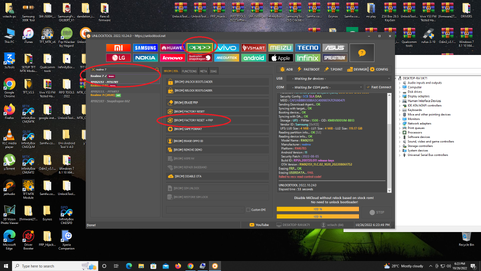
1.Open: Unlocktool
2.Select: brand OPPO
3.Search: Realme RMX2151
4: Click: [BROM] FACTORY RESET + FRP
5.Boot Key: press & hold Volume Up and Down and Connect Usb Cable and wait until it done
view SS Nalang po
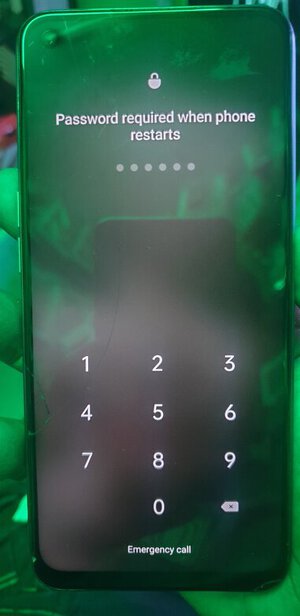
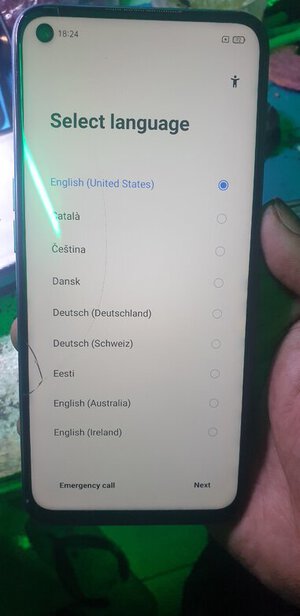
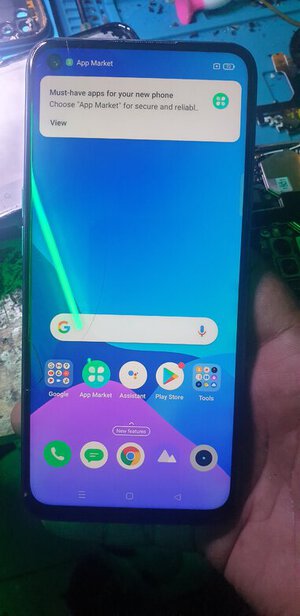
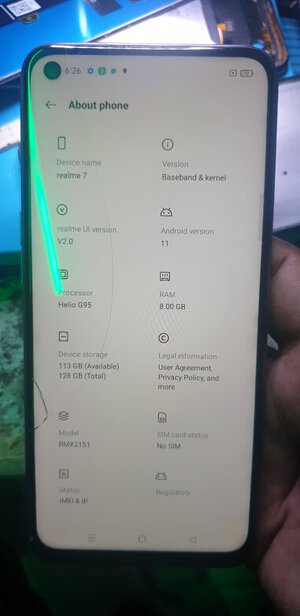
marami pong salamat nawa'y makatulong
1.Open: Unlocktool
2.Select: brand OPPO
3.Search: Realme RMX2151
4: Click: [BROM] FACTORY RESET + FRP
5.Boot Key: press & hold Volume Up and Down and Connect Usb Cable and wait until it done
view SS Nalang po
marami pong salamat nawa'y makatulong