
- Joined
- Dec 10, 2017
- Messages
- 269
- Reaction score
- 175
- Points
- 201
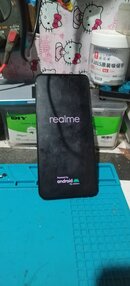
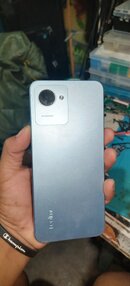
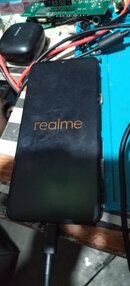
Realme C30s Hang Logo
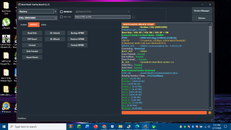
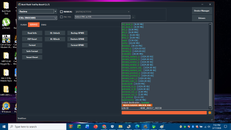
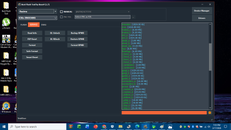
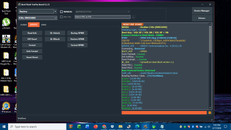
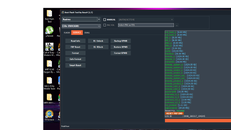
Hang logo repair via bft tool
Operation:
1.Select Realme brand and Model C30s (RMX3690)
2.Select Service TAB and click BL Unlock after unlock select FRP reset wait to auto reboot system to recovery mode
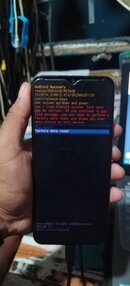
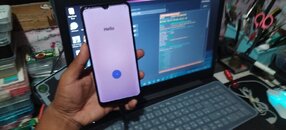
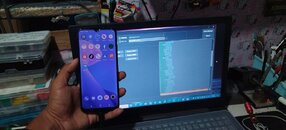
3.In hard reset mode select to the unit factory reset data wait to auto reboot and will done the process 100% and setup to home screen.
Hang logo repair via bft tool
Operation:
1.Select Realme brand and Model C30s (RMX3690)
2.Select Service TAB and click BL Unlock after unlock select FRP reset wait to auto reboot system to recovery mode
3.In hard reset mode select to the unit factory reset data wait to auto reboot and will done the process 100% and setup to home screen.