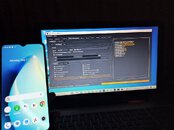
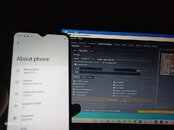
1. Open Griffin unlocker
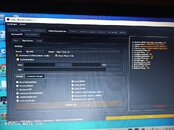
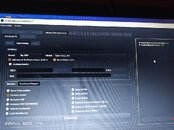
2. Select Unisoc/spd
3. Select Brand: by CPU, Model: Tiger 612_64
4. Select Factory Reset/Remove FRP
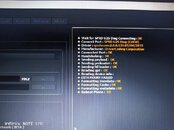
5. Perform job
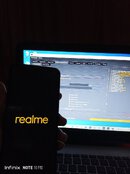
6. Press and hold the volume button up&down
7. Connect usb cable from pc/laptop - phone
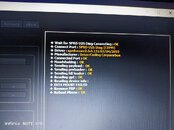
8. Wait until done
The phone will auto reboot!
2. Select Unisoc/spd
3. Select Brand: by CPU, Model: Tiger 612_64
4. Select Factory Reset/Remove FRP
5. Perform job
6. Press and hold the volume button up&down
7. Connect usb cable from pc/laptop - phone
8. Wait until done
The phone will auto reboot!
Attachments
-
 IMG_20240413_184756_098.jpg90.1 KB · Views: 25
 -
 IMG_20240413_184748_012.jpg69.7 KB · Views: 24
 -
 IMG_20240413_184519_687.jpg112.6 KB · Views: 16
 -
 IMG_20240413_184443_541.jpg121.6 KB · Views: 16
 -
 IMG_20240413_183352_377.jpg89.9 KB · Views: 15
 -
 IMG_20240413_183316_916.jpg105 KB · Views: 14
 -
 IMG_20240413_182657_493.jpg100.2 KB · Views: 24