
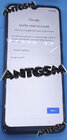
Problem : Verify Account
Tools:
TFT MTK MODULE V3.5
Micro Usb data cable
Procedures:
Tools:
TFT MTK MODULE V3.5
Micro Usb data cable
Procedures:
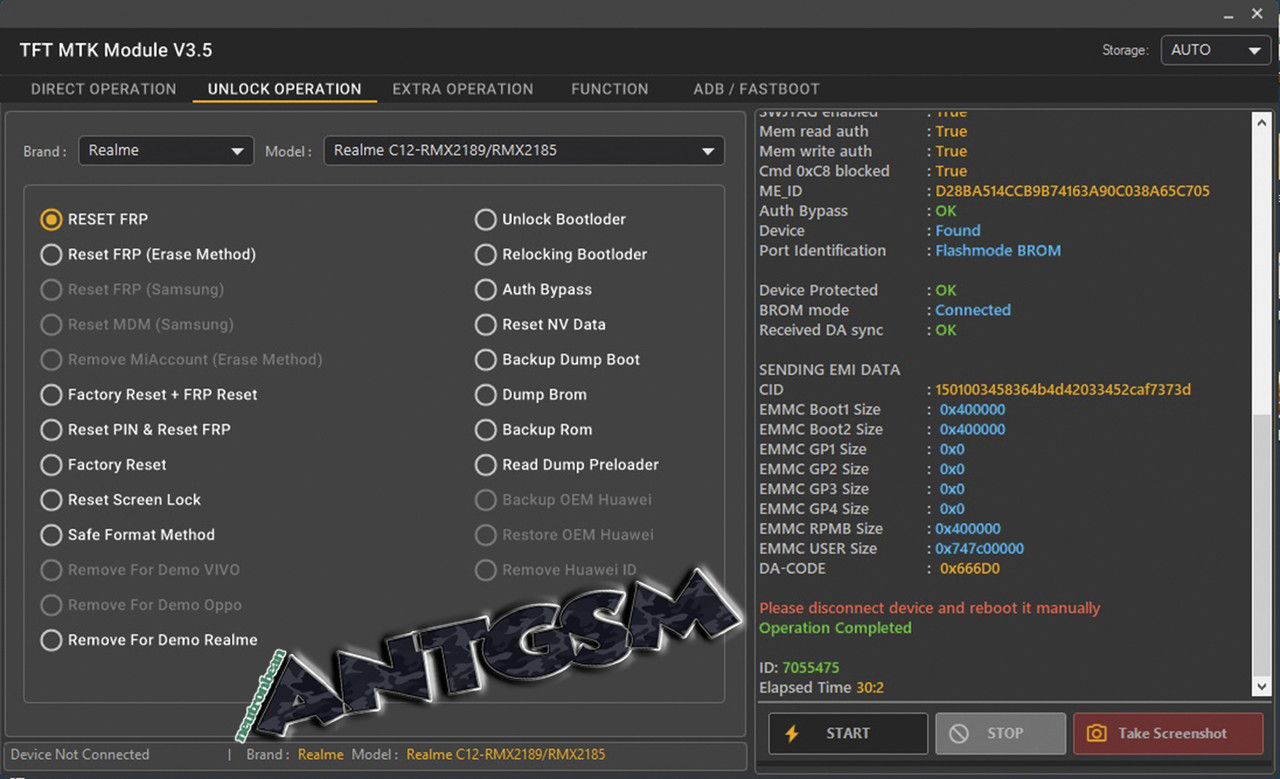
- Select UNLOCK OPERATION TAB
- Set Brand : Realme
- Set Model : Realme C12-RMX2189/RMX2185
- Select RESET FRP
- Power OFF phone , Press Buttons Vol - and Vol + simultaneously
- Click Start then insert usb cable. Wait until its detected then release pressed buttons.
Credits to my Reference : Realme C11 Rmx 2185 FRP by TFT MTK Module 3.5
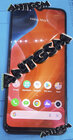
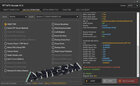
Refer to the Images Below :
Attachments
Last edited: