
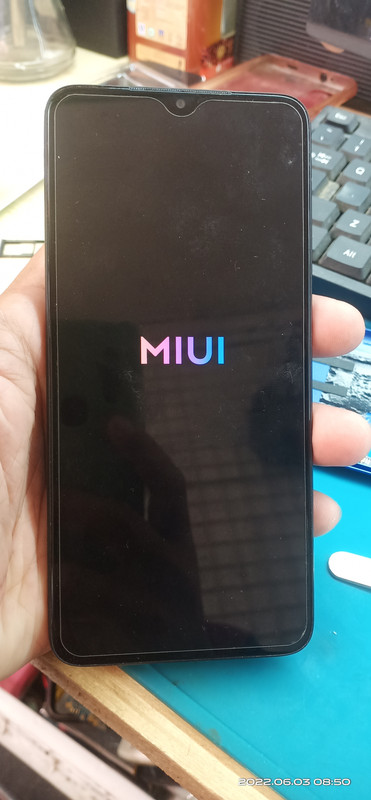
Hang on MIUI logo.
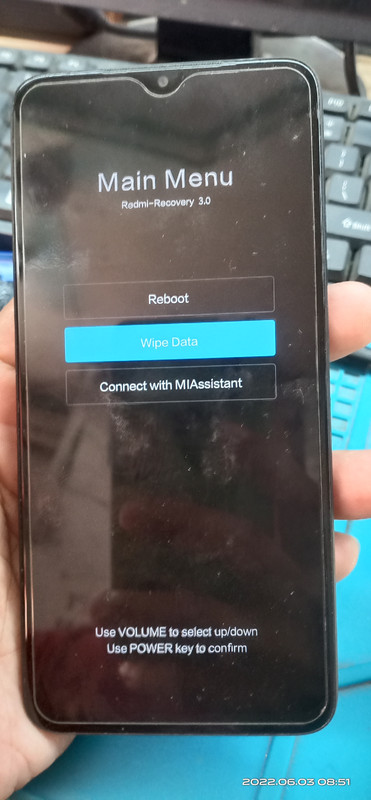
First Hard Reset by pressing Volume Up and Power switch.
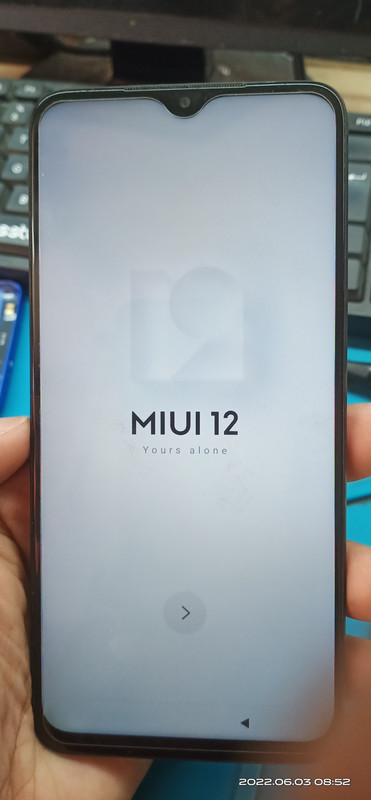
Next is FRP Lock
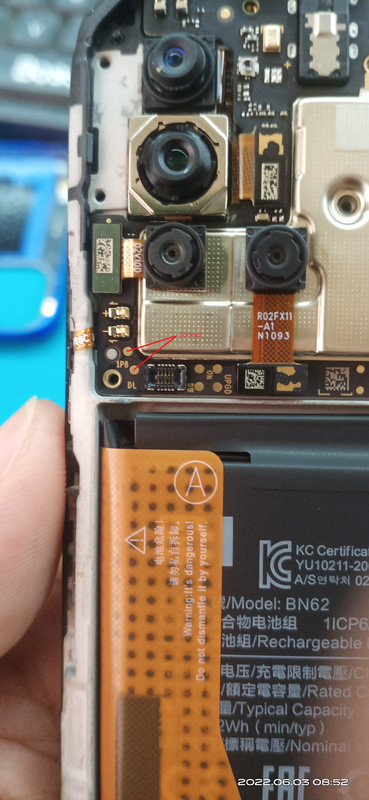
Disassemble unit for testpoint
Qualcomm Driver: https://xiaomifirmware.com/download-link/?dlm-dp-dl=14092
UnlockTool Latest: https://www.mediafire.com/file/5j4h7em0h0fa2h2/UnlockTool-2022-05-27-2.exe/file
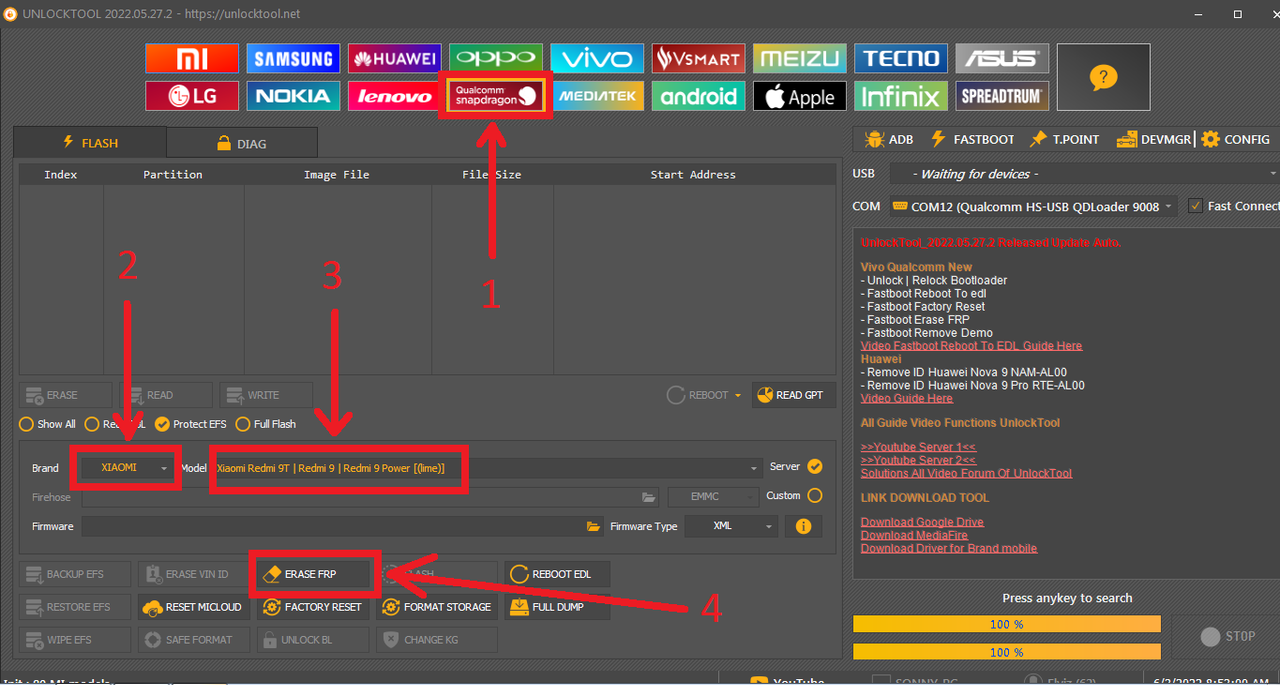
Open unlocktool
Choose Qualcomm Snapdragon
Select Brand Xiaomi
Select Model Redmi 9T
Remove Battery
Connect Testpoint
Insert USB cable
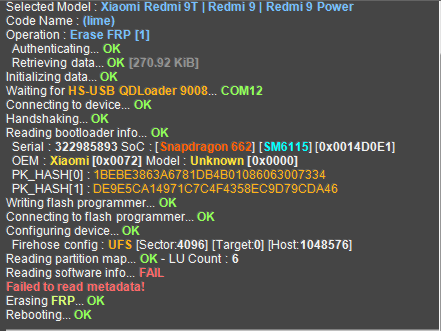
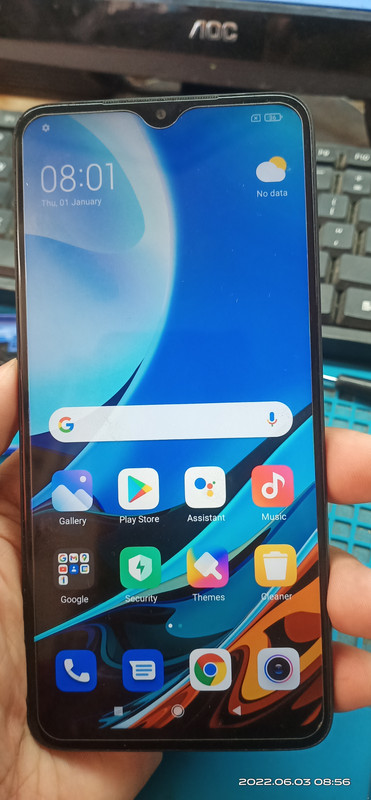
Done
First Hard Reset by pressing Volume Up and Power switch.
Next is FRP Lock
Disassemble unit for testpoint
Qualcomm Driver: https://xiaomifirmware.com/download-link/?dlm-dp-dl=14092
UnlockTool Latest: https://www.mediafire.com/file/5j4h7em0h0fa2h2/UnlockTool-2022-05-27-2.exe/file
Open unlocktool
Choose Qualcomm Snapdragon
Select Brand Xiaomi
Select Model Redmi 9T
Remove Battery
Connect Testpoint
Insert USB cable
Done
Last edited: