Magandang araw sa lahat !
Nais ko lang po ibahagi itong gawa ko...
APPLICABLE PO ITO SA LAHAT NA APPLE DEVICES
Method 1 - Download the files HERE
1. Download the files in the link above and install the ibackupbot_setup
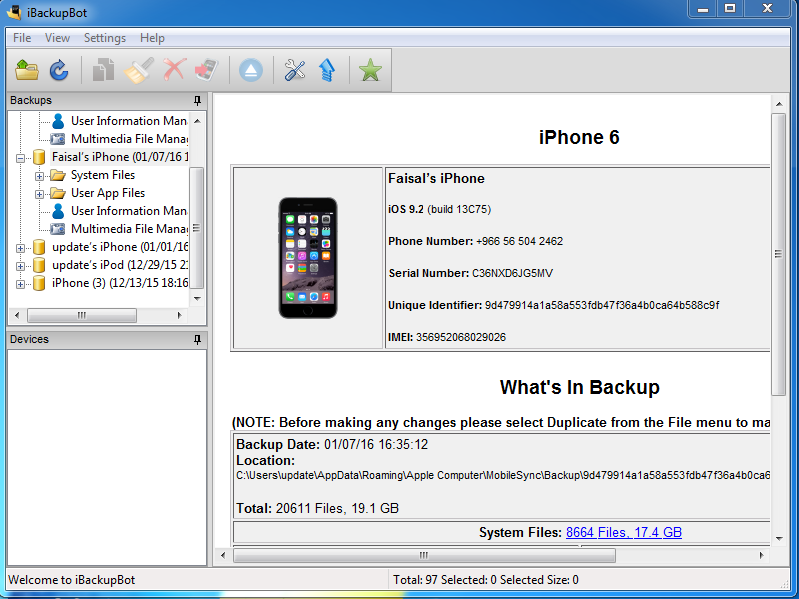
2. After install, connect your IOS device to PC and backup gamit ang ITUNES
3. After backup, close ITUNES and open IBACKUPBOT
4. Browse for the backup, yung binack up nyo po gamit ang ITUNES
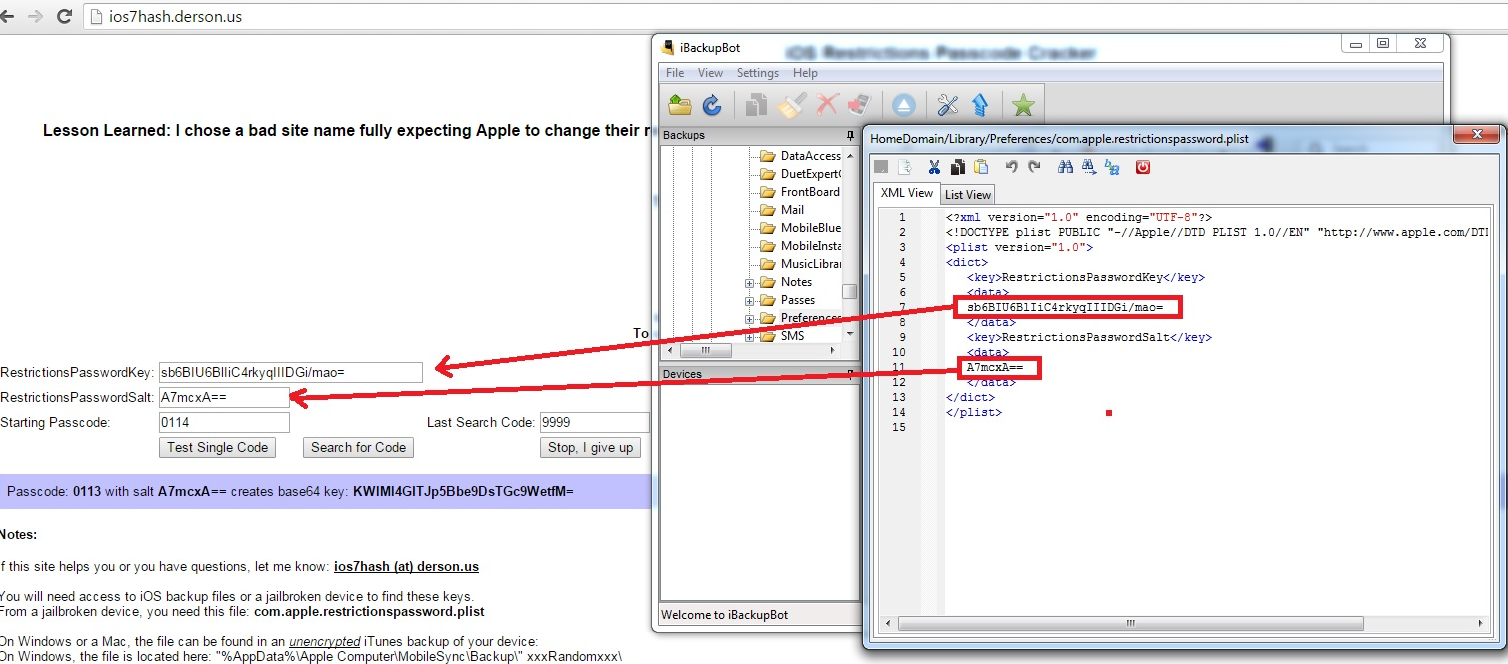
5. Using ibackupbot, navigate to phones name ex. Faisal Iphone, then system files, home domain, library, preferences, and look for com.apple.restrictionspassword.plist
6. Double click it, then click cancel
7. Then find for RestrictionsPasswordKey and RestrictionsPasswordSalt
8. Copy this two data in this URL Recover iOS7 & iOS8 Restrictions Passcodes
9. Then HIT Search for Code
10. Wait till finish calculating the CODE
11. After completion, input the CODE to the IOS Device that is locked with RESTRICTION PASSCODE
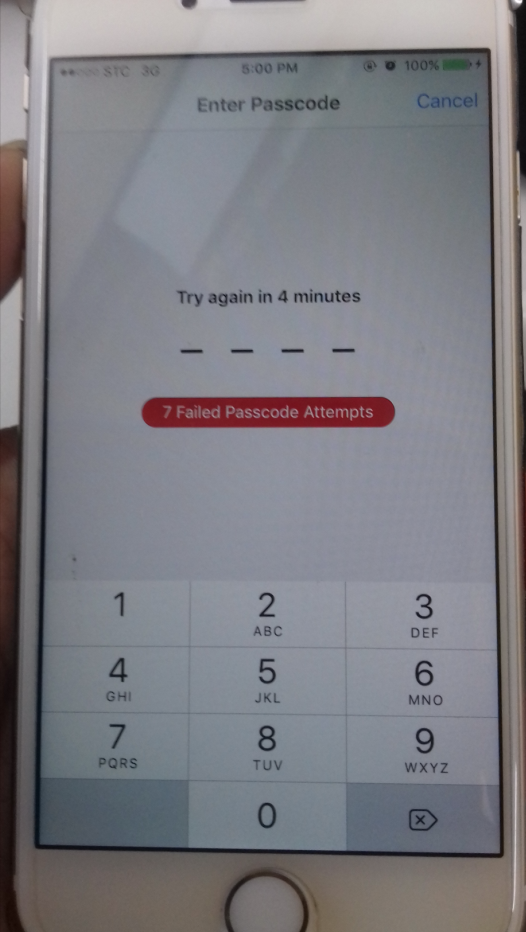
In our example, ito po ay IPHONE 6 IOS 9.2
Status: Lock sa Restriction Passcode
Action Taken:
Calculate the CODE
Note: Para mapadali ang pagcalculate, pwede kang mag open ng maraming windows, at mag set ng magkaibang starting and ending codes...
Starting Passcode 0000-3333
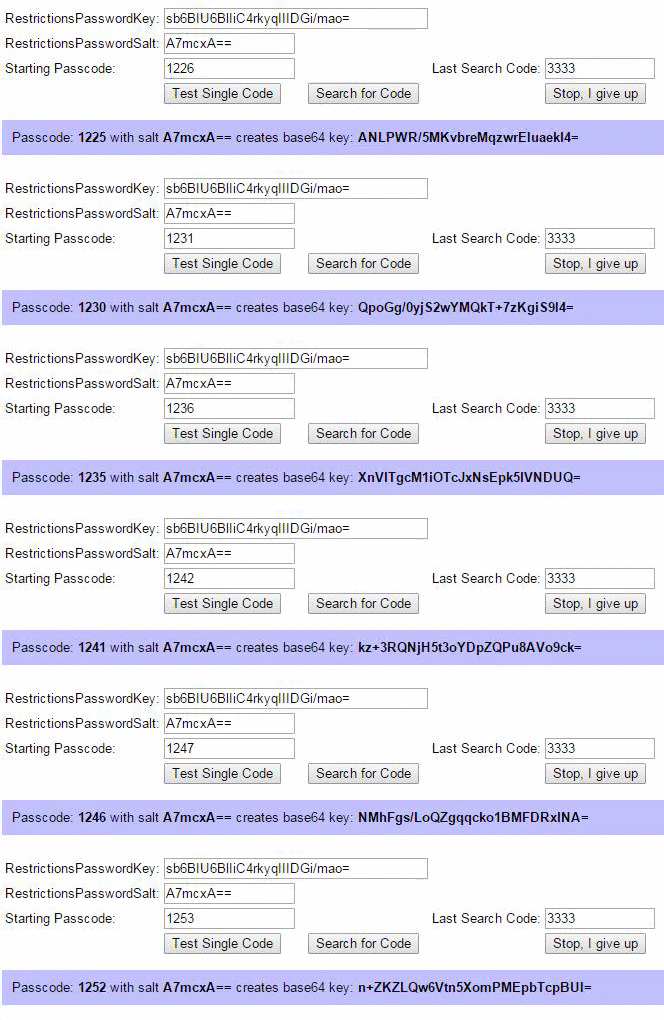
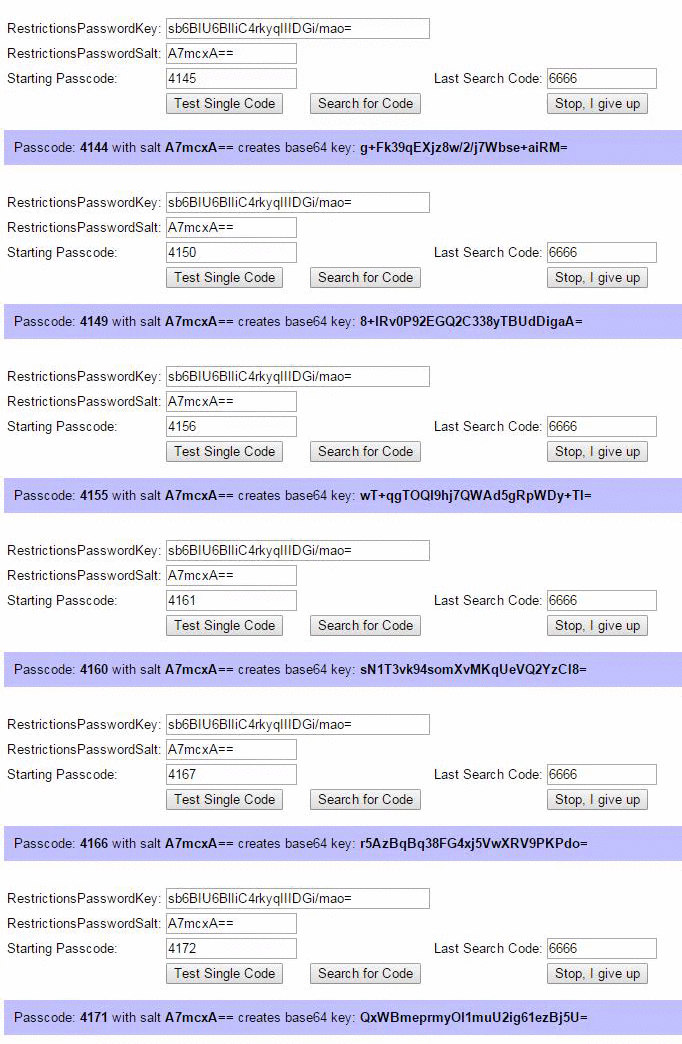
Starting Passcode 3333-6666
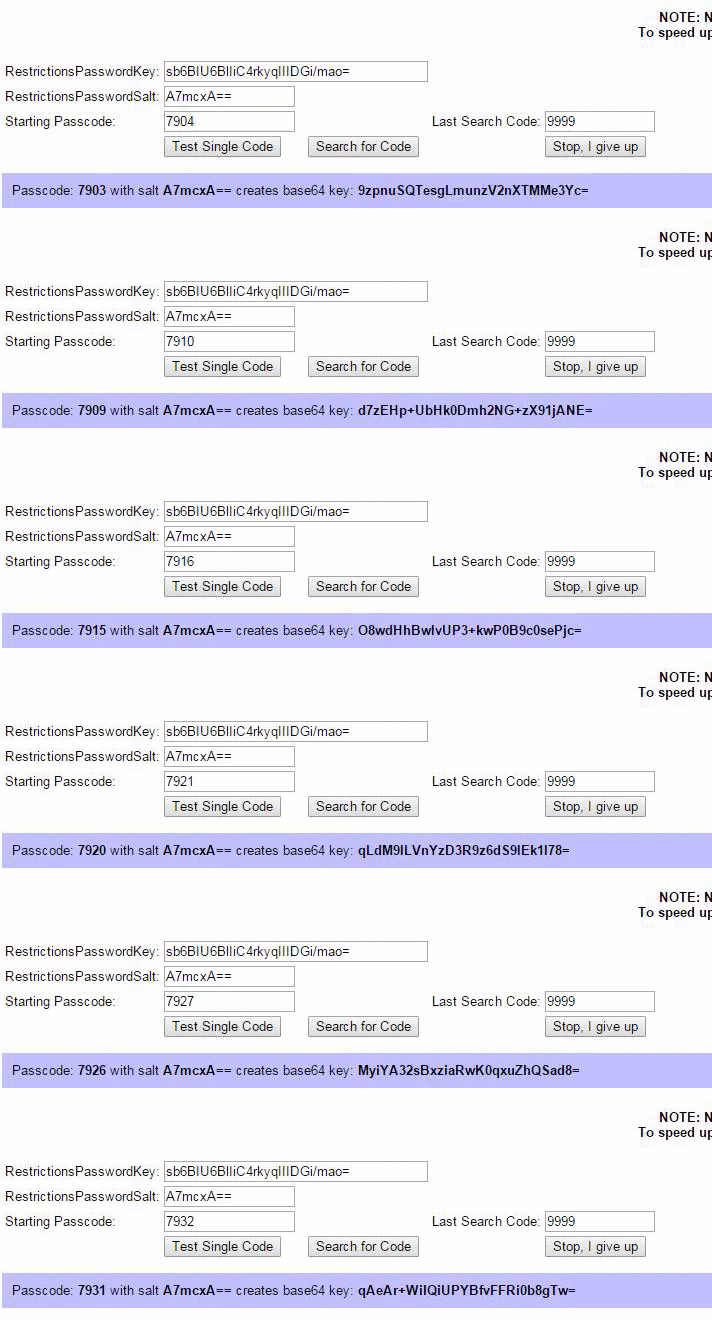
Starting Code 6666-9999
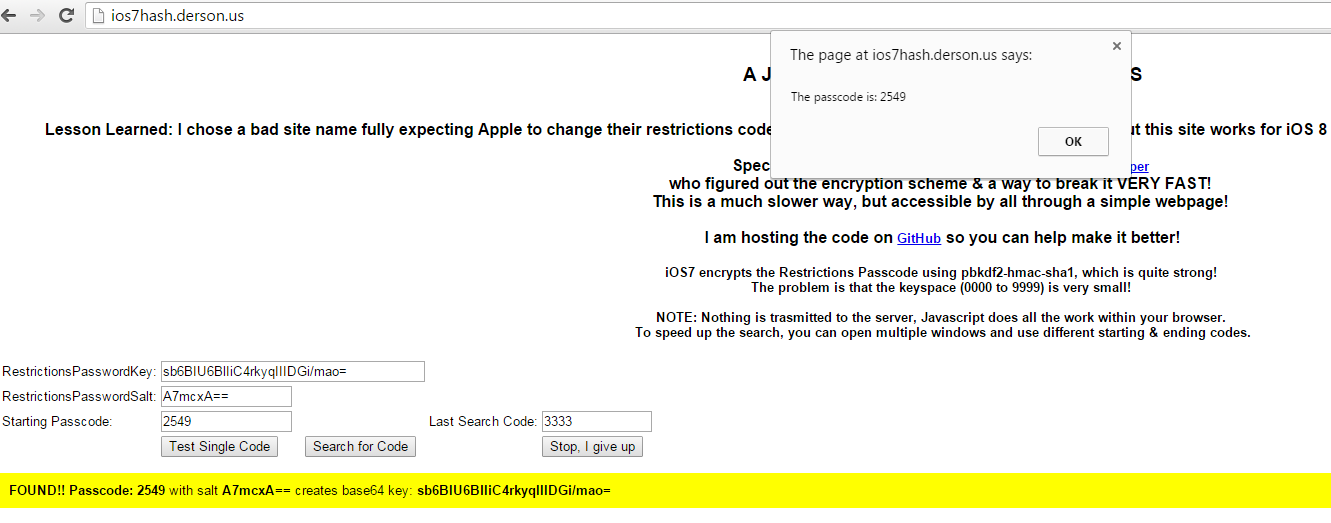
Passcode Found
Inputing the code
https://www.youtube.com/watch?v=8IGri46sMXg
<ins class="adsbygoogle" style="display: block; height: 0px;" data-ad-client="ca-pub-6038290379100438" data-ad-slot="4628494838" data-ad-format="auto" data-adsbygoogle-status="done"><ins id="aswift_1_expand" style="display: inline-table; border: medium none; height: 0px; margin: 0px; padding: 0px; position: relative; visibility: visible; width: 971px; background-color: transparent;"><ins id="aswift_1_anchor" style="display: block; border: medium none; height: 0px; margin: 0px; padding: 0px; position: relative; visibility: visible; width: 971px; background-color: transparent; overflow: hidden; opacity: 0;"></ins></ins></ins>Nais ko lang po ibahagi itong gawa ko...
APPLICABLE PO ITO SA LAHAT NA APPLE DEVICES
Method 1 - Download the files HERE
1. Download the files in the link above and install the ibackupbot_setup
2. After install, connect your IOS device to PC and backup gamit ang ITUNES
3. After backup, close ITUNES and open IBACKUPBOT
4. Browse for the backup, yung binack up nyo po gamit ang ITUNES
5. Using ibackupbot, navigate to phones name ex. Faisal Iphone, then system files, home domain, library, preferences, and look for com.apple.restrictionspassword.plist
6. Double click it, then click cancel
7. Then find for RestrictionsPasswordKey and RestrictionsPasswordSalt
8. Copy this two data in this URL Recover iOS7 & iOS8 Restrictions Passcodes
9. Then HIT Search for Code
10. Wait till finish calculating the CODE
11. After completion, input the CODE to the IOS Device that is locked with RESTRICTION PASSCODE
In our example, ito po ay IPHONE 6 IOS 9.2
Status: Lock sa Restriction Passcode
Action Taken:
Calculate the CODE
Note: Para mapadali ang pagcalculate, pwede kang mag open ng maraming windows, at mag set ng magkaibang starting and ending codes...
Starting Passcode 0000-3333
Starting Passcode 3333-6666
Starting Code 6666-9999
Passcode Found
Inputing the code
https://www.youtube.com/watch?v=8IGri46sMXg


