N
neifra_gsm
Anonymous
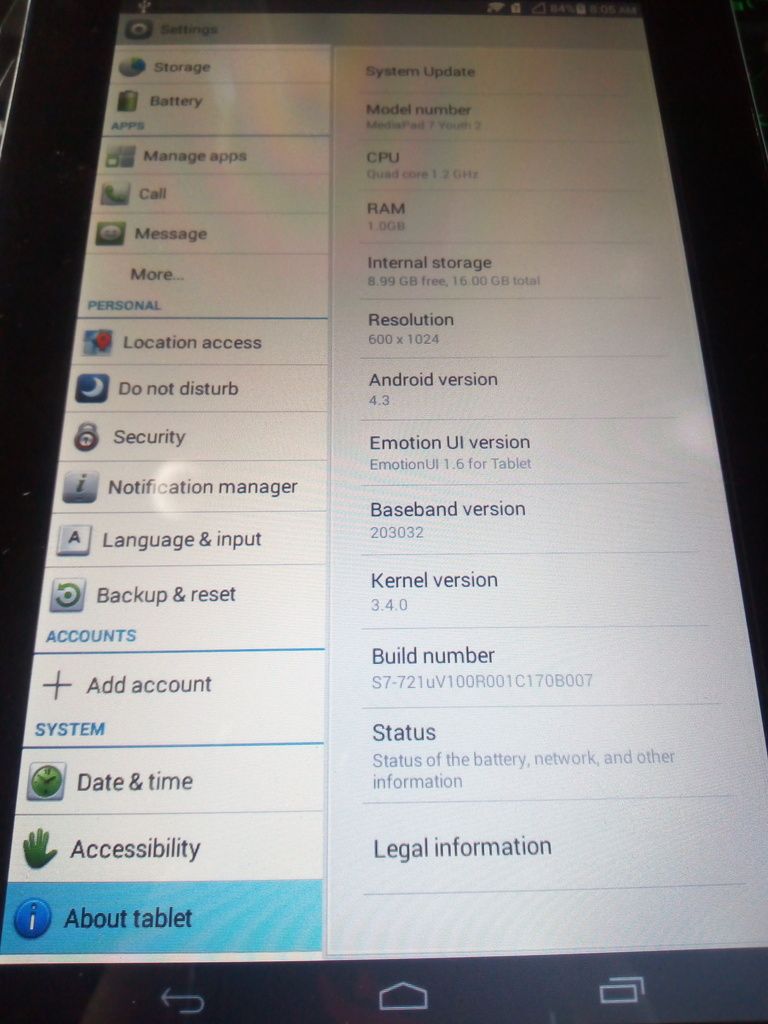
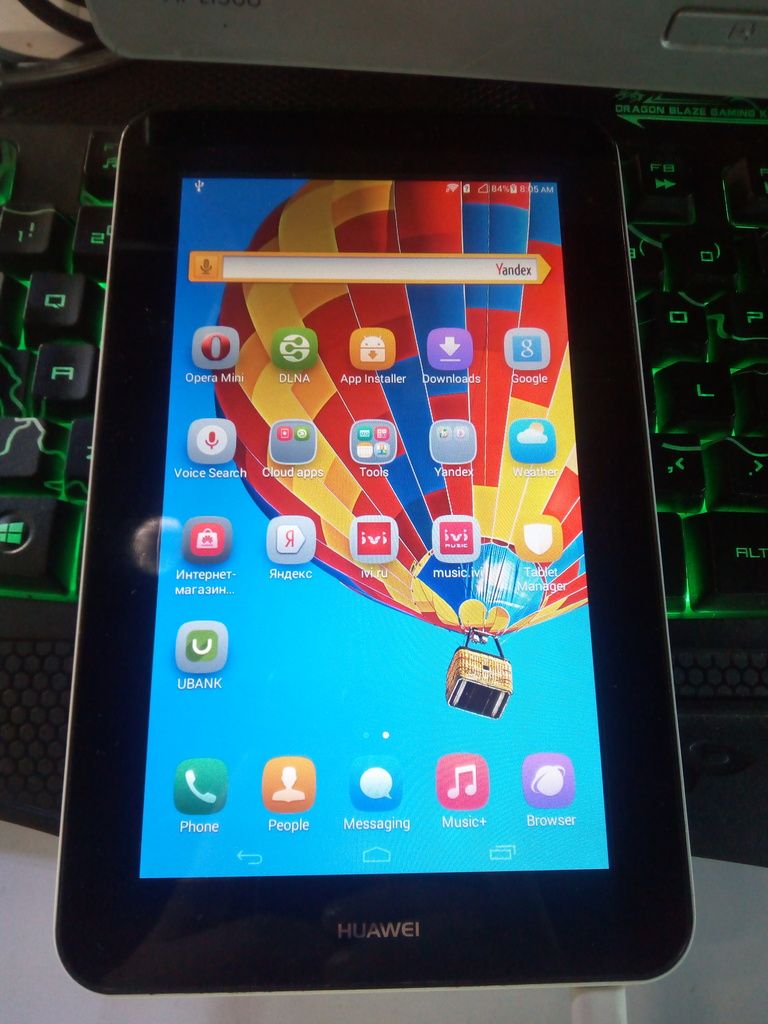
MODEL: HUAWEI S7-721U MediaPad 7 Youth 2
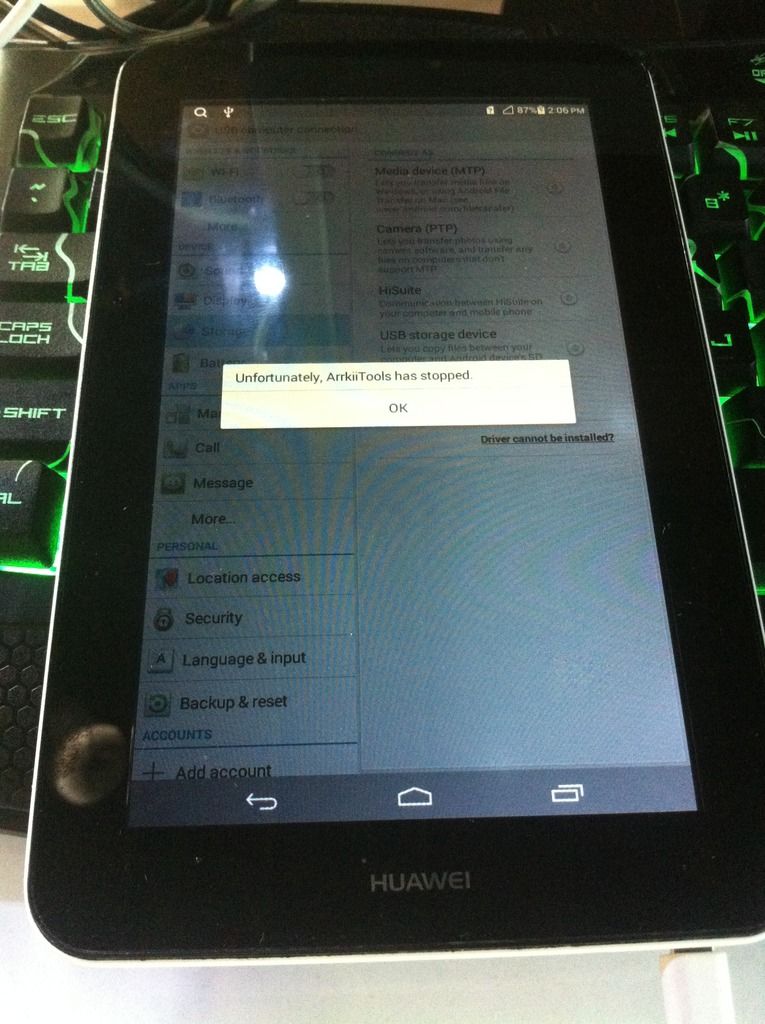
PROBLEM: UNFORTUNATELY ARKIITOOLS HAS STOPPED
SOLUTION: UPDATE VIA SD CARD
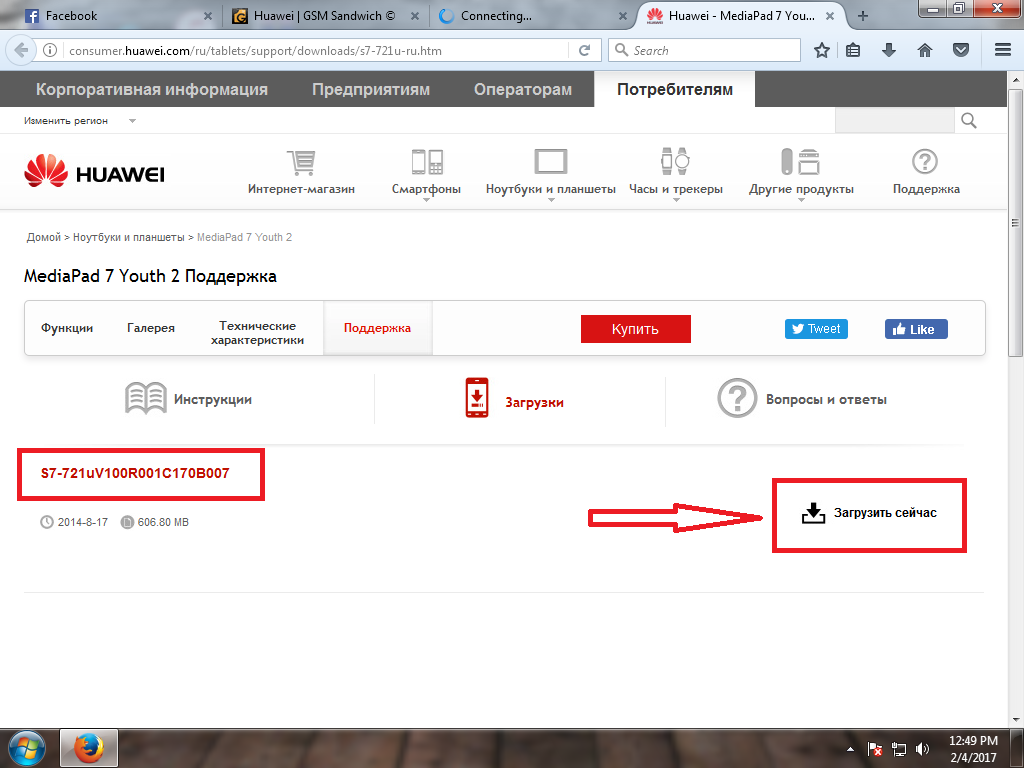
TESTED FIRMWARE HERE: HUAWEI S7-721U MediaPad 7 Youth 2
PROCEDURE:
1.2 Upgrade Process
1.2.1 SD card automatically upgrade
1) dload folder will be copied to the root directory of the SD card
2) Make sure the board is turned off
3) Insert the SD card into the board
4) PRESS VOLUME DOWN +POWER KEY automatically into SD card upgrade
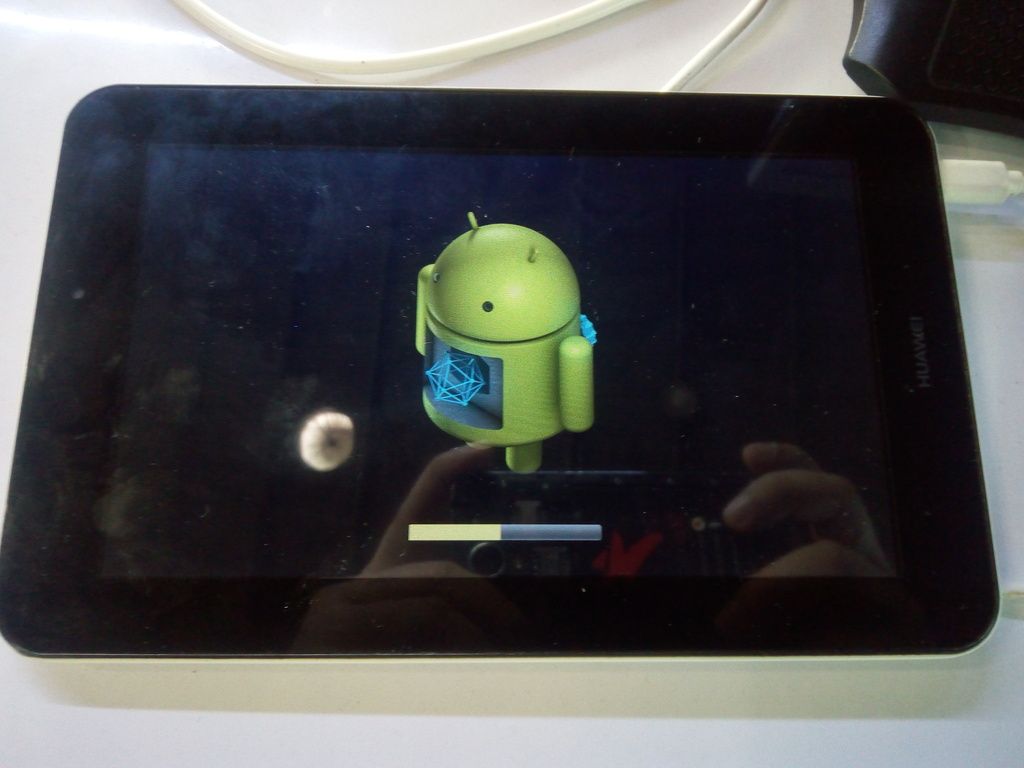
5) When the machine with a screen, the normal upgrade process,
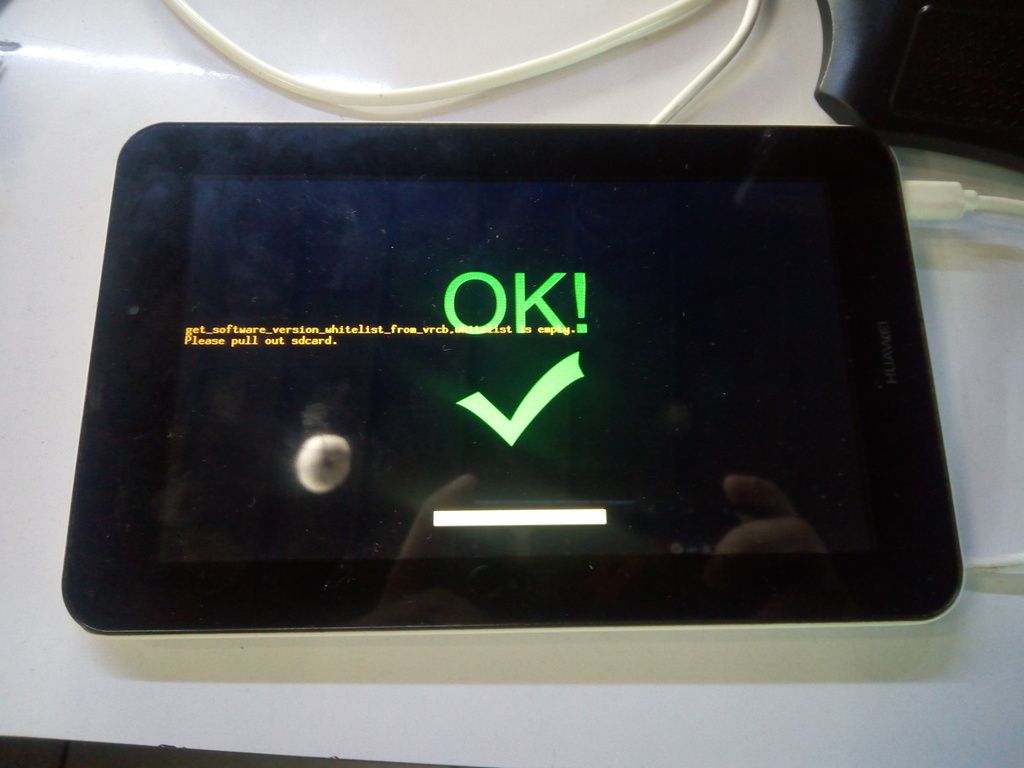
6) When the machine with a screen, the upgrade is successful, the screen displays "OK" word.
After the upgrade is complete, remove the SD card machine will automatically restart.
DONE...
BR: **Neifra_Gsm**
PROBLEM: UNFORTUNATELY ARKIITOOLS HAS STOPPED
SOLUTION: UPDATE VIA SD CARD
TESTED FIRMWARE HERE: HUAWEI S7-721U MediaPad 7 Youth 2
PROCEDURE:
1.2 Upgrade Process
1.2.1 SD card automatically upgrade
1) dload folder will be copied to the root directory of the SD card
2) Make sure the board is turned off
3) Insert the SD card into the board
4) PRESS VOLUME DOWN +POWER KEY automatically into SD card upgrade
5) When the machine with a screen, the normal upgrade process,
6) When the machine with a screen, the upgrade is successful, the screen displays "OK" word.
After the upgrade is complete, remove the SD card machine will automatically restart.


DONE...
BR: **Neifra_Gsm**