
SM-A105F Unlock Done Samkey
- Micro-USB Cable
- Need 3 credits in samkey ( just contact Boss Pogi sa credits)
- Make sure phone is POWERED ON and there is NO SIMCARD in your phone.
- Make sure Pattern / Password / IRIS Lock / FingerPrint Lock is DISABLED
- Enable USB debugging in phone :
- Goto Settings > About device > Software info
- Tap on Build number for 7 times
- Now Developer options menu is activated.
- Go to Settings > Developer options in phone.
- Enable USB debugging option.
- Now connect USB cable, it will ask for Authorize , select OK
- Click Read Codes and for it to finish
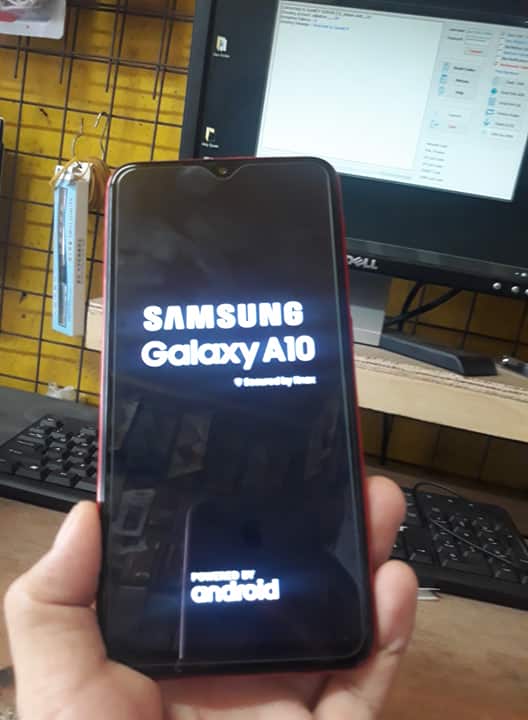
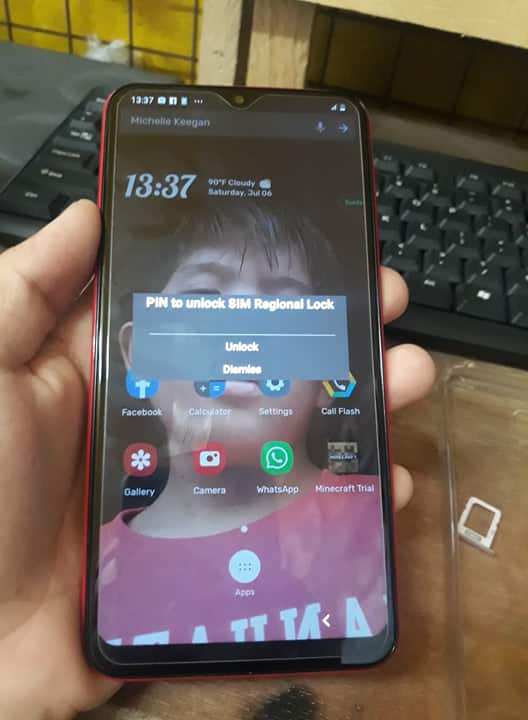
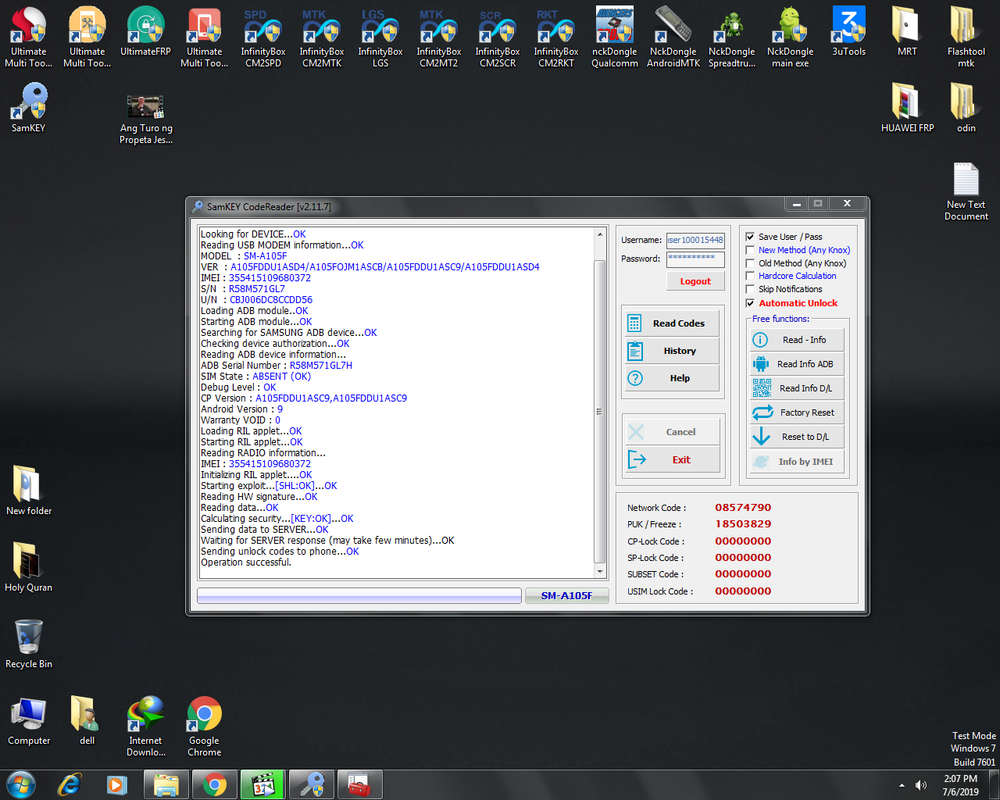
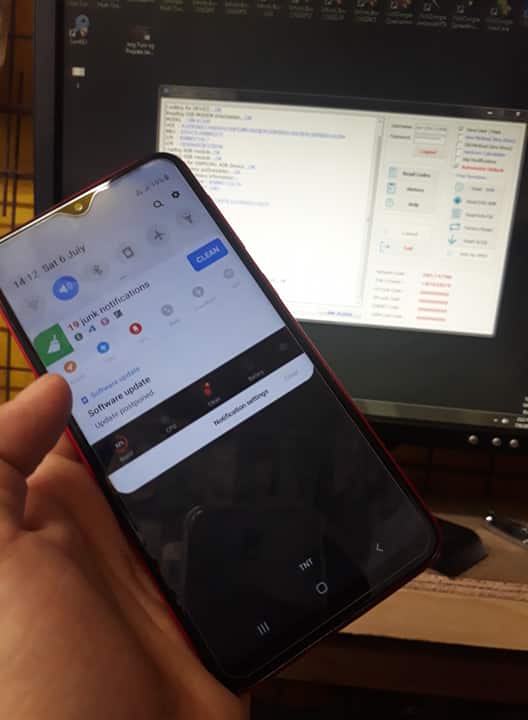
DONE HIT THANKS
- Micro-USB Cable
- Need 3 credits in samkey ( just contact Boss Pogi sa credits)
- Make sure phone is POWERED ON and there is NO SIMCARD in your phone.
- Make sure Pattern / Password / IRIS Lock / FingerPrint Lock is DISABLED
- Enable USB debugging in phone :
- Goto Settings > About device > Software info
- Tap on Build number for 7 times
- Now Developer options menu is activated.
- Go to Settings > Developer options in phone.
- Enable USB debugging option.
- Now connect USB cable, it will ask for Authorize , select OK
- Click Read Codes and for it to finish
DONE HIT THANKS


