D
Dhonghaw
Anonymous
Post ko lang to baka maka tulong mga idol 
Samsung SCL23 Au From japan
Unlock via Downgrade and reset
Frequency
* MODEL : Samsung AU SCL23
* PROBLEM:OPENLINE (via downgrade)
FLASHING
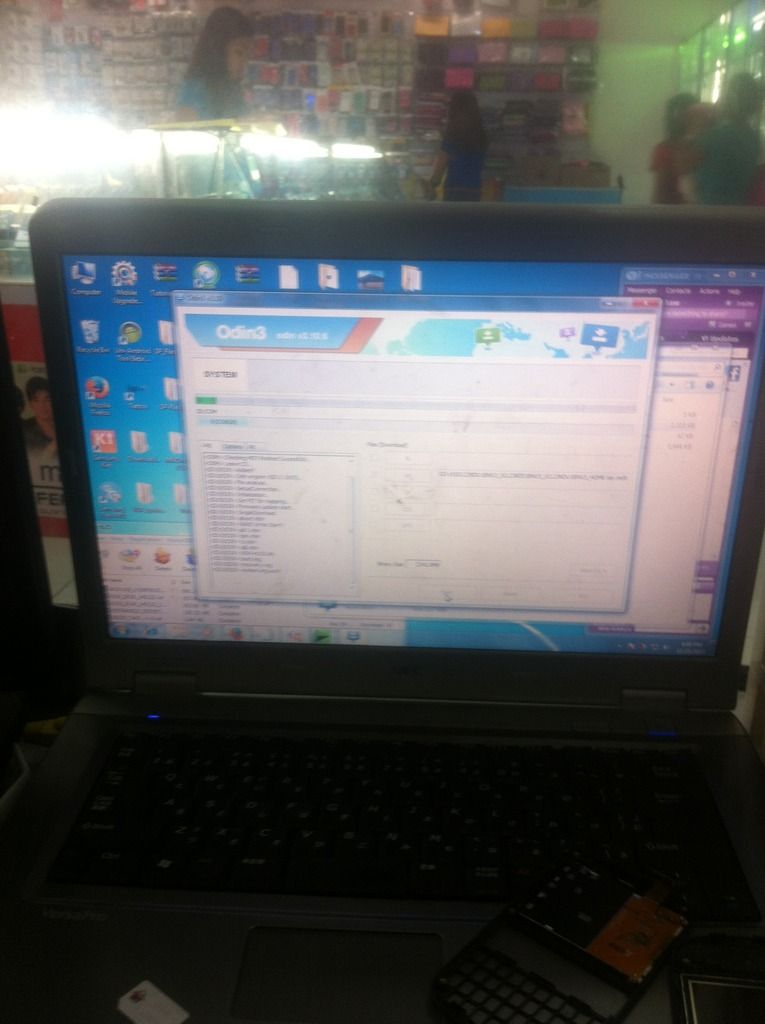
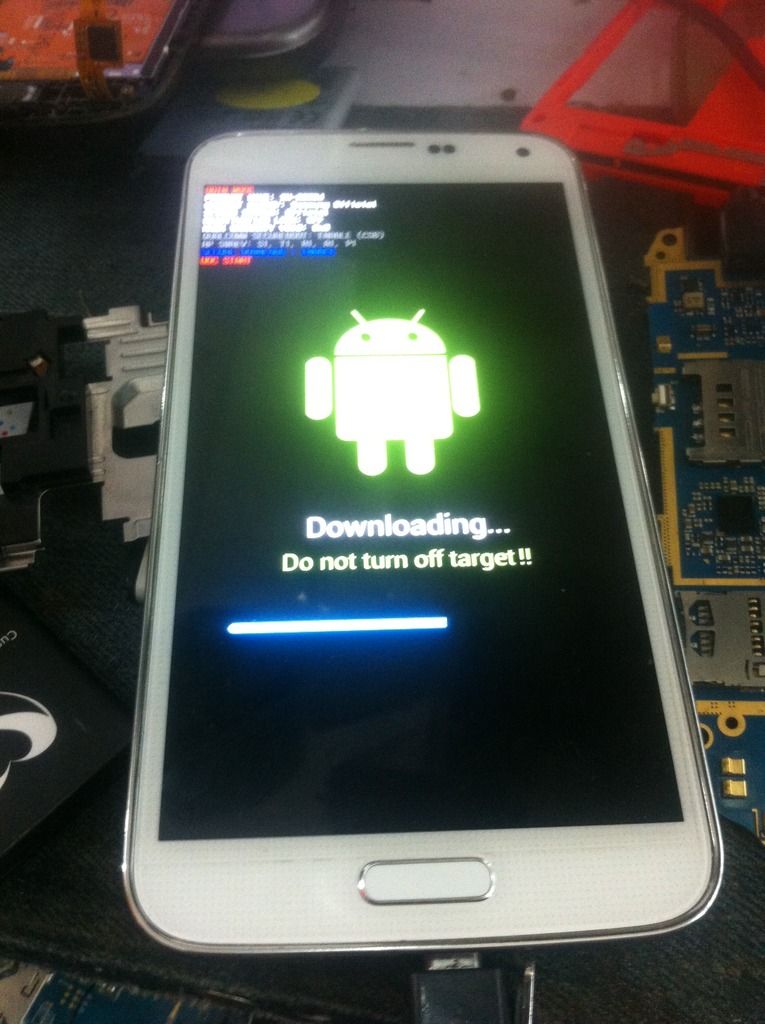
* AFTER DOWNGRADE TO 4.4.2
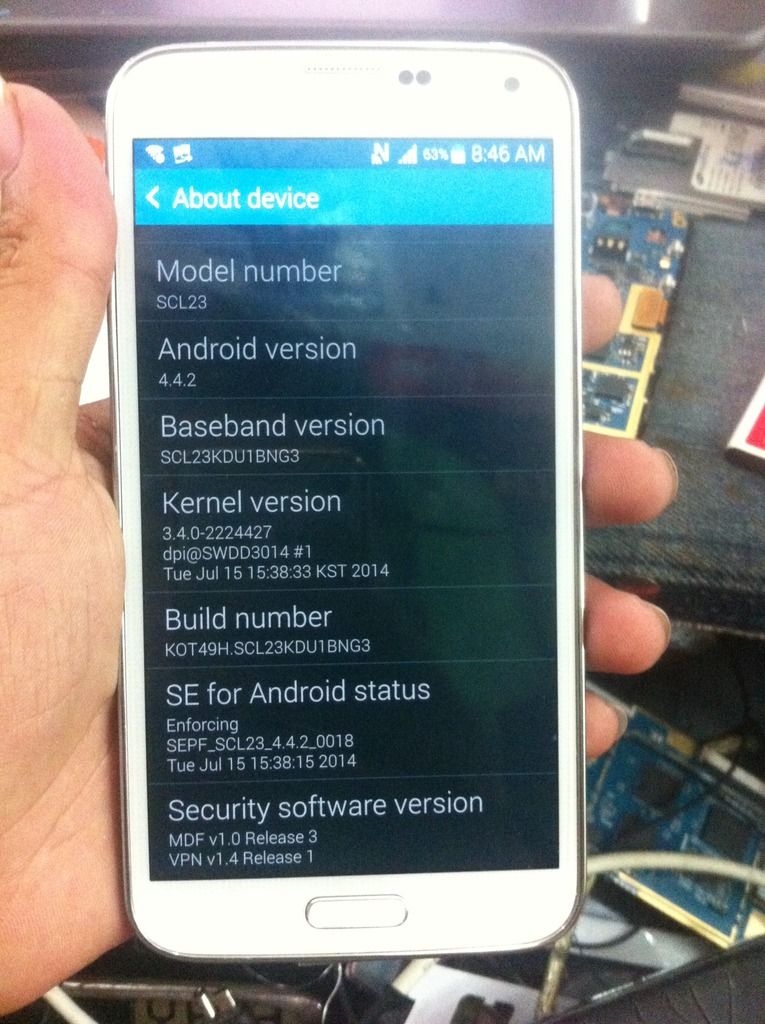
PROCEDURE:
* Power on the phone in Normal Mode without simcard
* Dial *#9090# to enter Service Mode
* In Service Mode tap option on the top right side of the phone like this ( : ) then choose Key Input
(Input Value type Q then OK)
* From option again choose Key Input
(Input Value type 0000 (4zero) then OK) to enter MAIN MENU
* In MAIN MENU select and follow this:
UE SETTING & INFO → SETTING → PROTOCOL → GCF → GSM/GPRS/WCDMA GCF ON
* From option again choose Back to go back in UE SETTING PROTOCOL MENU then select and follow this:
AS → FREQUENCY LOCK → RESET
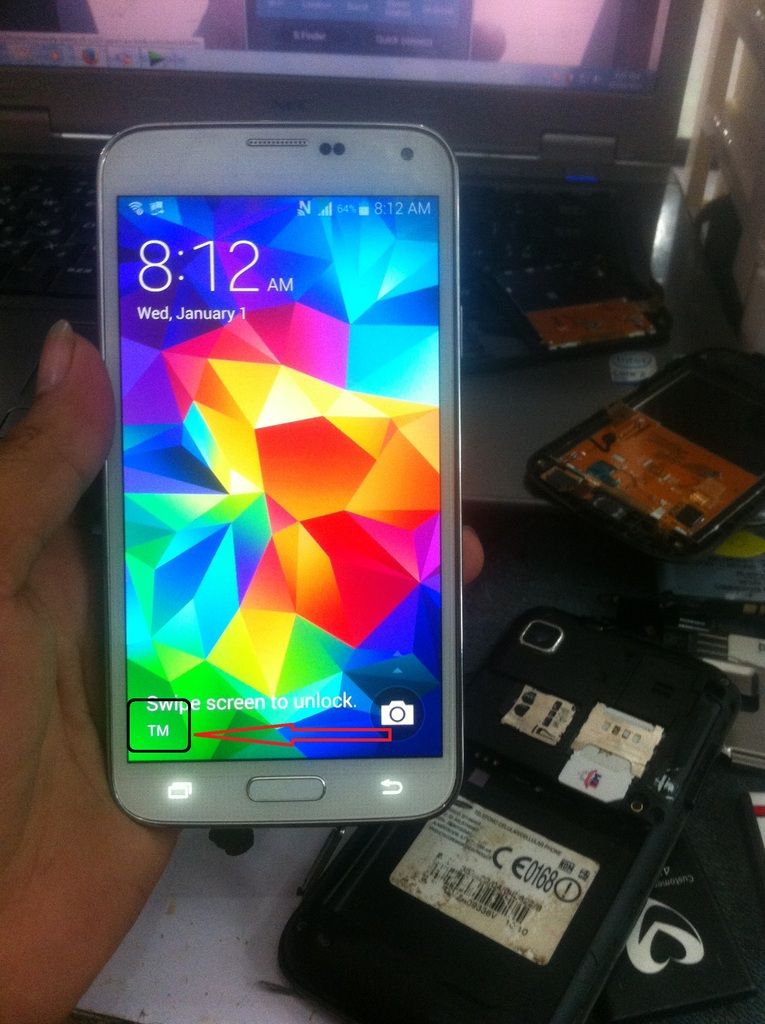
* Power off the phone insert simcard then power on and your done.
* UNLOCKED DONE
FIRMWARE
]FLASHER[/COLOR]
SANA MAKA TOLUNG SA MGA TULAD KUNG BAGUHAN[/SIZE][/B] }{
Samsung SCL23 Au From japan
Unlock via Downgrade and reset
Frequency
* MODEL : Samsung AU SCL23
* PROBLEM:OPENLINE (via downgrade)
FLASHING


* AFTER DOWNGRADE TO 4.4.2

PROCEDURE:
* Power on the phone in Normal Mode without simcard
* Dial *#9090# to enter Service Mode
* In Service Mode tap option on the top right side of the phone like this ( : ) then choose Key Input
(Input Value type Q then OK)
* From option again choose Key Input
(Input Value type 0000 (4zero) then OK) to enter MAIN MENU
* In MAIN MENU select and follow this:
UE SETTING & INFO → SETTING → PROTOCOL → GCF → GSM/GPRS/WCDMA GCF ON
* From option again choose Back to go back in UE SETTING PROTOCOL MENU then select and follow this:
AS → FREQUENCY LOCK → RESET
* Power off the phone insert simcard then power on and your done.
* UNLOCKED DONE

FIRMWARE
]FLASHER[/COLOR]
SANA MAKA TOLUNG SA MGA TULAD KUNG BAGUHAN[/SIZE][/B] }
{