
Share Ko Lang Mga ANTECH
PROBLEM: Password
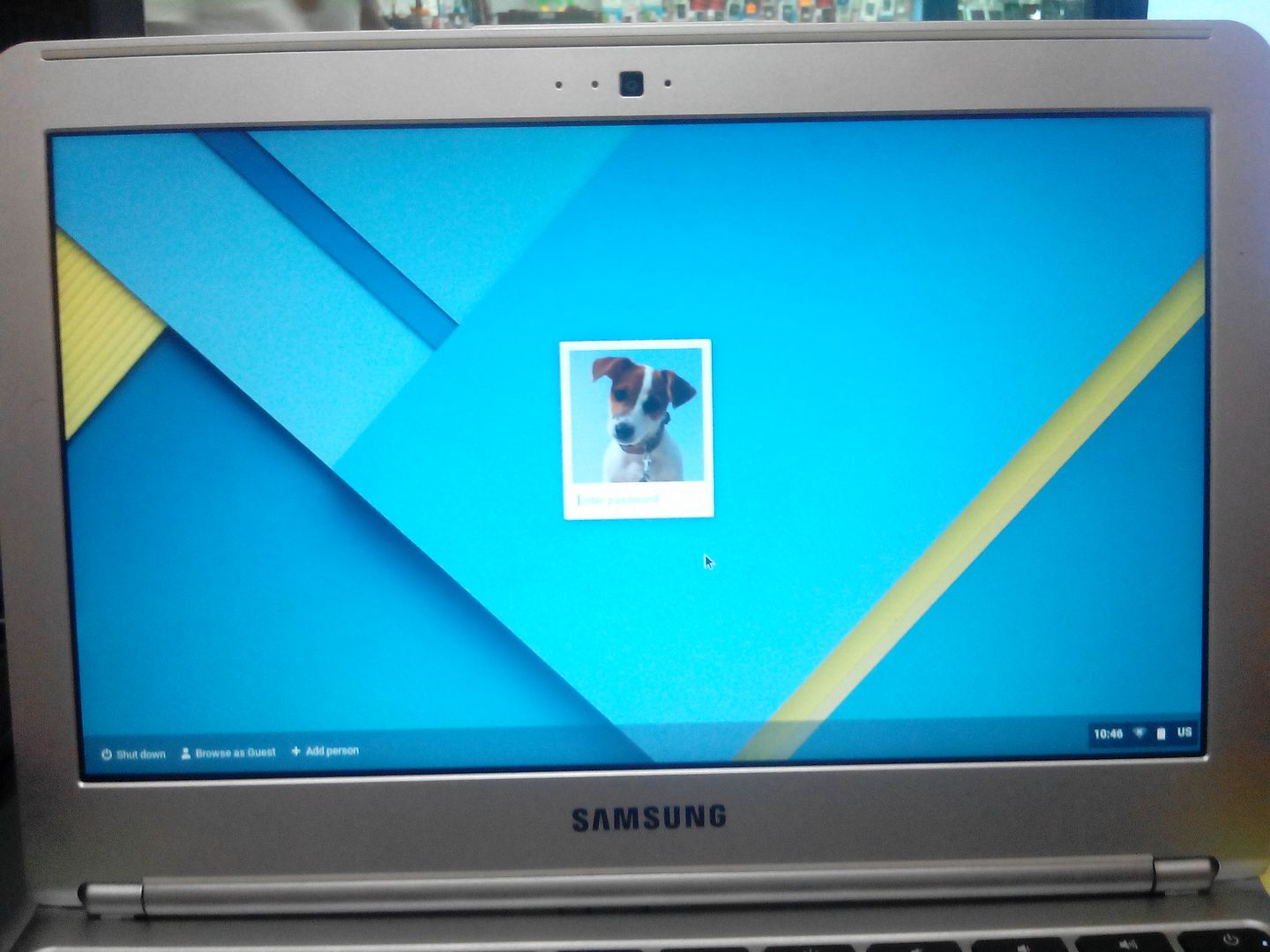
SOLUTION: Reset
PROCEDURE:
*Power on the chromebook
*Just combined press CTRL+ALT+SHIFT then R to enter reset.
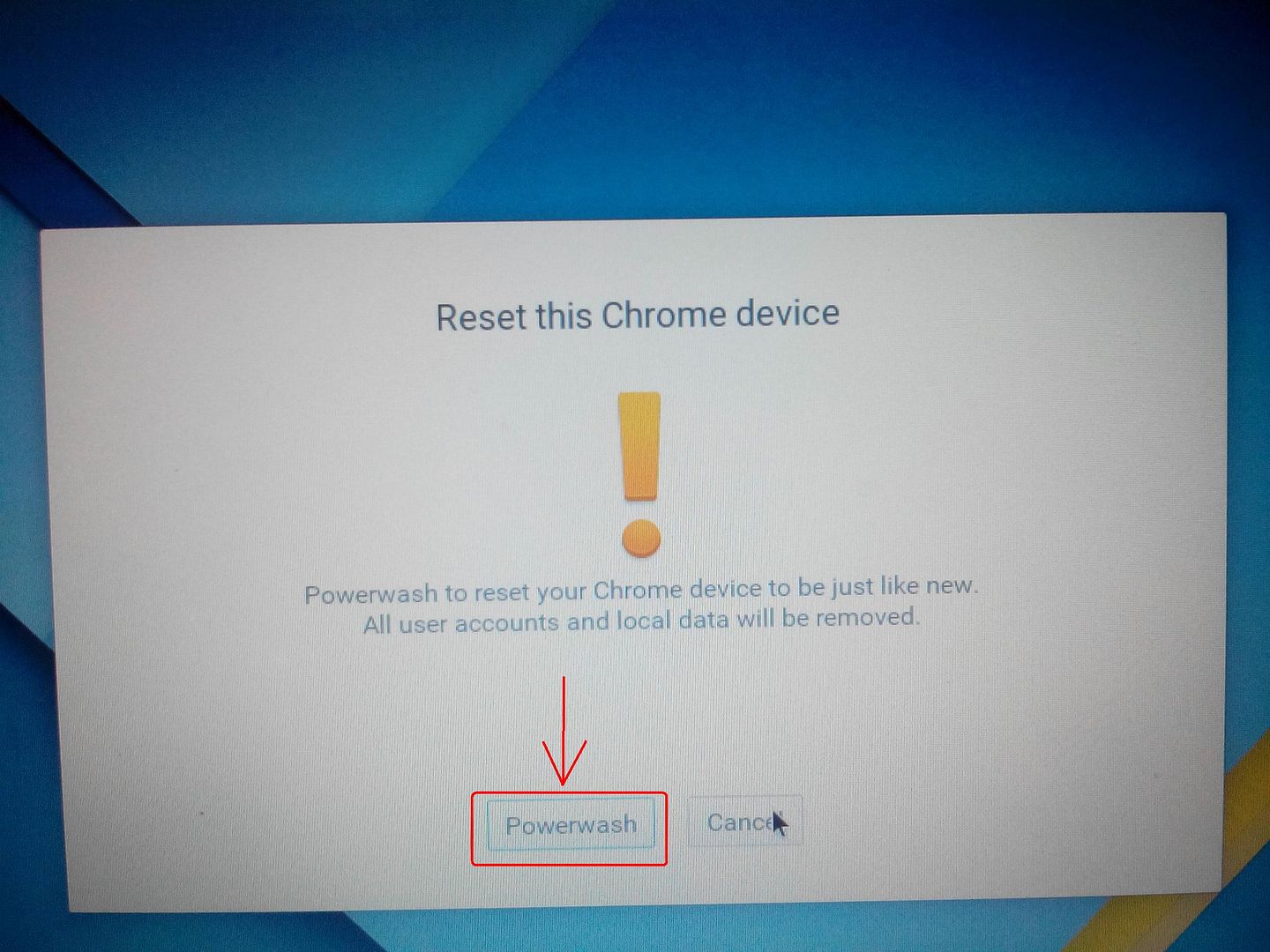
*Then press again CTRL+ALT+SHIFT then R to continue.
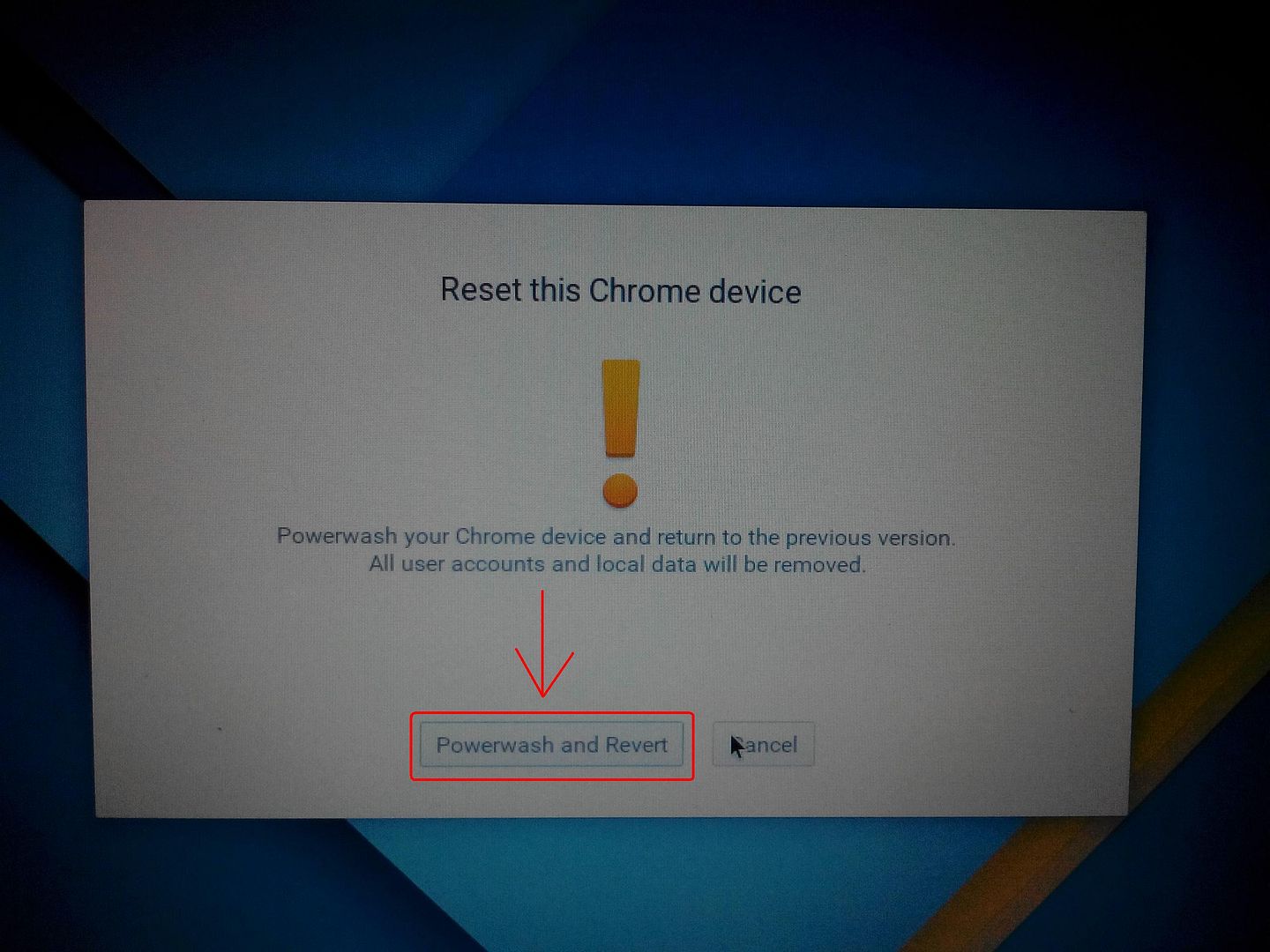
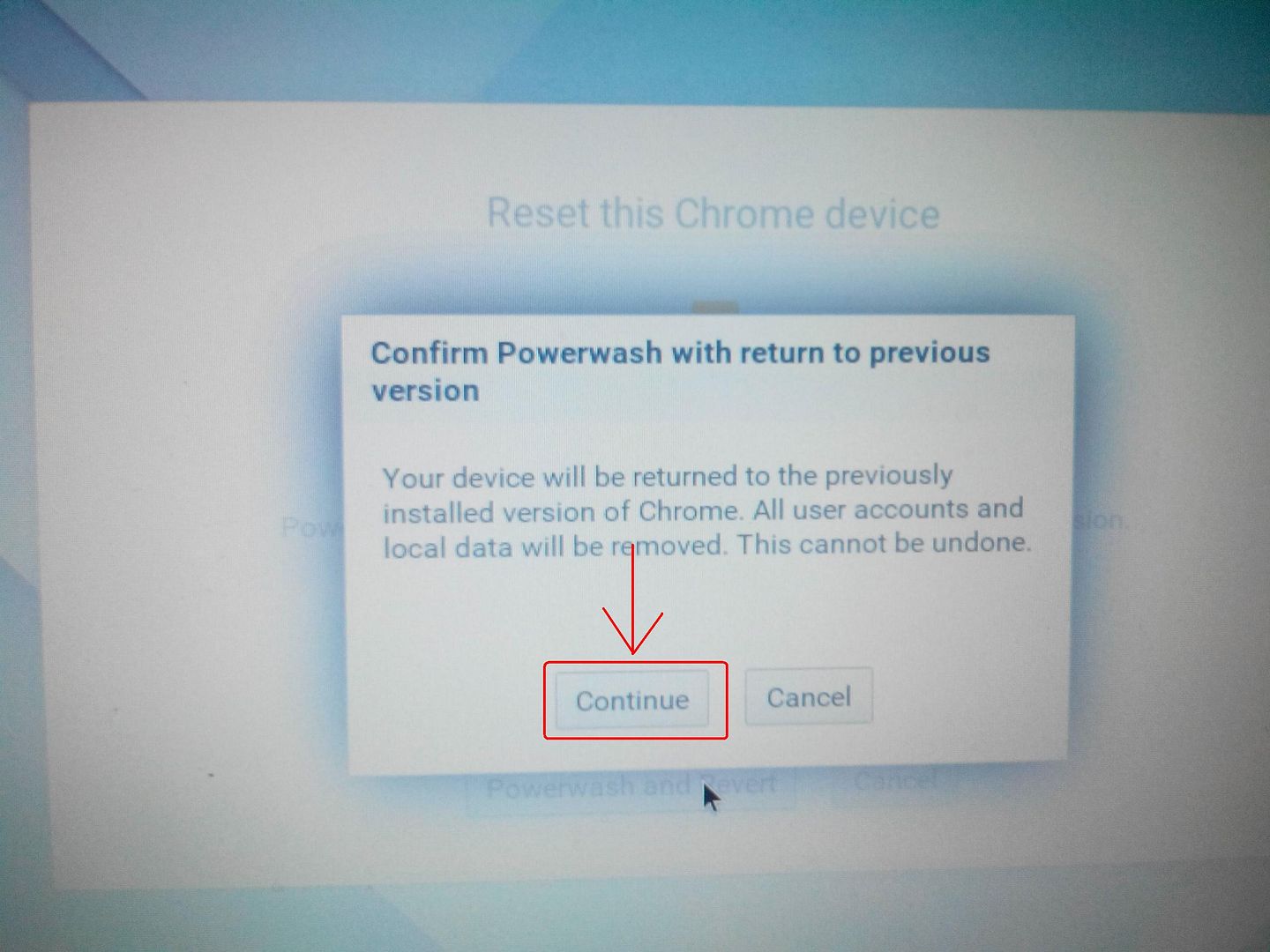
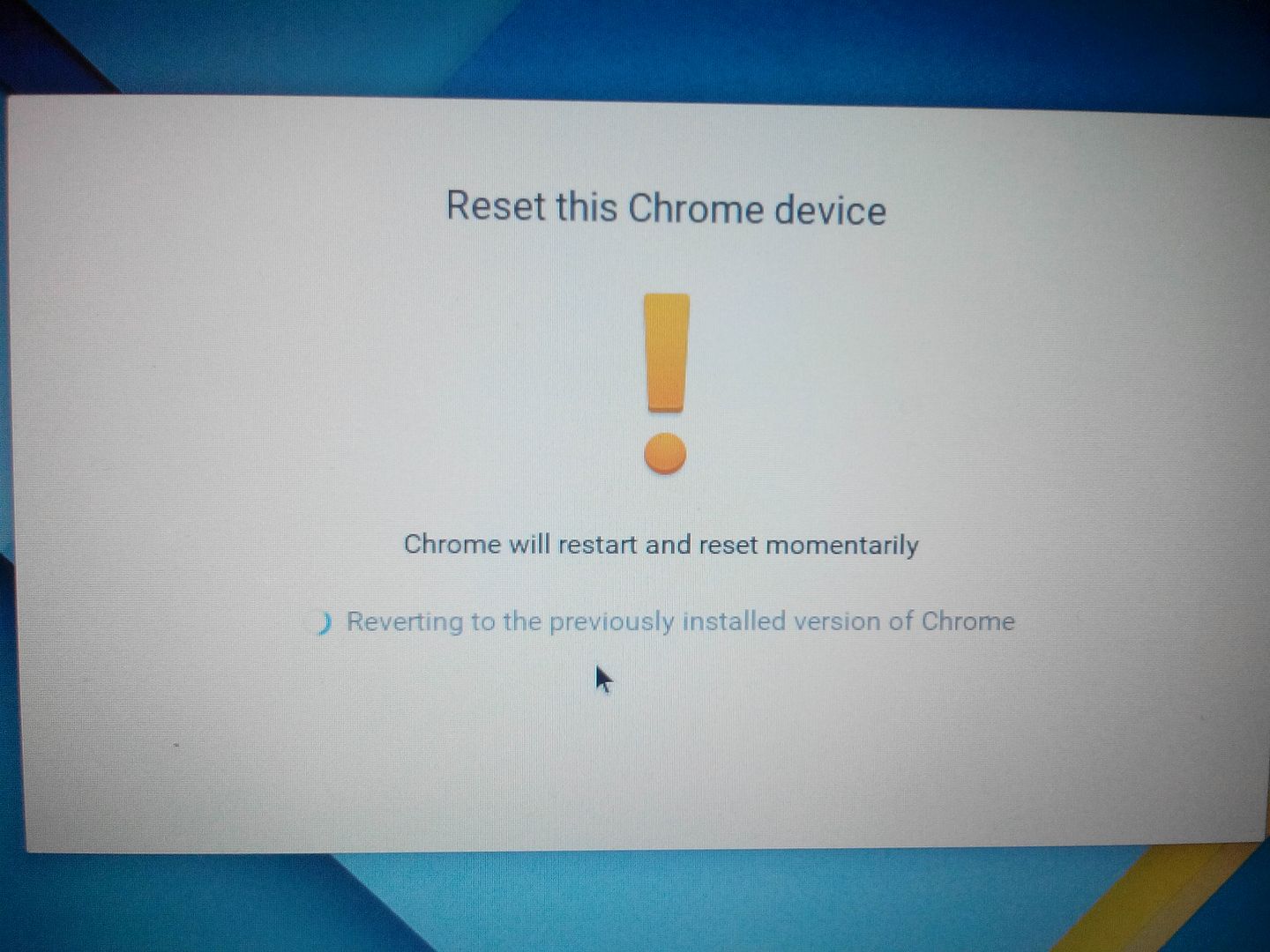
*Click powerwash and revert ant then continue
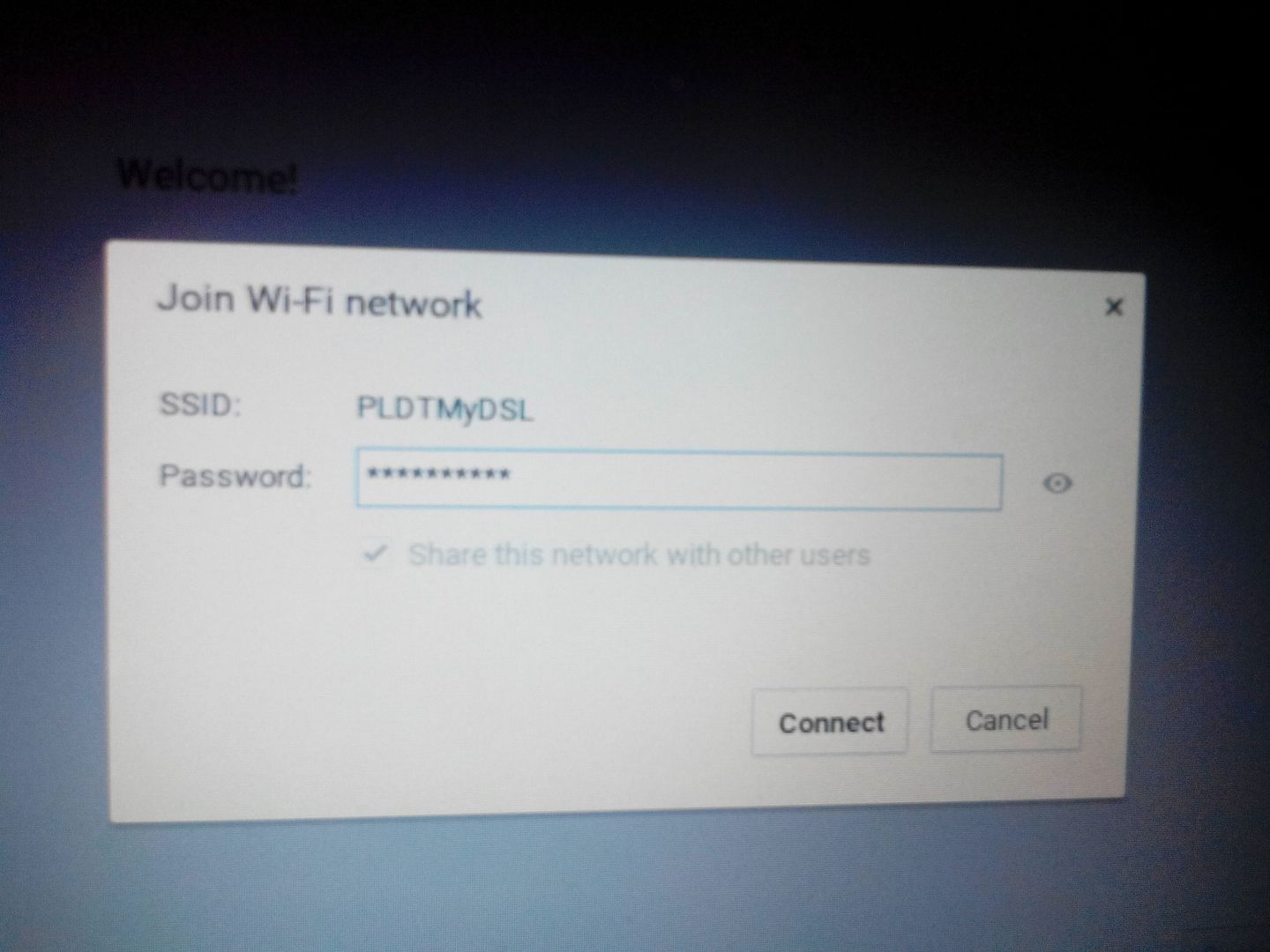
*Connect to wifi.

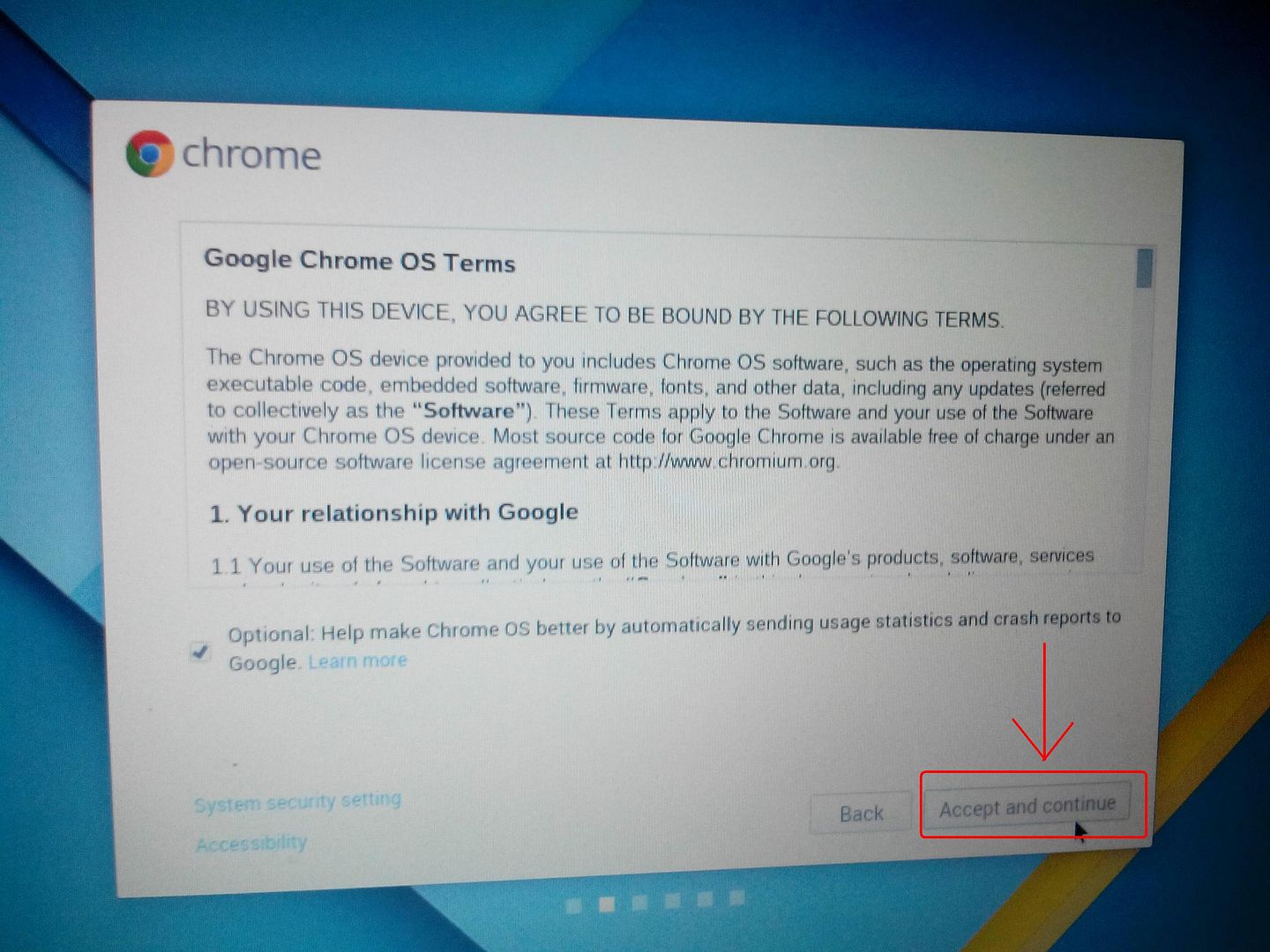
*Click accept and continue.
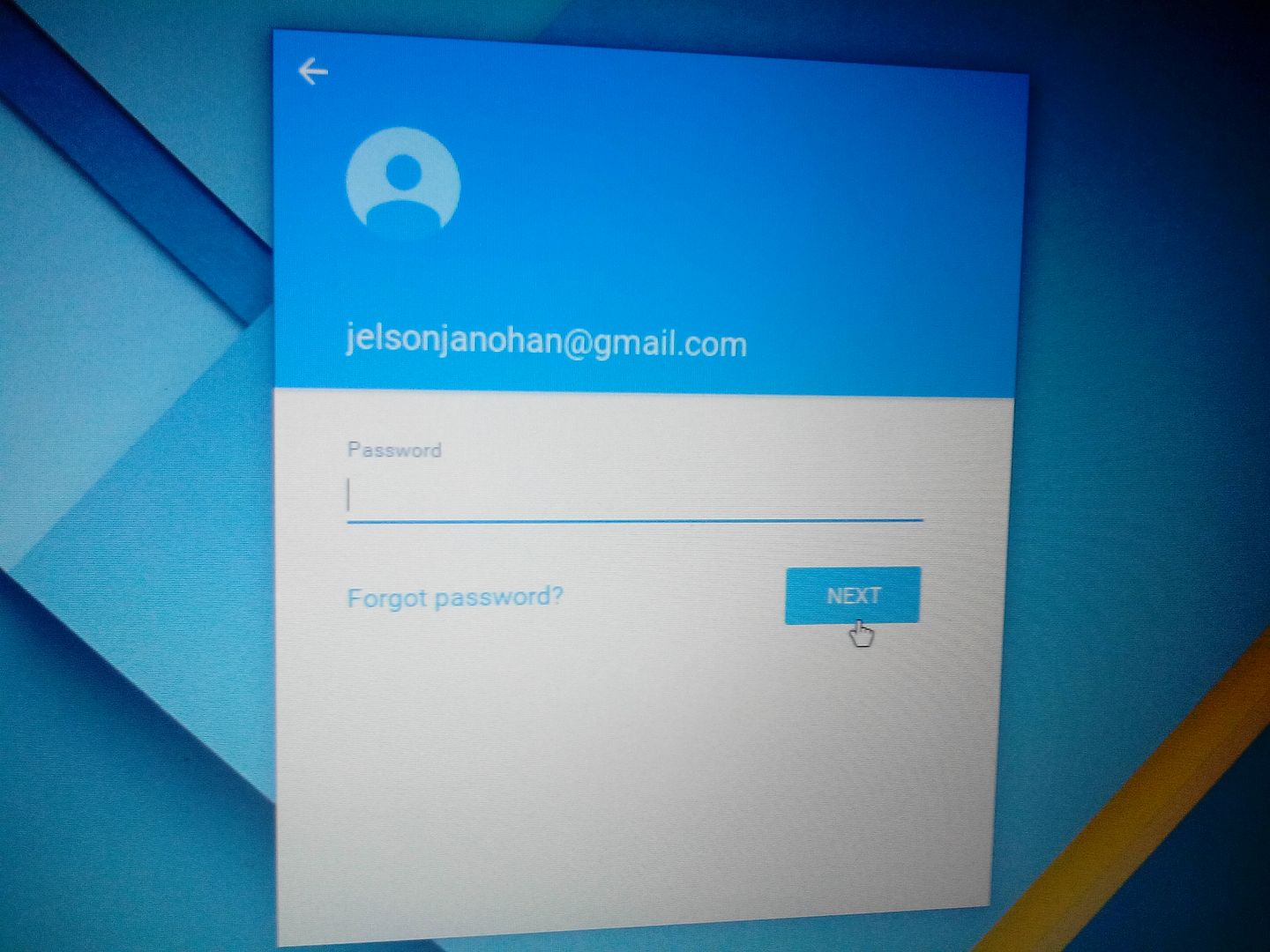
*Sign in your google account or costumer account.
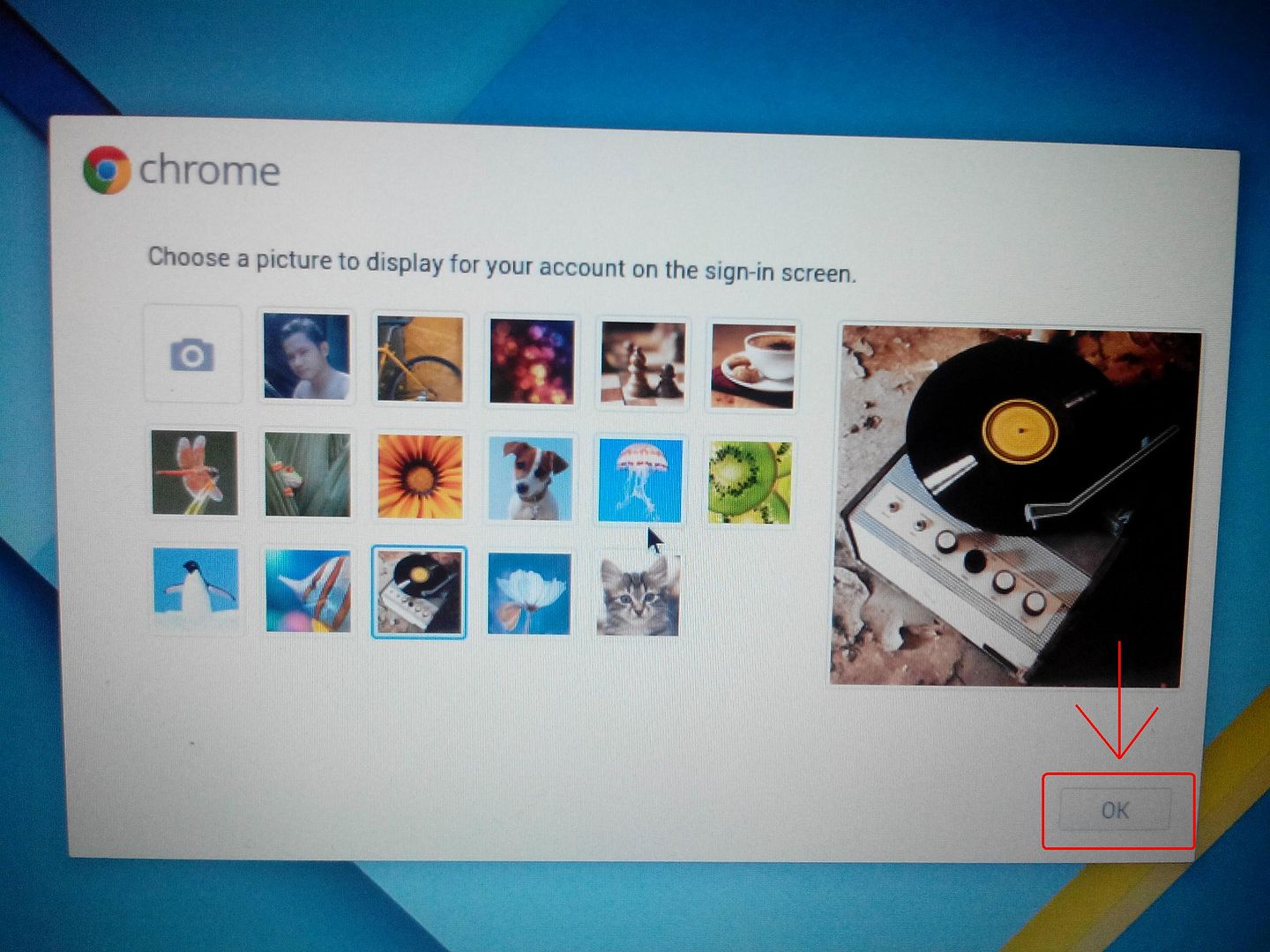
*Click ok and DONE.
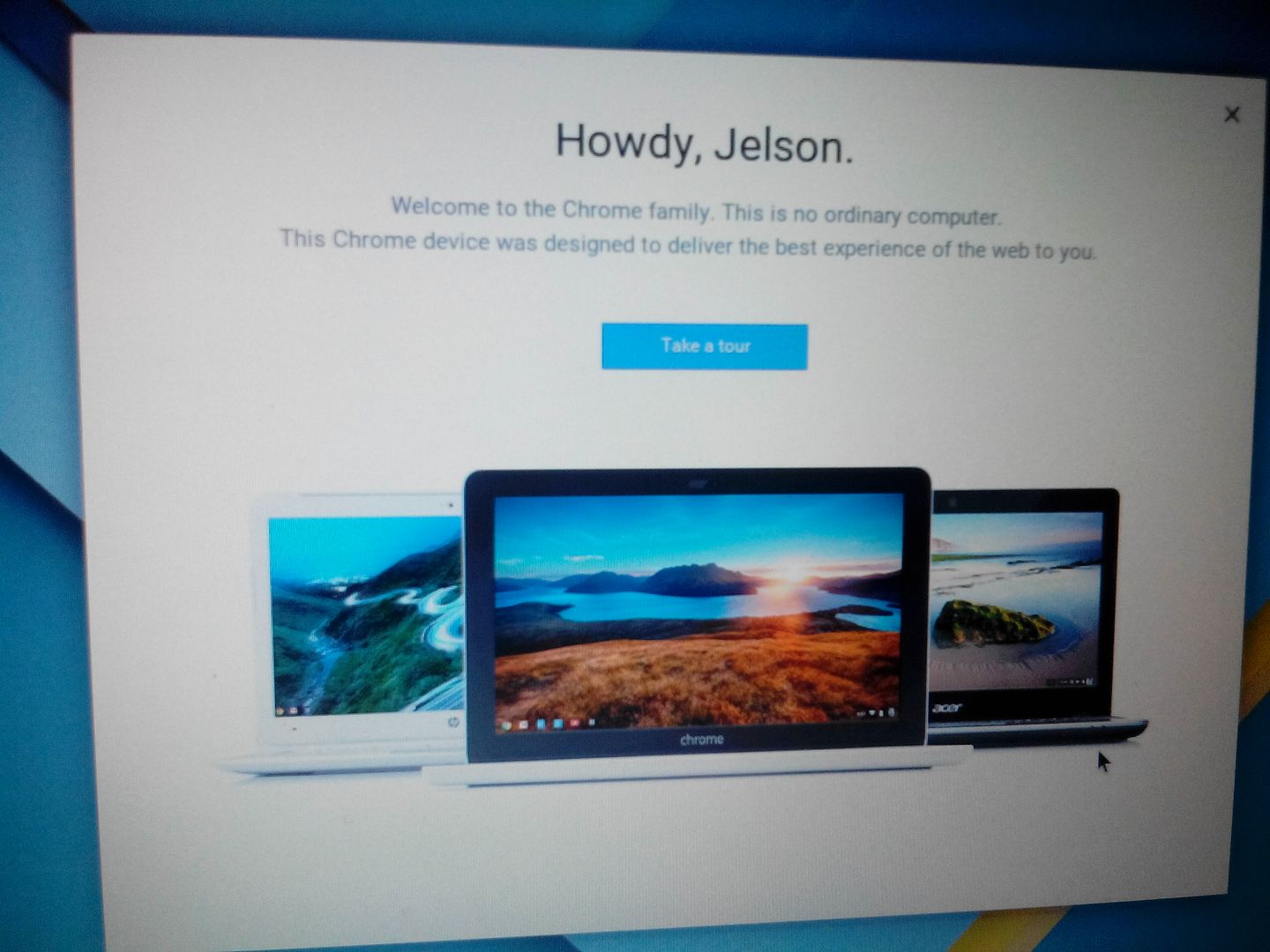
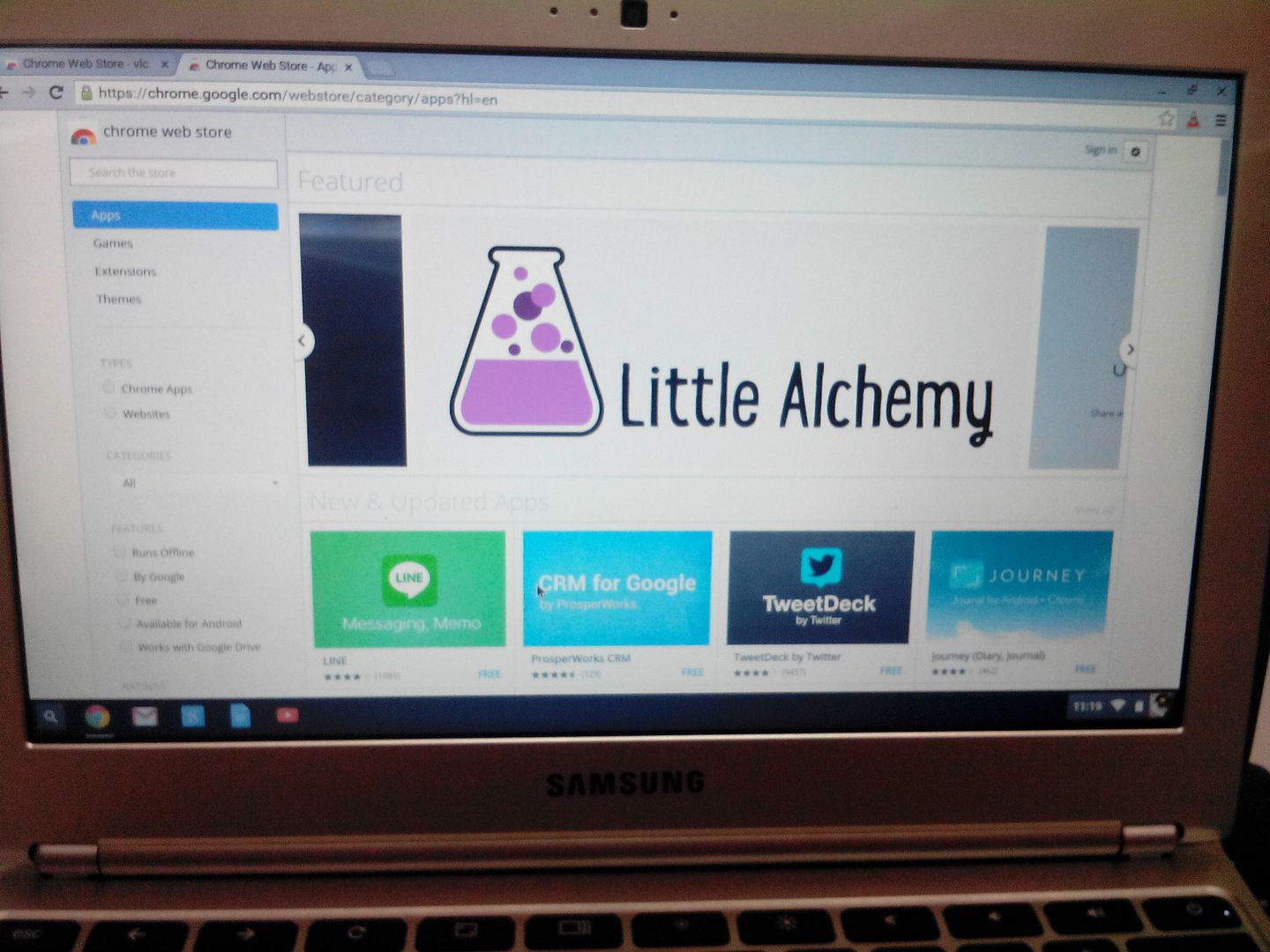
*And its Done.
NOTE: Wifi connection must have
THANKS FOR VIEWING!
PROBLEM: Password

SOLUTION: Reset
PROCEDURE:
*Power on the chromebook
*Just combined press CTRL+ALT+SHIFT then R to enter reset.

*Then press again CTRL+ALT+SHIFT then R to continue.

*Click powerwash and revert ant then continue


*Connect to wifi.


*Click accept and continue.

*Sign in your google account or costumer account.

*Click ok and DONE.


*And its Done.
NOTE: Wifi connection must have
THANKS FOR VIEWING!
