
- Joined
- May 10, 2017
- Messages
- 2,464
- Reaction score
- 1,053
- Points
- 471
- Location
- San Jose Del Monte Bulacan
samsung g531f unlock by z3x.
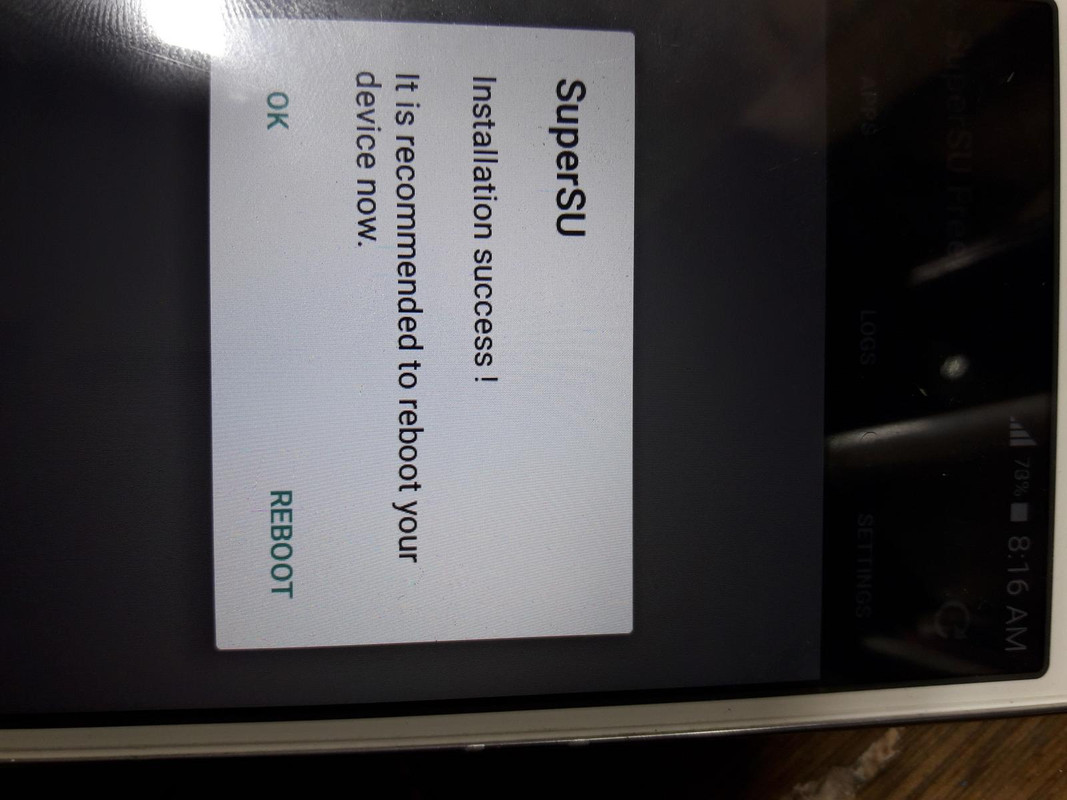
saudie pre rooted 5.1.1
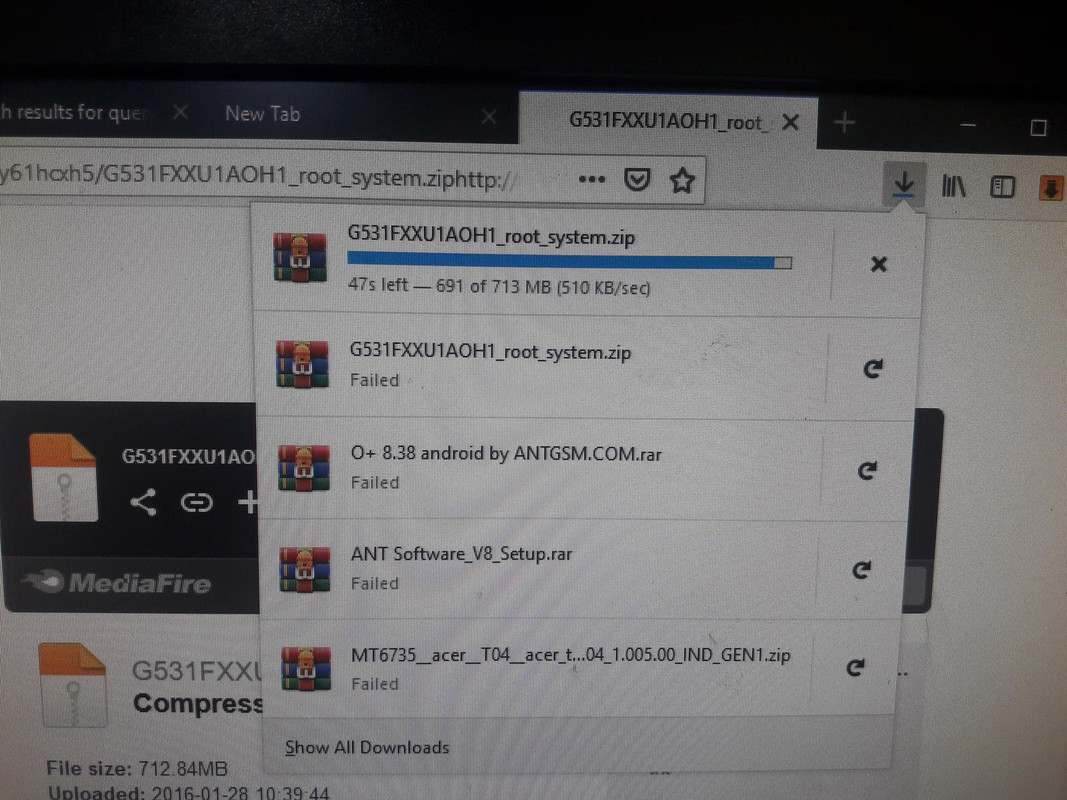
G531FXXU1AOH1 ROOT SYSTEM
link ; http://www.mediafire.com/file/9atdar8y61hcxh5/G531FXXU1AOH1_root_system.zip
FLASH INSTRUCTIONS:
1. Choose correct flash file(s).
2. If you have PIT file chosen, then you must check 'Repartition' option.
3. Check flashing options if needed (Repartition, EFS clear, Boot update).
4. Power on the phone in download mode (turn off phone, press vol.down + home + power).
5. Connect the phone to PC with USB cable, install drivers if needed.
6. Press 'Flash' button.
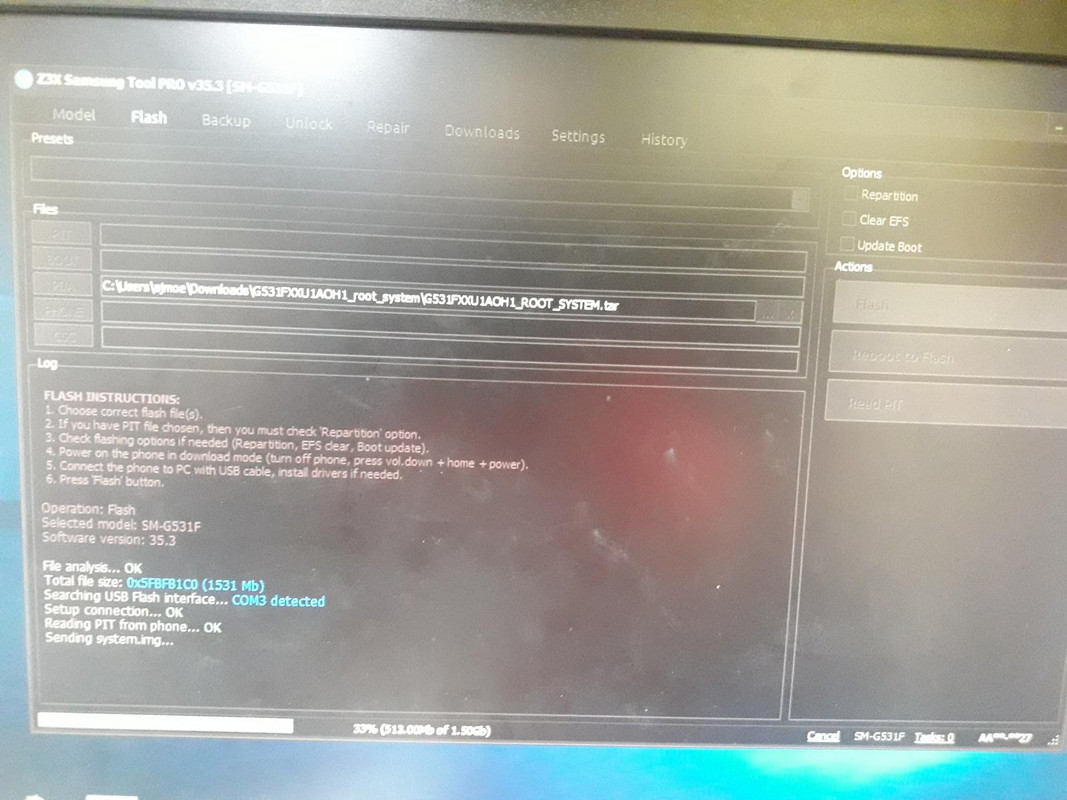
Operation: Flash
Selected model: SM-G531F
Software version: 35.3
File analysis... OK
Total file size: 0x5FBFB1C0 (1531 Mb)
Searching USB Flash interface... COM3 detected
Setup connection... OK
Reading PIT from phone... OK
Sending system.img... OK
Flashing done (time - 00:01:39)
Done with Samsung Tool PRO v.35.3
UNLOCK INSTRUCTIONS:
Phone must be rooted!
If the software can't root the phone automatically,
then you must root your device manually.
1. Power on the phone.
2. Tap 7 times on 'Build number' in 'Settings'-'About phone' to enable 'Developer options',
go to 'Settings'-'Developer options' and enable 'USB debugging'.
3. Connect the phone to PC with USB cable, install drivers if needed.
4. Select device in ADB settings.
5. Press 'Unlock' button for direct unlock or 'Read codes' to read security codes.
If phone ask codes after unlocking, use:
PUK - 12345678
PIN - 00000000
To reset Google account activation lock:
1. ADB must be activated in any way (you can flash sBoot from combination firmware,
make sure, that you are not upgrade sBoot).
2. Connect the phone to PC with USB cable, install drivers if needed.
3. Select device in ADB settings.
4. Press 'Reset FRP' to deactivate Google account activation lock.
To reset Google account activation or Samsung reactivation lock:
1. Power on the phone in download mode (turn off phone, press vol.down + home + power).
2. Connect the phone to PC with USB cable, install drivers if needed.
3. Press 'Reset FRP/React/EE' to deactivate Google/Samsung/EE account activation lock.
(Sometimes needs to perform 'wipe data/factory reset' once more, to complete this locks removal.)
Operation: Unlock
Selected model: SM-G531F
Software version: 35.3
Waiting ADB device... OK
Reading phone info...
Model: SM-G531F
Android version: 5.1.1
PDA version: G531FXXU1AOH1
CSC version:
Phone version: G531FXXU1ASA8
Product code: SM-G531FZWAKSA
CSC country code:
CSC sales code:
Phone SN: R58G91WLW9D
IMEI: 354466074911269
HW version: MP 0.200
RF cal date: 20150922
Chip name: PXA19XX
Modem board:
Boot Warranty bit: 0
Checking Super user right... true
Reading NV data... OK
Analyzing SEC file... OK
Writing AT RIL... OK
Initialization AT RIL... OK
Bypass MSL... OK
Unlocking... OK
Rebooting phone... OK
Unlock done
Done with Samsung Tool PRO v.35.3
input this number puk 12345678
input this number pin 00000000
sapol na siya migo.
pag may tiaga may nilaga....
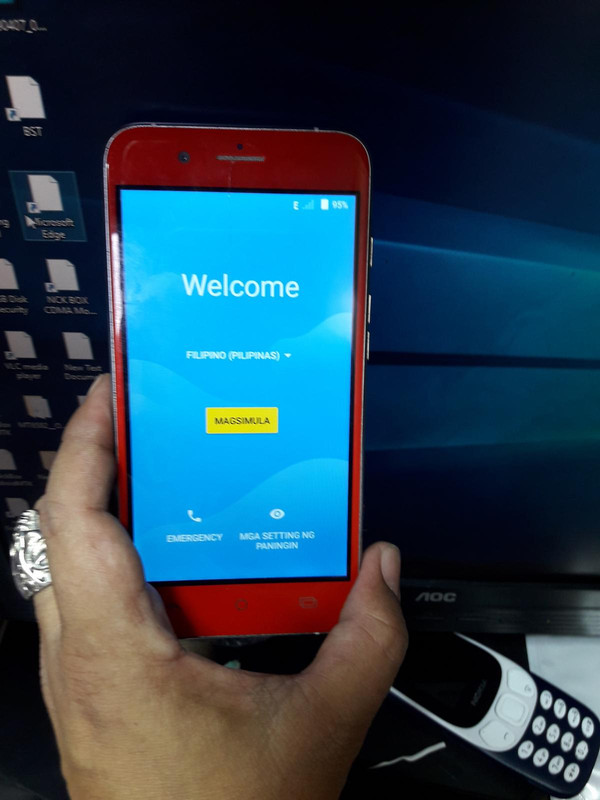
silip sa mahiwagang larawan ;

saudie pre rooted 5.1.1
G531FXXU1AOH1 ROOT SYSTEM
link ; http://www.mediafire.com/file/9atdar8y61hcxh5/G531FXXU1AOH1_root_system.zip
FLASH INSTRUCTIONS:
1. Choose correct flash file(s).
2. If you have PIT file chosen, then you must check 'Repartition' option.
3. Check flashing options if needed (Repartition, EFS clear, Boot update).
4. Power on the phone in download mode (turn off phone, press vol.down + home + power).
5. Connect the phone to PC with USB cable, install drivers if needed.
6. Press 'Flash' button.
Operation: Flash
Selected model: SM-G531F
Software version: 35.3
File analysis... OK
Total file size: 0x5FBFB1C0 (1531 Mb)
Searching USB Flash interface... COM3 detected
Setup connection... OK
Reading PIT from phone... OK
Sending system.img... OK
Flashing done (time - 00:01:39)
Done with Samsung Tool PRO v.35.3
UNLOCK INSTRUCTIONS:
Phone must be rooted!
If the software can't root the phone automatically,
then you must root your device manually.
1. Power on the phone.
2. Tap 7 times on 'Build number' in 'Settings'-'About phone' to enable 'Developer options',
go to 'Settings'-'Developer options' and enable 'USB debugging'.
3. Connect the phone to PC with USB cable, install drivers if needed.
4. Select device in ADB settings.
5. Press 'Unlock' button for direct unlock or 'Read codes' to read security codes.
If phone ask codes after unlocking, use:
PUK - 12345678
PIN - 00000000
To reset Google account activation lock:
1. ADB must be activated in any way (you can flash sBoot from combination firmware,
make sure, that you are not upgrade sBoot).
2. Connect the phone to PC with USB cable, install drivers if needed.
3. Select device in ADB settings.
4. Press 'Reset FRP' to deactivate Google account activation lock.
To reset Google account activation or Samsung reactivation lock:
1. Power on the phone in download mode (turn off phone, press vol.down + home + power).
2. Connect the phone to PC with USB cable, install drivers if needed.
3. Press 'Reset FRP/React/EE' to deactivate Google/Samsung/EE account activation lock.
(Sometimes needs to perform 'wipe data/factory reset' once more, to complete this locks removal.)
Operation: Unlock
Selected model: SM-G531F
Software version: 35.3
Waiting ADB device... OK
Reading phone info...
Model: SM-G531F
Android version: 5.1.1
PDA version: G531FXXU1AOH1
CSC version:
Phone version: G531FXXU1ASA8
Product code: SM-G531FZWAKSA
CSC country code:
CSC sales code:
Phone SN: R58G91WLW9D
IMEI: 354466074911269
HW version: MP 0.200
RF cal date: 20150922
Chip name: PXA19XX
Modem board:
Boot Warranty bit: 0
Checking Super user right... true
Reading NV data... OK
Analyzing SEC file... OK
Writing AT RIL... OK
Initialization AT RIL... OK
Bypass MSL... OK
Unlocking... OK
Rebooting phone... OK
Unlock done
Done with Samsung Tool PRO v.35.3
input this number puk 12345678
input this number pin 00000000
sapol na siya migo.
pag may tiaga may nilaga....
silip sa mahiwagang larawan ;