
Samsung Galaxy J1 3G Duos J100H DS Stuck on logo
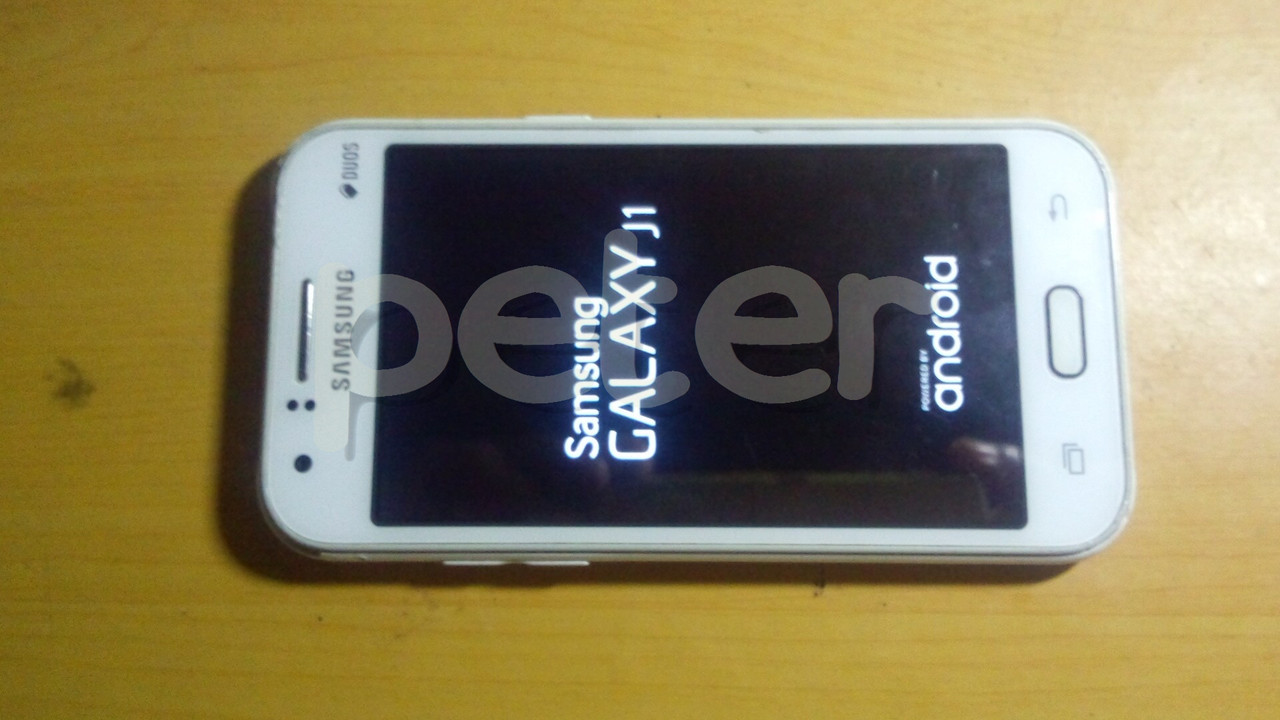
Problem : Stuck on Logo
Solution : Flash Firmware
Tools : Z3X Box
CA-101 Micro USB Cable
J100H DS Firmware
Procedures : Run Samsung Tool PRO GUI
Select correct model
Click Flash Tab
Load AP and CSC files only for safety reason
Power off phone
Enter phone in download mode
Insert CA-101 Micro USB Cable
Flashing start ang wait till done
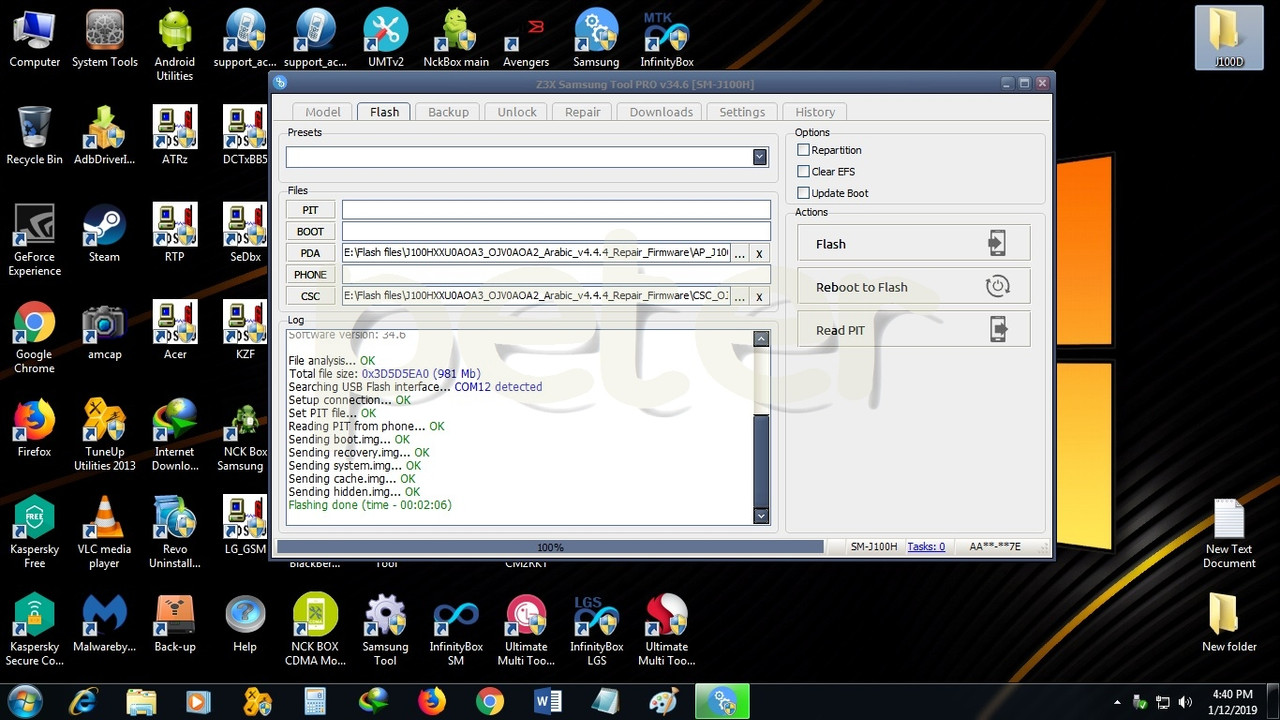
Result :
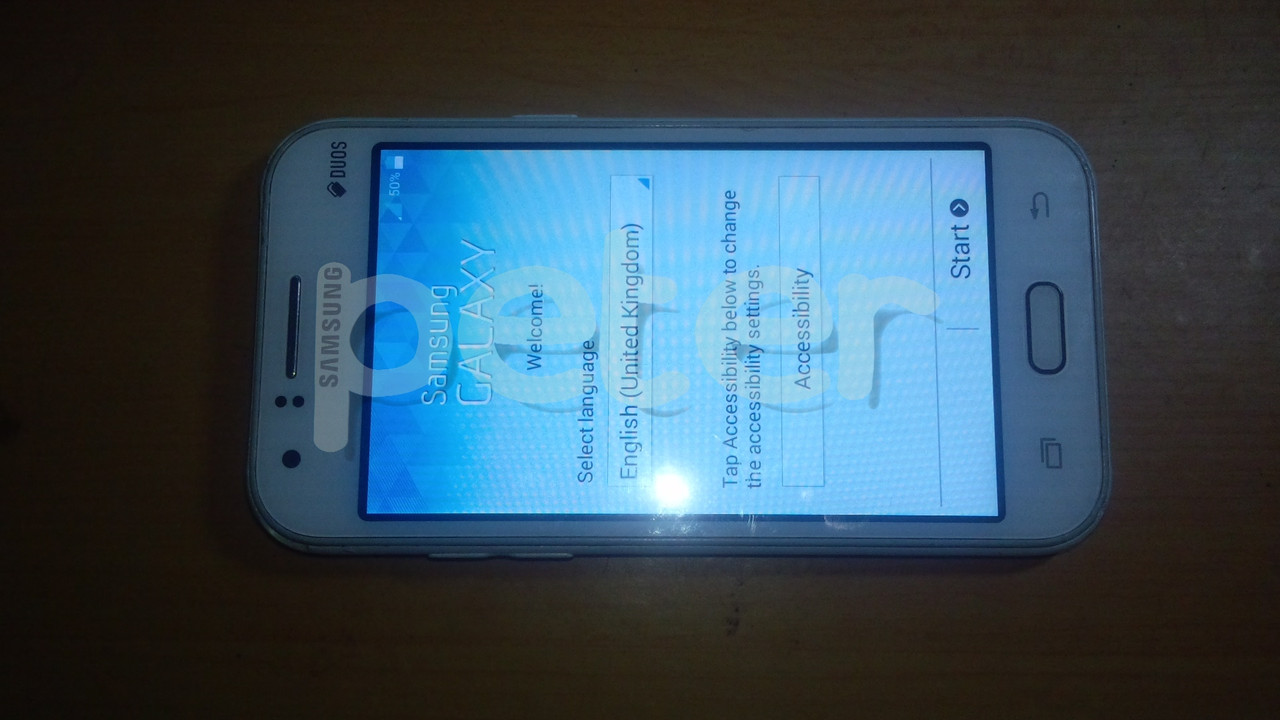
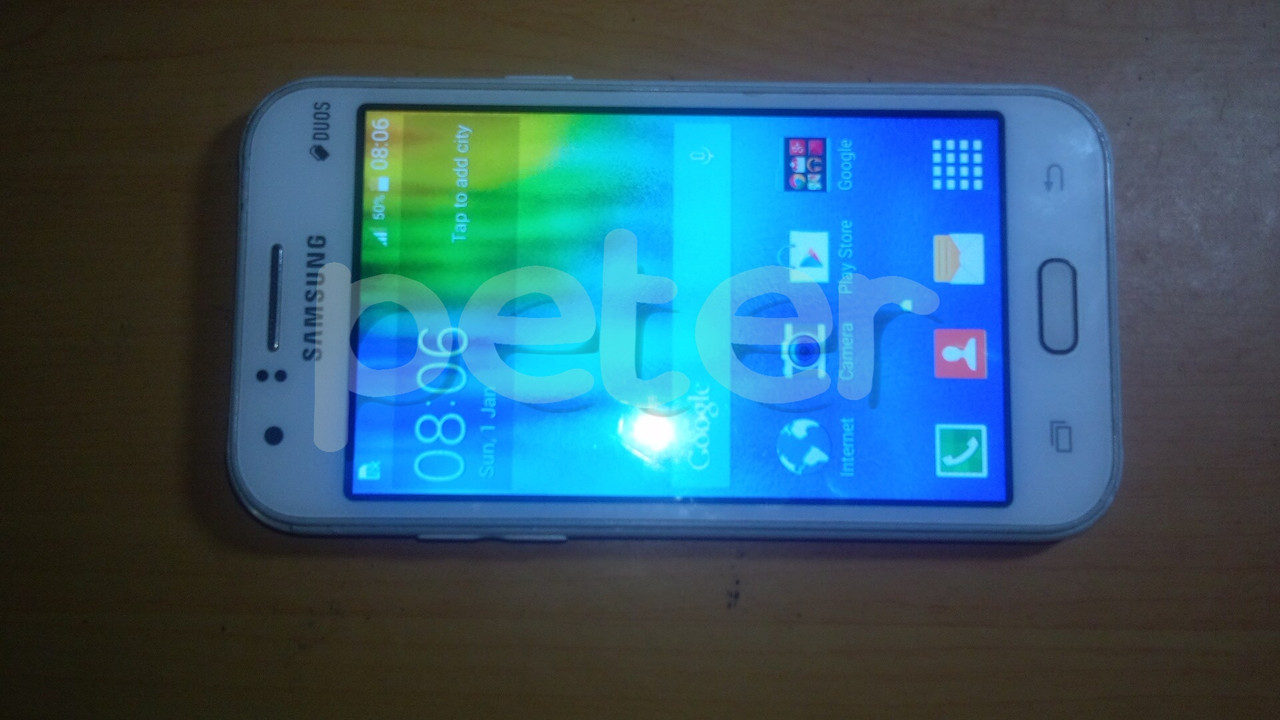
Done....
Problem : Stuck on Logo
Solution : Flash Firmware
Tools : Z3X Box
CA-101 Micro USB Cable
J100H DS Firmware
Procedures : Run Samsung Tool PRO GUI
Select correct model
Click Flash Tab
Load AP and CSC files only for safety reason
Power off phone
Enter phone in download mode
Insert CA-101 Micro USB Cable
Flashing start ang wait till done
Result :
Done....