
Galaxy J2 Pro J250G FRP
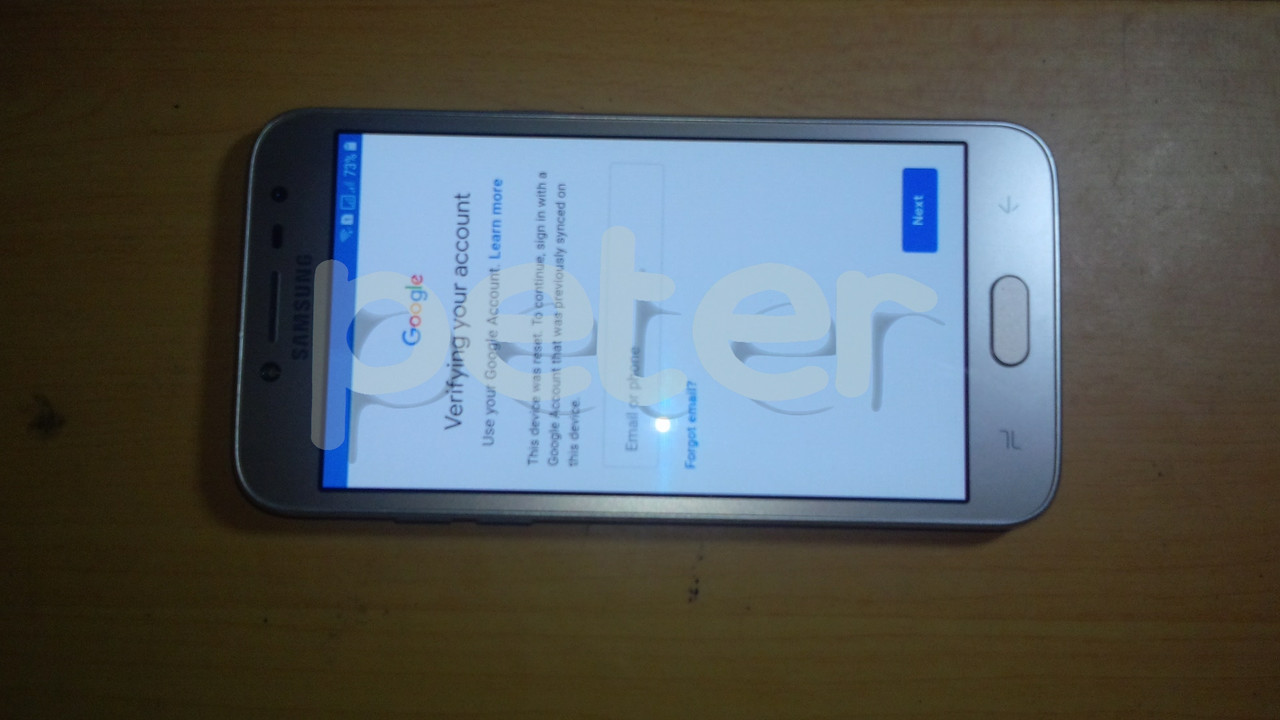
Problem : FRP
Solution : Flash Combination file
Reset FRP
Flash Firmware
Tools : Z3X Box
UMT Pro Dongle
CA-101 Micro USB Cable
Combination file -> Click to Download
Flash files -> Click to Download
Procedures : Run Samsung Tool PRO GUI
Select correct model
Click Flash Tab
Load Combination file
Enter phone in Download mode
Insert CA-101 Micro USB Cable
Click Flash button
Flashing start and wait till flashing done
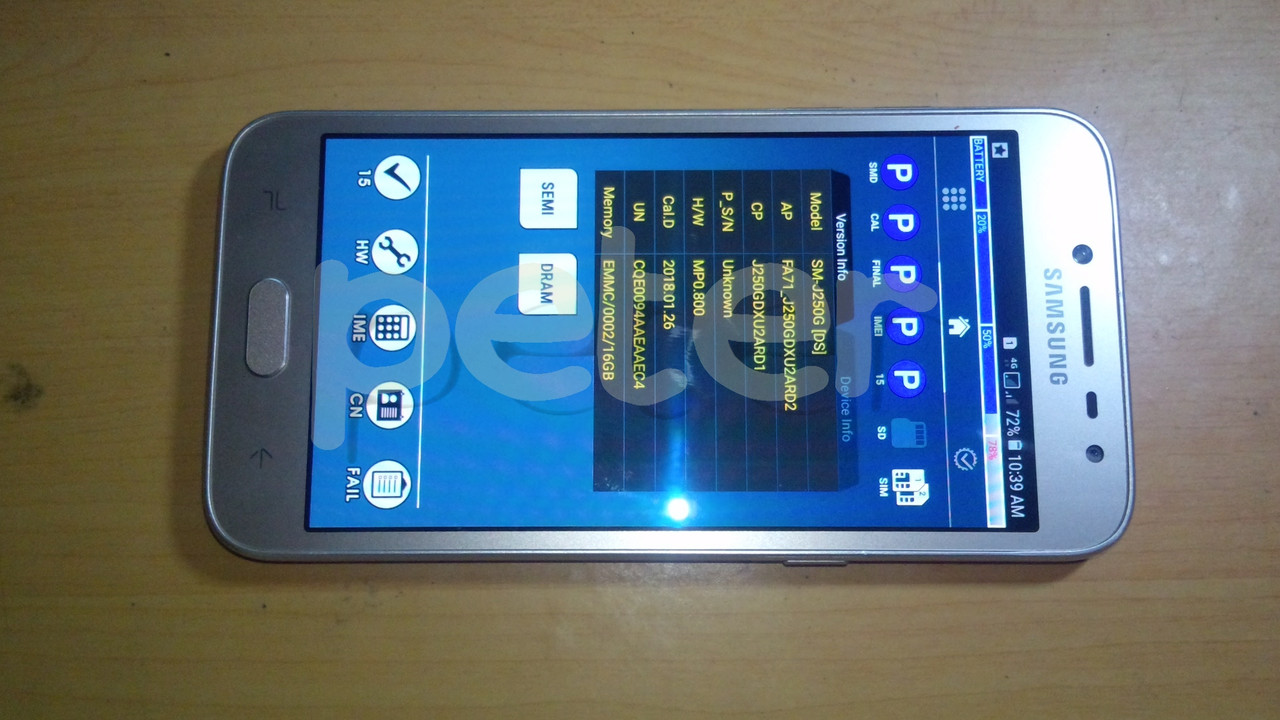
Now phone can enter in settings now
Just Enable USB Debugging
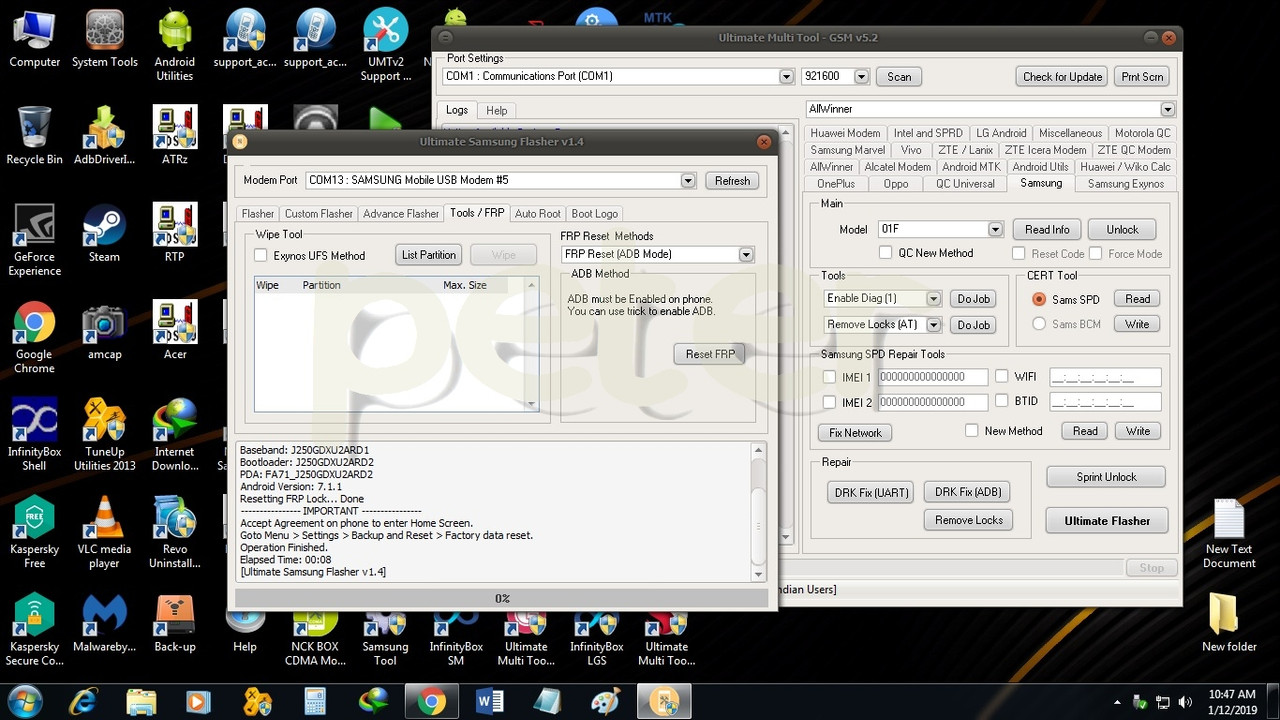
Run Ultimate Multi Tool - GSM GUI
Click Samsung Tab
Click Ultimate Flasher
Select Tools/FRP in newly pop up windows
Select FRP Reset (ADB Mode) in dropdown list
Click FRP Reset button
Insert CA-101 Micro USB Cable
Wait till FRP resetting lock done
Now Power off phone
Enter again in Download mode
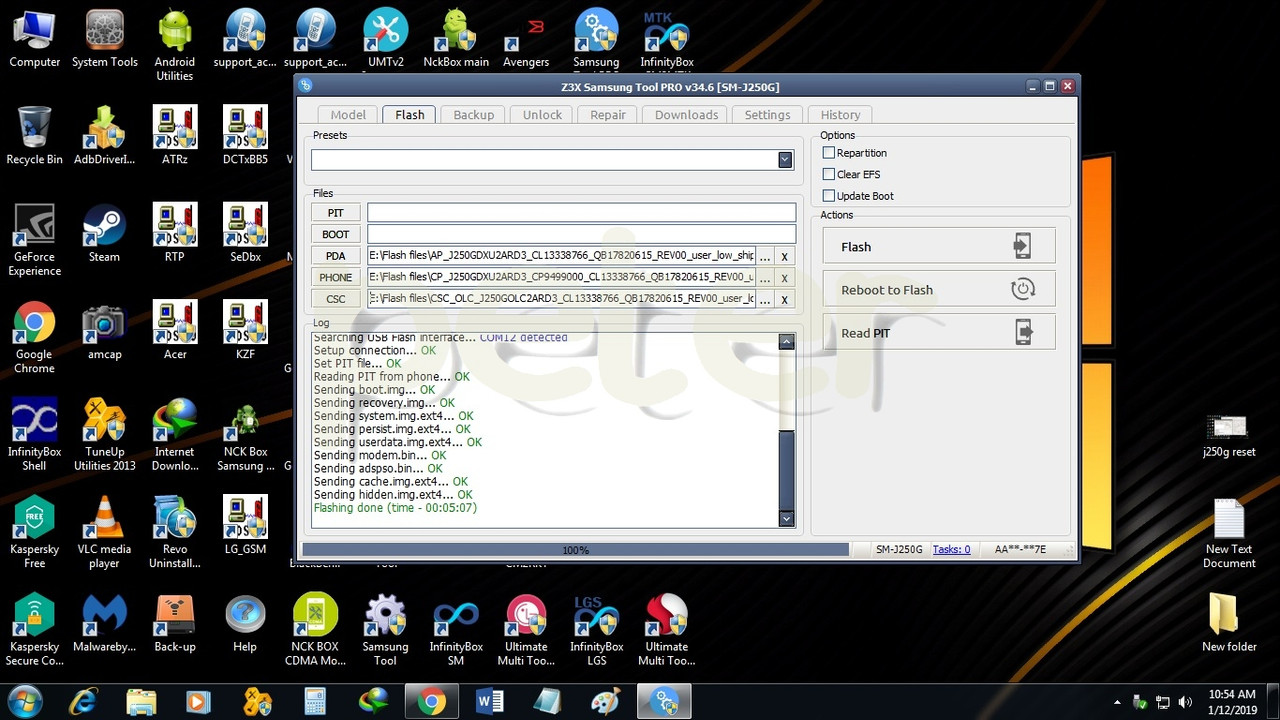
Run Samsung Tool PRO GUI
Select correct model
Click Flash Tab
Load correct firmware
Insert CA-101 Micro USB Cable
Click Flash button
Flashing start and wait till done
Result :
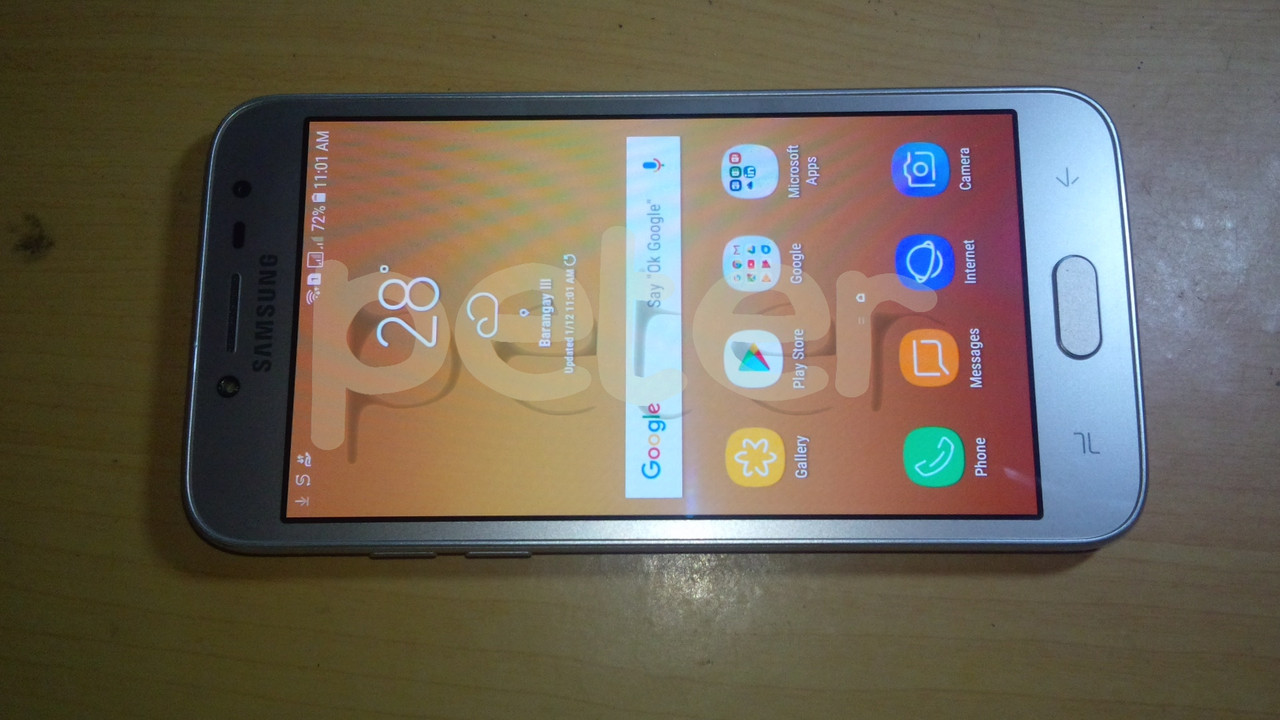
Note :No J250G Reset FRP in Samsung Tool
Done...
Problem : FRP
Solution : Flash Combination file
Reset FRP
Flash Firmware
Tools : Z3X Box
UMT Pro Dongle
CA-101 Micro USB Cable
Combination file -> Click to Download
Flash files -> Click to Download
Procedures : Run Samsung Tool PRO GUI
Select correct model
Click Flash Tab
Load Combination file
Enter phone in Download mode
Insert CA-101 Micro USB Cable
Click Flash button
Flashing start and wait till flashing done
Now phone can enter in settings now
Just Enable USB Debugging
Run Ultimate Multi Tool - GSM GUI
Click Samsung Tab
Click Ultimate Flasher
Select Tools/FRP in newly pop up windows
Select FRP Reset (ADB Mode) in dropdown list
Click FRP Reset button
Insert CA-101 Micro USB Cable
Wait till FRP resetting lock done
Now Power off phone
Enter again in Download mode
Run Samsung Tool PRO GUI
Select correct model
Click Flash Tab
Load correct firmware
Insert CA-101 Micro USB Cable
Click Flash button
Flashing start and wait till done
Result :
Note :No J250G Reset FRP in Samsung Tool
Done...