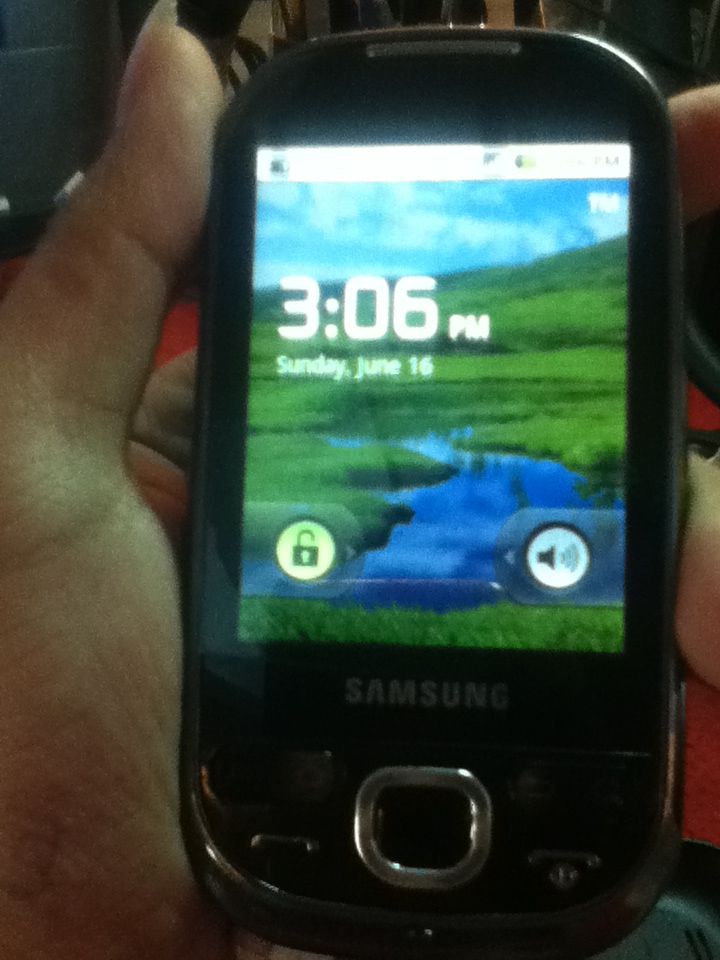
PROBLEM
Lock To all Network
Report Post
Post Samsung I5500M Unlock Done via Octopus Samsung.
PROBLEM
Lock To all Network
Lock To all Network
Report Post
Post Samsung I5500M Unlock Done via Octopus Samsung.
PROBLEM
Lock To all Network
PROCEDURE.
1.Open Octopus Samsung
2.Select Model I5500M
3.Go to dial window;
4.Enter "*#9090#" number;
5.Set "Diag config" to "USB" value;
6.Restart phone;
7.Connect powered-on phone to PC via Micro USB cable;
8.Install required driver;
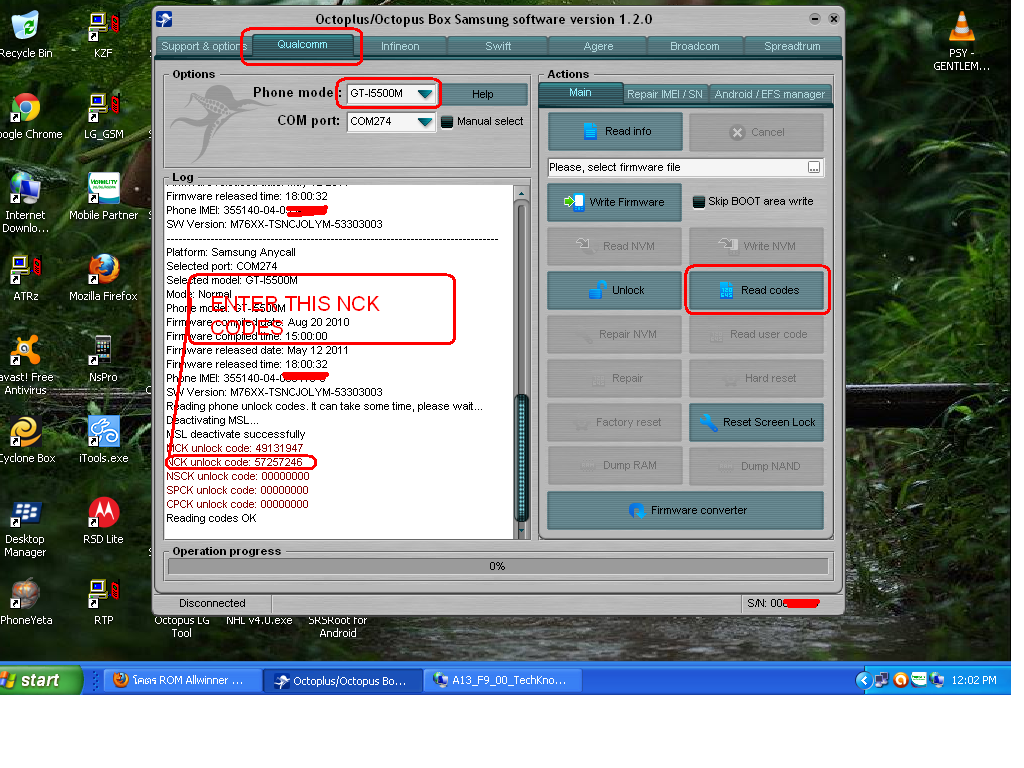
9.Click "Read codes" button;
10.Wait until success
11.Turn phone off
12.Insert unsupported SIM card
13.Enter NCK codes DONE..
FINISH PRODUCT.