
- Joined
- Feb 11, 2015
- Messages
- 122
- Reaction score
- 8
- Points
- 1
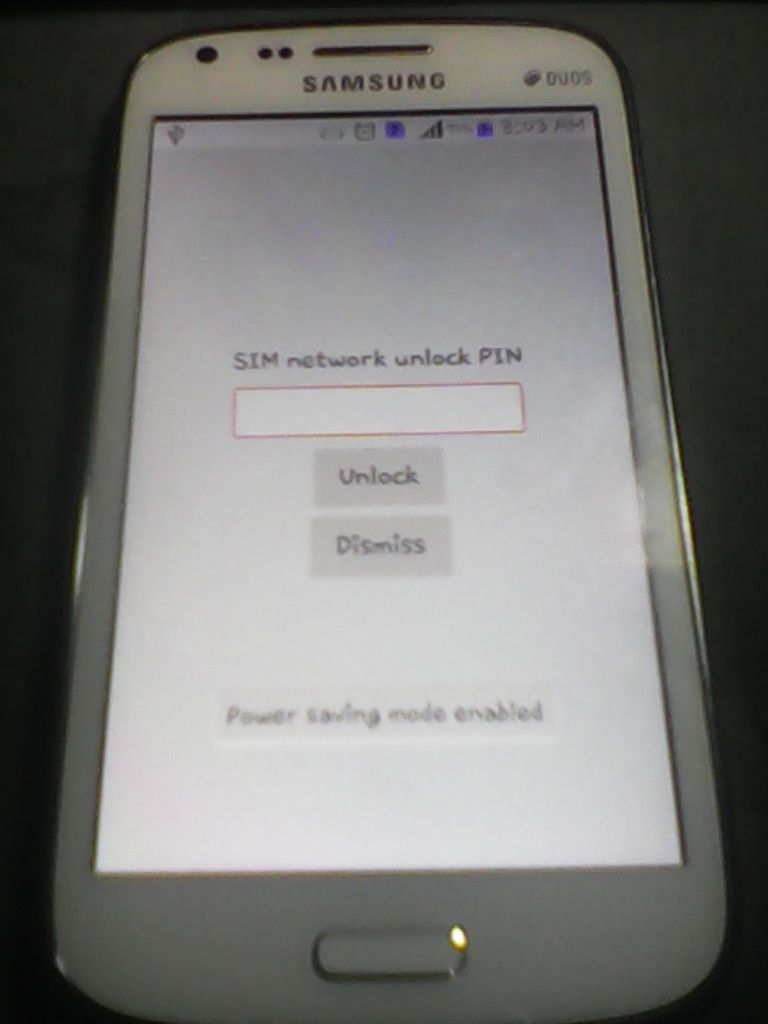
SHARE KO LANG MGA IDOL I8262 NKA LOCK SA SUN SAGLIT LANG SA SAMSUNG TOOL READ CODE LANG SAPUL NA AGAD...
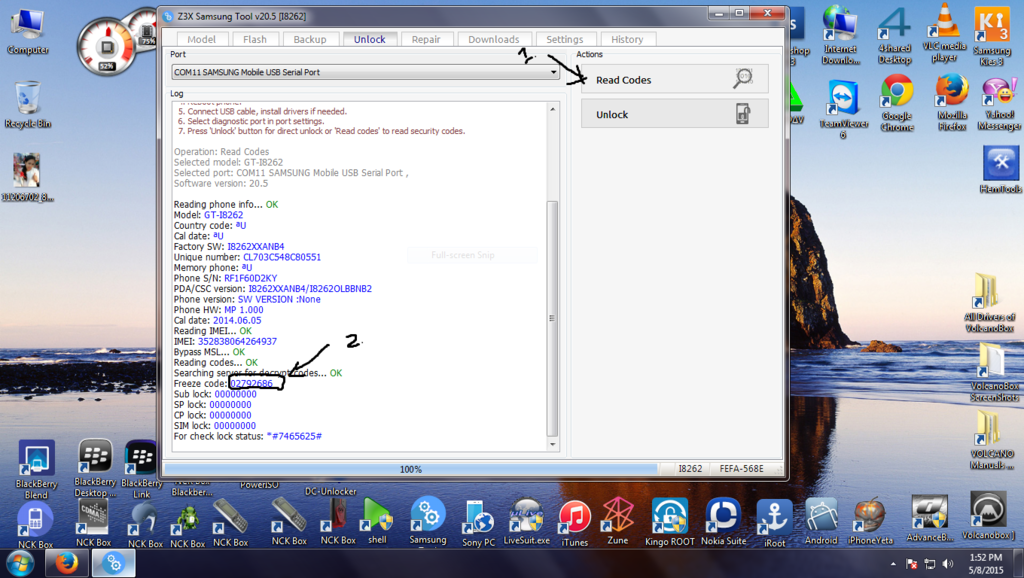
TOOLs. OPEN SAMSUNG TOOL 20.5
UART cable:
1. Phone must be powered on.
2. Connect the phone to UART cable.
3. Choose correct COM port in port settings.
4. Press 'Unlock' button for direct unlock or 'Read codes' to read security codes.
USB cable:
1. Phone must be powered on.
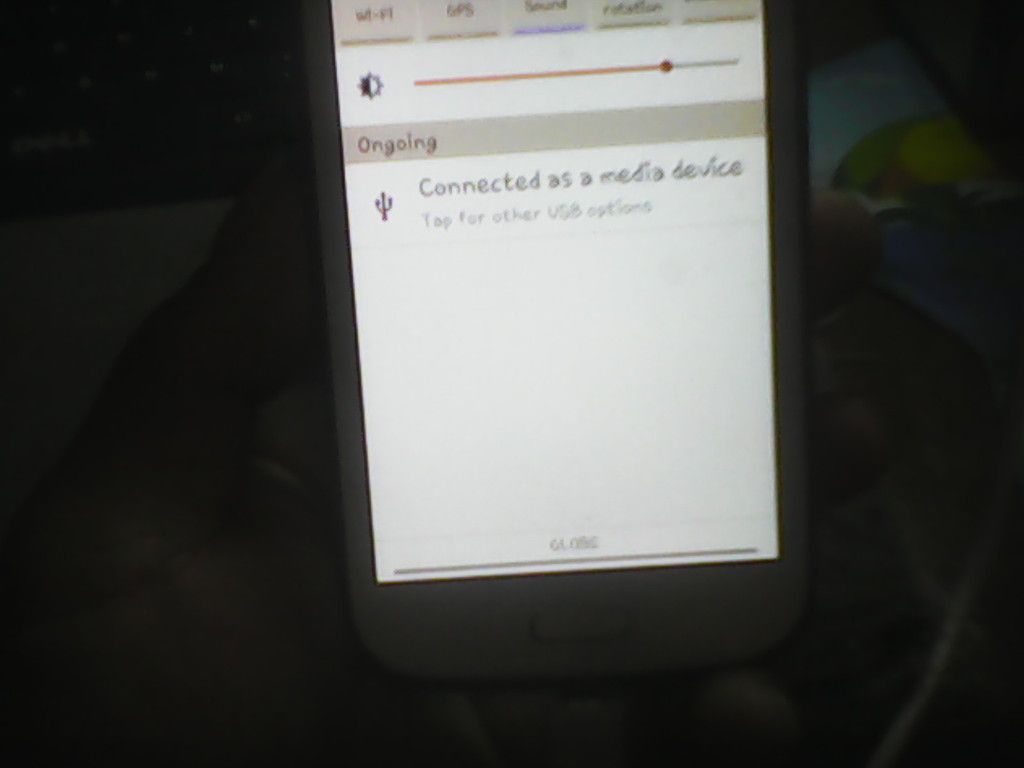
2. Type *#7284# and choose phone USB.
3. Type *#197328640#, select: Common - Diag Config - USB diag.
4. Reboot phone.
5. Connect USB cable, install drivers if needed.
6. Select diagnostic port in port settings.
7. Press 'Unlock' button for direct unlock or 'Read codes' to read security codes.
done......thanks for viewing
TOOLs. OPEN SAMSUNG TOOL 20.5
UART cable:
1. Phone must be powered on.
2. Connect the phone to UART cable.
3. Choose correct COM port in port settings.
4. Press 'Unlock' button for direct unlock or 'Read codes' to read security codes.
USB cable:
1. Phone must be powered on.
2. Type *#7284# and choose phone USB.
3. Type *#197328640#, select: Common - Diag Config - USB diag.
4. Reboot phone.
5. Connect USB cable, install drivers if needed.
6. Select diagnostic port in port settings.
7. Press 'Unlock' button for direct unlock or 'Read codes' to read security codes.


done......thanks for viewing


