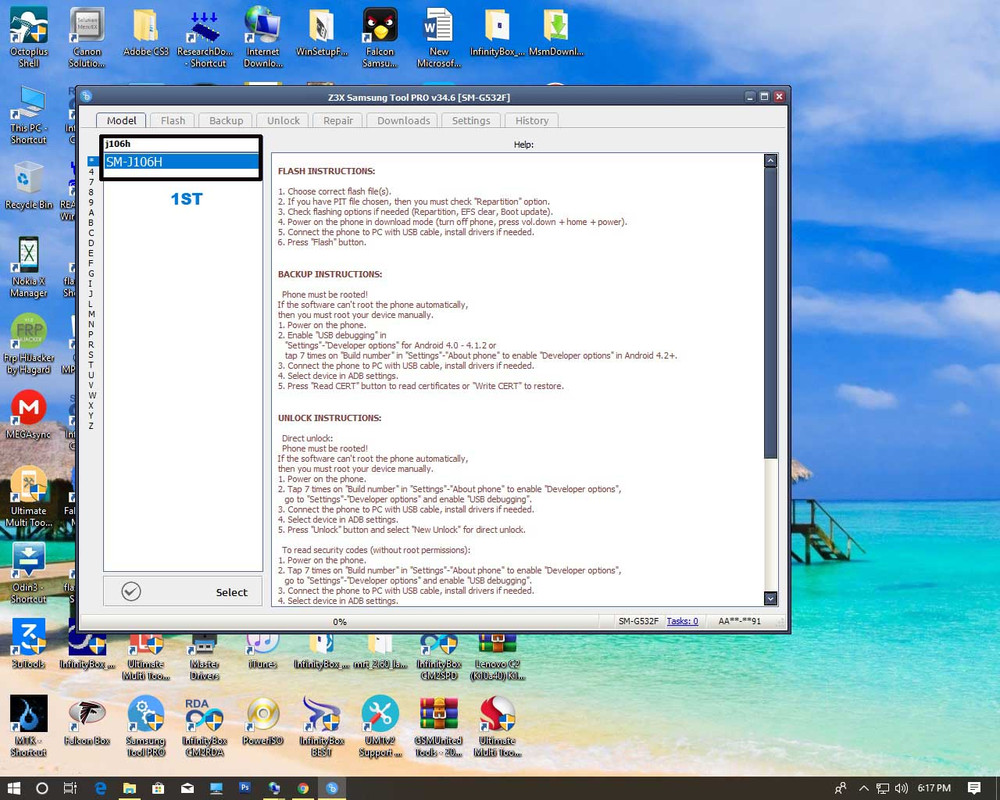
1. Power Off Phone
2. PRESS and HOLD Power+ Home+VOLUME down!
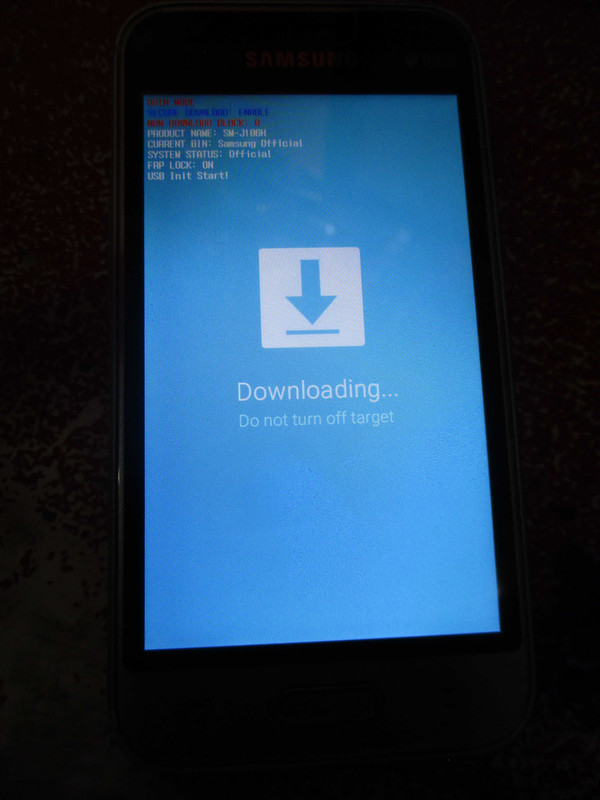
3 After that you see on screen DOWNLOAD MODE
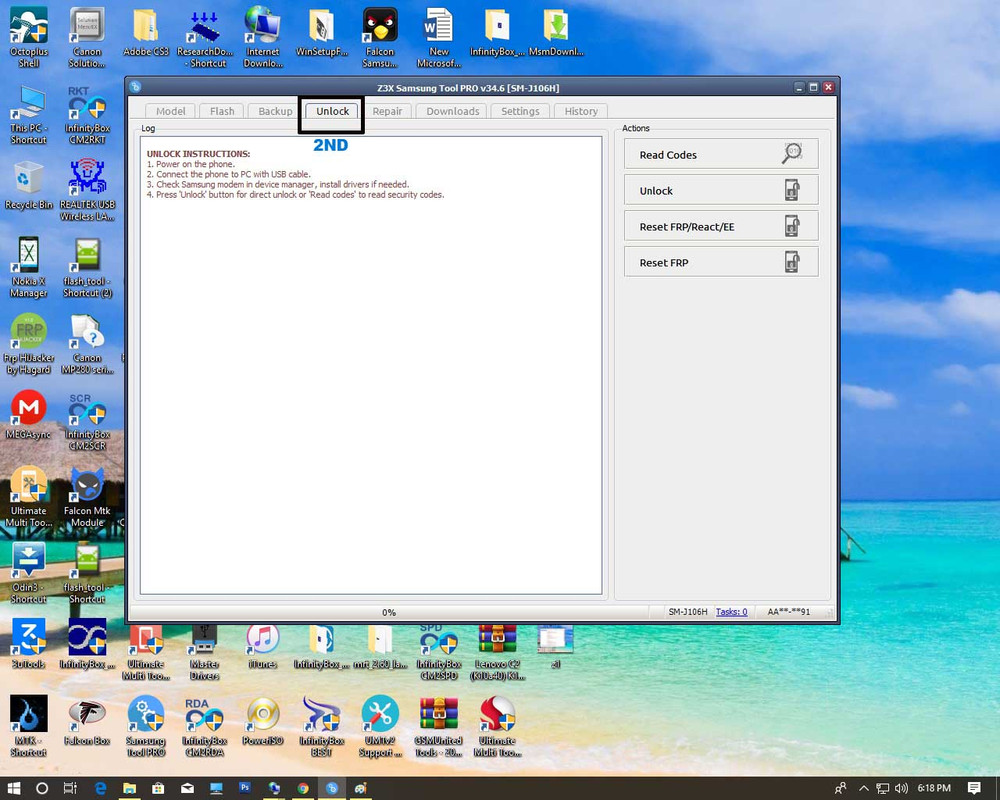
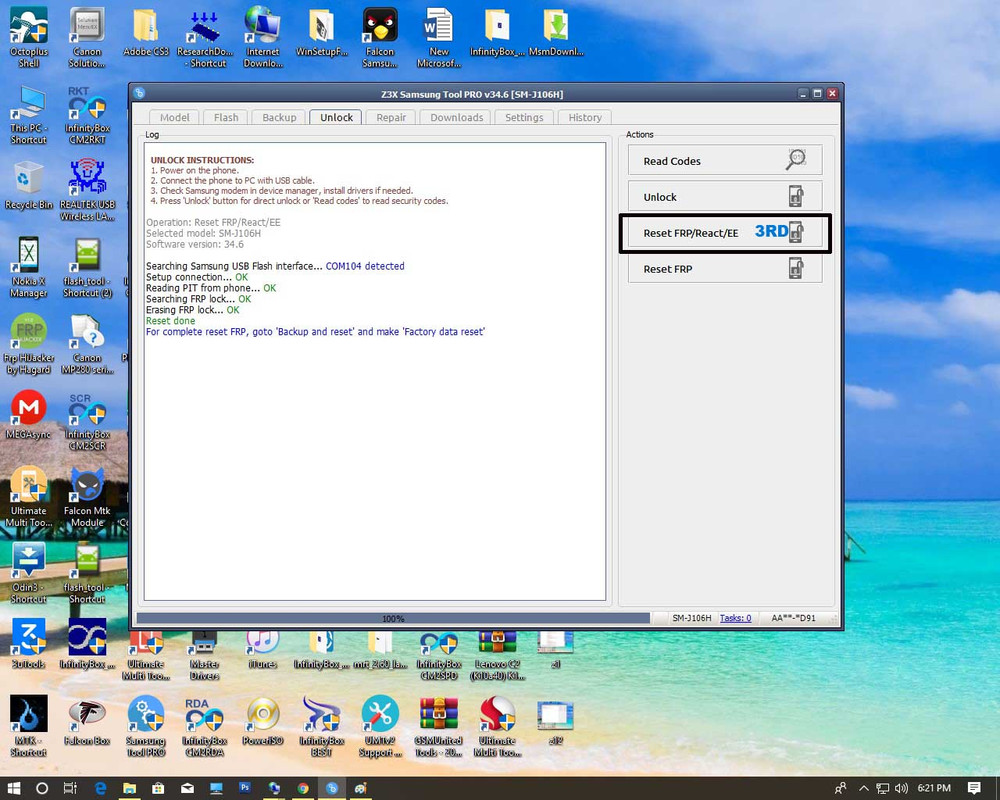
4. Then click tab RESET FRP/REACT EE
5. Insert USB cable
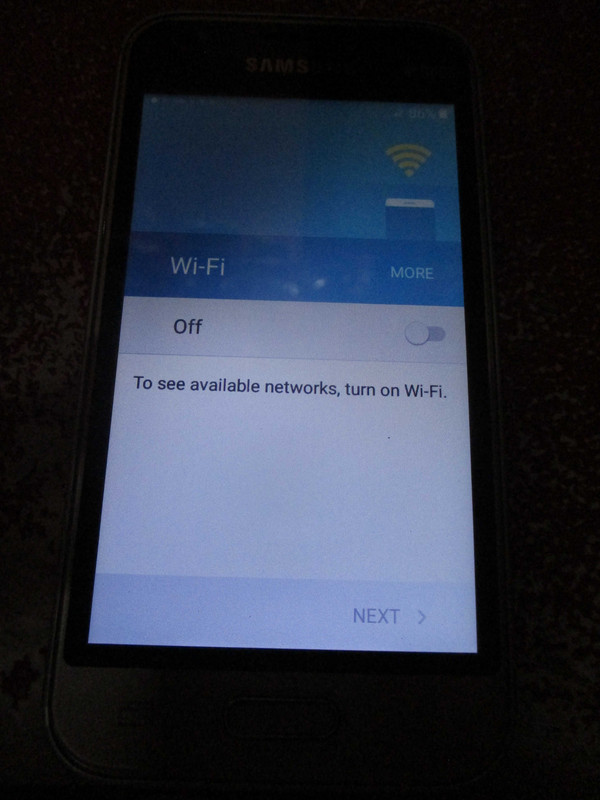
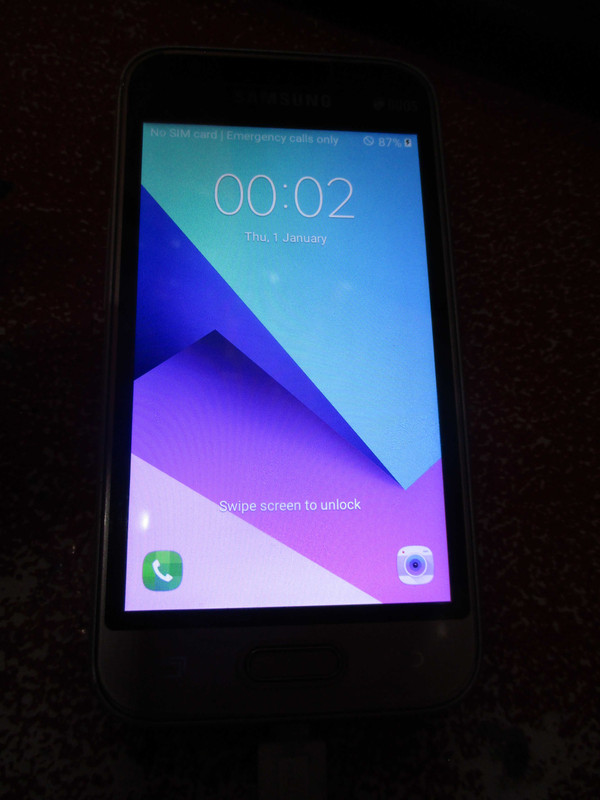
6. wait until finish done
This site uses cookies to help personalise content, tailor your experience and to keep you logged in if you register.
By continuing to use this site, you are consenting to our use of cookies.