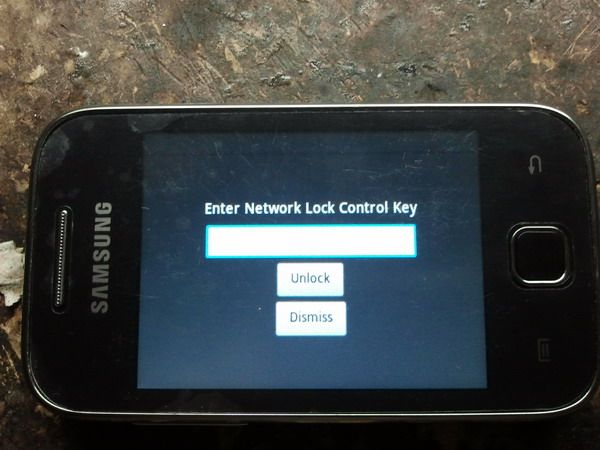
Eto po yung phone dati naka lock sa globe:
PROCEDURE:
First you have to root the phone!
How to root:
Check version, kung 2.3.5/2.3.6 ang phone then sundan ito:
Ngayon pagtapos nyo na ma-root let's proceed sa napaka-easy na pag unlock/openline ng galaxy Y.
On way is to connect into wifi log-in kayo sa account nyo sa google at hanapin ang galaxy toolbox and install
OR the other way..
Download nyo Galaxy Toolbox lagay sa memory card at install gamit ang "My Files'' sa phone.
Pagkatapos ma-install
-Open Galaxy toolbox; you must click yes if the super user appears...
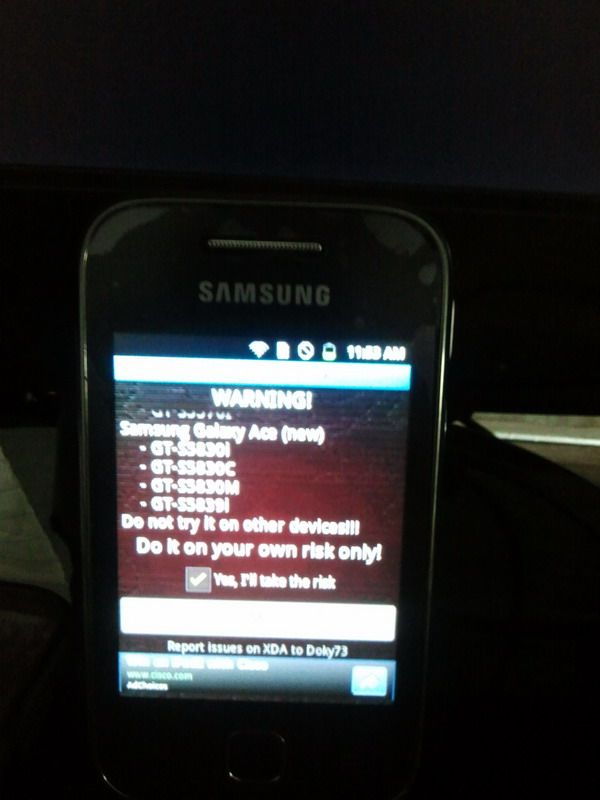
-tap "yes" I'll take the risk
-tap let me in
-tap backup bml15 partition
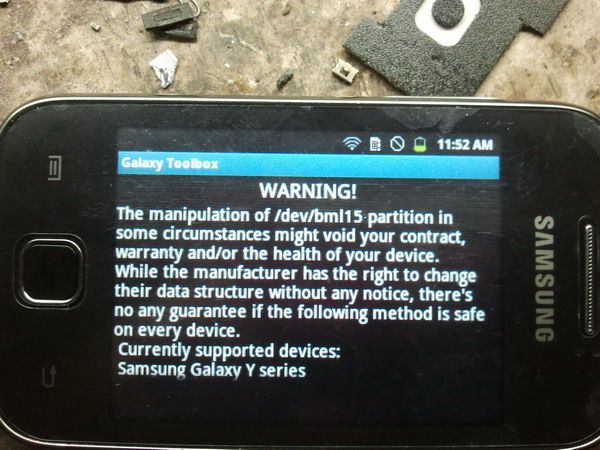
Pagkatapos ma-save bml15
-tap network unlock
-tap unlock my galaxy
AND DONE!~
Finish PRODUCT
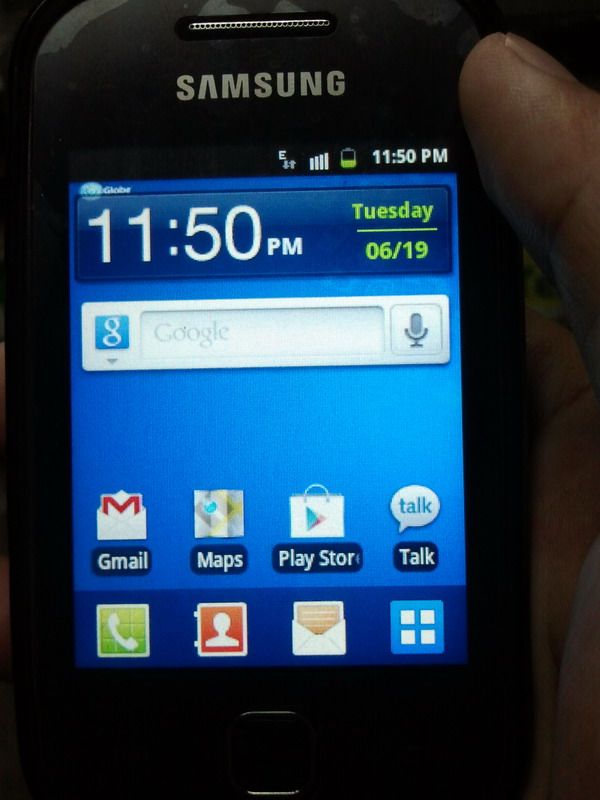
After ma-unlock paki uninstall yung application at baka masilip ni customer at naku YARI na!
Para sa karagdagang kaya openline/unlock ni galaxy toolbox
PROCEDURE:
First you have to root the phone!
How to root:
Check version, kung 2.3.5/2.3.6 ang phone then sundan ito:
- 1. Download UPDATE copy the Update.zip file in to the root of the SD Card.
- 2. Switch off your mobile phone
- 3. After switching off wait for 30 sec., then go to recovery mode. For recovery mode: hold the power, volume up and the home button simultaneously.
- 4. Now navigate through recovery mode with the volume up and down buttons. Select install Update.zip from SDcard.
- 5. Reboot your phone and it's rooted!! "Super User" must appear together with other apps.
Ngayon pagtapos nyo na ma-root let's proceed sa napaka-easy na pag unlock/openline ng galaxy Y.
On way is to connect into wifi log-in kayo sa account nyo sa google at hanapin ang galaxy toolbox and install
OR the other way..
Download nyo Galaxy Toolbox lagay sa memory card at install gamit ang "My Files'' sa phone.
Pagkatapos ma-install
-Open Galaxy toolbox; you must click yes if the super user appears...
-tap "yes" I'll take the risk
-tap let me in
-tap backup bml15 partition
Pagkatapos ma-save bml15
-tap network unlock
-tap unlock my galaxy
AND DONE!~
Finish PRODUCT
After ma-unlock paki uninstall yung application at baka masilip ni customer at naku YARI na!
Para sa karagdagang kaya openline/unlock ni galaxy toolbox
Last edited by a moderator:


