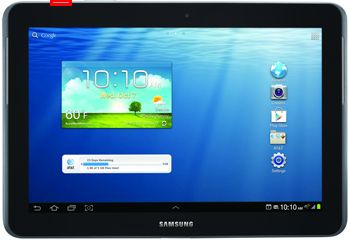
Procedure
To connect SGH-I497 phone you have to perform the following steps:
1. Disconnect USB cable from phone.
2. Go to Menu->Settings->Applications->Development.
3. Turn on "USB Debugging" option.
4. When message is appear press "Yes".
5. Go to Calculator application.
6. Enter "(+30012012732+" number, to get phone dial window.
7. Enter "*#1575#" number.
8. On phone keybord press "Menu" button, and select "Back".
9. Set "Diag config" to "USB" value.
10. Go to dial window.
11. Enter "*#7284#" number.
12. Set "USB" radio button to "PDA" value.
13. Go to "Qualcomm USB Settings".
14. Select "MODEM".
15. Press Home button.
16. Press "Read Info" in software.

Platform: Samsung Android
Selected port: COM297
Selected model: SGH-I497
Mode: Normal
Phone model: SGH-I497
Firmware compiled date: Aug 22 2012
Firmware compiled time: 09:00:00
Firmware released date: Oct 10 2012
Firmware released time: 12:41:14
Phone IMEI: 353488-05-XXXXXX-5
SW version: M8960A-AAAANAZM-2.0.01045
-----------------------------------------------------------------------------------
Platform: Samsung Android
Selected port: COM297
Selected model: SGH-I497
Mode: Normal
Phone model: SGH-I497
Firmware compiled date: Aug 22 2012
Firmware compiled time: 09:00:00
Firmware released date: Oct 10 2012
Firmware released time: 12:41:14
Phone IMEI: 353488-05-XXXXXX-5
SW version: M8960A-AAAANAZM-2.0.01045
Reading phone unlock codes. It can take some time, please wait...
Connecting to server...
Connect successfully to server
Checking smart card...
Smart card successfully checked
Checking operation...
Operation successfully checked
NCK unlock code: *#7465625*638*97395282#
NSCK unlock code: *#7465625*782*00000000#
SPCK unlock code: *#7465625*77*00000000#
thanks for viewing
