................................Sigma Software v.2.26.11
..............................
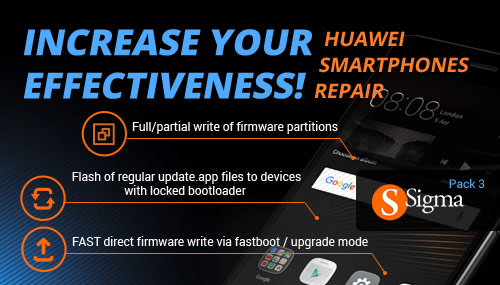
...................................1. Released flashing via UPGRADE MODE feature for
.................................Huawei smartphones based on Qcom and Hisilicon:
.............................♦ Press vol+vol- and then connect USB cable to enter the Upgrade mode
....................♦ Possible to use original update.app flash files from open sources, e.g. from here or here
............................Please use this method as a main method to flash Huawei smartphones.
.........................2. Released ENABLE DOWNGRADE feature (in Manufacture mode) for
................................Huawei smartphones based on Qcom/Hisilicon.
.................................................................You may use it:
..................To downgrade phone’s firmware version - for example, downgrade from higher to lower one.
.....................To change phone’s localization (for example, to switch from Operator1 to Operator2).
.................................................................How to do that:
....................................♦ Change provider settings (in manufacture mode)
.......................................♦ Enable downgrade (in manufacture mode)
...........................♦ Flash the phone with the firmware that fits the selected provider settings
......................................(Using upgrade mode: vol+vol-and powerON)
..................................................This solution is included into Pack 3 activation.
...................................................Download Sigma Software v2.26.11