
SM-G532G/DS UNLOCK Z3X PRO
Procedure:
- Open Z3x Box
- Select SM-G532G
- Power on the phone.
- Tap 7 times on 'Build number' in 'Settings'-'About phone' to enable 'Developer options',
go to 'Settings'-'Developer options' and enable 'USB debugging'.
- Connect the phone to PC with USB cable, install drivers if needed.
- Select device in ADB settings.
- Press 'Read codes' button to read security codes.
SCREENSHOTS
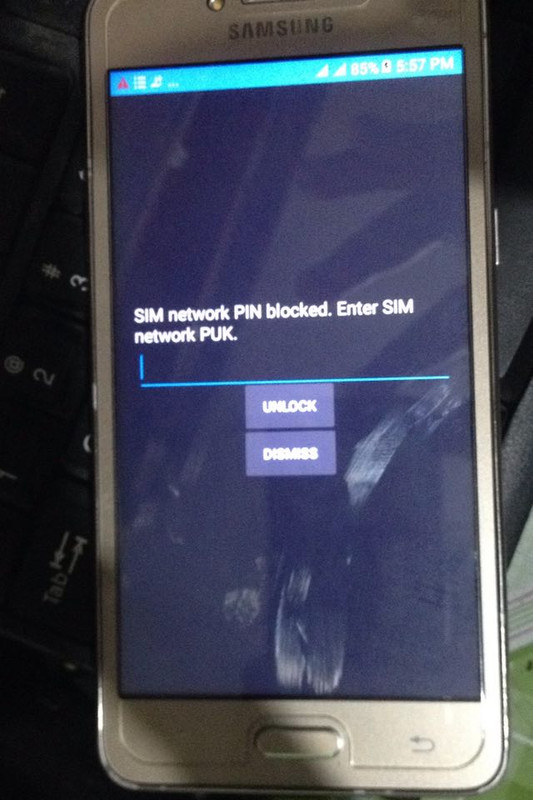
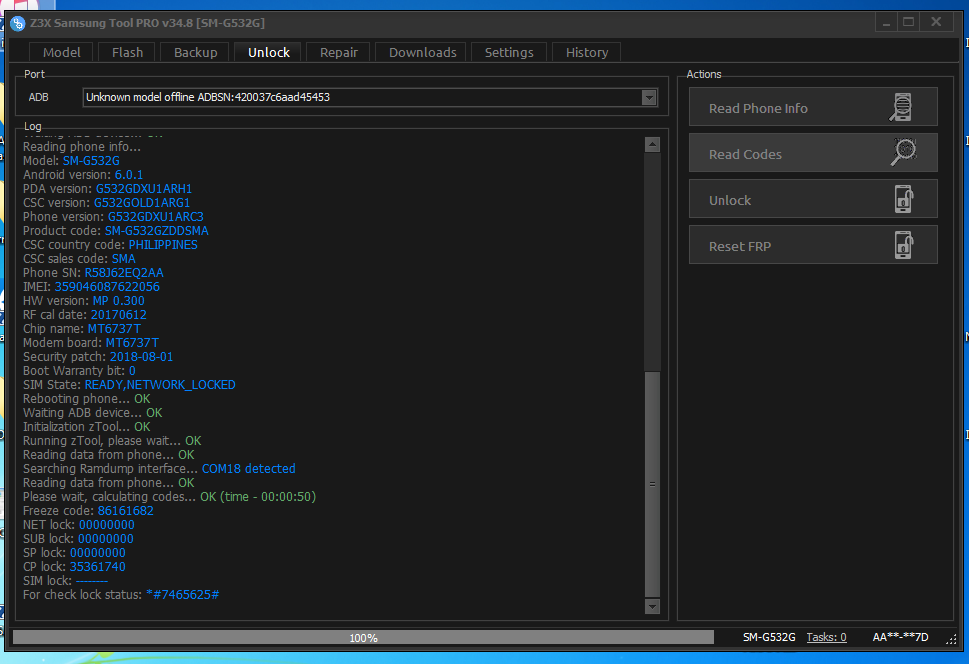
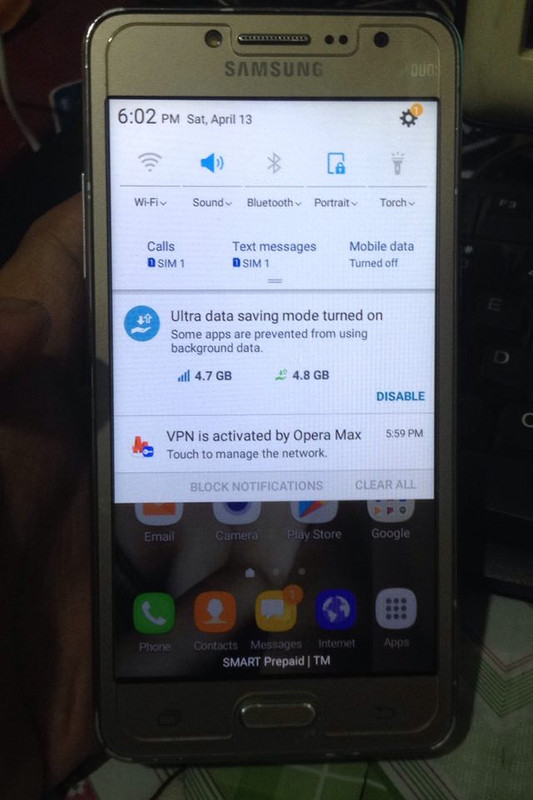
DONE DONE
Procedure:
- Open Z3x Box
- Select SM-G532G
- Power on the phone.
- Tap 7 times on 'Build number' in 'Settings'-'About phone' to enable 'Developer options',
go to 'Settings'-'Developer options' and enable 'USB debugging'.
- Connect the phone to PC with USB cable, install drivers if needed.
- Select device in ADB settings.
- Press 'Read codes' button to read security codes.
SCREENSHOTS
DONE DONE
