
- Joined
- May 10, 2017
- Messages
- 2,464
- Reaction score
- 1,053
- Points
- 471
- Location
- San Jose Del Monte Bulacan
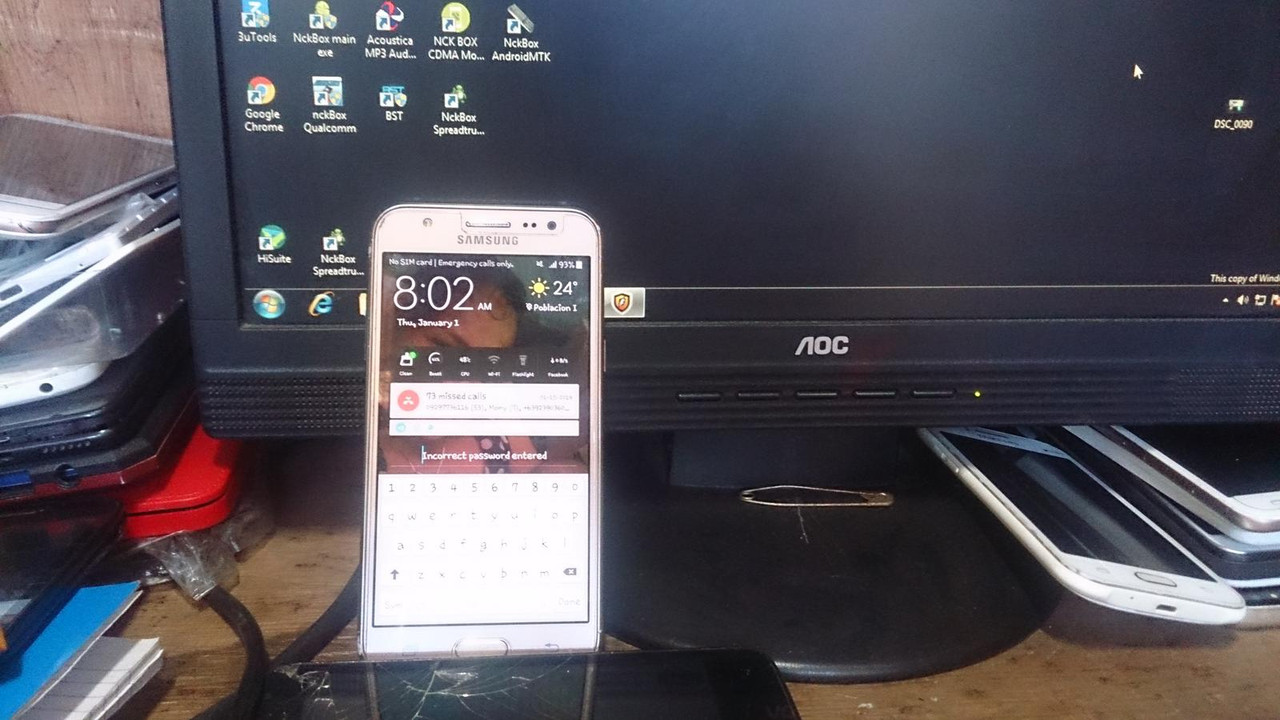
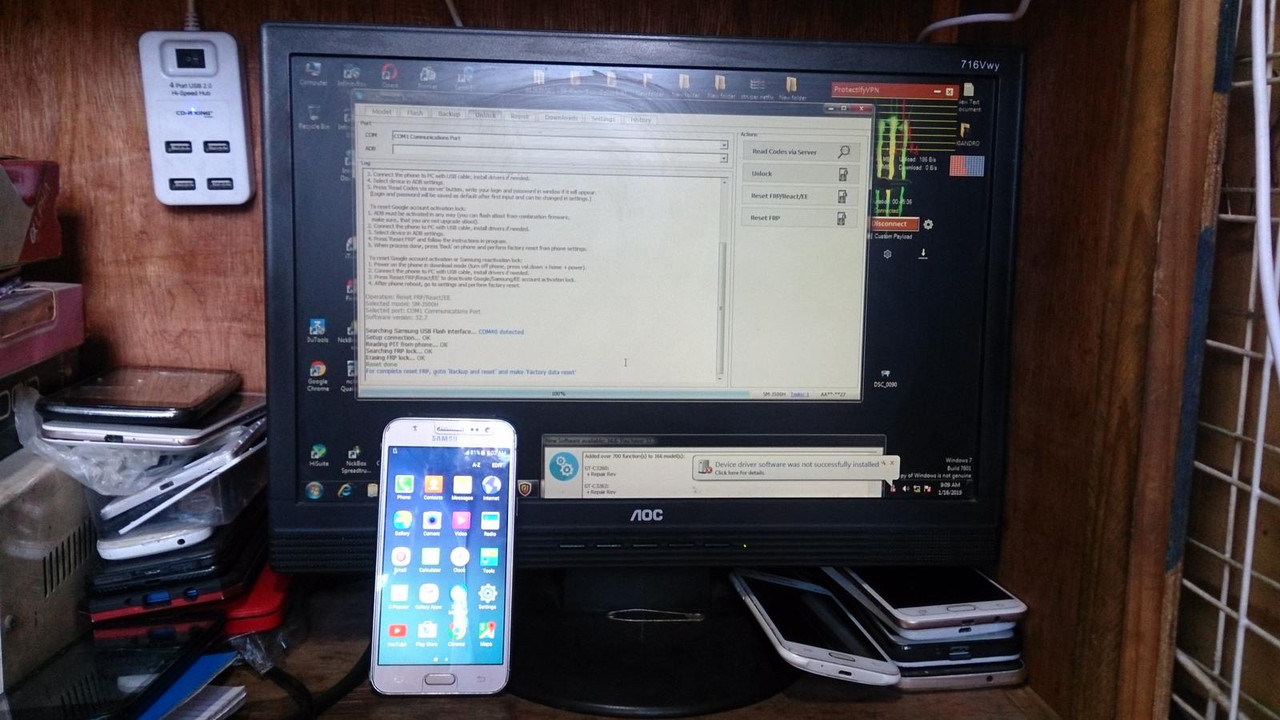
sm-j500h pattern frp done by z3x pro
Ito gusto ko sa shop ko pag maaga pumapasok maaga rin ang grasya.
Dala si tumer ng j500 galing pa siya ng zamboanga
Rekomenda cya ng kapitbahay nya na nging tumer. ko
To reset Google account activation or Samsung reactivation lock:
1. Power on the phone in download mode (turn off phone, press vol.down + home + power).
2. Connect the phone to PC with USB cable, install drivers if needed.
3. Press 'Reset FRP/React/EE' to deactivate Google/Samsung/EE account activation lock.
4. After phone reboot, go to settings and perform factory reset.
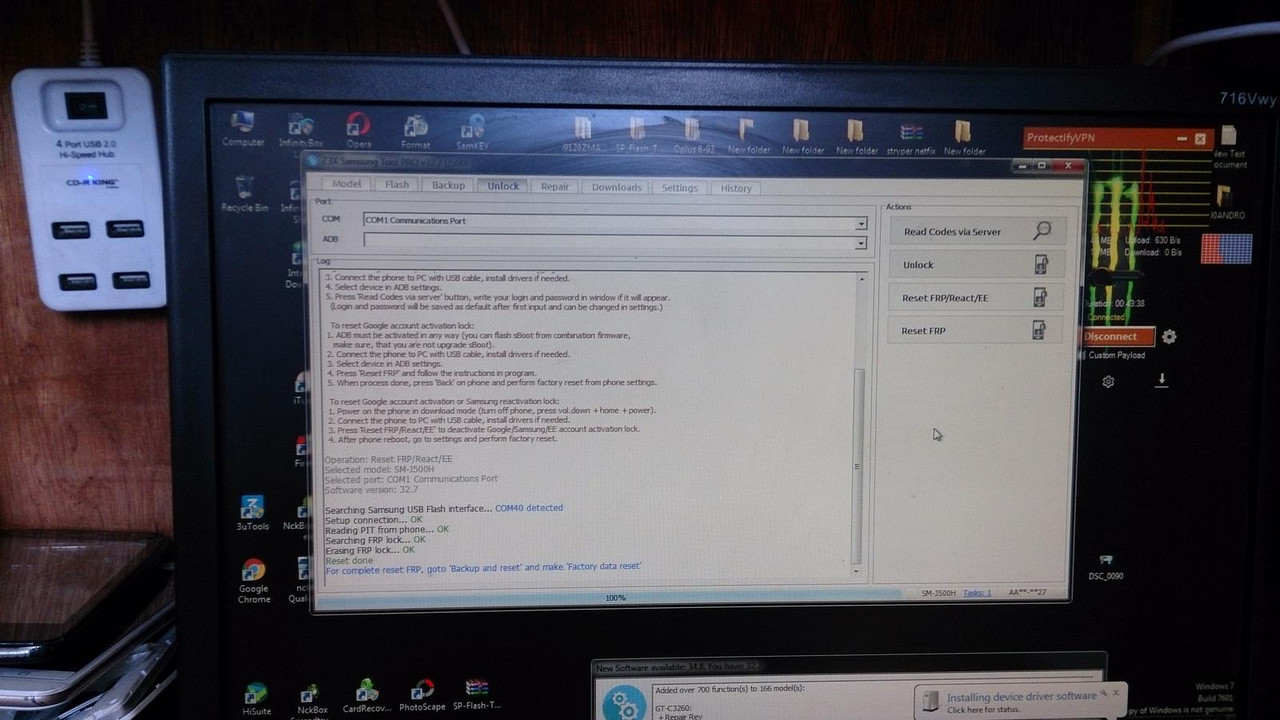
Operation: Reset FRP/React/EE
Selected model: SM-J500H
Selected port: COM1 Communications Port
Software version: 32.7
Searching Samsung USB Flash interface... COM40 detected
Setup connection... OK
Reading PIT from phone... OK
Searching FRP lock... OK
Erasing FRP lock... OK
Reset done
For complete reset FRP, goto 'Backup and reset' and make 'Factory data reset'
Done with Samsung Tool PRO v.32.7
See picture:
salamat sa pagsilip. makuliti sa walang thanks.(l:0(l:0(l:0(l:0(l:0(l:0(l:0(l:0
Ito gusto ko sa shop ko pag maaga pumapasok maaga rin ang grasya.
Dala si tumer ng j500 galing pa siya ng zamboanga
Rekomenda cya ng kapitbahay nya na nging tumer. ko
To reset Google account activation or Samsung reactivation lock:
1. Power on the phone in download mode (turn off phone, press vol.down + home + power).
2. Connect the phone to PC with USB cable, install drivers if needed.
3. Press 'Reset FRP/React/EE' to deactivate Google/Samsung/EE account activation lock.
4. After phone reboot, go to settings and perform factory reset.
Operation: Reset FRP/React/EE
Selected model: SM-J500H
Selected port: COM1 Communications Port
Software version: 32.7
Searching Samsung USB Flash interface... COM40 detected
Setup connection... OK
Reading PIT from phone... OK
Searching FRP lock... OK
Erasing FRP lock... OK
Reset done
For complete reset FRP, goto 'Backup and reset' and make 'Factory data reset'
Done with Samsung Tool PRO v.32.7
See picture:
salamat sa pagsilip. makuliti sa walang thanks.(l:0(l:0(l:0(l:0(l:0(l:0(l:0(l:0