
- Joined
- May 10, 2017
- Messages
- 2,464
- Reaction score
- 1,053
- Points
- 471
- Location
- San Jose Del Monte Bulacan
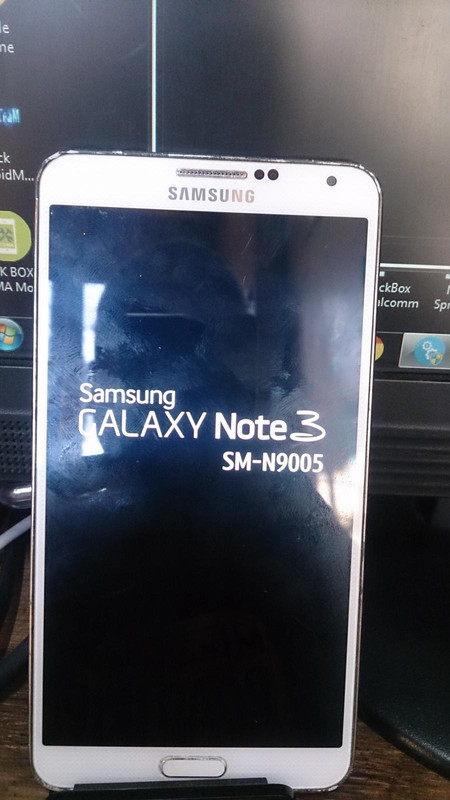
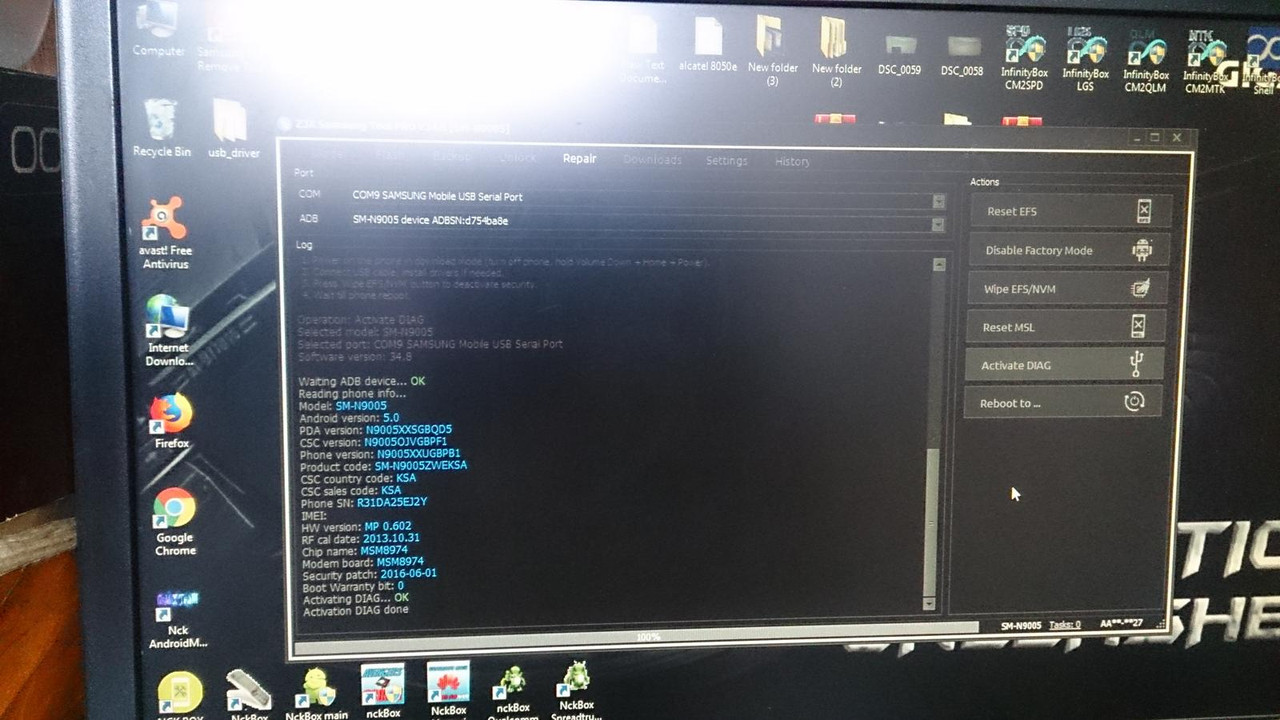
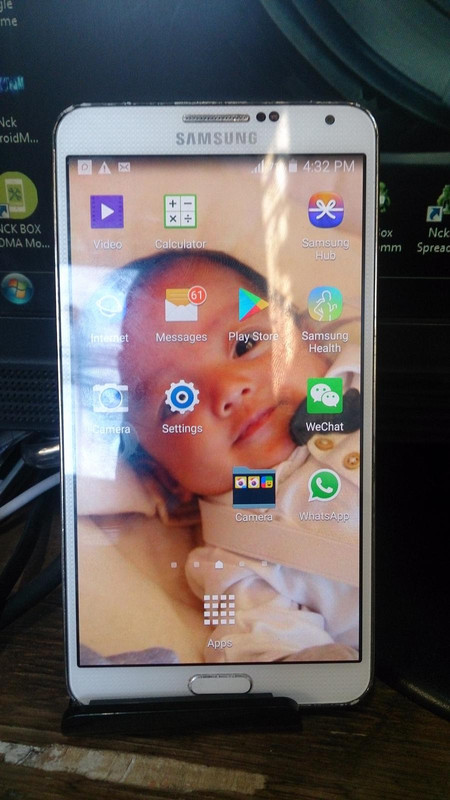
SM-N9005 unlock done Z3X
See picture:
UNLOCK INSTRUCTIONS:
Micro-USB cable:
1. Phone must be powered on.
2. Type *#0808# and select 'DM+MODEM+ADB'.
3. Type *#9090# and choose 'DM/DUN over HSIC'.
4. Reboot phone.
Or use 'Activate Diag' function from 'Repair' tab.
5. Connect USB cable, install drivers if needed.
6. Select Samsung diagnostic port in port settings.
7. Press 'Unlock' button for direct unlock.
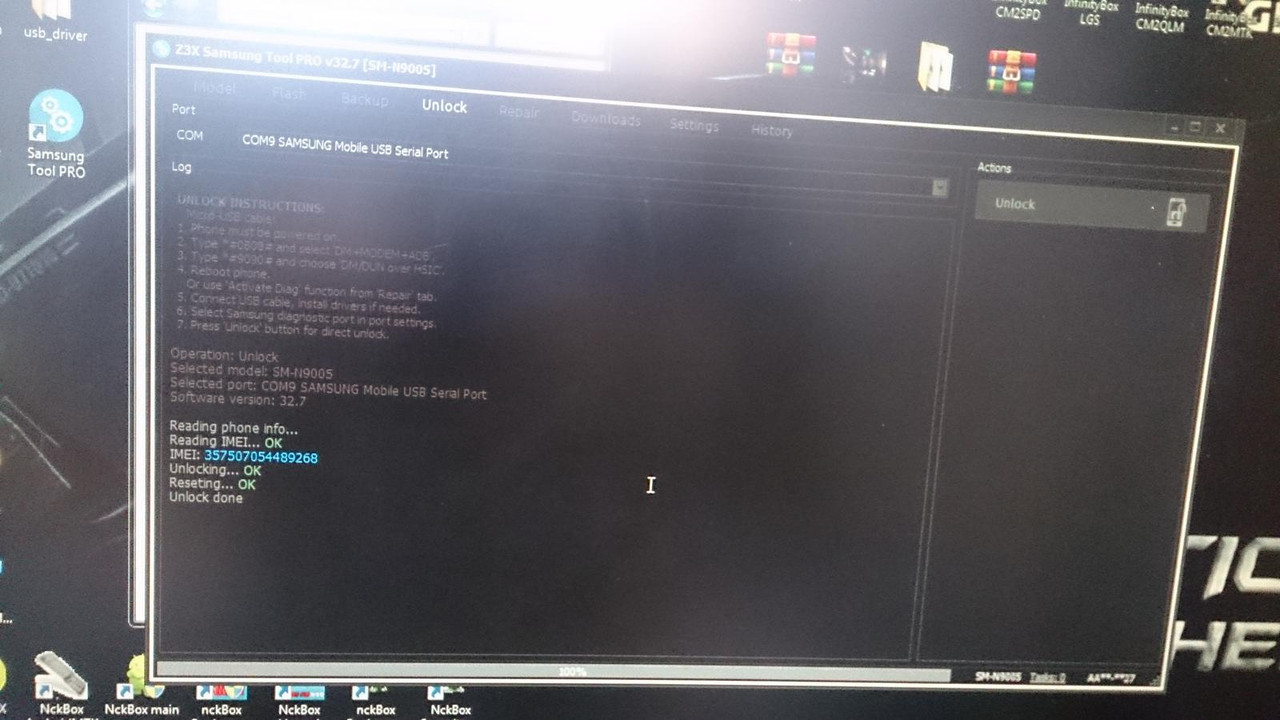
Operation: Unlock
Selected model: SM-N9005
Selected port: COM9 SAMSUNG Mobile USB Serial Port
Software version: 32.7
Reading phone info...
Reading IMEI... OK
IMEI: 357507054489268
Unlocking... OK
Reseting... OK
Unlock done
Thanks for viewing: =))=))(l:0(l:0(l:0
See picture:
UNLOCK INSTRUCTIONS:
Micro-USB cable:
1. Phone must be powered on.
2. Type *#0808# and select 'DM+MODEM+ADB'.
3. Type *#9090# and choose 'DM/DUN over HSIC'.
4. Reboot phone.
Or use 'Activate Diag' function from 'Repair' tab.
5. Connect USB cable, install drivers if needed.
6. Select Samsung diagnostic port in port settings.
7. Press 'Unlock' button for direct unlock.
Operation: Unlock
Selected model: SM-N9005
Selected port: COM9 SAMSUNG Mobile USB Serial Port
Software version: 32.7
Reading phone info...
Reading IMEI... OK
IMEI: 357507054489268
Unlocking... OK
Reseting... OK
Unlock done
Thanks for viewing: =))=))(l:0(l:0(l:0