
Model
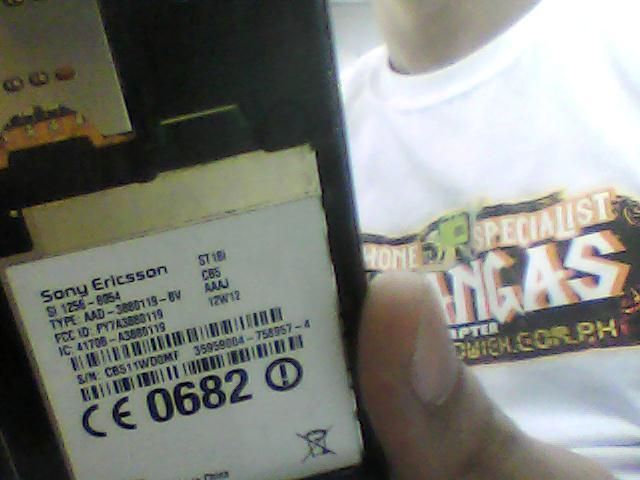
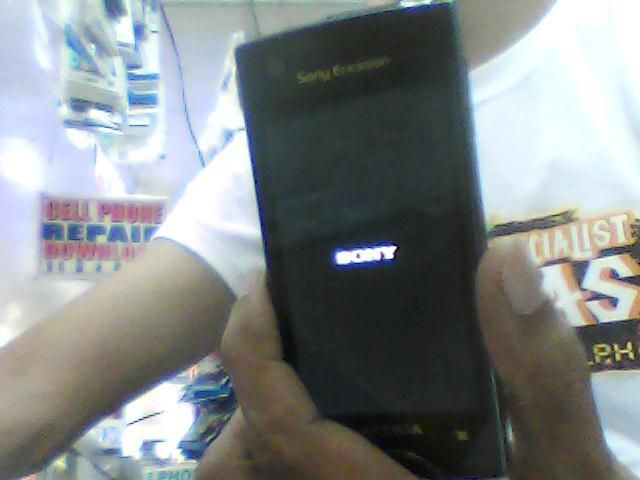
Problem
Tools
micro usb
FlashTool
Firmware
Procedure
after download extract then copy
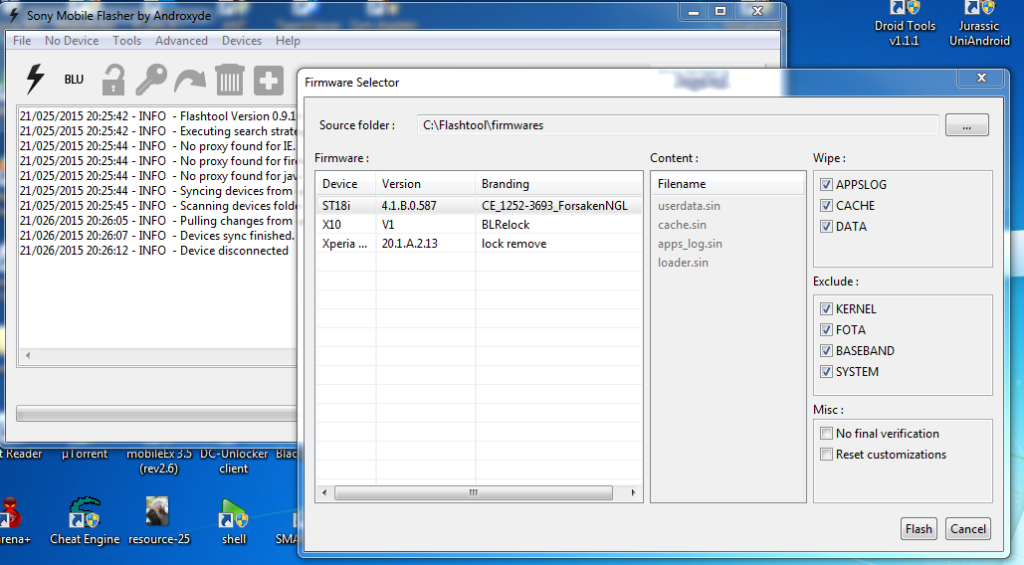
Go to Program Files/Flashtool/firmwares or C:/Flashtool/firmware and paste it
open flash tool
click flash sign
select flash mode
check the unit
then press flash
turn off the unit
then hold volume down
while inserting the micro usb
wait until completed flashing
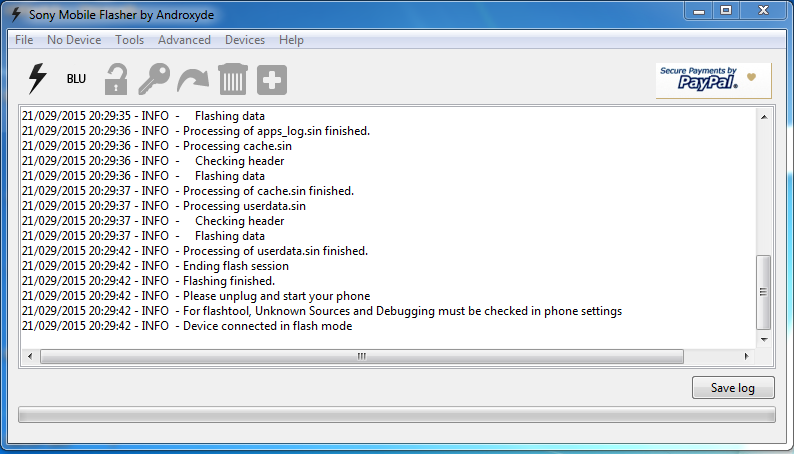
Done
Problem
Tools
micro usb
FlashTool
Firmware
Procedure
after download extract then copy
Go to Program Files/Flashtool/firmwares or C:/Flashtool/firmware and paste it
open flash tool
click flash sign
select flash mode
check the unit
then press flash
turn off the unit
then hold volume down
while inserting the micro usb
wait until completed flashing
Done


