

Sony Ericsson W8 E16i Rom
Model Name: Sony Ericsson W8 E16i
File name: Sony_Ericsson_W8_E16i_CHT_TW_WORLDW_1_8_CDF1251_8221
Android Version: 2.1
How to Flash: See Instructions
Download Size: 398 MB
Download Link: Click Here to Start Download
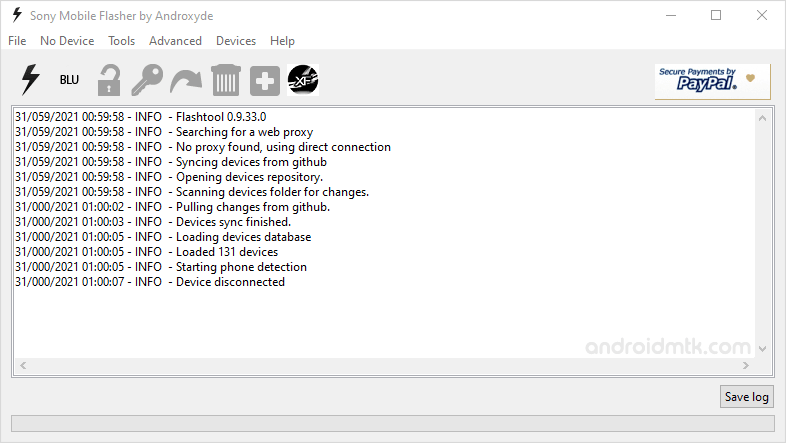
How to Flash Firmware
Step 1: Download and Extract the Stock Firmware on your computer.
Step 2: After extracting the package, you will get Firmware, FlashTool and Driver.
Step 3: Install the USB Drivers (if usb driver is already installed then SKIP this step).
Step 4: Open FlashTool, and load the firmware (FTF) from the firmware folder.
Step 5: Connect your Sony Xperia Device to the computer.
Step 6: Click on the Flash button to begin the Flashing process.
Step 7: Once Flashing process is completed, disconnect your device.
feel free to click LIKE BUTTON
and comment down below if this thread is
useful
credit to the owner