
 anthropologist yearly salary
Tools
micro usb
https://androidfilehost.com/?fid=23203820527943776
https://drive.google.com/file/d/0Bzl14li4zujmUkxHVk5MNm1ycHM/view
after install the flash tool
Go to Program Files/Flashtool/drivers
Run nyo yong Flashtool drivers then click next then check the "Flashmode drives and Fastbootdrivers
then
Go to Program Files/Flashtool/firmwares
Copy paste nyo yong Xperia T2 Ultra Dual D5322_19.1.1.C.0.56_lock remove
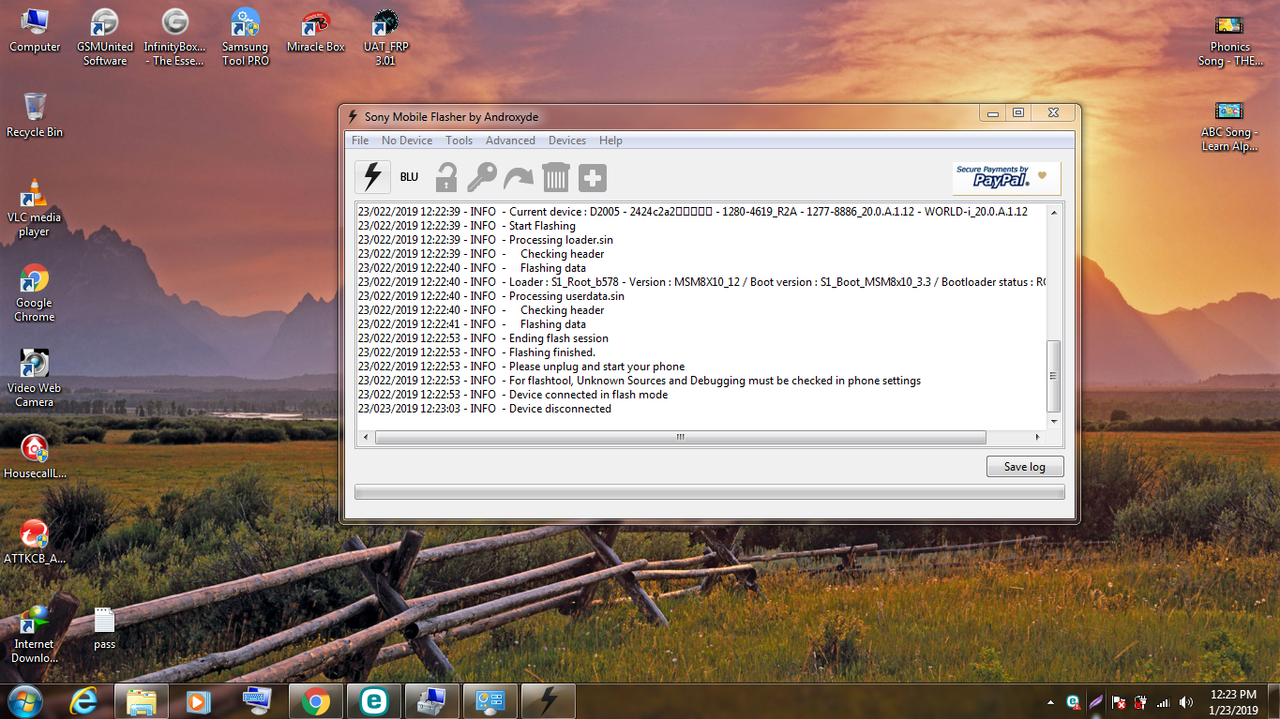
open flash tool
click flash sign
select flash mode
check the unit
then press flash
turn off the unit
then hold volume down
while inserting the micro usb
wait until completed flashing
Last edited by a moderator: