What's new
PinoyTechnician

This is a sample guest message. Register a free account today to become a member! Once signed in, you'll be able to participate on this site by adding your own topics and posts, as well as connect with other members through your own private inbox!

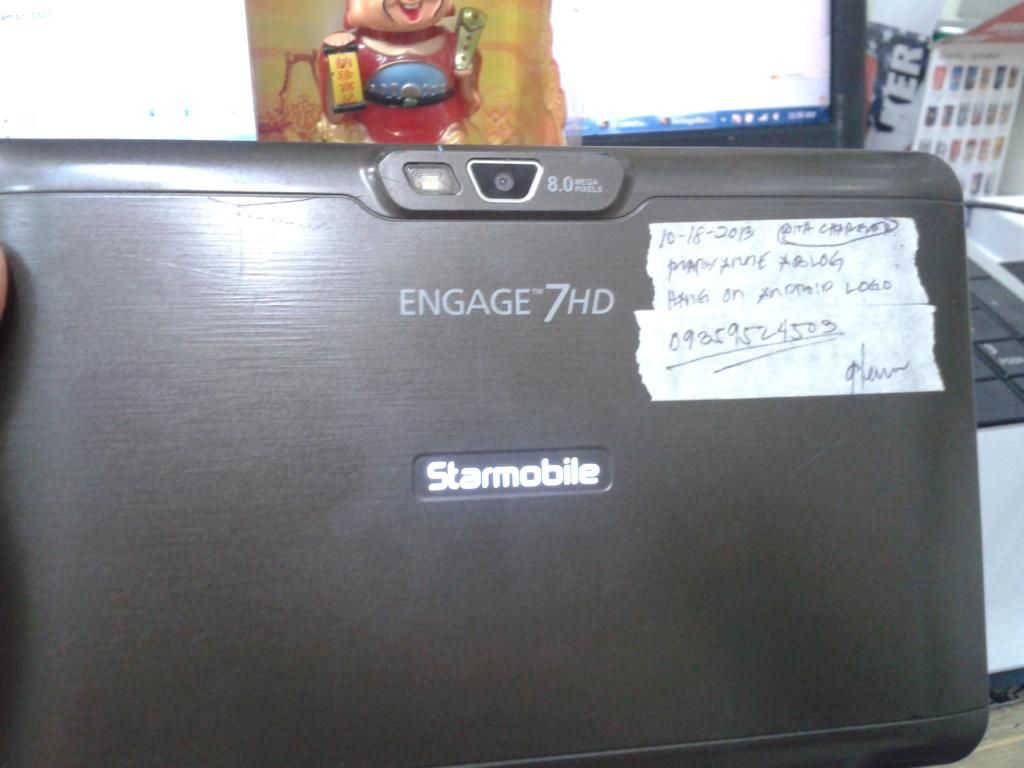
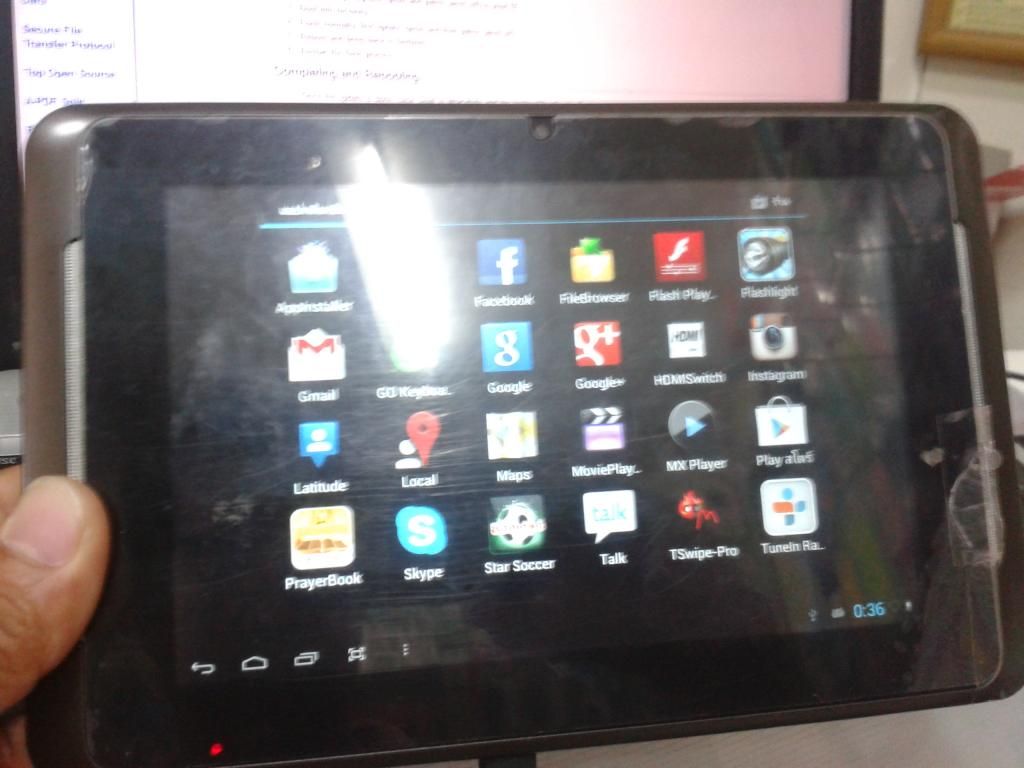
Starmobile Engage 7hd Stuck in logo Done

stigmatized

Registered
Joined
Jun 12, 2014
Messages
744
Reaction score
21
Points
81
Kindly MOVE to proper SECTION if I posted in WRONG section PLEASE!!


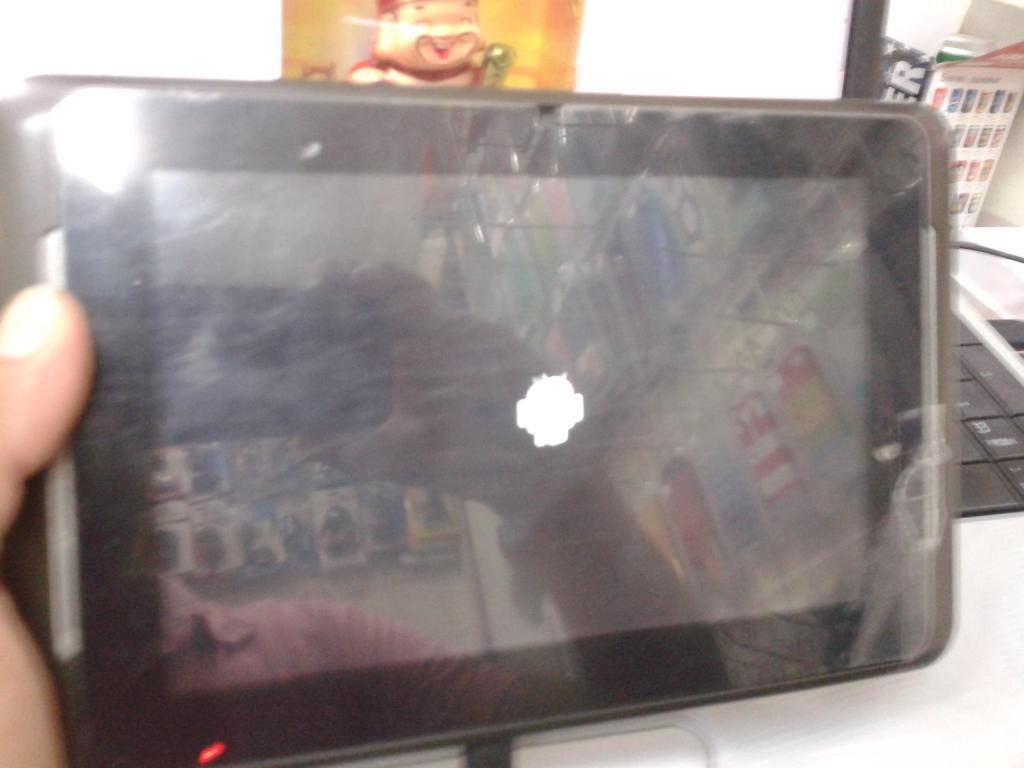
PROBLEM: LOGO HANG


PROCEDURES:

1: Press Vol up and Power Button and connect USB

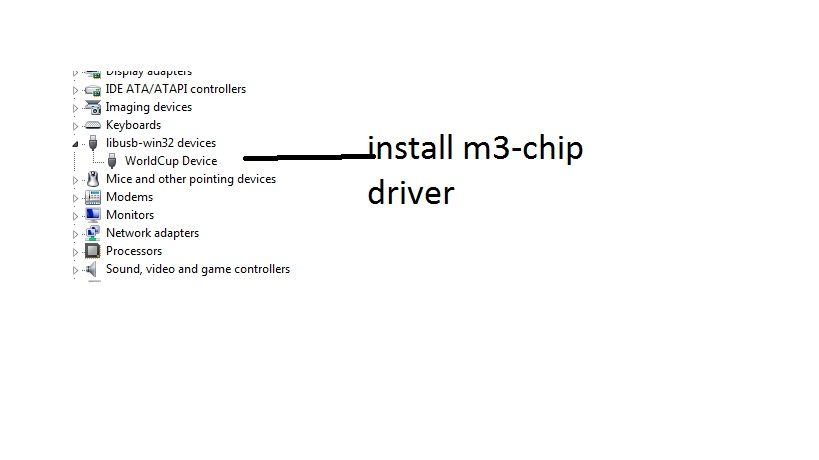
2: In device manager update the m3-chip "driver is located at the USB-Burning-tool"

after driver update You'll see in device manager the connected "WorldCup Device"

3: Open ImageBurnTool.exe, and you can see the device connected.

In the 'Config' menu, select 'Import Upgrade File' and select

Firmwarefactory

4: Press START and wait till DONE


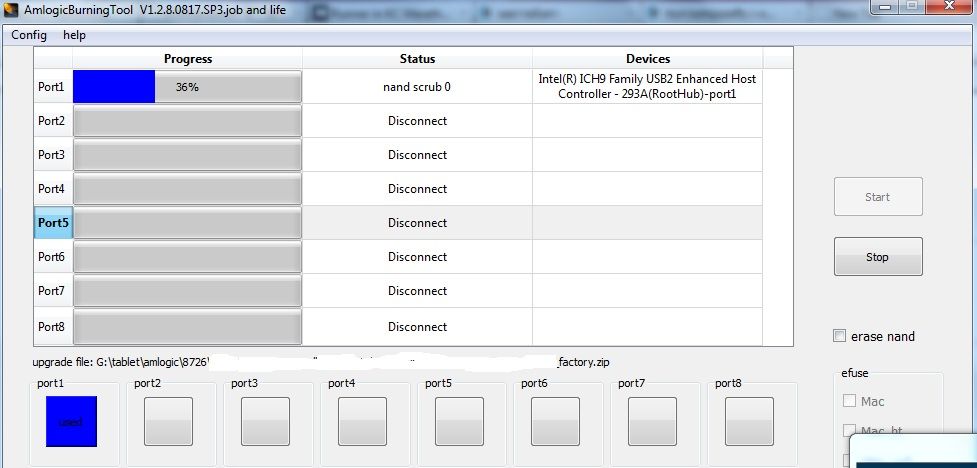
USB DRIVER INSTALLED


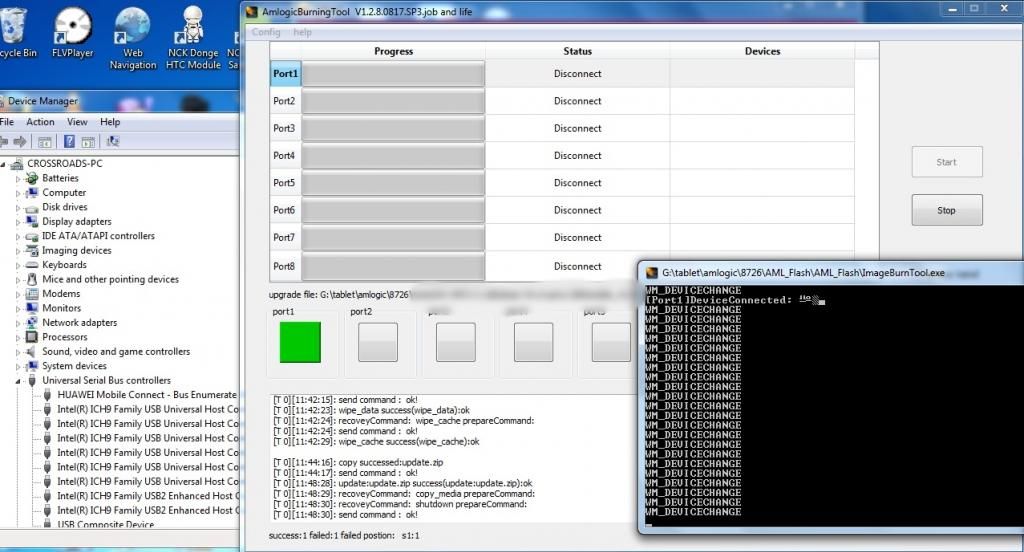
DEVICE CONNECTED AND FLASHING


FLASH DONE


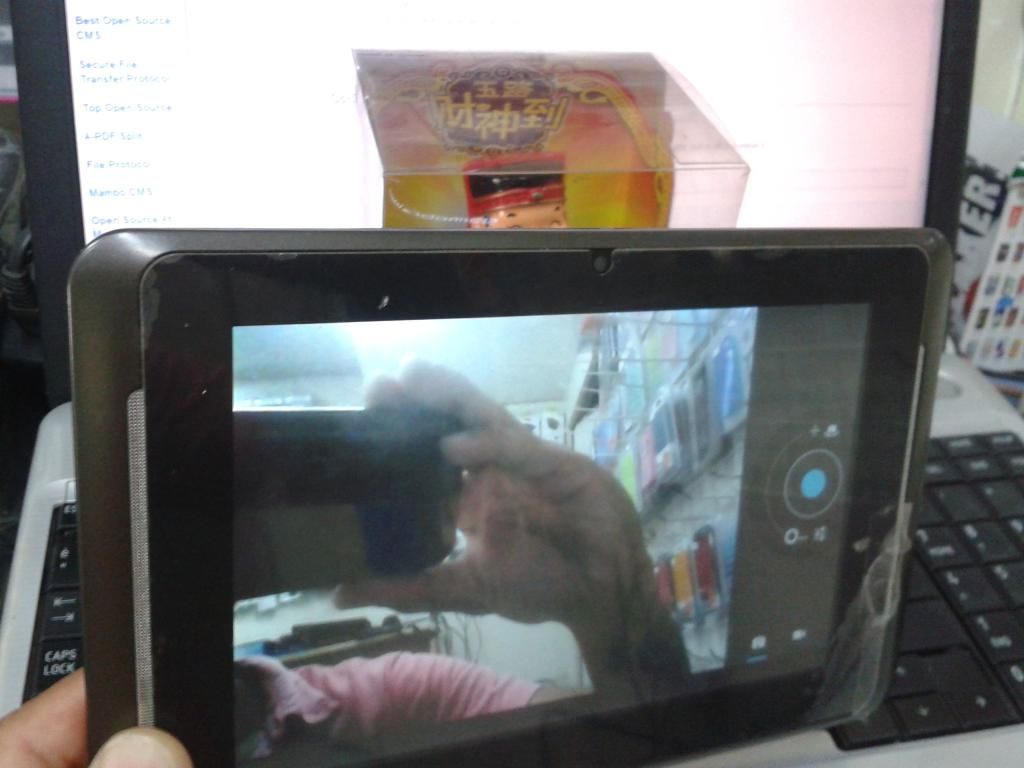
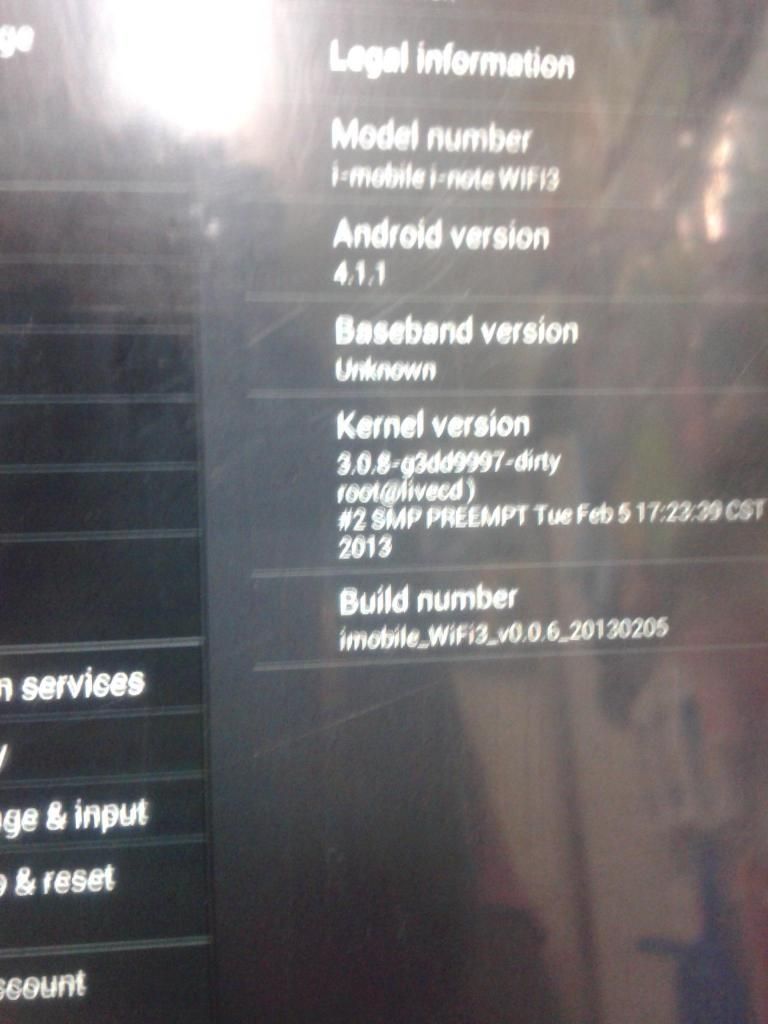
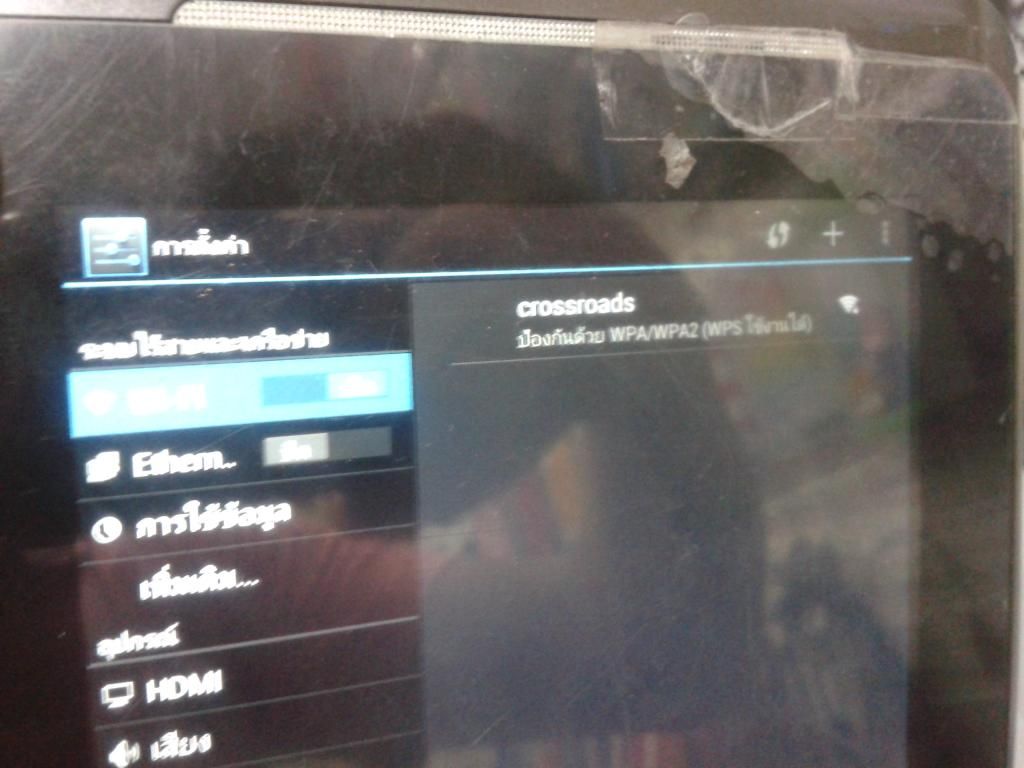
THE RESULT:

FRONT CAMERA


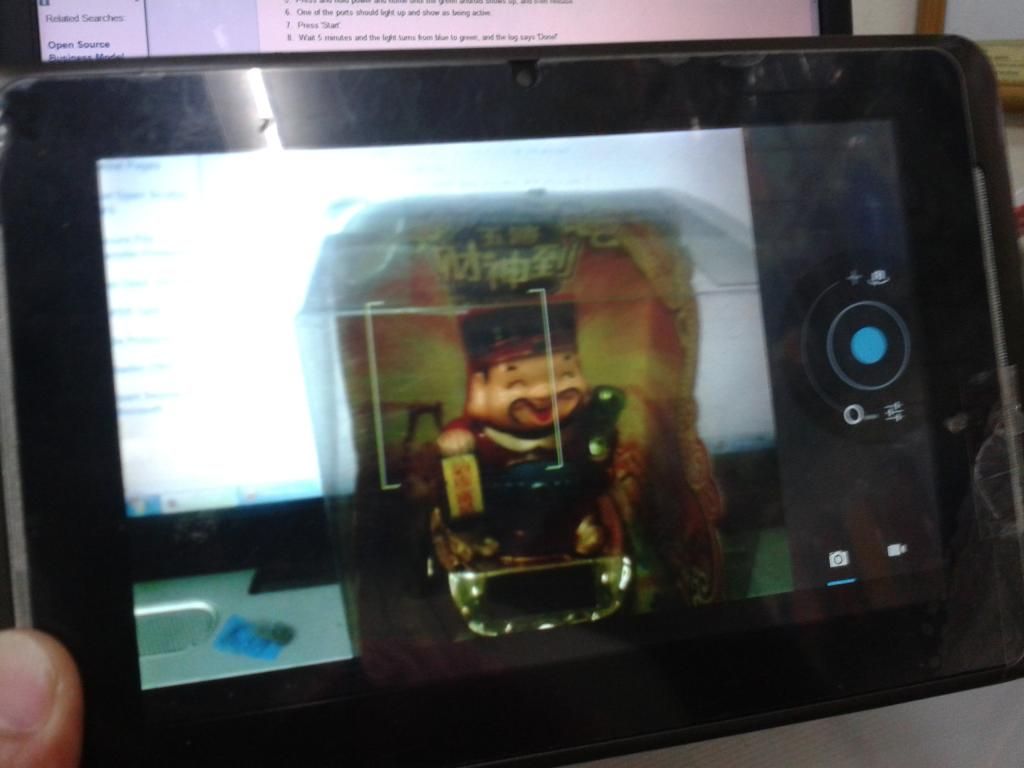
REAR CAMERA


GSENSOR
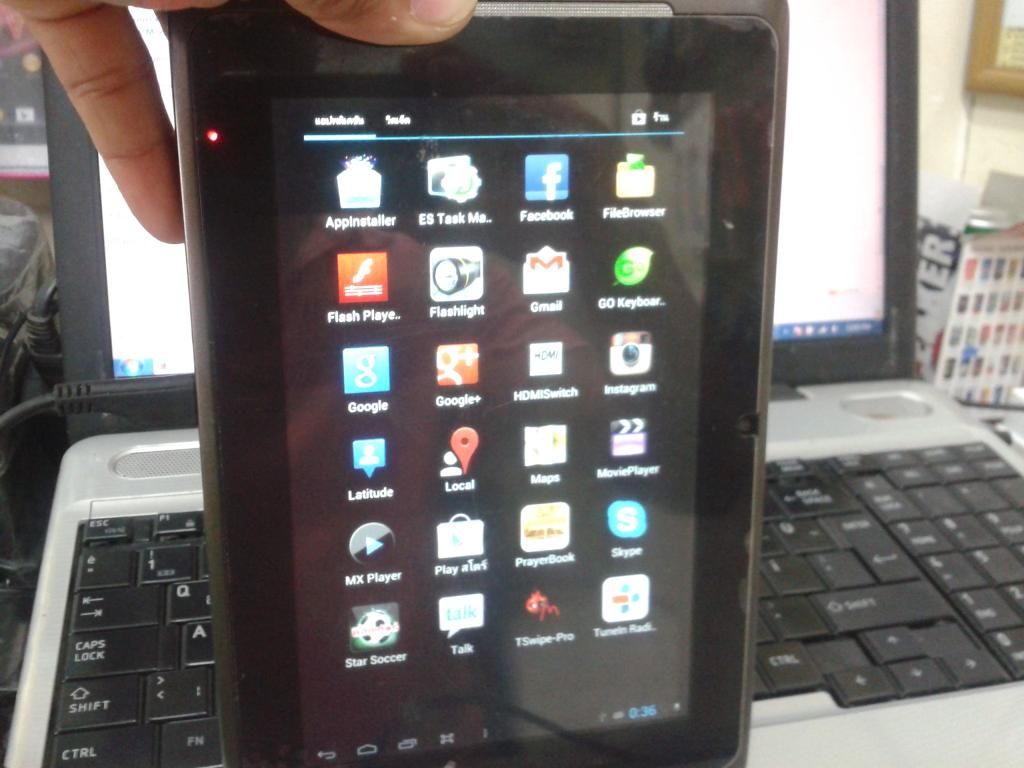


ABOUT


WIFI


do it at your own risk​
 
pa request naman po ng firmware,, salamat at more power
 
parang ito rin yun thread sa kabilang bahay na ginawa ni crossroad na invalid link at may password kung ma dowload mo naman then pm lang daw pero wala naman response.....mukhang copy paste lng yun thread or iisa lang ang gumawa nito
 
mga ka ant baka po pwede pa share nung firmware kelanagan lang po invalid napo kc yung link...
 
congrats boss................. laking tulong po itu.......
 
boss up up lang po yun factory firmware <<<----------------------------------<<<<< thnx
 
mga boss pa share naman po ng firmware nito. meron ako ngayon d2 same unit kailangan i flash. baka po pwede i share ng mga nakakuha ng firmware na ito ung ung mismong thread starter pls
 
saan po ba dpat ilagay na folder ang firmware bossing?error po kc sa 77% my laman po nman battery..
 
pa update lng ng firmware at pa pm na rin yun password boss thnx.................................
 
boss panu ipagana ang firmware kc my gnagawa q d2 my lomalabas na failed sa imageburning baka lang kulang ako sa proseso ng firmware ito ang hndi ko maintindihan

(3: Open ImageBurnTool.exe, and you can see the device connected.

In the 'Config' menu, select 'Import Upgrade File' and select

patulong naman boss bagohan lang po ako boss


maraming salamat boos
 
boss panu ipagana ang firmware kc my gnagawa q d2 my lomalabas na failed sa imageburning baka lang kulang ako sa proseso ng firmware ito ang hndi ko maintindihan

(3: Open ImageBurnTool.exe, and you can see the device connected.

In the 'Config' menu, select 'Import Upgrade File' and select

patulong naman boss bagohan lang po ako boss


maraming salamat boos
 
Back
Top