
Superking 883v aka Samsung Galaxy S10 Edge +Tab Stuck on logo
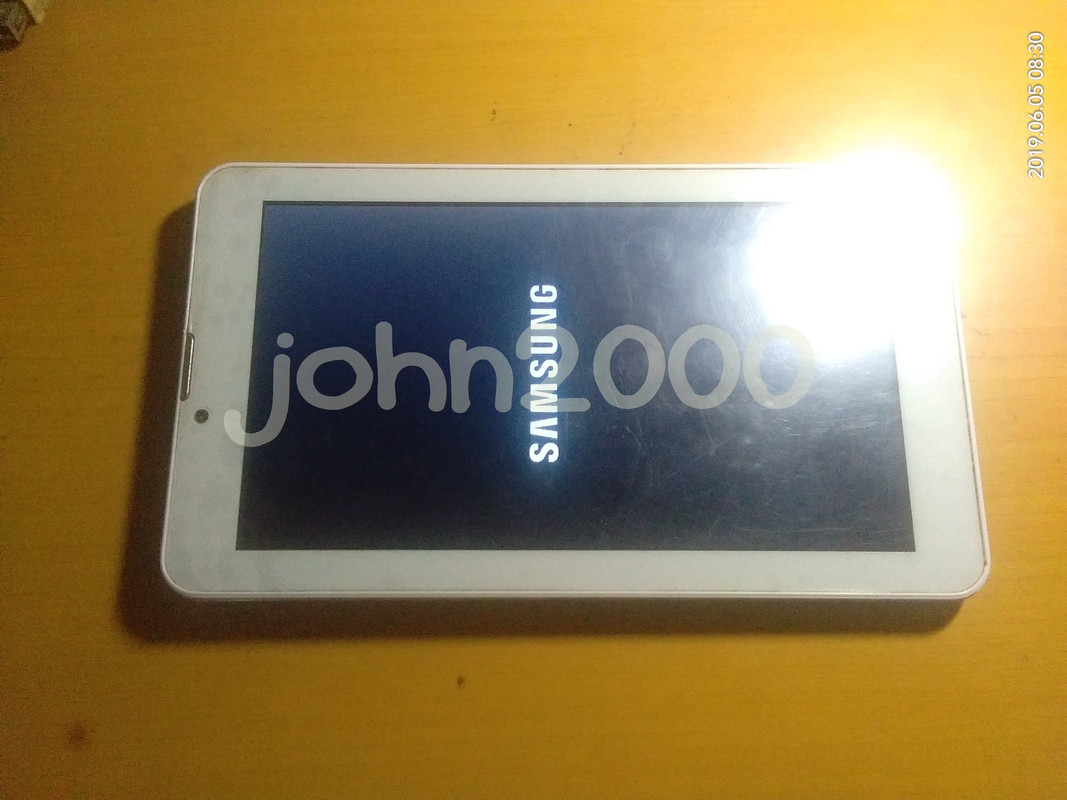
History :
Nag Low Battery lang
Action Taken : Try Hard Reset via key no luck
Try Hard Reset via CM2,NCK at Avengers AndroidMTK still no luck
Solution :
Flash Firmware
Tools :
Infinity Box Dongle
CA-101 Micro USB Cable
Firmware = Dito ko po kinuha --> Vivo 883V Superking Tablet Clone CM2SPD 7.0 BackUP Firmware
Credit kay Sir ChocoHereGSM sa Tested Firmware
Procedures with Screenshots :
note : Convert SP7731CEA_883V_7.0_YK-706-7731C-X30PGQ-0A65-SZ-883V-JFT-20181015_883V Firmware
in InfinityBox CM2SPD ver1.27 via Extra->FW Converter->Convert Infinity PAC SC to SPRD PAC,pwede
ng mabasa ng CM2SP2_v2.00-r1 ang converted Firmware
Run InfinityBox CM2SP2_v2.00-r1 GUI
Load Pac file
Closed and Rerun InfinityBox CM2SP2_v2.00-r1 GUI
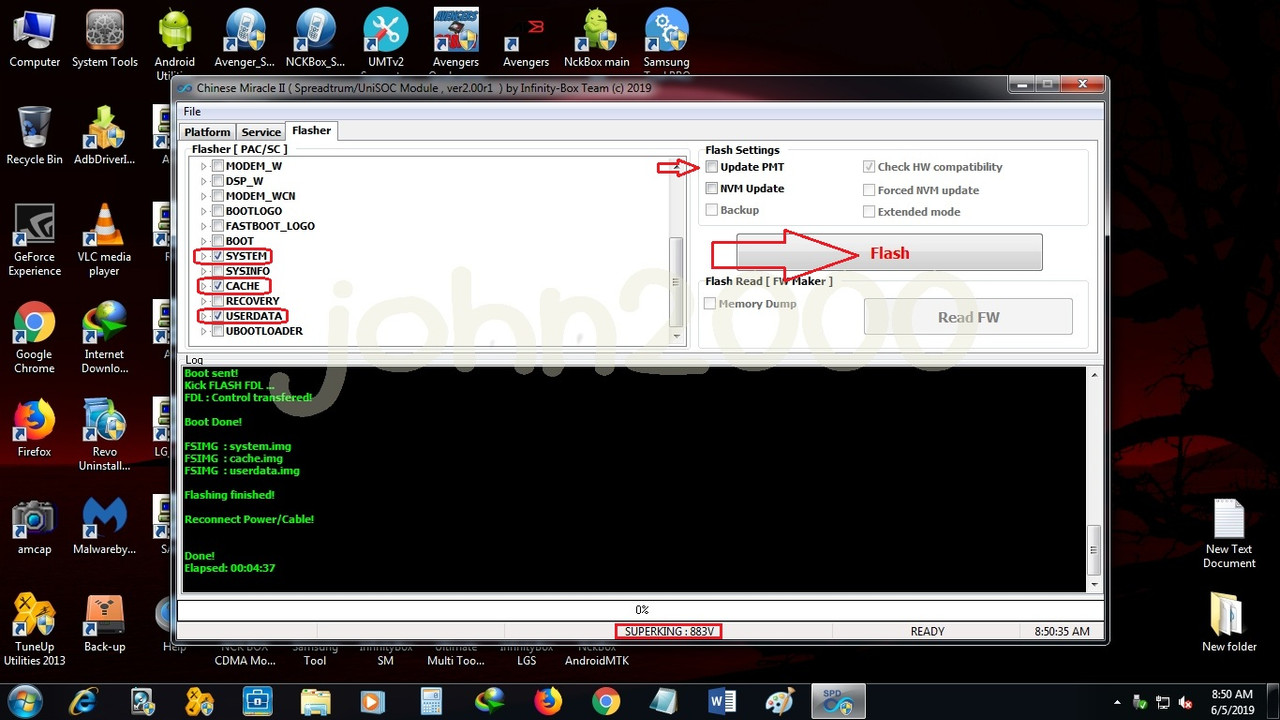
Now you can select SuperKing in CPU [Platform] : and 883v in Model [Type] :
Click Flasher Tab
Right click in Flasher [ PAC/SC ]
Load PAC file again
I used to uncheck almost all except SYSTEM,CACHE and USERDATA
Uncheck also Update PMT Box
Click Flash Button
Press and Hold volume Down as boot key
Insert CA-101 Micro USB Cable
Flashing start and wait till done
Result :
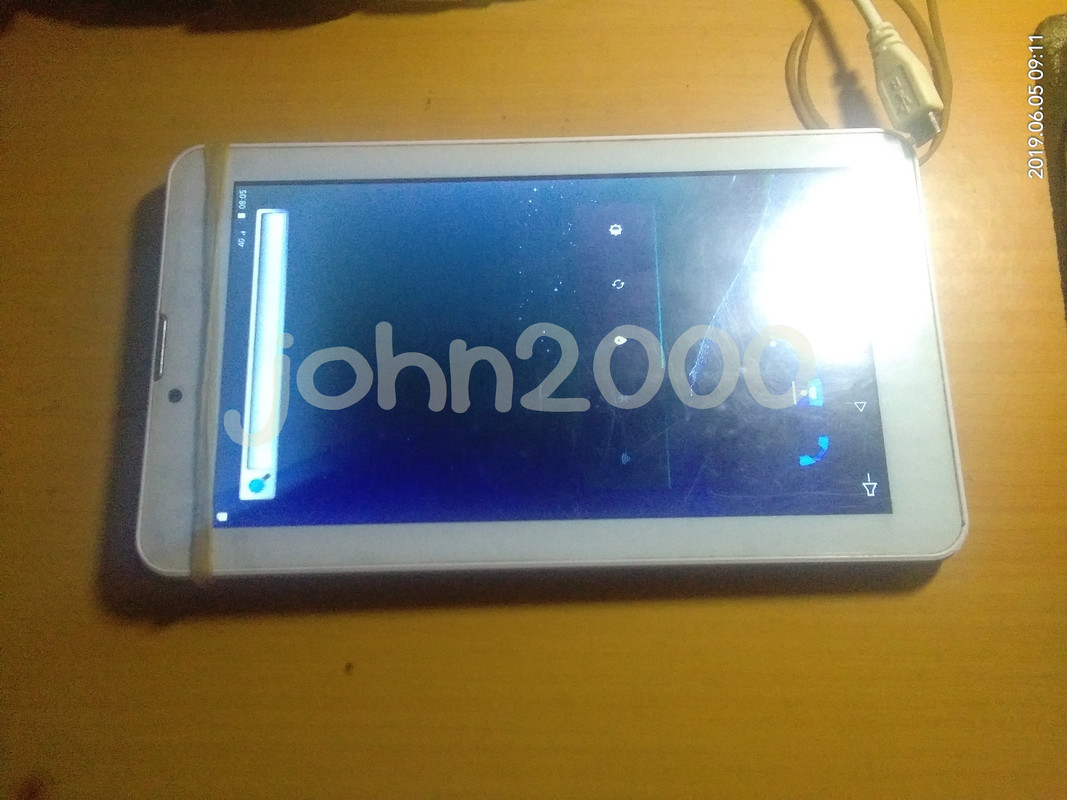
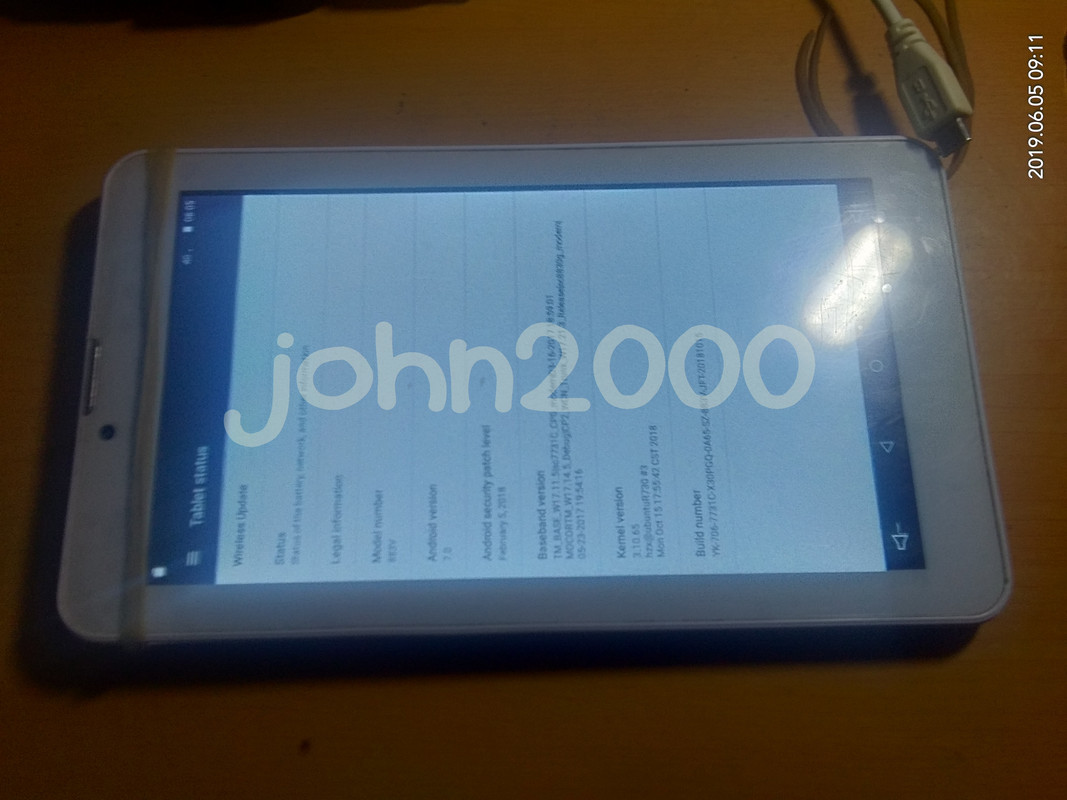
Done...
no need to full flash kaya lang naging VIVO na ang Boot Logo
pass assword: chocoheregsm11
History :
Nag Low Battery lang
Action Taken : Try Hard Reset via key no luck
Try Hard Reset via CM2,NCK at Avengers AndroidMTK still no luck
Solution :
Flash Firmware
Tools :
Infinity Box Dongle
CA-101 Micro USB Cable
Firmware = Dito ko po kinuha --> Vivo 883V Superking Tablet Clone CM2SPD 7.0 BackUP Firmware
Credit kay Sir ChocoHereGSM sa Tested Firmware
Procedures with Screenshots :
note : Convert SP7731CEA_883V_7.0_YK-706-7731C-X30PGQ-0A65-SZ-883V-JFT-20181015_883V Firmware
in InfinityBox CM2SPD ver1.27 via Extra->FW Converter->Convert Infinity PAC SC to SPRD PAC,pwede
ng mabasa ng CM2SP2_v2.00-r1 ang converted Firmware
Run InfinityBox CM2SP2_v2.00-r1 GUI
Load Pac file
Closed and Rerun InfinityBox CM2SP2_v2.00-r1 GUI
Now you can select SuperKing in CPU [Platform] : and 883v in Model [Type] :
Click Flasher Tab
Right click in Flasher [ PAC/SC ]
Load PAC file again
I used to uncheck almost all except SYSTEM,CACHE and USERDATA
Uncheck also Update PMT Box
Click Flash Button
Press and Hold volume Down as boot key
Insert CA-101 Micro USB Cable
Flashing start and wait till done
Result :
Done...
no need to full flash kaya lang naging VIVO na ang Boot Logo
pass
assword: chocoheregsm11
Last edited by a moderator:


