
- Joined
- Jun 12, 2014
- Messages
- 744
- Reaction score
- 21
- Points
- 81
PROBLEM
Hang on Touchmate logo only

PROCEDURE..
1.Download this Firmware..http://download.touchmatepc.com:8200/Firmware/TAB/MID788/MID788_IMP4061.zip
2.Open phoenixsuit and load fimware..
3.Hold Volume down and connect micro usb..
4.Wait until success

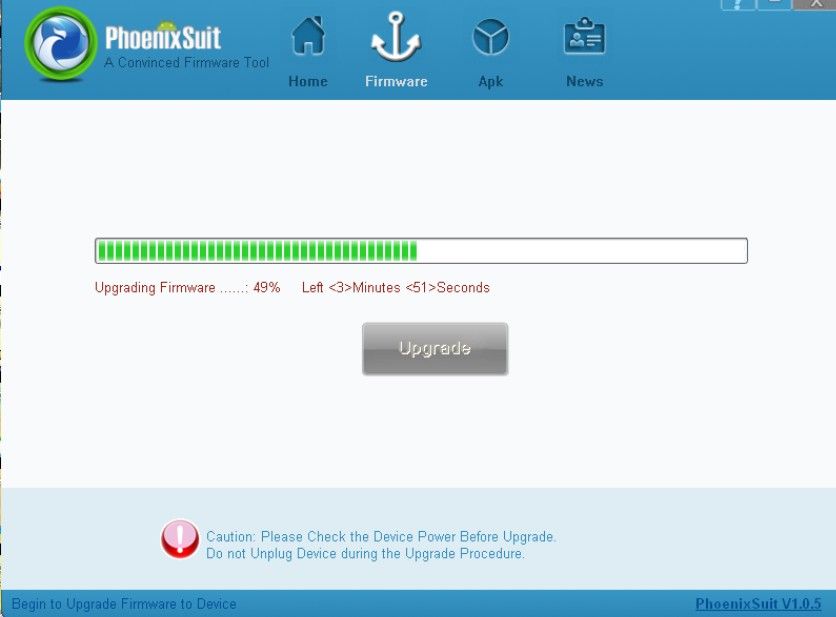

FINISH PRODUCT..


Camera back is working..

Camera front is 100% working..

FOR REFERENCE ONLY...
:flower
Hang on Touchmate logo only

PROCEDURE..
1.Download this Firmware..http://download.touchmatepc.com:8200/Firmware/TAB/MID788/MID788_IMP4061.zip
2.Open phoenixsuit and load fimware..
3.Hold Volume down and connect micro usb..
4.Wait until success


FINISH PRODUCT..


Camera back is working..

Camera front is 100% working..

FOR REFERENCE ONLY...
:flower


