
- Joined
- Nov 28, 2015
- Messages
- 394
- Reaction score
- 183
- Points
- 231
for edl:
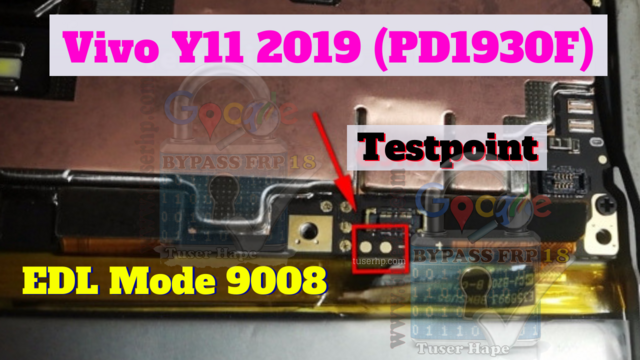
Open QFIL > Select Build type: Flat > Locate programmable path that you download > then click Tool > Partition Manager > scroll down all the way untill you find userdata > right click manage > and erase.
sunsan lang ang tutorial


Open QFIL > Select Build type: Flat > Locate programmable path that you download > then click Tool > Partition Manager > scroll down all the way untill you find userdata > right click manage > and erase.
sunsan lang ang tutorial


