
- Joined
- Apr 14, 2016
- Messages
- 54
- Reaction score
- 19
- Points
- 1
sana makatulong mga ka ant.... 
vivo v5 lite password, di kaya e hard reset via recovery mode kasi humihingi pa rin nang password.
procedure:
1.) open NCK Dongle Android MTK 2.5.6.2 and follow the settings below
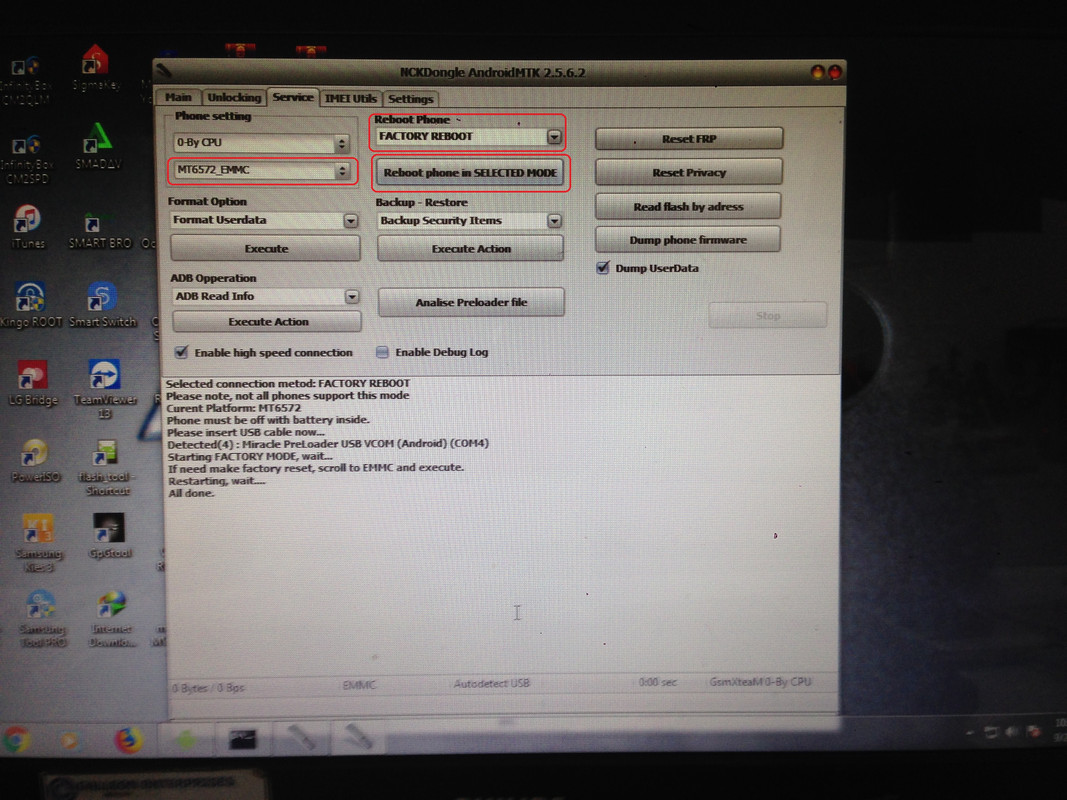
2.) click Reboot phone in Selected mode
3.) insert usb cable (power off phone)
4.) wait until you see Chinese language on the phone screen
5.) scroll down and select eMMC and wait wait until the phone finish wiping
6.) congratulation!!! its almost done, activate phone
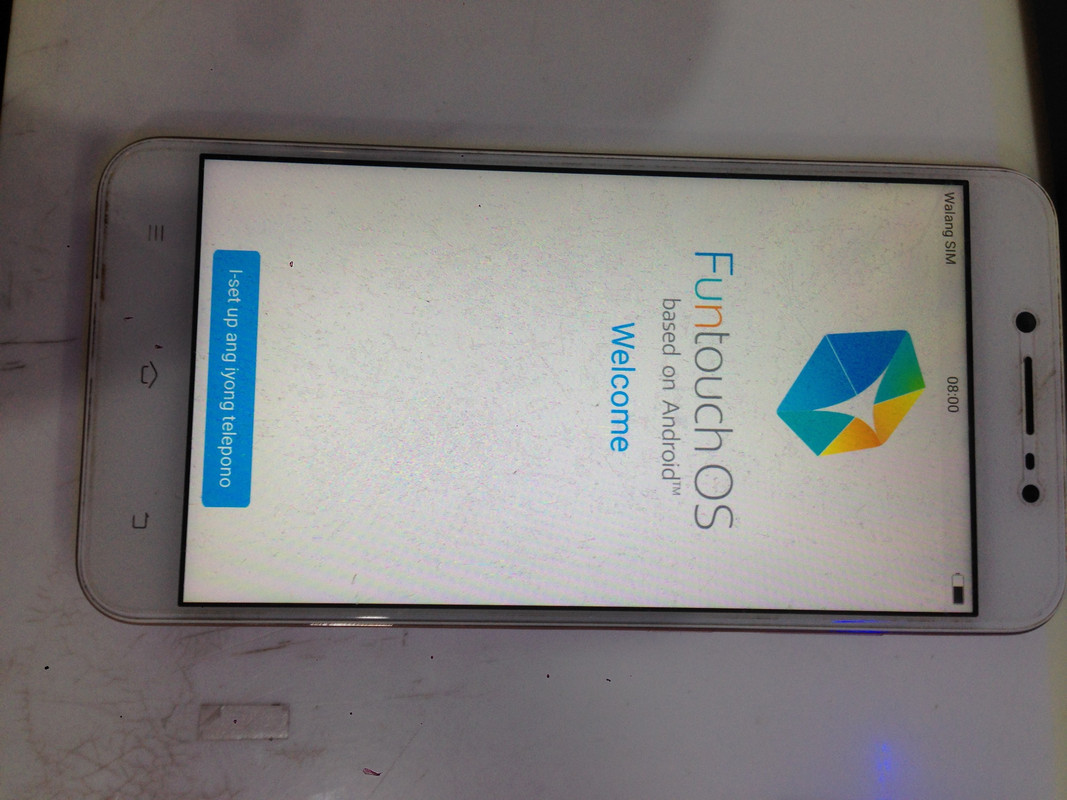
7.) pagkatapos po nang activation naka enable po yung engineering mode.
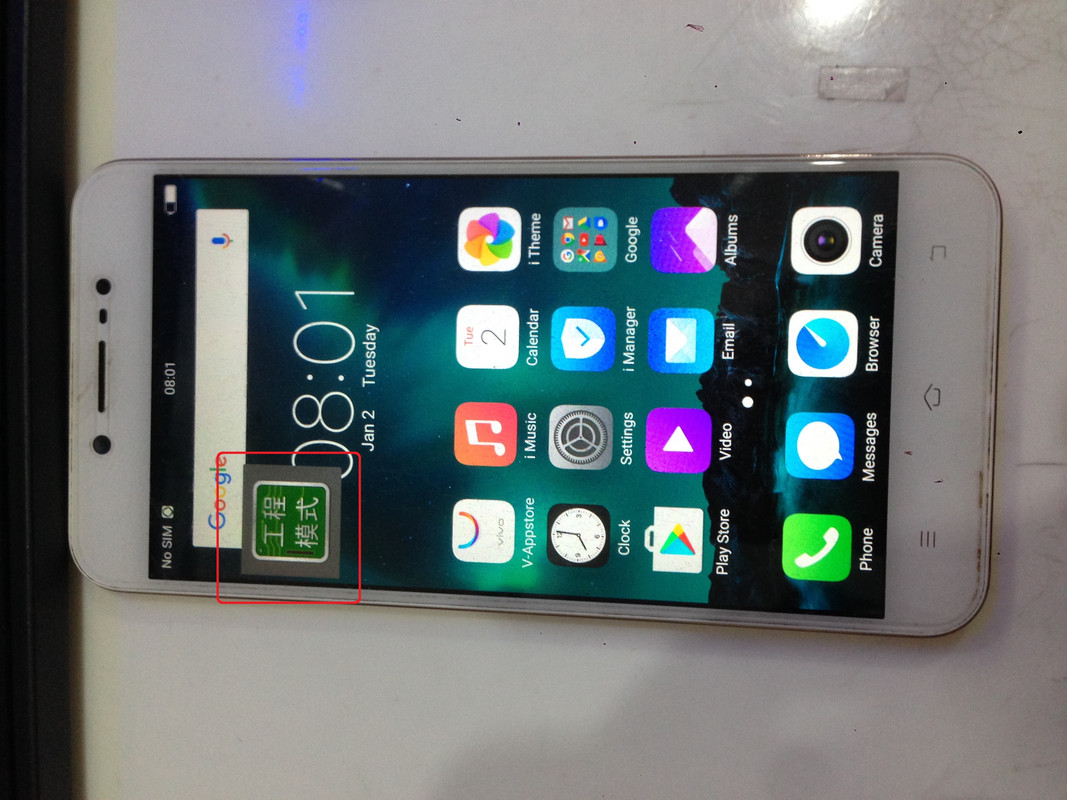 screenshot tool
8.) just follow this steps to disable engineering mode mga ka ant...
https://www.youtube.com/watch?v=EonTL7ee3KY
sana makatulong sa atin tahanan.. salamat...
vivo v5 lite password, di kaya e hard reset via recovery mode kasi humihingi pa rin nang password.
procedure:
1.) open NCK Dongle Android MTK 2.5.6.2 and follow the settings below
2.) click Reboot phone in Selected mode
3.) insert usb cable (power off phone)
4.) wait until you see Chinese language on the phone screen
5.) scroll down and select eMMC and wait wait until the phone finish wiping
6.) congratulation!!! its almost done, activate phone
7.) pagkatapos po nang activation naka enable po yung engineering mode.
screenshot tool8.) just follow this steps to disable engineering mode mga ka ant...
https://www.youtube.com/watch?v=EonTL7ee3KY
sana makatulong sa atin tahanan.. salamat...


