
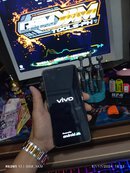
Vivo Y3 Standard (V1930A) aka 1906;
 Boot Logo only; Multiple Restart;
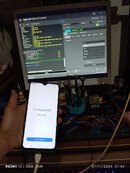
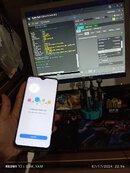
Safe Format + FRP Kick = Success
 Done Perfectly and Feel the Power of Hydra
 PROCEDURE
> Open Hydra
> Double Click Qualcomm
> Use Auto in (brand)
> Click Boot info muna...to read phone info
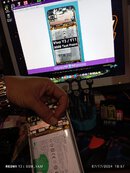
> Test Point unit ... (if ikaw pa naka una sa repair ng unit, ang Testpoint niya is nasa under sticker)
need mo e angat ang black sticker and Salpak usb (waiting process done)
After Boot info Now Proceed to Functions
> Service
> Tool
> Vivo Tab
> Select Factory Reset/ Format User data
> Select Safe Erase
> be sure...nka tick ang (Auto Reboot)
> Click Execute...wait the process
Balik salpak Battery Terminal (be sure 50% UP to continue Setup Welcome) or just charge it..
Done in 11 seconds only...