
Credits to sir jhin27 for the idea......
https://www.antgsm.com/forum/threads/vivo-y30-pattern-frp-binugahan-ni-hydra.220669/
Instruction:
open MTK module
SS:
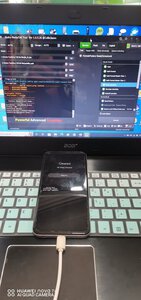
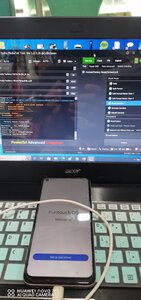
https://www.antgsm.com/forum/threads/vivo-y30-pattern-frp-binugahan-ni-hydra.220669/
Instruction:
open MTK module
- Auto lang sa Brand at Model
- Uncheck Auto Loader
- Click DA then locate mo ung DA and Auth ni Y30
- Click Format/Factory Reset/ScreenLock Option
- sa Flash Mode choose Erase Userdata
- click Execute then wait magreboot.
- same activation procedure (NO DATA/OFFLINE dapat), pero naka frp pa rin yung unit pagdating sa dulo kaya back to Start
- follow instruction until Add Facial/Fingerprint/Password. Create 4 digit password then go back to start
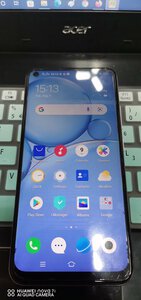
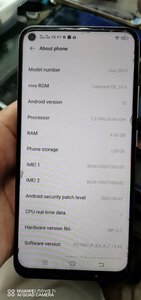
- Follow all instruction but this time ONLINE(data or wifi). Use the 4 digit password rather than the Gmail Account. Done
SS:
