
Vivo Y5S [1713] Password
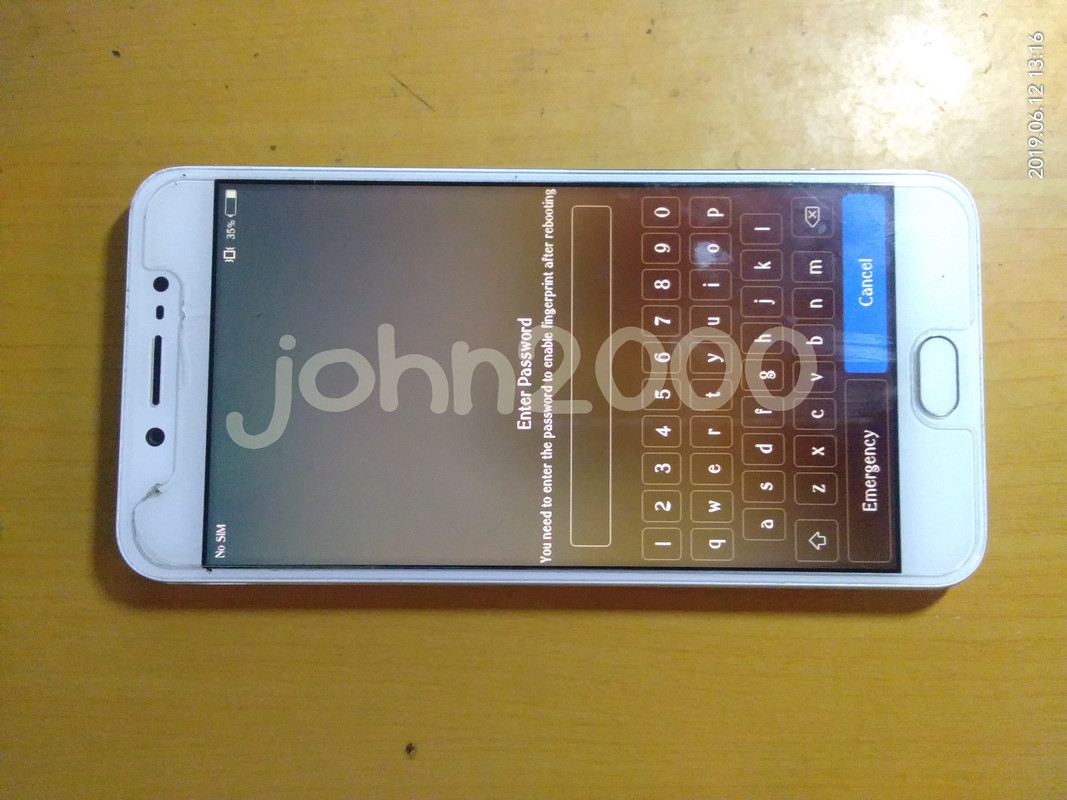
History :
Binigay land daw sa kanya yong Phone kaya lang may Password
Solution :
Reset Password at Bypass FRP
Tools :
MRT Dongle
Procedures with Screenshots :
Run MRT_V3.15 GUI
Click MRT ver2.60 Button
Another MRT ver2.60 Windows GUI Pop-up
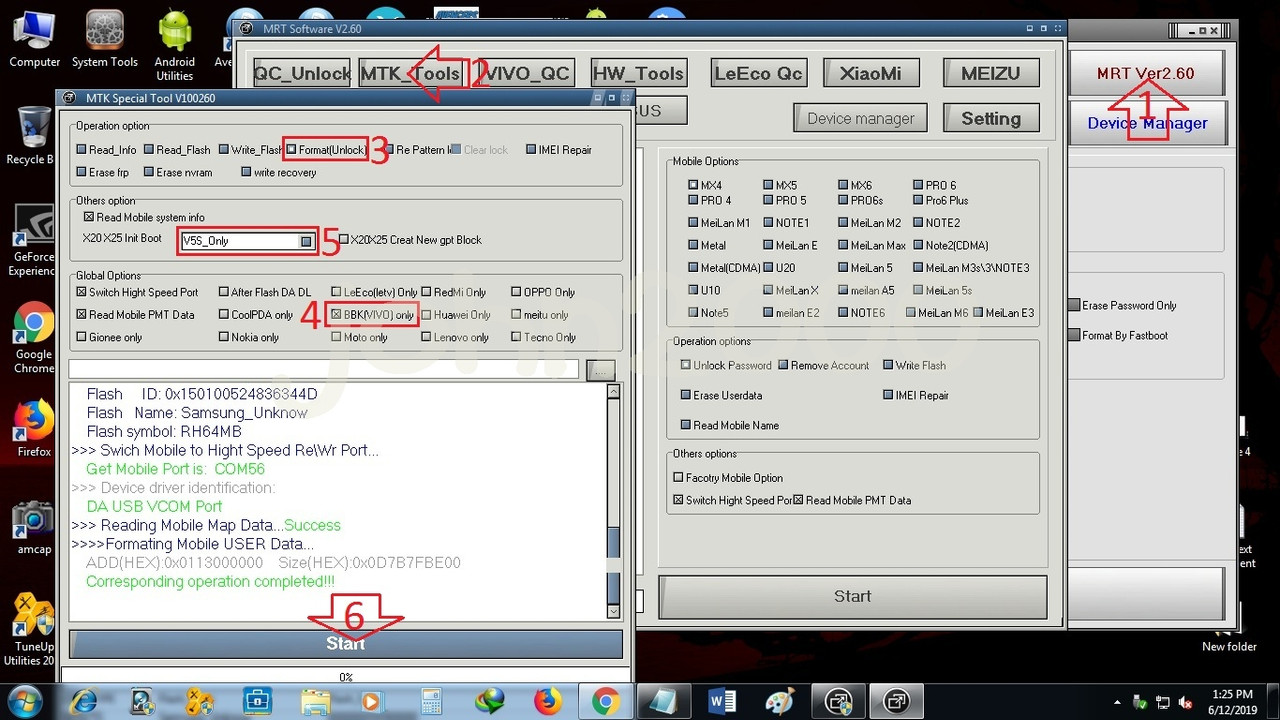
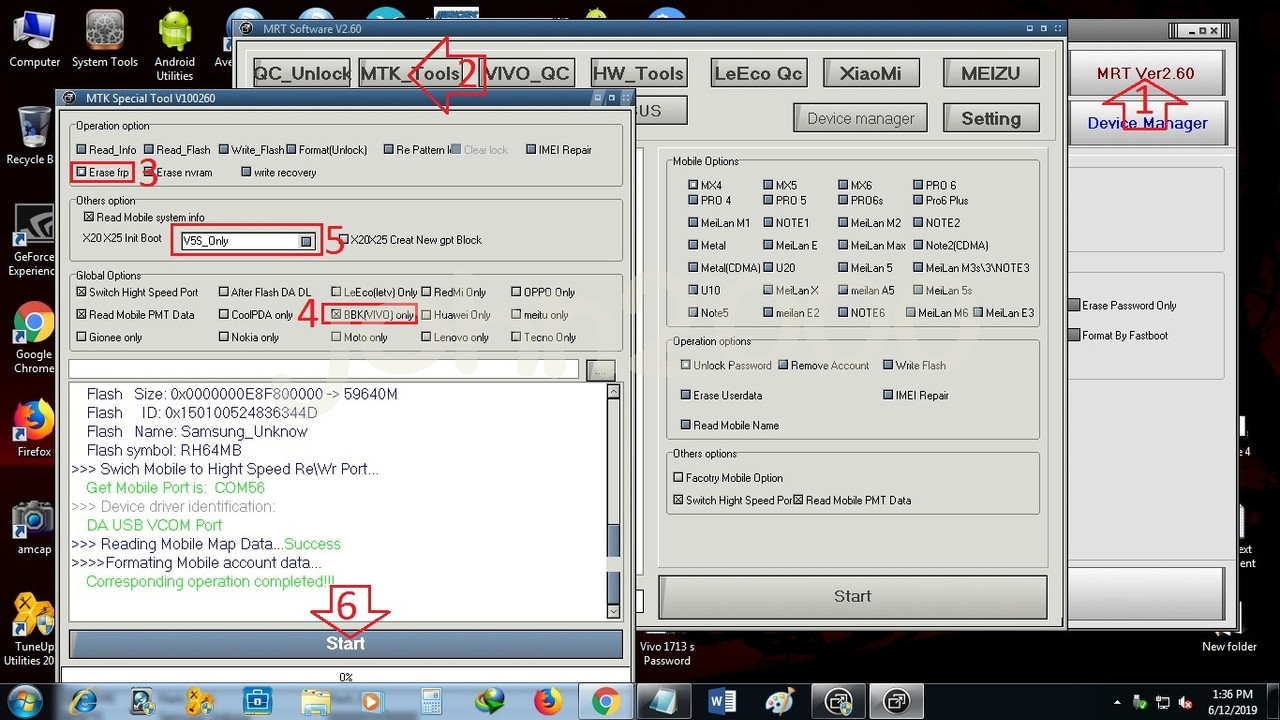
Click MTK _Tools Button
MTK Special tools Vxxxxxx Windows Pop-up
Click Format (Unlock) Button for Password reset
Click Erase frp Button for FRP
Check BBK (Vivo) only in Global option
Select V5S_Only in drop down list
Click Start Button
Power Off Phone
Press and Hold Phone Volume up and down button
Insert CA-101 Micro USB Cable
Wait till all operation done
For Password Reset :
For FRP :
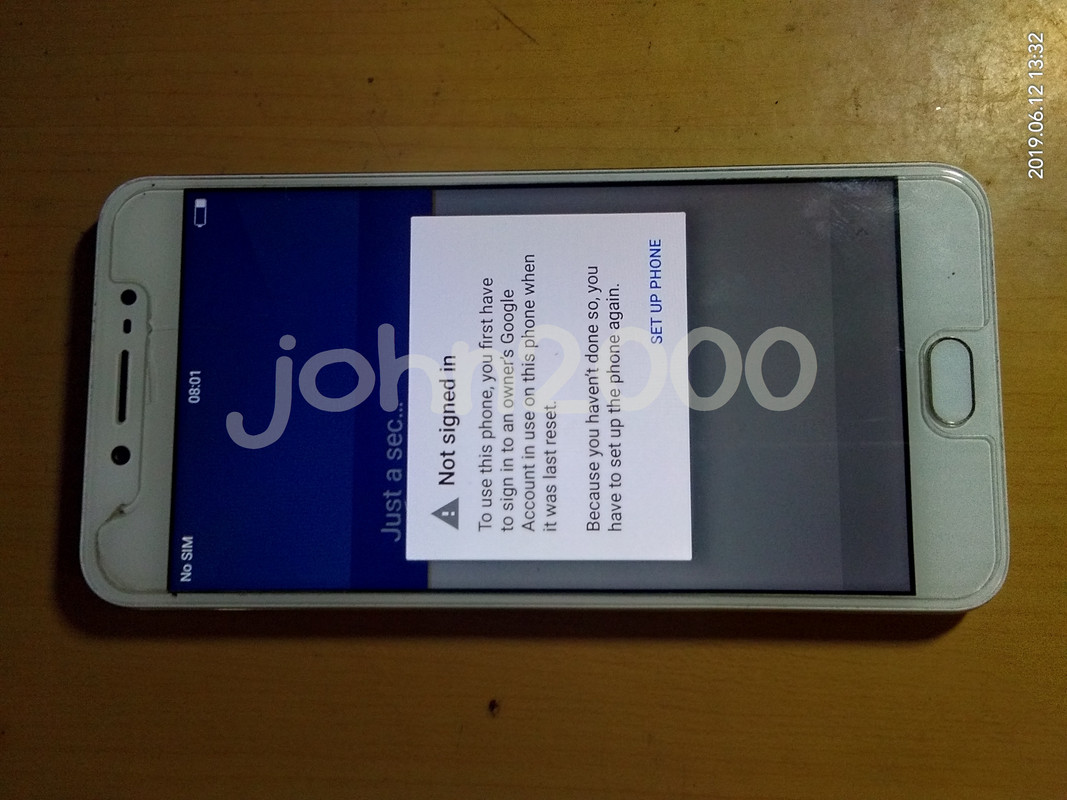
Result :
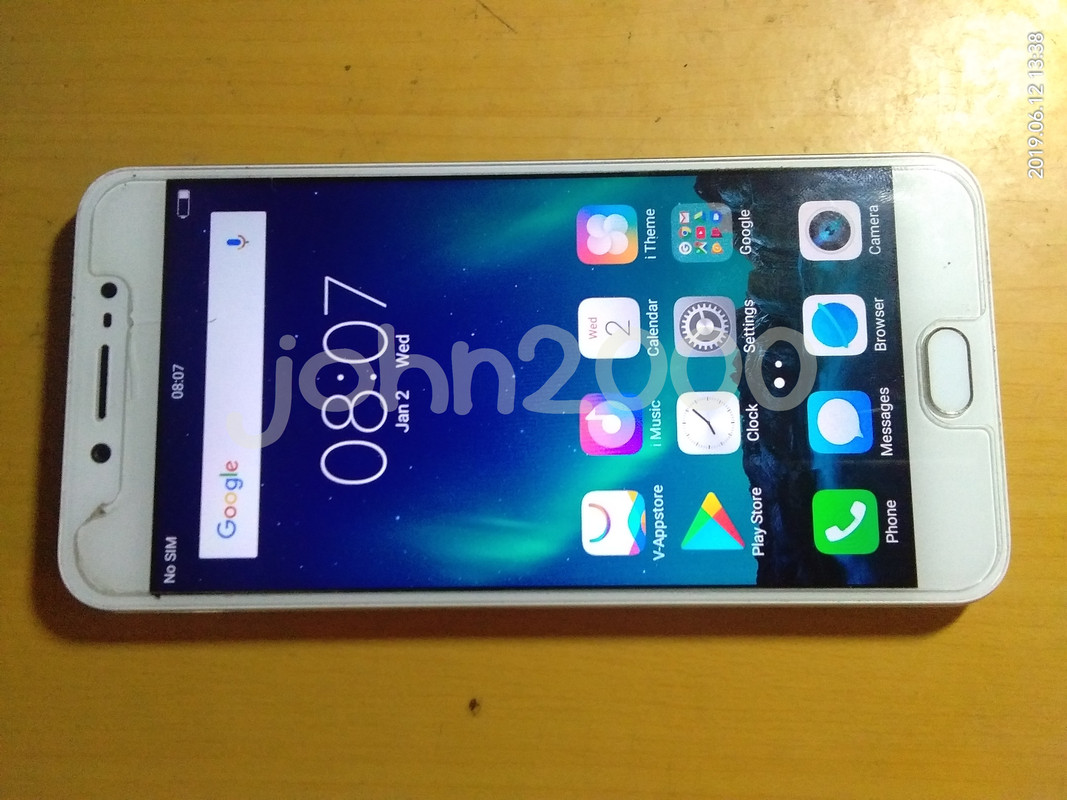
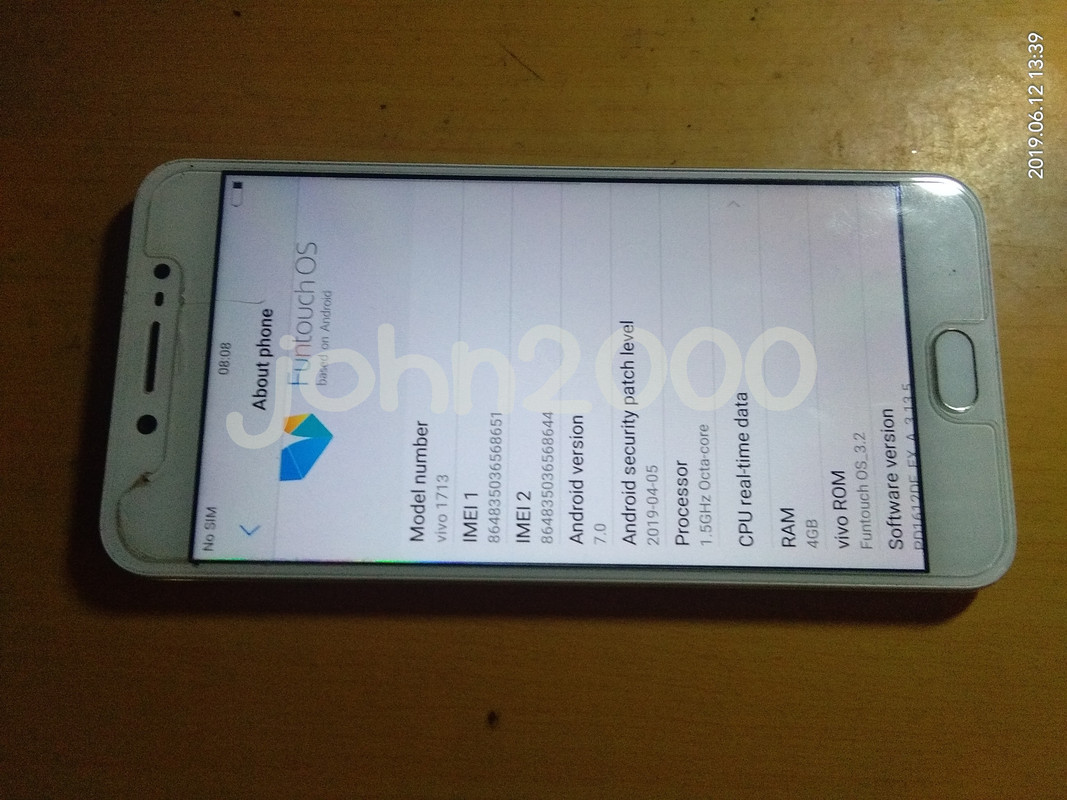
Done....
History :
Binigay land daw sa kanya yong Phone kaya lang may Password
Solution :
Reset Password at Bypass FRP
Tools :
MRT Dongle
Procedures with Screenshots :
Run MRT_V3.15 GUI
Click MRT ver2.60 Button
Another MRT ver2.60 Windows GUI Pop-up
Click MTK _Tools Button
MTK Special tools Vxxxxxx Windows Pop-up
Click Format (Unlock) Button for Password reset
Click Erase frp Button for FRP
Check BBK (Vivo) only in Global option
Select V5S_Only in drop down list
Click Start Button
Power Off Phone
Press and Hold Phone Volume up and down button
Insert CA-101 Micro USB Cable
Wait till all operation done
For Password Reset :
For FRP :
Result :
Done....

