- Joined
- Jun 25, 2018
- Messages
- 146
- Reaction score
- 67
- Points
- 1
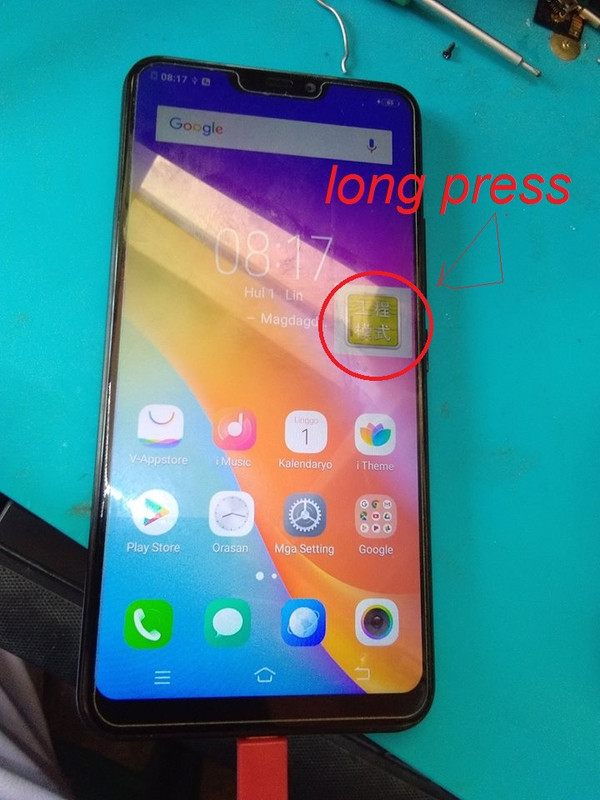
Vivo Y81i (1812) Password Remove & Google Account By MRT/CM2
Unit Model:
Vivo Y81i (1812)
History:
Nakalimutan na daw password at hindi kanya ang google account.
Procedure:
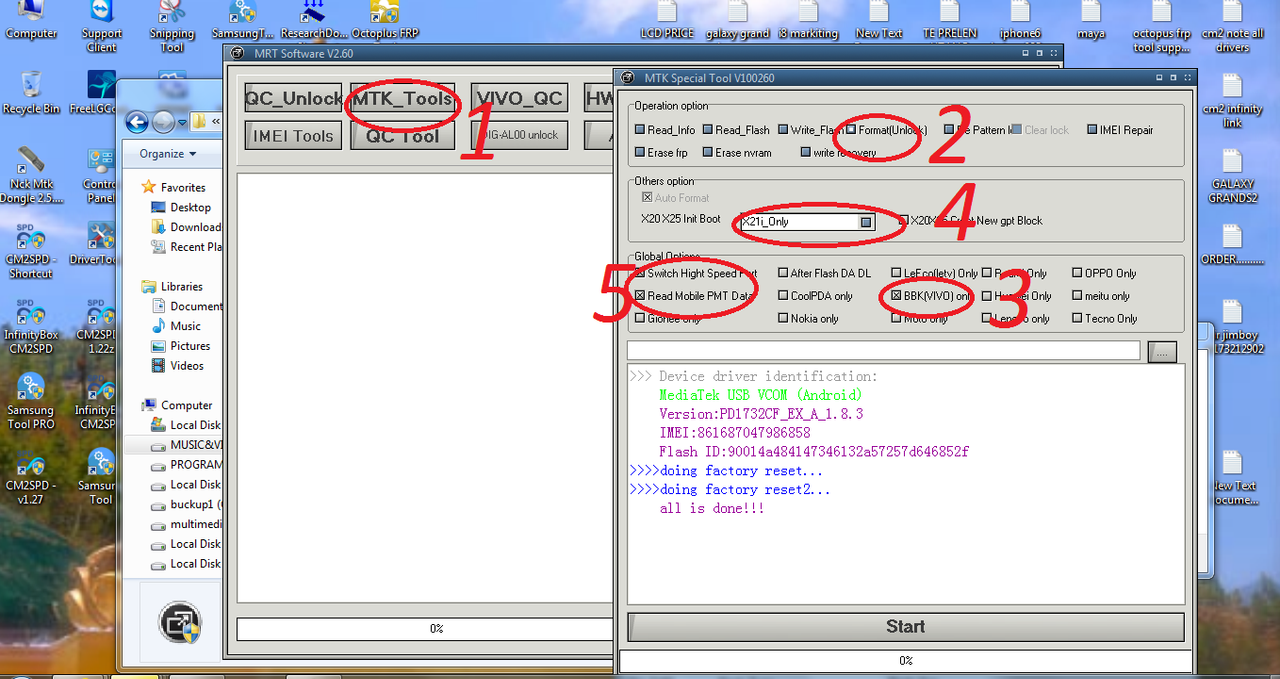
1.Open MRT Tools and select MTK_Tools Tab
 santander hours near me
2. Tick Format (Unlock) Box in Operation Option.
3. Tick BBK (Vivo) Only in Global Option.
4. Select x21i_only Only in Other Option.
5. Hit Start & wait until done. After Maformat may FRP pa nagtry din ako sa MRT kaso may error kaya gumamit na lang ako ibang gadget using CM2 para matanggal FRP.
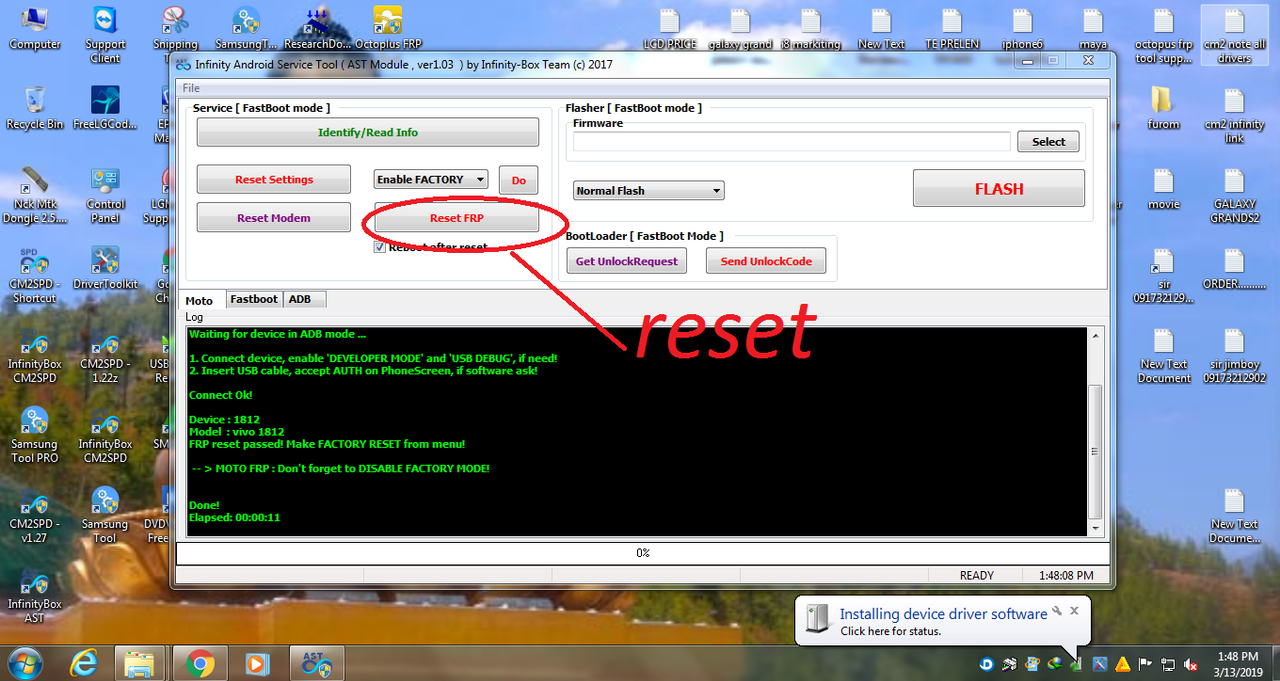
6. Open InfinityBox AST application and Reset FRP. Reboot your phone with ADB and connect the USB.
Turn off the cell phone by holding down down the Power key for a short while.
Afterwards press and hold Volume Up + Power button for about 5 seconds.
You can release Power key when you see the VIVO icon.
-Choose Recovery Mode
-Choose Advanced Options
-Choos Reboot With ADB
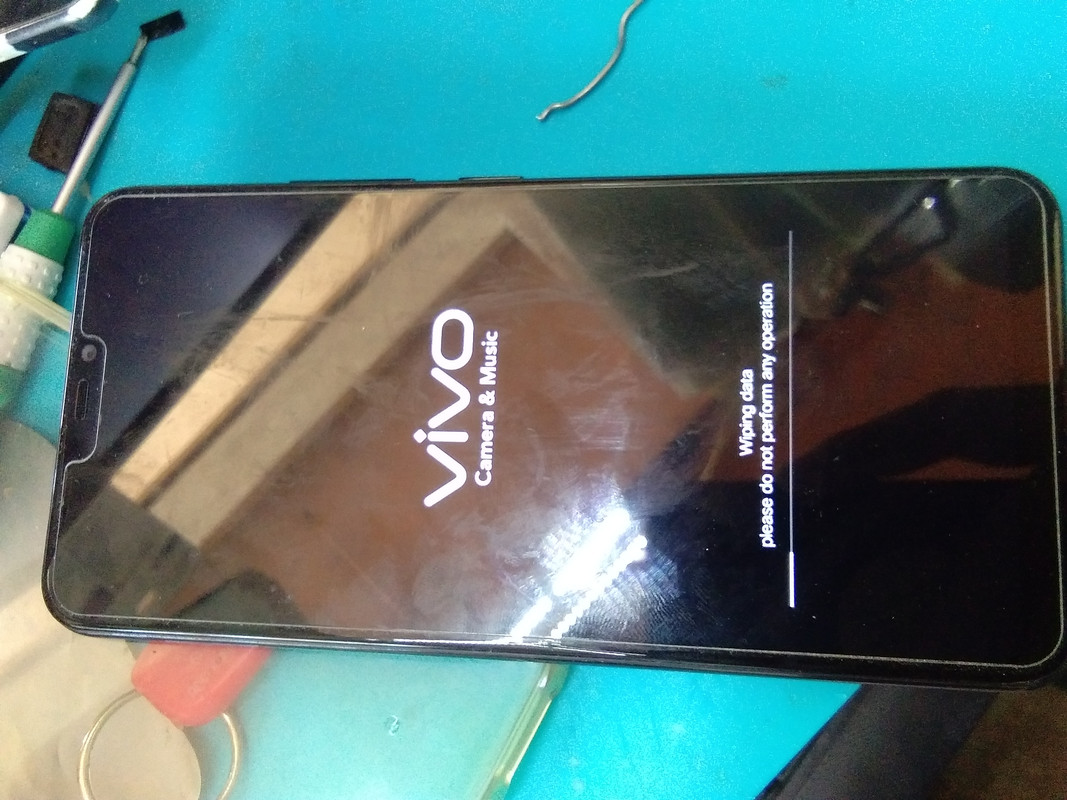
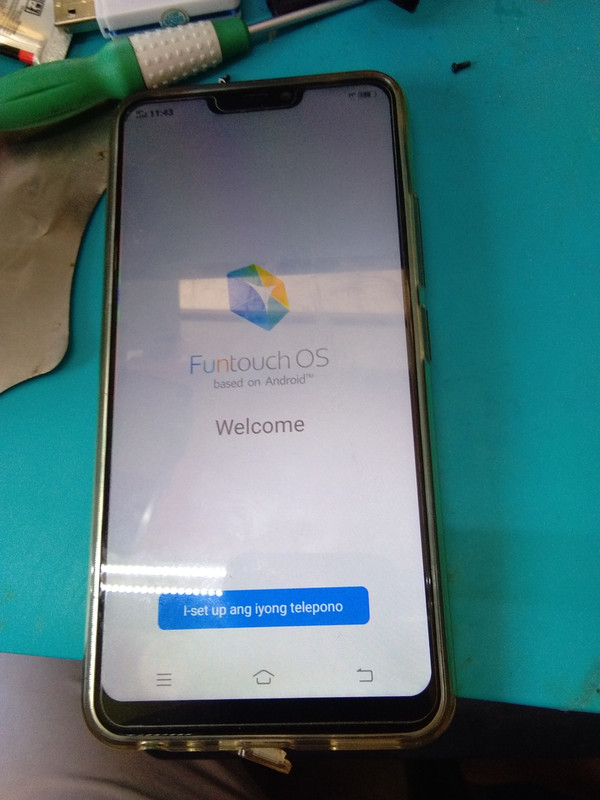
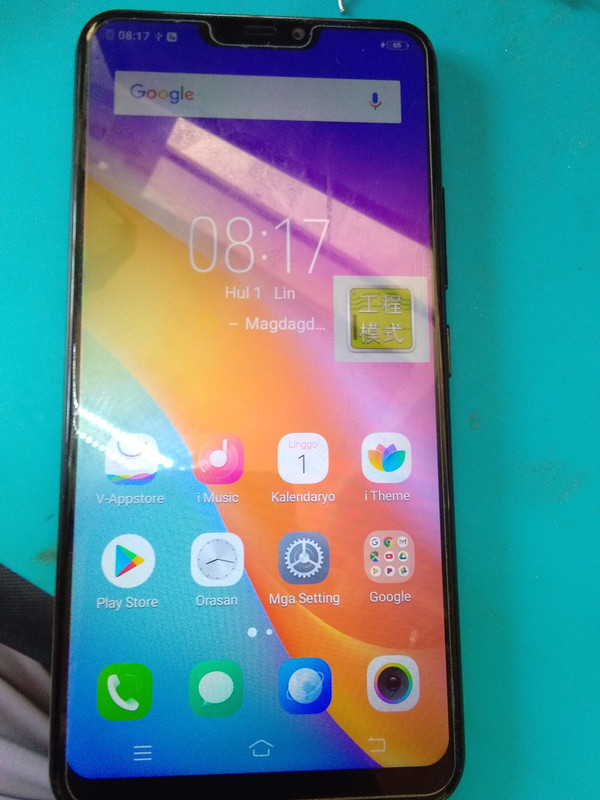
Finished Product OK Na Ang Unit
Unit Model:
Vivo Y81i (1812)
History:
Nakalimutan na daw password at hindi kanya ang google account.
Procedure:
1.Open MRT Tools and select MTK_Tools Tab
santander hours near me2. Tick Format (Unlock) Box in Operation Option.
3. Tick BBK (Vivo) Only in Global Option.
4. Select x21i_only Only in Other Option.
5. Hit Start & wait until done. After Maformat may FRP pa nagtry din ako sa MRT kaso may error kaya gumamit na lang ako ibang gadget using CM2 para matanggal FRP.
6. Open InfinityBox AST application and Reset FRP. Reboot your phone with ADB and connect the USB.
Turn off the cell phone by holding down down the Power key for a short while.
Afterwards press and hold Volume Up + Power button for about 5 seconds.
You can release Power key when you see the VIVO icon.
-Choose Recovery Mode
-Choose Advanced Options
-Choos Reboot With ADB
Finished Product OK Na Ang Unit