
No TPM / No Secure Boot | En-US | x64 | October 2022
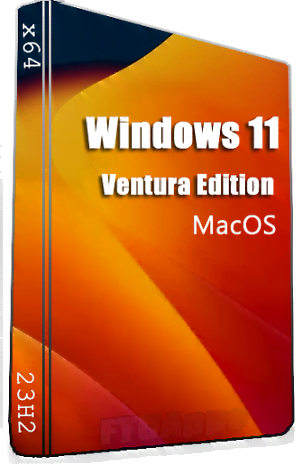
Windows 11 23H2 macOS Ventura Edition (Non-TPM) Insider Preview (x64) En-US Oct 2022 [FTUApps]
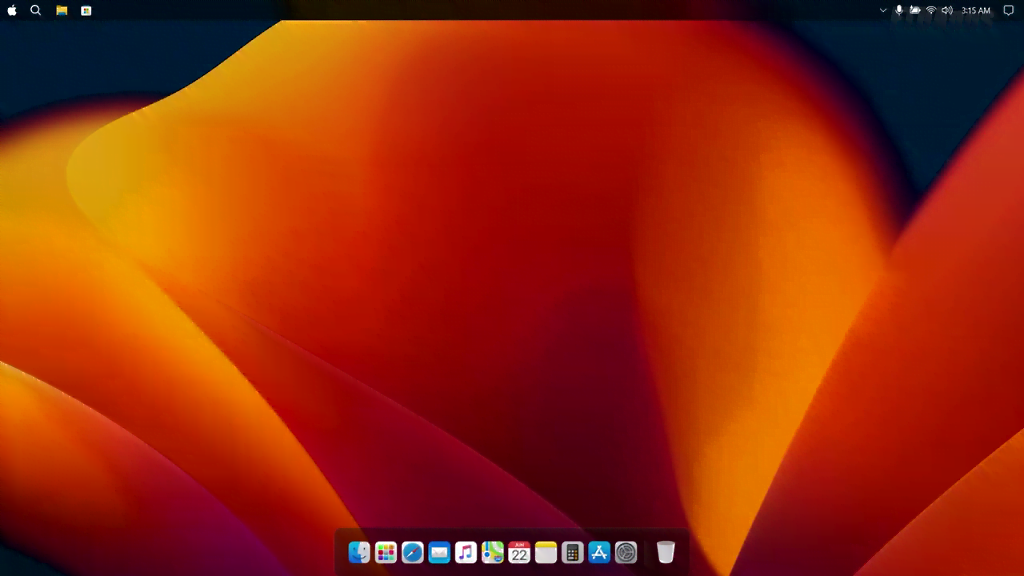
Windows 11 : macOS Ventura edition is the ultimate modification of the slow and bloated Windows 11, turning it into the fast and bloatware free macOS 13 Ventura!
Installed Features:
1. Uninstall Microsoft Store
2. Install Microsoft Store
3. Fix High Ram Usage
4. Disable Paging Files
5. Enable Paging Files
6. Compress OS
7. De-Compress OS
8. Install Chrome
9. Install Edge
10. Install Drivers
11. Enable/Disable Windows Updates
12. And More …
What’s New:
– https://blogs.windows.com/windows-i...ncing-windows-11-insider-preview-build-25201/
Build Notes:
– No Info About Changes And Removed/Disabled Component By Original Author.
System Requirements:
– CPU: Any x64 CPU
– RAM: 1 GB
– Storage: 6 GB HDD/SSD space
– TPM Bypassed: Yes, No TPM 2.0 / No Secure Boot
– Treatment: Modded, use activator just in case!
General Info:
Windows: 11 macOS Ventura
Edition: 23H2
Architecture: x64
Year Of Release: 2022
Language: English US
Year Of Release: Oct 2022
Author: harbouroftech
Installation Method:
– Create bootable USB (highly recommended) with Rufus, and boot up!
– Burn to DVD-DL at slow speed.


https://ftuapps.dev/wp-content/uplo...-Non-TPM-Insider-Preview-x64-Oct-2022.torrent
ctto: