
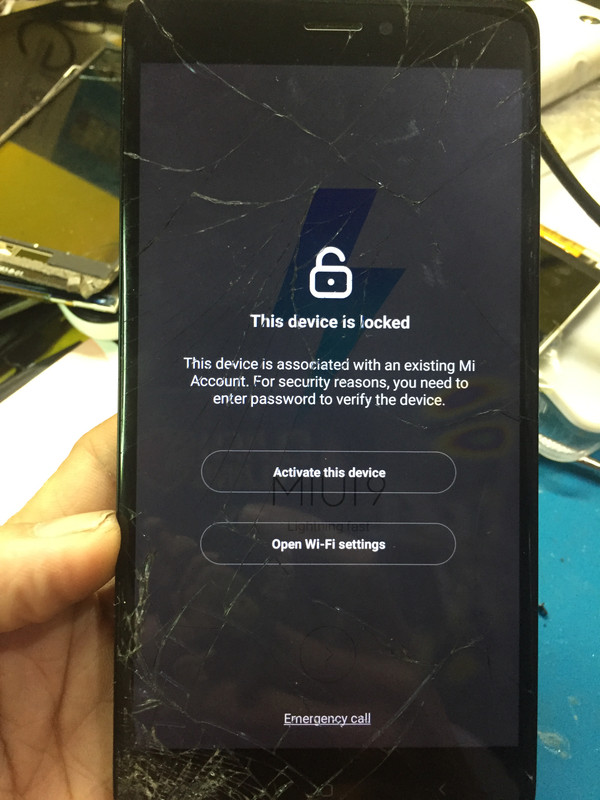
share ko lang mga paps/boss mi redmi note 4 may mi account sya...
eto sya may mi account...
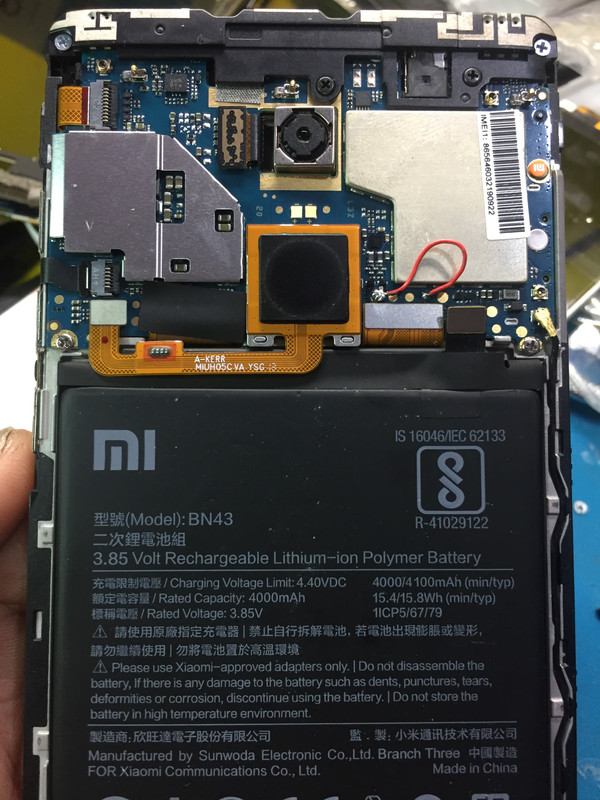
dito ko nakuha yong cm2 qlm in edl mode:
https://www.youtube.com/watch?v=l68lHPzO-_M
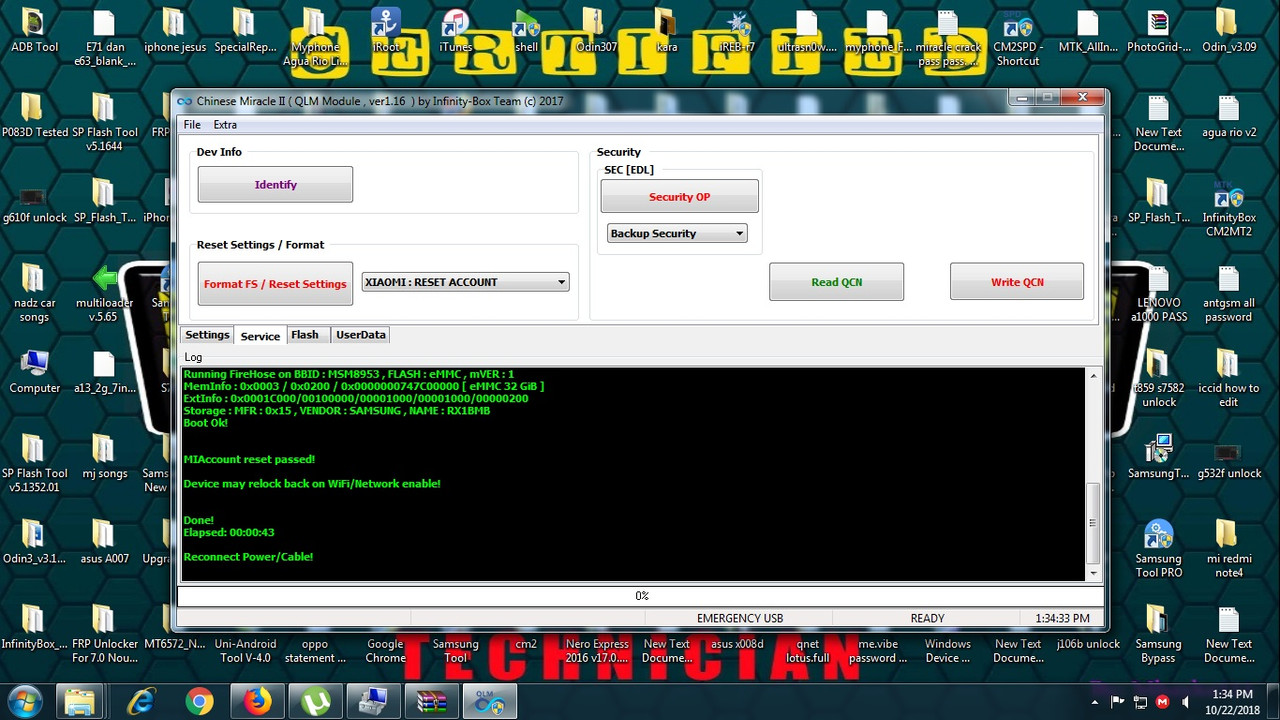
open cm2 QLM and DONE:
 free pic upload
finish...
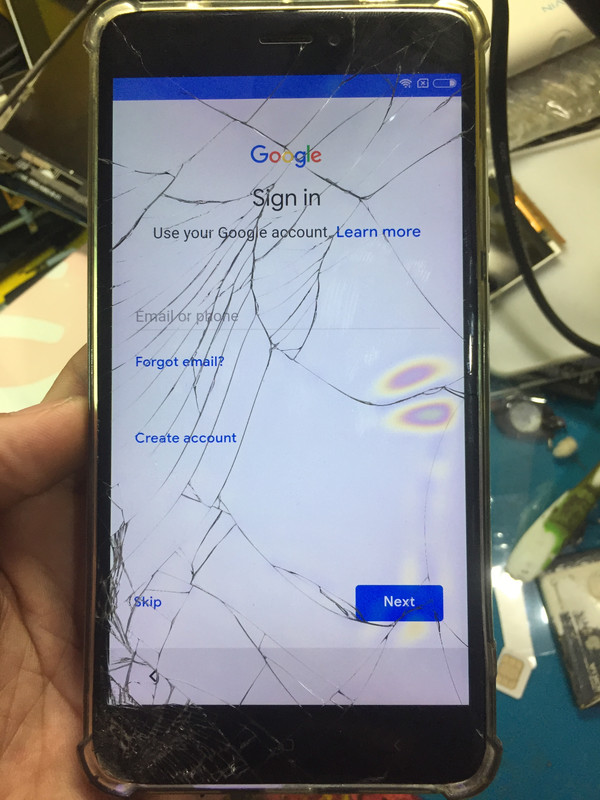
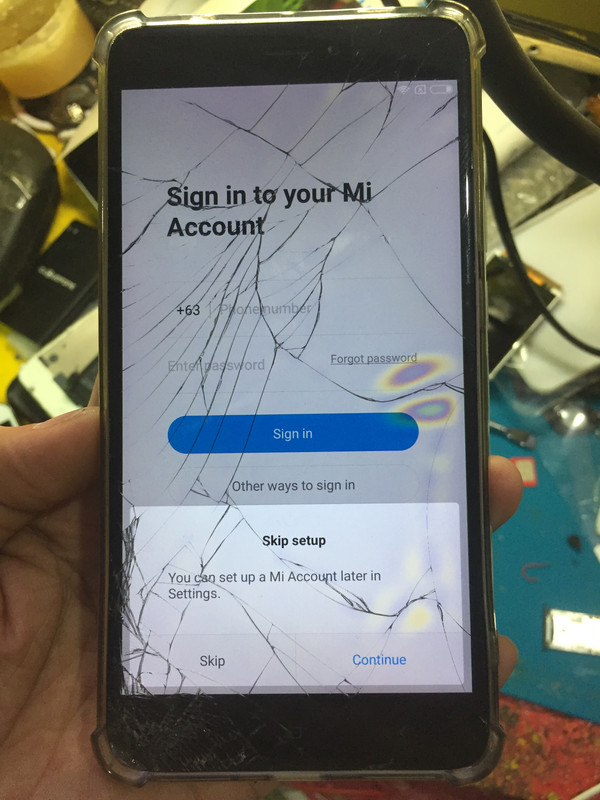
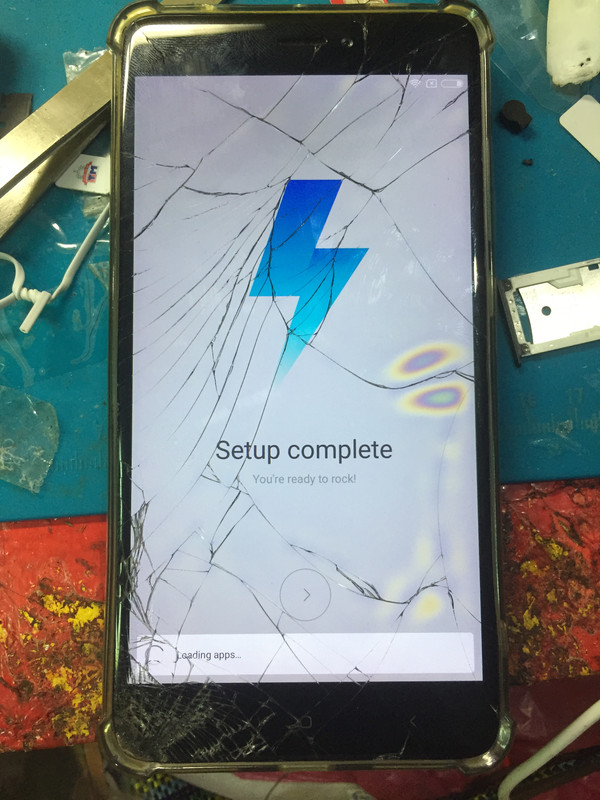
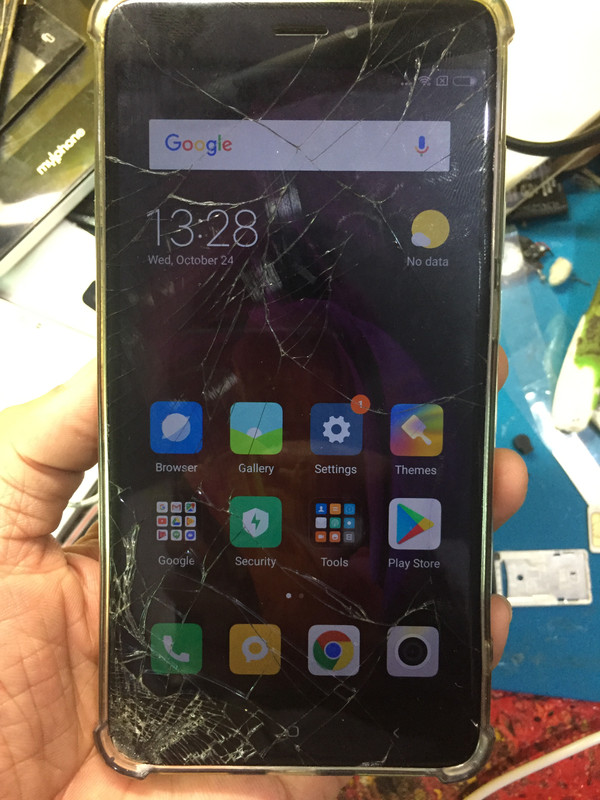
for reference lang sa mga newbie tulad ko salamat...
eto sya may mi account...
dito ko nakuha yong cm2 qlm in edl mode:
https://www.youtube.com/watch?v=l68lHPzO-_M
open cm2 QLM and DONE:
free pic uploadCard found : 62F6362F , v0136
Infinity-Box Chinese Miracle Qualcomm Module [QLM] v 1.16
Operation : Reset Settings [ v1.16 ]
1. Power Off Phone , Remove battery , Insert back
2. PRESS and HOLD BOTH VOLUME KEYS!
3. Insert USB cable. In some cases require use EDL cable or TP to force EDL mode!
Wait for phone...
Device Found!
Initialize ...
Handshake passed!
ID_BLOCK_I : SnapDragon 625 [MSM8953]
ID_BLOCK_S : 8018AA1F
ID_BLOCK_L : 3F78EBC7757CA4F79ED27E29BD29D1E6
ID_BLOCK_L : E01C56CD002B3BF3EC7F948FE85E8AFF
Use CM2 Internal Loader
Loader Sent! Initializing ...
Running FireHose on BBID : MSM8953 , FLASH : eMMC , mVER : 1
MemInfo : 0x0003 / 0x0200 / 0x0000000747C00000 [ eMMC 32 GiB ]
ExtInfo : 0x0001C000/00100000/00001000/00001000/00000200
Storage : MFR : 0x15 , VENDOR : SAMSUNG , NAME : RX1BMB
Boot Ok!
MIAccount reset passed!
finish...
for reference lang sa mga newbie tulad ko salamat...
