Xiaomi Redmi Note 4 (qualcomm chip)
Reset account via Umt
share lang po!
Reset account via Umt
Code:
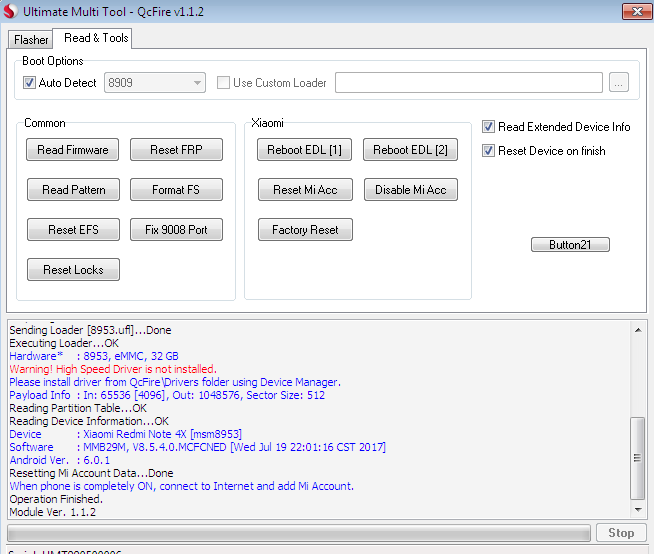
Operation	: Reset Mi Account
Checking for existing devices...Not Found
Turn Off phone, hold Vol UP + Vol DOWN and insert USB cable.
Some phones may need Special Boot Cable or TestPoint for EDL mode.
Found Port	: Qualcomm HS-USB QDLoader 9008 (COM30)
Driver Info	: Qualcomm Incorporated, qcusbser.sys, 2.1.0.5
Connecting to phone...OK
Waiting for response...OK
Init Handshake Sequence...OK
Hardware ID	: E1600400 [8953] 00000000
OPK_DATA	: 079E496E26A477B120DFCD85DF7E4AD067164D8292DDD379930D5891E3D8240B
Initializing Protocol...OK
Using Auto Loader Selection [1]
Preparing Firehose Loader...Done
Sending Loader [8953.ufl]...Done
Executing Loader...OK
Hardware*	: 8953, eMMC, 32 GB
Warning! High Speed Driver is not installed.
Please install driver from QcFire\Drivers folder using Device Manager.
Payload Info	: In: 65536 [4096], Out: 1048576, Sector Size: 512
Reading Partition Table...OK
Reading Device Information...OK
Device	: Xiaomi Redmi Note 4X [msm8953]
Software	: MMB29M, V8.5.4.0.MCFCNED [Wed Jul 19 22:01:16 CST 2017]
Android Ver.	: 6.0.1
Resetting Mi Account Data...Done
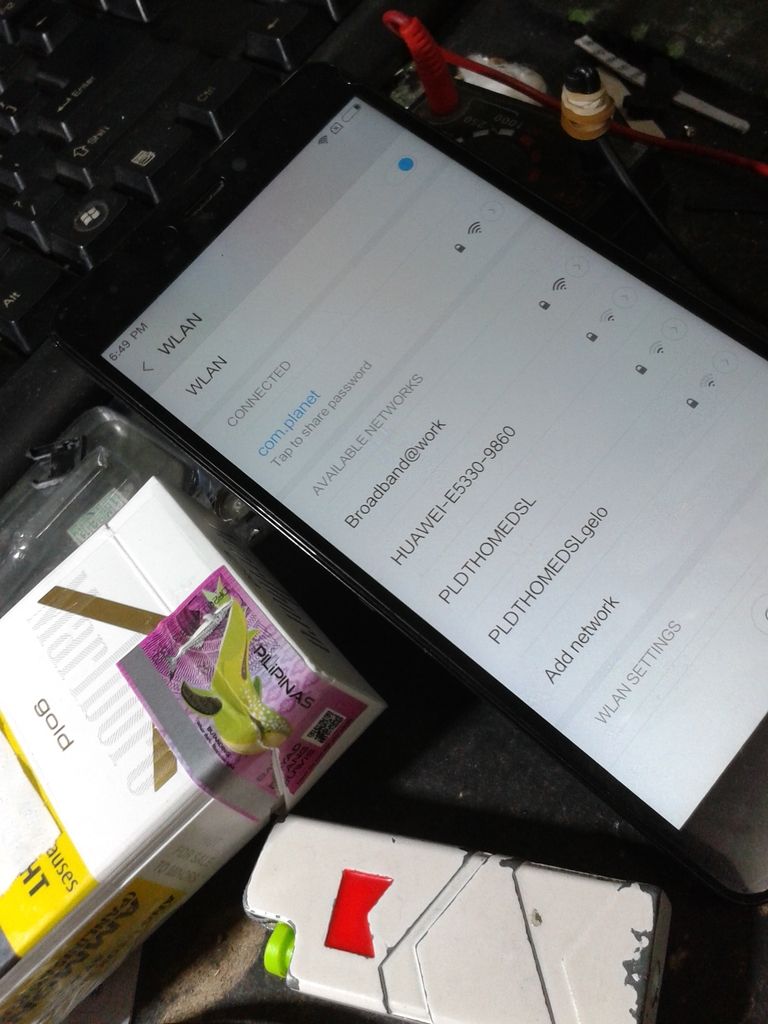
When phone is completely ON, connect to Internet and add Mi Account.
Operation Finished.
Module Ver. 1.1.2

share lang po!
