
Steps
1.Open iBypasser Android
2.Find redmi note 7 (lavender) in Xiaomi tab
3.Choose Edl | Disabled Mi Account [2]
4.Wait for console to say ,waiting for devices
5.Connect Mobile using testpoint
6.wait for it to finish then remove cable
finishing process.
Salpak battery turn on the device and your done the device should not be relock after the process
Proof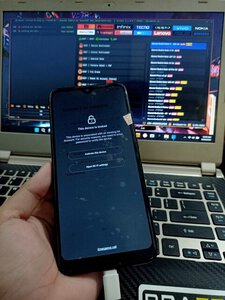
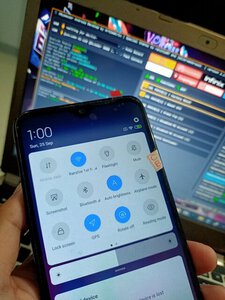
1.Open iBypasser Android
2.Find redmi note 7 (lavender) in Xiaomi tab
3.Choose Edl | Disabled Mi Account [2]
4.Wait for console to say ,waiting for devices
5.Connect Mobile using testpoint
6.wait for it to finish then remove cable
finishing process.
Salpak battery turn on the device and your done the device should not be relock after the process
Proof

