
- Joined
- Jul 25, 2014
- Messages
- 295
- Reaction score
- 90
- Points
- 1
put fw on sd card (no need to extract fw) PD1732CF_EX_A_1.25.4-update-full_1617944482
hold volume up and power button
recovery
apply update from sd card
select files (click on files)
wait 3-5 minutes until process completed
done
https://www.vivo.com/ph/support/upgradePackageData?id=69 download : here PD1732CF_EX_A_1.25.4
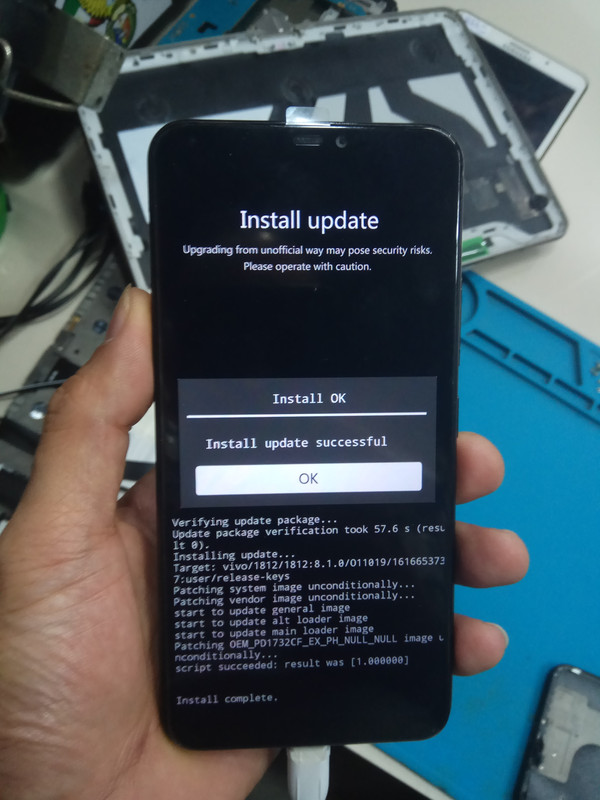
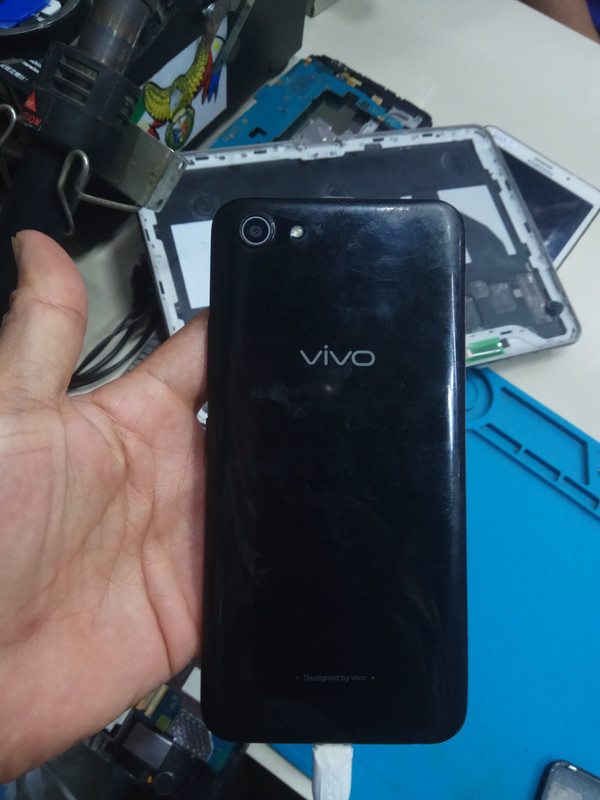
for FRP bypass
skip on wifi
accept
next
settings
pattern
create pattern lock (2x)
answer security questions (write anything)not important
done
ok
add face
ok
next
skip
use now
reboot phone (restart phone)
apply created pattern lock
setup your phone
connect to wifi
next
apply created pattern lock (wait 2-3 minutes)
skip
use now
settings
more settings
about phone
usb debuging must be on (developer option)
reset all settings
done...
sana makatulong..
y81i frp bypass by youtube tutorial tested
hold volume up and power button
recovery
apply update from sd card
select files (click on files)
wait 3-5 minutes until process completed
done
https://www.vivo.com/ph/support/upgradePackageData?id=69 download : here PD1732CF_EX_A_1.25.4
for FRP bypass
skip on wifi
accept
next
settings
pattern
create pattern lock (2x)
answer security questions (write anything)not important
done
ok
add face
ok
next
skip
use now
reboot phone (restart phone)
apply created pattern lock
setup your phone
connect to wifi
next
apply created pattern lock (wait 2-3 minutes)
skip
use now
settings
more settings
about phone
usb debuging must be on (developer option)
reset all settings
done...
sana makatulong..
y81i frp bypass by youtube tutorial tested
Last edited by a moderator:


