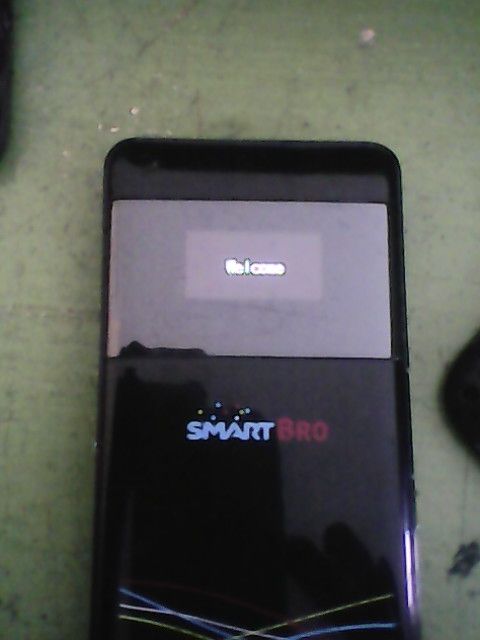
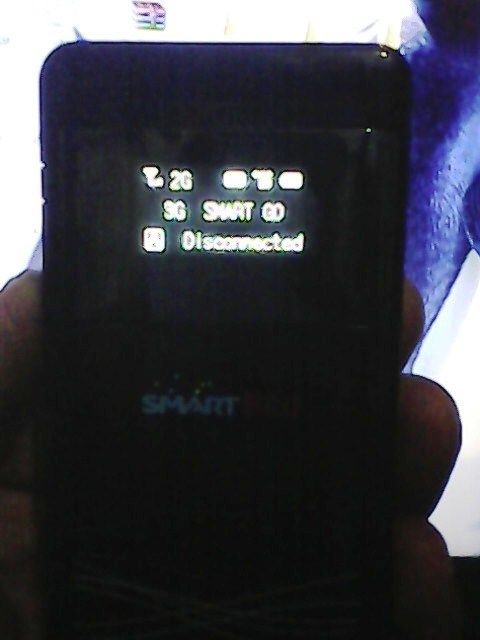
SmartBro Pocket wifi MF63 hang done

sakuragi

Registered
Joined
Jun 13, 2014
Messages
421
Reaction score
13
Points
31
Problem:
Hang in Welcome

Tools:
usb cable

Procedure:
1: remove the sim card
2: power on the pocket wifi
3: install all driver and connect
4: go to your internet browser type 192.168.0.1
5: Navigate settings click factory reset
4: check sms box delete all messege
7: put back the sim on the pocket wifi DONE!!!

link:
http://forum.gsmhosting.com/vbb/f788/zte-mf63-logo-hangdone-1875516/


Screenshot:


Done:

 
congratz boss nakuha sa reset hehe nice move., tnx
 
salamat dito boss
boss matanung kulang ,yung akin ganiyan din problema,pag napunta ako sa link 192.168.0.1 my password naka limutan na rin password paanu na ito,,anung addmin pass nito?
 
grabe, nagbayad pako ng 300 kanina, simple lang pala ang gagawin. Pero okay lang un at least na-trace ko san nakuha ng mechanic ang way to solve my problem. Next time, Ill look here first. Thanks to him and thanks to person who post the way here
 
salamat dito boss
boss matanung kulang ,yung akin ganiyan din problema,pag napunta ako sa link 192.168.0.1 my password naka limutan na rin password paanu na ito,,anung addmin pass nito?

Try mo admin pass: smartbro bos.. yan kasi ang default pass ng smartbro admin pass...
 
grabe, nagbayad pako ng 300 kanina, simple lang pala ang gagawin. Pero okay lang un at least na-trace ko san nakuha ng mechanic ang way to solve my problem. Next time, Ill look here first. Thanks to him and thanks to person who post the way here

ngek nangangamoy na may ibang nakapasok ata...

kasi sabi nya nagbayad siya ng 300..
 
boss pwede makahingi ng driver nito?di kasi madetect driver nya ei
 
Who read this thread (Total readers: 0)
No registered users viewing this thread.
Back
Top