Problem:
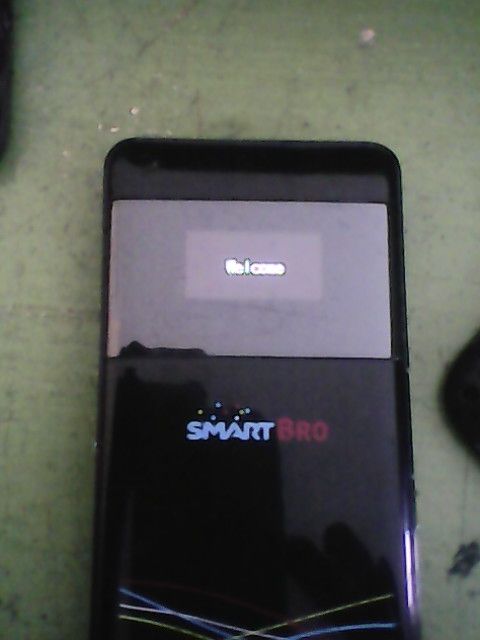
Hang in Welcome
Tools:
usb cable
Procedure:
1: remove the sim card
2: power on the pocket wifi
3: install all driver and connect
4: go to your internet browser type 192.168.0.1
5: Navigate settings click factory reset
4: check sms box delete all messege
7: put back the sim on the pocket wifi DONE!!!
Screenshot:
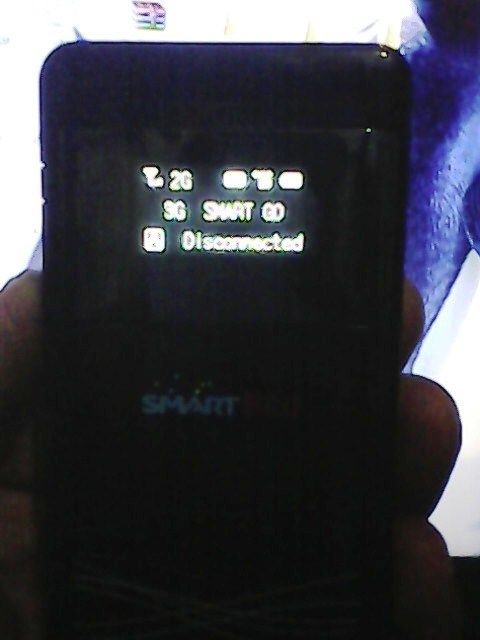
Done:
Hang in Welcome
Tools:
usb cable
Procedure:
1: remove the sim card
2: power on the pocket wifi
3: install all driver and connect
4: go to your internet browser type 192.168.0.1
5: Navigate settings click factory reset
4: check sms box delete all messege
7: put back the sim on the pocket wifi DONE!!!
link:
http://forum.gsmhosting.com/vbb/f788/zte-mf63-logo-hangdone-1875516/Screenshot:

Done:


