
- Joined
- Aug 1, 2015
- Messages
- 207
- Reaction score
- 7
- Points
- 1
Share ko lang ito.
Dinala ni tomer saken na hang sa logo, di magrecovery nabalik ulit sa droidboot pag sineselect ang recovery mode.
First attempt - DOWNLOAD RAW Firmware then Asus flash tool ginamit ko pero di magflash, nageerror (frp request failed daw) may google account siguro ang cp.
Second attempt - Nagbrowse ako kay google, rename to .zip ung raw firmware then extract. Mano mano natin ifflash ung laman ng raw
Download ka muna adb fastboot kung wala ka pa in my case, minimal adb and fastboot ginamit ko CLICK this para madownload mo. then dun mo eextract sa directory ng adb fastboot ung laman ng RAW. Check the pic.
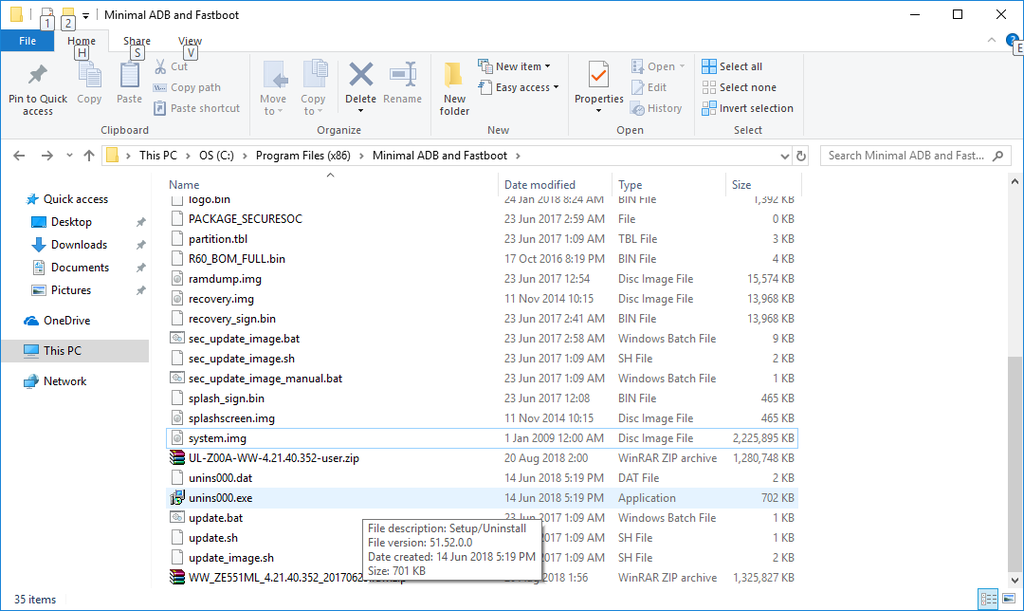
Flashing na tayo, hold mo power button + volume up button ni zenfone 2, pag nagdisplay na logo, bitawan ang power button. Nasa droidboot menu ka na.
Punta sa folder ng minimal adb and fastboot
(kung windows 7 user ) hold shift tapos right click sa open space ng folder ng adb fastboot tapos click open command window here.
(kung windows 10 user) click mo lang ung cmd-here.
then manually type this (isa-isa) (di kasama mga number. haha)
Phone will successfully reboot into system. don't worry, first boot gonna take a little longer time. so have patience and watch some funny video till phone boots up.
Finish!
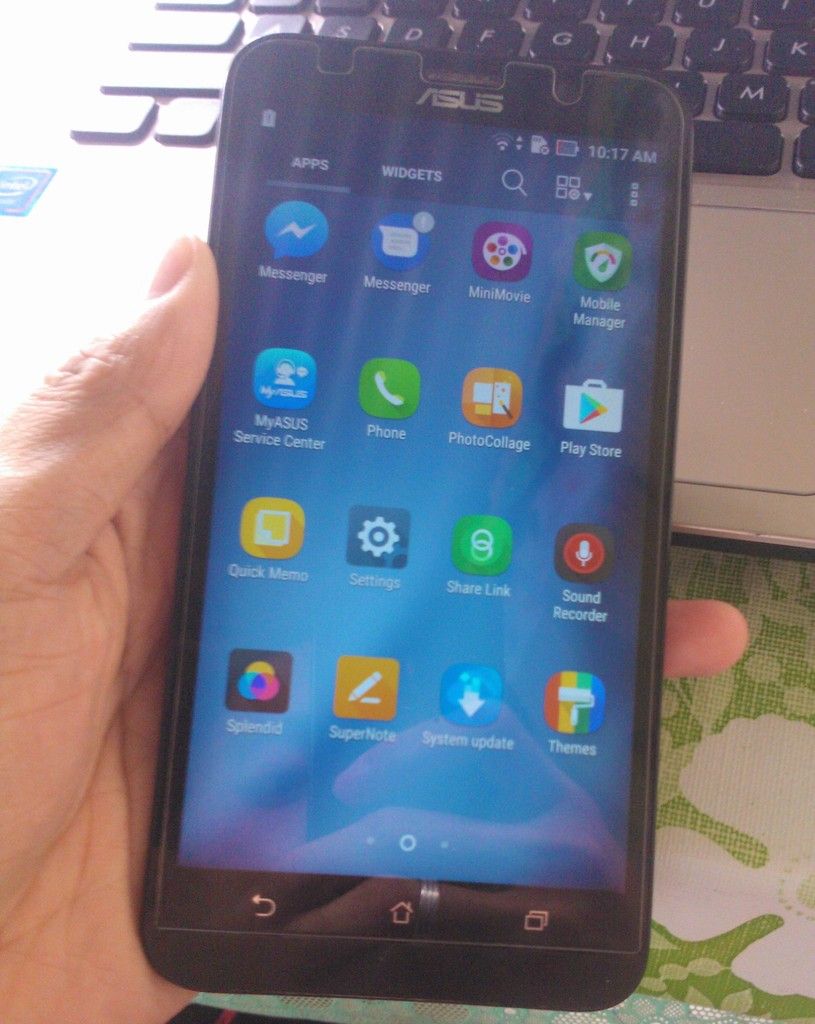
Alternative way lang to incase nageerror si Asus Flash Tool.
CHEERS! (l:0:-bd
Dinala ni tomer saken na hang sa logo, di magrecovery nabalik ulit sa droidboot pag sineselect ang recovery mode.
First attempt - DOWNLOAD RAW Firmware then Asus flash tool ginamit ko pero di magflash, nageerror (frp request failed daw) may google account siguro ang cp.
Second attempt - Nagbrowse ako kay google, rename to .zip ung raw firmware then extract. Mano mano natin ifflash ung laman ng raw
Download ka muna adb fastboot kung wala ka pa in my case, minimal adb and fastboot ginamit ko CLICK this para madownload mo. then dun mo eextract sa directory ng adb fastboot ung laman ng RAW. Check the pic.

Flashing na tayo, hold mo power button + volume up button ni zenfone 2, pag nagdisplay na logo, bitawan ang power button. Nasa droidboot menu ka na.
Punta sa folder ng minimal adb and fastboot
(kung windows 7 user ) hold shift tapos right click sa open space ng folder ng adb fastboot tapos click open command window here.
(kung windows 10 user) click mo lang ung cmd-here.
then manually type this (isa-isa) (di kasama mga number. haha)
Code:
 1.fastboot devices ( see if it is recognized: else plug out usb and plugin again)
2. fastboot oem erase_osip_header
3. fastboot oem start_partitioning
4. fastboot flash /tmp/partition.tbl partition.tbl
5. fastboot oem partition /tmp/partition.tbl
6. fastboot erase system
7. fastboot erase cache
8. fastboot erase data
9. fastboot erase APD
10. fastboot erase ADF
11. fastboot oem wipe splashscreen
12. fastboot oem stop_partitioning
13. fastboot flash splashscreen splash_sign.bin
14. fastboot flash token R60_BOM_Full.bin
15. fastboot flash ifwi ifwi.bin
16. fastboot flash boot boot_sign.bin
17. fastboot flash recovery recovery_sign.bin
18. fastboot flash fastboot droidboot_sign.bin
19. fastboot flash APD APD.img
20. fastboot flash system system.img
21. fastboot reboot
Phone will successfully reboot into system. don't worry, first boot gonna take a little longer time. so have patience and watch some funny video till phone boots up.
Finish!

Alternative way lang to incase nageerror si Asus Flash Tool.
CHEERS! (l:0:-bd
Last edited by a moderator:


