
CPH1609 OPPO F3 Password and Frp Done
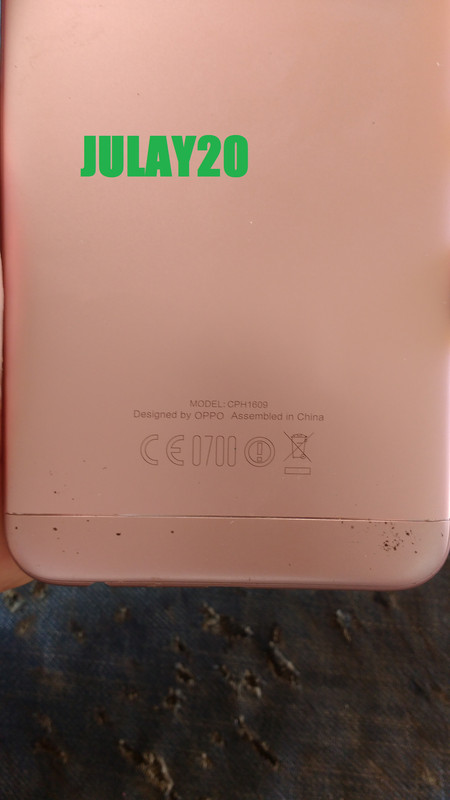
History:
alam ni tumer yung password dahil pinakilaman ng bata ayaw na daw ma open kahit anong pattern kaya papa tangal na lang ni tumer yung password ginawa ko ganito
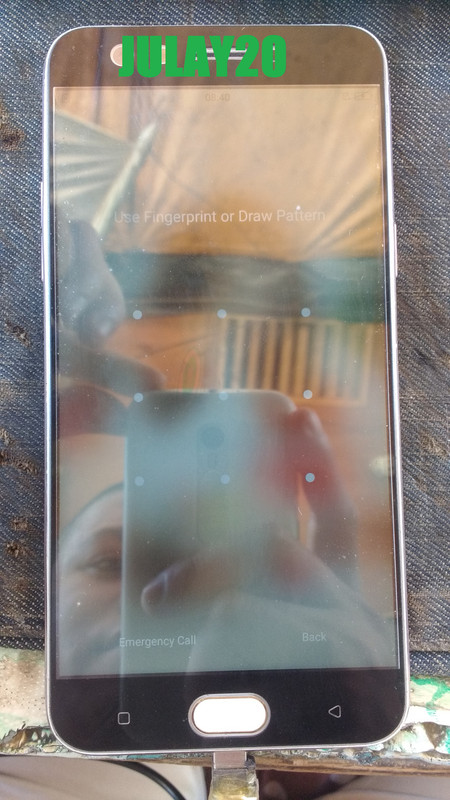
Tool's
NCK Crack
Miracle Thunder Crack
password mona gamit ko NCK Crack
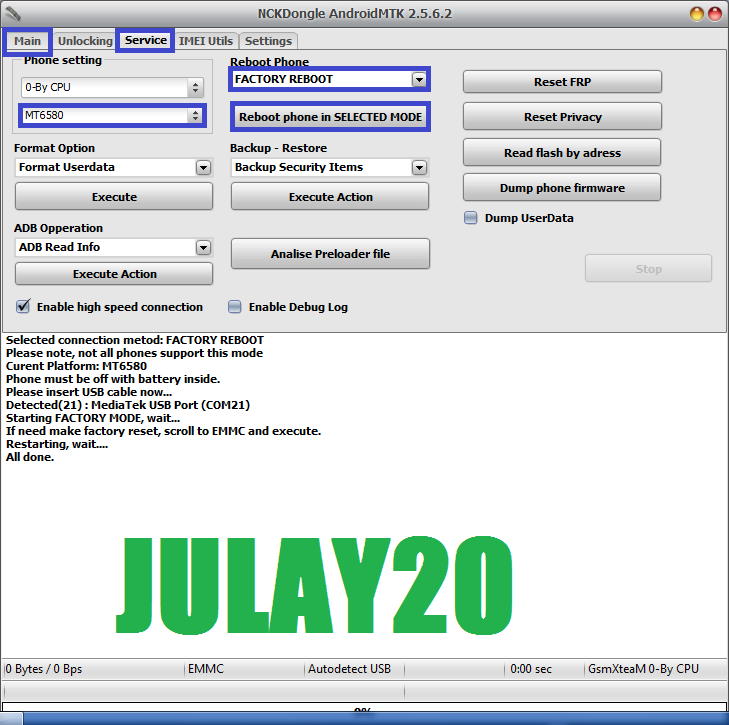
LOG:
Procedure:
Open nck crack
click Main select MT6580
click Service
select factory reboot
click reboot phone in selected mode
saksak usb power on unit para ma detect ng pc
pag na detect na power off unit saksak usb
hold voll up and down hayaan mo lang
my lalabas na chinese piliin mo yung my MMC
us voll down select MMC us power button kosa mag reboot yung unit hayan mo lang
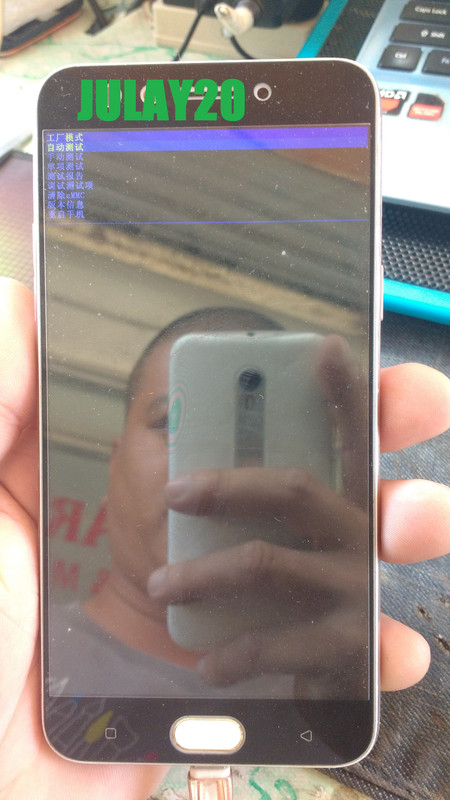
pag ka tapos ma reboot ito na sya
picture:
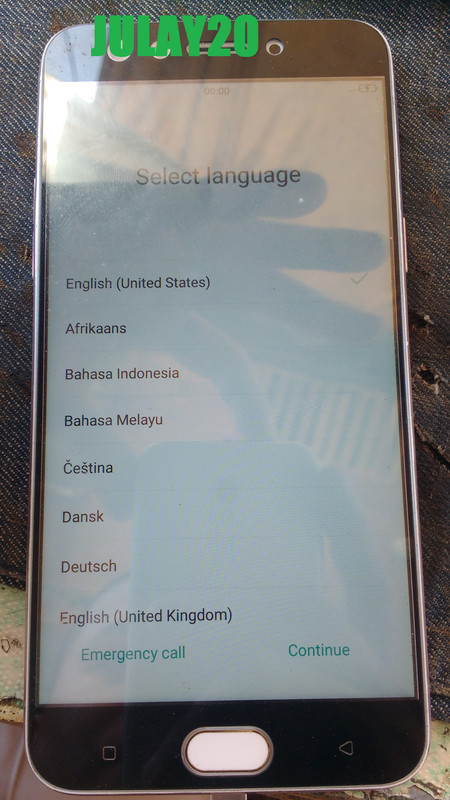
my frp o google account
my account si tumer pero ayaw tangapin ng unit
dagdag na namn si tumer bayad
para sa frp open Miracle Thunder Crack
Procedure:
Click MTK
select Unlock/Fix
click Clear Settings/Frp
select boot 8 MT65xx & MT67xx/8172
select OPPO F3/A77
Click start Button
Hold voll up and down saksak usb hantayin mo lang sa dolo ang naka lagay
sa miracle thunder crack Error ( reset settings )
LOG's
ito na sya
picture:
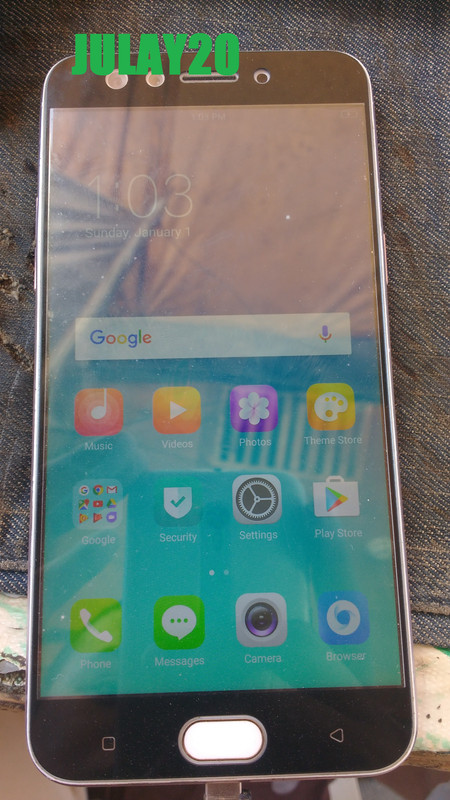
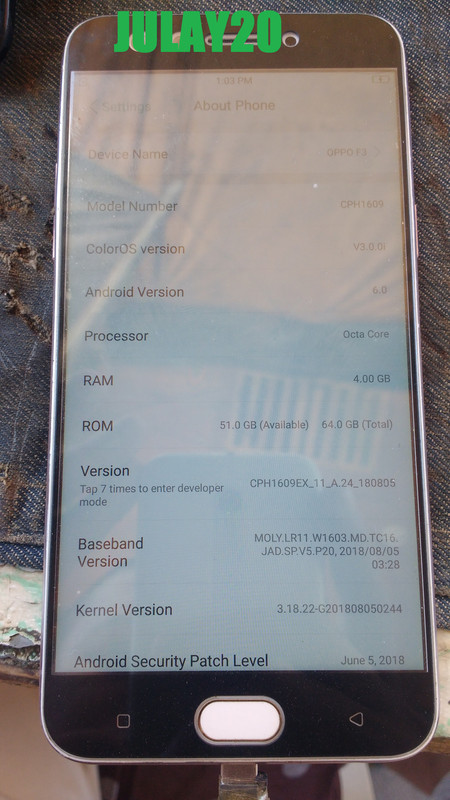
Done for reference lang mga boss sana maka tolong
History:
alam ni tumer yung password dahil pinakilaman ng bata ayaw na daw ma open kahit anong pattern kaya papa tangal na lang ni tumer yung password ginawa ko ganito
Tool's
NCK Crack
Miracle Thunder Crack
password mona gamit ko NCK Crack
LOG:
Code:
 Selected connection metod: FACTORY REBOOT
 Please note, not all phones support this mode
 Curent Platform: MT6580
 Phone must be off with battery inside.
 Please insert USB cable now...
 Detected(21) : MediaTek USB Port (COM21)
 Starting FACTORY MODE, wait...
 If need make factory reset, scroll to EMMC and execute.
 Restarting, wait....
 All done.
Procedure:
Open nck crack
click Main select MT6580
click Service
select factory reboot
click reboot phone in selected mode
saksak usb power on unit para ma detect ng pc
pag na detect na power off unit saksak usb
hold voll up and down hayaan mo lang
my lalabas na chinese piliin mo yung my MMC
us voll down select MMC us power button kosa mag reboot yung unit hayan mo lang
pag ka tapos ma reboot ito na sya
picture:
my frp o google account
my account si tumer pero ayaw tangapin ng unit
dagdag na namn si tumer bayad
para sa frp open Miracle Thunder Crack
Procedure:
Click MTK
select Unlock/Fix
click Clear Settings/Frp
select boot 8 MT65xx & MT67xx/8172
select OPPO F3/A77
Click start Button
Hold voll up and down saksak usb hantayin mo lang sa dolo ang naka lagay
sa miracle thunder crack Error ( reset settings )
LOG's
Code:
  Welcome to use Miracle Box
 (World's First Fuzzy Logic Based Tool)
  Update:18-07-12
  Connected OK.
  Expire date:
  Miracle Thunder More Faster More Powerfull !
  Please visit our Website

https://www.miraclethunder.com
https://www.frpdongle.com
______________________________
http://forum.gsmhosting.com/vbb/13530440-post1.html
Miracle Thunder v2.90 (225+ Models Added) 1st Feb 2019
1. Add VIVO Qualcomm Repair IMEI New Method.
2. Improve VIVO MTK Repair IMEI.
3. Add VIVO Y97/Y81s/Z3i/V11i Factory Reset.
4. Improve HUAWEI Account ID/FRP for EMUI8.0/9.0 in ADB Mode.
5. Fix SPD Some Bugs Add New SPD Support.
6. Improve SPD FRP/Factory Reset Support.
7. Improve Qualcomm FRP/Factory Reset Support.
8. Add MTK & Qualcomm, SPD Add New Models Supported.
9. More then 225+ Model Supported.
Br [SV] Miracle Team
______________________________
You Know Miracle FRP Tool is
[+] World's Biggest Models Supported
[+] World's Fastest Updates.
Buy & Get Free VIVO | eMMC | Moto Tool
https://www.frpdongle.com
_________[Buy Today]__________
www.dealer.amiraclebox.com
Buy 1 Year Support Activation
Buy Huawei 4 in 1 Pack
Buy FRP 4 in 1 Pack
Free VIVO | eMMC | Moto Tool
________[Social Site]_________
https://facebook.com/amiracleteam
https://twitter.com/amiracleteam
https://t.me/amiracleteam
______________________________
  Check Authentication...
  Check the new version.
  Please visit our Website

https://www.miraclethunder.com
https://www.frpdongle.com
______________________________
http://forum.gsmhosting.com/vbb/13530440-post1.html
Miracle Thunder v2.90 (225+ Models Added) 1st Feb 2019
1. Add VIVO Qualcomm Repair IMEI New Method.
2. Improve VIVO MTK Repair IMEI.
3. Add VIVO Y97/Y81s/Z3i/V11i Factory Reset.
4. Improve HUAWEI Account ID/FRP for EMUI8.0/9.0 in ADB Mode.
5. Fix SPD Some Bugs Add New SPD Support.
6. Improve SPD FRP/Factory Reset Support.
7. Improve Qualcomm FRP/Factory Reset Support.
8. Add MTK & Qualcomm, SPD Add New Models Supported.
9. More then 225+ Model Supported.
Br [SV] Miracle Team
______________________________
You Know Miracle FRP Tool is
[+] World's Biggest Models Supported
[+] World's Fastest Updates.
Buy & Get Free VIVO | eMMC | Moto Tool
https://www.frpdongle.com
_________[Buy Today]__________
www.dealer.amiraclebox.com
Buy 1 Year Support Activation
Buy Huawei 4 in 1 Pack
Buy FRP 4 in 1 Pack
Free VIVO | eMMC | Moto Tool
________[Social Site]_________
https://facebook.com/amiracleteam
https://twitter.com/amiracleteam
https://t.me/amiracleteam
______________________________
  Definition Applied
  1. Power Off Phone , Remove Battery, Insert Battery Back
  2. Insert USB cable. In some cases Required Hold BootKey
  3. Use Miracle Boot Key In cases Boot key not Find
  4. Battery Should be Charged more then 50%
  Waiting for USB Port...
  Set MediaTek USB Port (COM21)
  Connecting to Phone,Wait..
  Connected to Phone.
  CPU: MT6755 SW:0001 Ver: CB00
  Downloading Boot8 ...
  EMMC Size: 0x0E8F800000
  Flash Type: EMMC
  INT/EXT RAM  Size: 0x40000/0x80000000
  Waiting for USB Port...
  Set MediaTek DA USB VCOM (Android) (COM22)
  Reset Setting...
  Verify...
>>Error(Reset Setting).
ito na sya
picture:
Done for reference lang mga boss sana maka tolong