
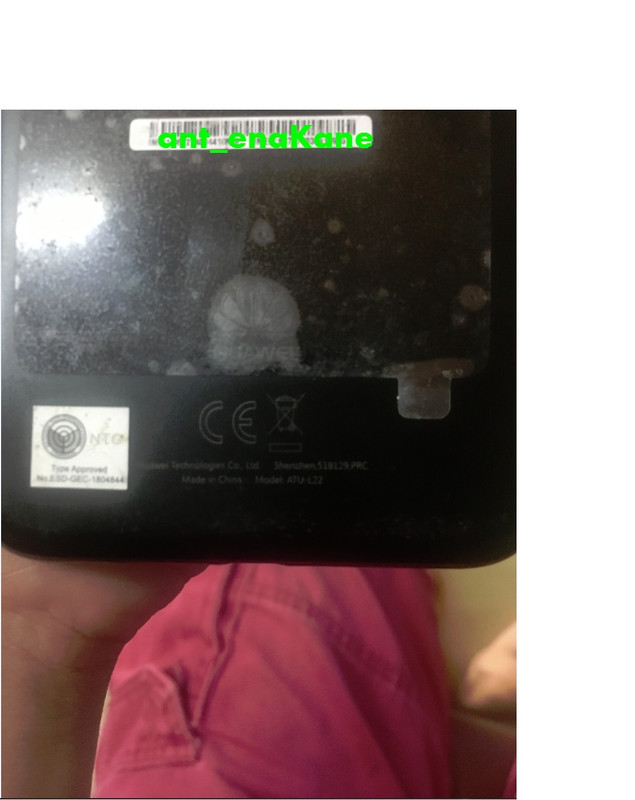
UNIT: Huawei Y6 2018 / ATU-L22
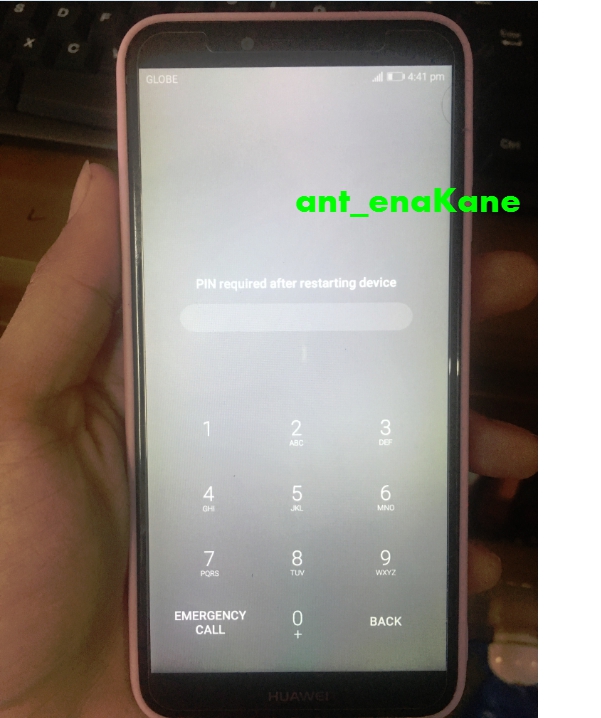
ISSUE: Forgot Password
SOLUTION:
OFF UNIT
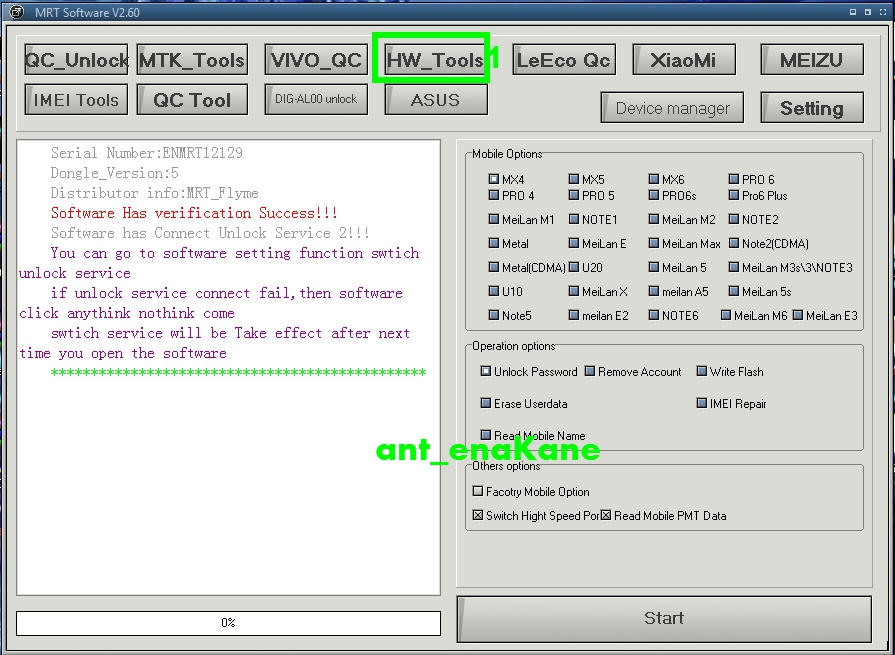
OPEN MRT
CLICK HW TOOL
SELECT AUTO
SELECT HISI TYPE
SELECT REMOVE FRP LOCK
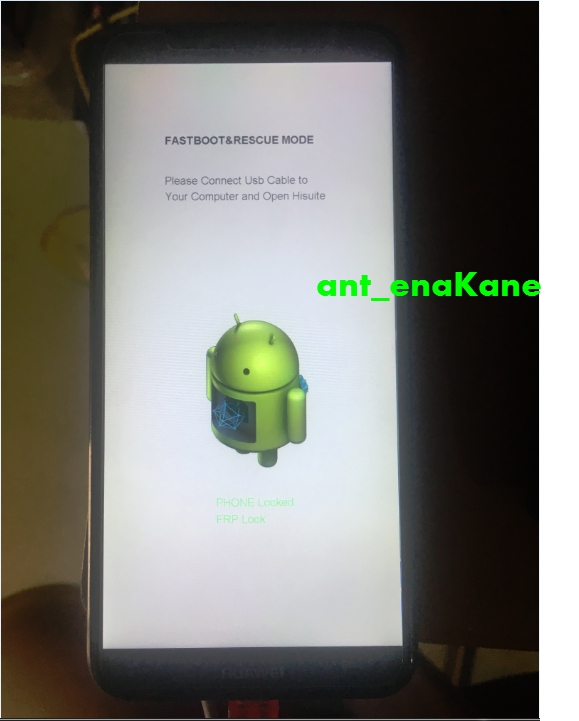
HOLD VOLUME DOWN, SALPAK SA COMP. (mag fast boot yan)
(hayaan mo lang mag install driver)
pag na read na
CLICK START
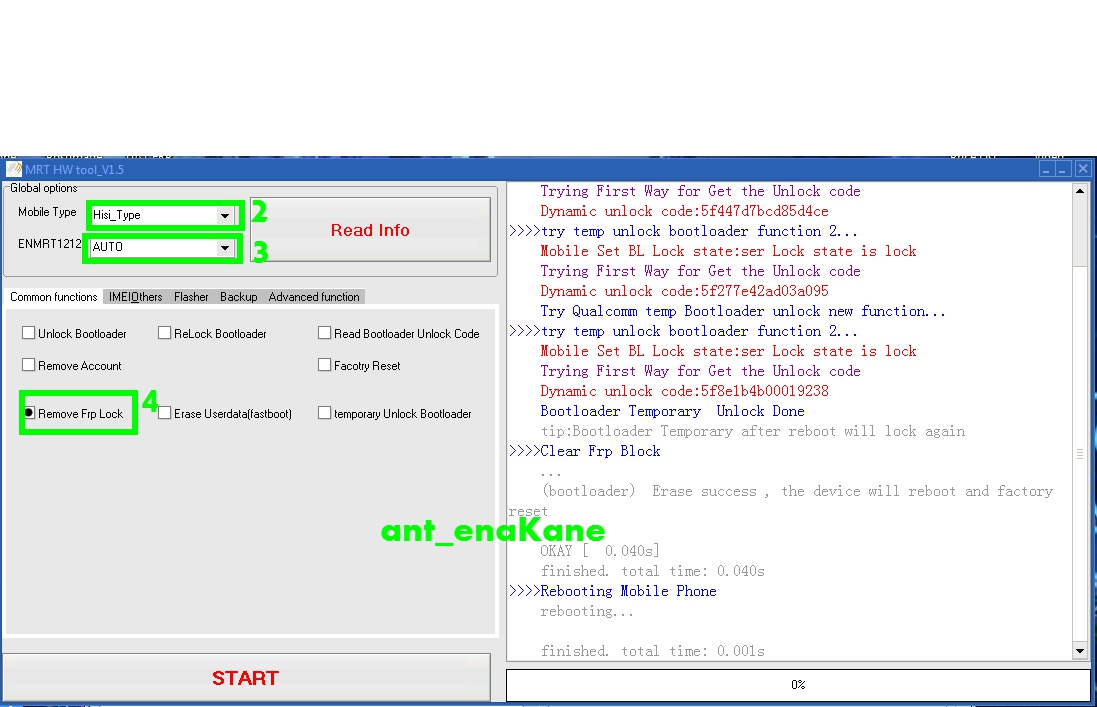
eto makikita sa unit
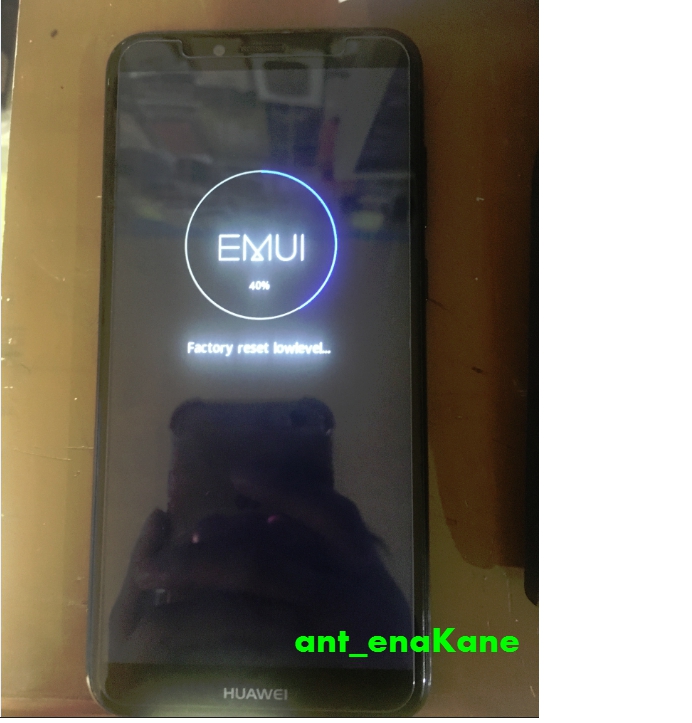
Done na
PS: nsa 15-20 min lang process nyan, pag tumagal dito
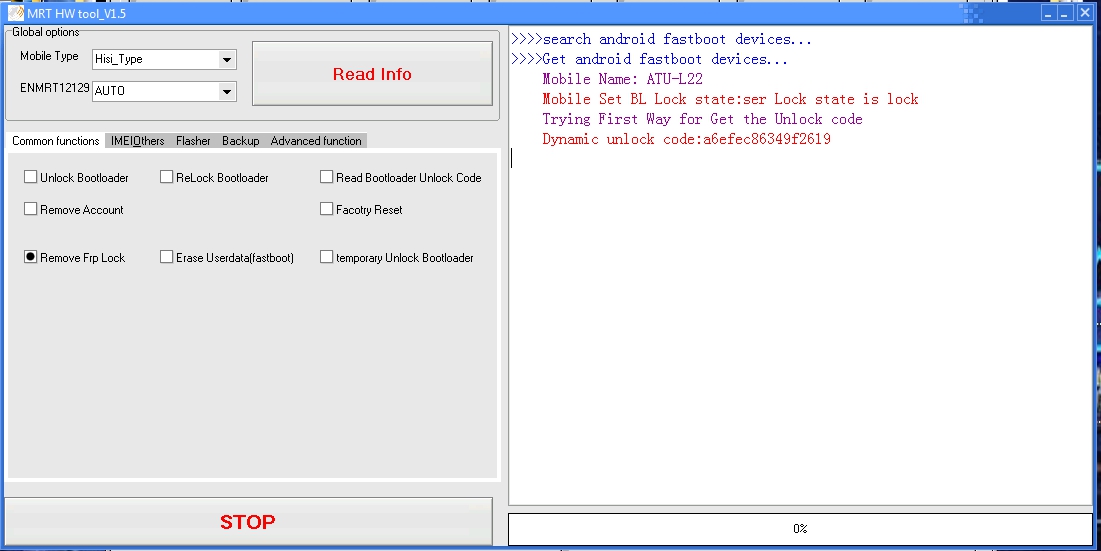
close and reopen mo lang mrt, off unit or restart lang pc mo
ISSUE: Forgot Password
SOLUTION:
OFF UNIT
OPEN MRT
CLICK HW TOOL
SELECT AUTO
SELECT HISI TYPE
SELECT REMOVE FRP LOCK
HOLD VOLUME DOWN, SALPAK SA COMP. (mag fast boot yan)
(hayaan mo lang mag install driver)
pag na read na
CLICK START
eto makikita sa unit
Done na
PS: nsa 15-20 min lang process nyan, pag tumagal dito
close and reopen mo lang mrt, off unit or restart lang pc mo